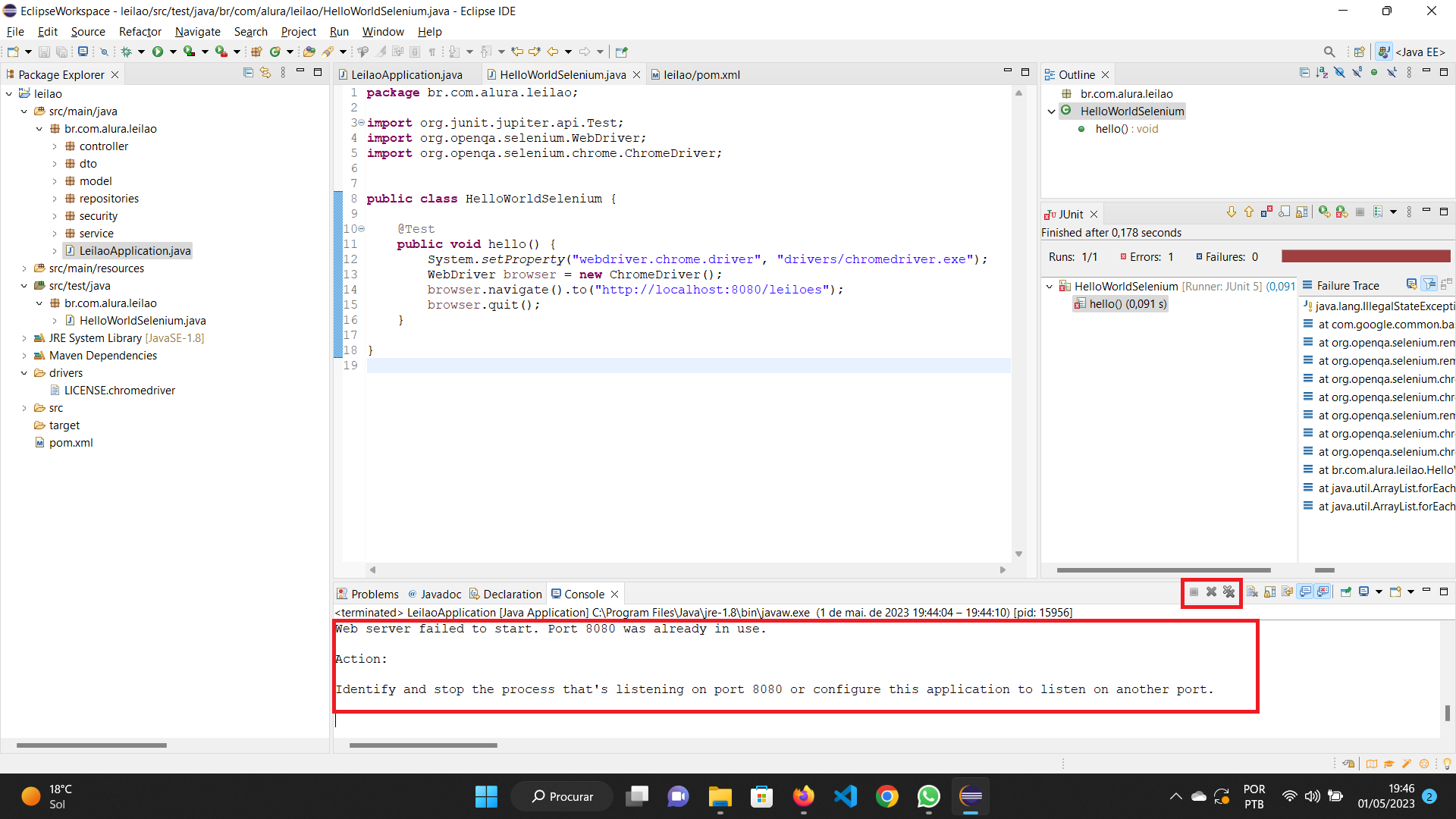
Port 8080 is a popular alternative to the standard HTTP port 80, frequently utilized for web proxy services, caching, and application development. While traditionally associated with unencrypted traffic, it is increasingly used to host HTTPS services in specialized environments, though this non-standard configuration introduces specific security risks, certificate management challenges, and potential firewall complexities.
Understanding Port 8080: The Alternative Web Port
In the architecture of the Internet Protocol Suite, a port is a virtual point where network connections start and end. While Port 80 is the default for unencrypted HTTP traffic and Port 443 is the default for encrypted HTTPS traffic, Port 8080 has historically served as a "secondary" or "alternative" port for web services. According to the Internet Assigned Numbers Authority (IANA), Port 8080 is officially listed as the HTTP Alternate (http-alt) port.
The adoption of Port 8080 stems largely from the "Privileged Port" restriction found in Unix-like operating systems. In these environments, ports numbered 0 through 1023 are restricted to the root user or processes with elevated privileges. Because Port 80 and Port 443 fall within this range, developers and system administrators often use Port 8080—which sits in the unprivileged range (1024–65535)—to run web applications without requiring administrative rights. This is particularly common in Java-based application servers such as Apache Tomcat, which defaults to Port 8080 for its web interface.
In 2026, the use of Port 8080 for HTTPS has become a common sight in microservices architectures and containerized environments. As developers move toward "Encryption Everywhere" models, even internal or development-stage services that previously ran on plain HTTP are now being wrapped in Transport Layer Security (TLS), often while retaining the 8080 port designation for compatibility with existing deployment scripts.
The Technical Mechanics of HTTPS over Port 8080
Using HTTPS on Port 8080 does not change the underlying encryption protocol. The TLS handshake—the process by which a client and server establish encryption keys—remains identical to the process on Port 443. The primary difference lies in the Uniform Resource Identifier (URI). Because Port 8080 is not the default for HTTPS, users and client applications must explicitly specify the port in the URL (e.g., https://example.com:8080).
When a browser or API client attempts to connect to an HTTPS service on Port 8080, the following steps occur:
- Connection Initiation: The client initiates a TCP three-way handshake with the server at the IP address provided, targeting port 8080.
- TLS Negotiation: Once the TCP connection is established, the client sends a ClientHello message. If the server is configured for HTTPS on this port, it responds with a ServerHello, its digital certificate, and the chosen cipher suite.
- Encrypted Tunnel: After the handshake is completed, all data exchanged between the client and the server is encrypted using TLS 1.3 (the standard in 2026) or TLS 1.2.
A common technical hurdle occurs when a server expects HTTP on Port 8080, but a client sends an HTTPS request. The server will fail to interpret the encrypted handshake as valid HTTP text, usually resulting in a "400 Bad Request" error or a connection reset. Conversely, if a server serves HTTPS on 8080 but a user types http://example.com:8080 into a browser, the browser will receive binary TLS data and attempt to render it as text, leading to a garbled output or a failed connection.
Common Use Cases for HTTPS on Port 8080
The decision to run HTTPS on a non-standard port like 8080 is rarely arbitrary. It usually fulfills a specific infrastructure requirement or overcomes a technical limitation.
Development and Staging Environments
Developers often work on multiple web applications simultaneously on a single machine. Since only one process can bind to a specific port at a time, Port 8080 serves as a standard sandbox. In 2026, local development environments increasingly use self-signed certificates or locally trusted Certificate Authorities (CAs) to run these 8080 services over HTTPS to ensure that the development environment closely mirrors the secure production environment.
Web Proxy and Caching Servers
Tools like Squid or Varnish frequently use Port 8080 to listen for incoming requests. When these proxies are configured to handle secure traffic (either as a forward proxy or a reverse proxy), they may be set to listen on 8080. This allows the primary ports (80/443) to be reserved for a front-facing load balancer or a different web server software.
Internal Infrastructure and Management Consoles
Many internal IT tools, such as Jenkins, Jira, or network management dashboards, default to Port 8080. Security-conscious organizations wrap these services in HTTPS to protect internal credentials. Because these tools are intended for internal use, using a non-standard port can help prevent accidental exposure to the public internet via automated "standard port" discovery.
Bypassing ISP Restrictions
Some Internet Service Providers (ISPs) block incoming traffic on Port 80 and Port 443 for residential connections to prevent users from hosting commercial websites. To bypass these restrictions, users hosting personal sites or private VPN endpoints may use Port 8080 to serve HTTPS traffic, as this port is less likely to be blocked at the ISP level.
Security Implications: Risk and Exposure
While Port 8080 is widely used, it is not "secure by default." In fact, using non-standard ports for HTTPS can introduce unique vulnerabilities if not managed correctly.
The Security by Obscurity Fallacy
One of the most persistent myths in IT is that moving a service to a non-standard port like 8080 provides a layer of security. This is known as Security by Obscurity. While it might prevent a service from being indexed by the most basic automated scrapers that only target Port 443, it does nothing to stop sophisticated attackers. Modern scanning tools like ZMap or services like Shodan can scan the entire IPv4 address space across all common ports in a matter of hours. If a service on Port 8080 is vulnerable, it will be found.
Privileged vs. Unprivileged Users
A significant security implication of Port 8080 is its status as an unprivileged port. On a multi-user system, any user account can start a process that binds to Port 8080. If the legitimate web service on Port 8080 crashes or is taken down, a malicious user on the same system could potentially start their own rogue service on that port to intercept local traffic or harvest credentials. Standard HTTPS on Port 443 requires root privileges, which prevents this specific type of local hijacking.
Firewall and WAF Misconfigurations
Network security teams often apply strict rules to Port 443, including Deep Packet Inspection (DPI) and Web Application Firewall (WAF) filtering. If HTTPS traffic is moved to Port 8080, it may bypass these security controls if the firewall rules are not updated to mirror the protections applied to Port 443. Conversely, some firewalls may block Port 8080 by default, leading to connectivity issues for legitimate users who are not accustomed to troubleshooting non-standard ports.
Certificate Validation Challenges
Standard automated certificate issuance through protocols like ACME (used by Let's Encrypt) often relies on the HTTP-01 challenge, which specifically requires Port 80 to be open and reachable. While the service itself can run on Port 8080 once the certificate is obtained, the renewal process can be more complex if Port 80 is not available. Administrators must either use DNS-01 challenges or configure complex port forwarding to ensure certificates do not expire unexpectedly.
Port 8080 vs. Port 443: A Technical Comparison
The choice between the standard Port 443 and the alternative Port 8080 depends on the environment and the target audience. The following table highlights the key differences when hosting HTTPS traffic.
| Feature | Port 443 (Standard) | Port 8080 (Alternative) |
|---|---|---|
| Protocol Default | Default for HTTPS; no port needed in URL. | Not a default; requires :8080 suffix in URL. |
| System Privileges | Requires Root/Admin privileges (<1024). | Unprivileged; accessible by standard users. |
| Firewall Status | Generally open in all network environments. | Frequently blocked by corporate firewalls. |
| Security Profile | Highly scrutinized; targeted by standard bots. | Less traffic from basic bots; easily found by scanners. |
| ACME Validation | Supports HTTP-01 challenge naturally. | Often requires DNS-01 or complex redirection. |
| Common Use Case | Production websites and public APIs. | Dev environments, proxies, and internal tools. |
| WAF Compatibility | Native support and inspection by default. | May require manual rule adjustment for inspection. |
Operational Challenges and Best Practices
Deploying HTTPS on Port 8080 in 2026 requires more than just a configuration change. It demands a holistic approach to network security and user experience.
User Experience and Accessibility
For public-facing websites, Port 8080 is generally discouraged. Users are not accustomed to typing port numbers into their browsers. Furthermore, many corporate and educational networks implement strict egress filtering, allowing outbound traffic only on 80, 443, and perhaps 53 (DNS). A service on 8080 may appear "down" to these users, even if the server is perfectly healthy. If you must use 8080, ensure that your documentation clearly states the requirement to specify the port.
Implementing HSTS
HTTP Strict Transport Security (HSTS) is a header that tells browsers to only interact with a site using HTTPS. While HSTS works on non-standard ports, it can be tricky. If a user first visits the site via HTTP on 8080 (if allowed), the browser will receive the HSTS header and attempt to upgrade all future requests to HTTPS. However, HSTS does not automatically change the port; it only changes the protocol. This means the browser will continue to attempt connections on Port 8080, but will refuse to connect if the TLS certificate is invalid.
Monitoring and Logging
Security teams must ensure that their Intrusion Detection Systems (IDS) and logging pipelines are port-agnostic. Often, logs are filtered based on "Web Traffic," which some legacy systems define strictly as ports 80 and 443. If HTTPS traffic on 8080 is not being ingested into the security information and event management (SIEM) system, it creates a massive blind spot for potential attacks, such as SQL injection or cross-site scripting (XSS), that occur over the encrypted 8080 channel.
Best Practices for 2026:
- Enforce TLS 1.3: Do not allow fallback to older, vulnerable protocols like SSL 3.0 or TLS 1.0.
- Use Strong Cipher Suites: Ensure that only AEAD-based ciphers (like AES-GCM or CHACHA20-POLY1305) are permitted.
- Limit Binding: If the 8080 service is only for local use, bind the application to localhost (127.0.0.1) rather than the public interface (0.0.0.0).
- Audit Permissions: Periodically check which system users have the ability to bind to unprivileged ports to prevent rogue service substitution.
Frequently Asked Questions
Is HTTPS on port 8080 slower than on port 443?
No. The performance of HTTPS is determined by the underlying server hardware, the TLS version (TLS 1.3 is faster due to fewer round trips), and the network latency. The port number itself is merely a label for the TCP connection and has no impact on data transfer speeds or encryption overhead.
Can I use a standard SSL certificate for port 8080?
Yes. SSL/TLS certificates are issued for Domain Names (FQDNs) or IP addresses, not for specific ports. A certificate issued for "example.com" will work perfectly on port 443, 8080, 8443, or any other port, provided the client accesses the server using the correct domain name.
Why do some developers use 8443 instead of 8080 for HTTPS?
While 8080 is the generic "alternative HTTP" port, Port 8443 is specifically recognized by many as the "alternative HTTPS" port. Using 8443 can be a cleaner organizational choice, as it signals to other administrators that the traffic is intended to be encrypted, whereas 8080 is often assumed to be plain text.
Will search engines index my site if it uses port 8080?
Search engines like Google can index sites on non-standard ports, but it is much more difficult. Most crawlers default to ports 80 and 443. To get a site on 8080 indexed, you would need to provide explicit sitemaps and ensure all internal links include the port number. However, using 8080 for a public site is generally bad for SEO as it is seen as a signal of a non-production or "unprofessional" environment.
Does Cloudflare support HTTPS on port 8080?
Yes, Cloudflare is one of the few major CDNs that supports a specific set of non-standard ports for HTTPS. As of 2026, Cloudflare allows HTTPS traffic to be proxied through their network on port 8080, 8443, and 2053, among others. This allows you to keep your origin server on 8080 while still benefiting from their DDoS protection and WAF.
Final Recommendation for 2026
For production-level public web applications, you should always prioritize Port 443 for HTTPS. It is the most compatible, follows the principle of least privilege by requiring administrative rights, and avoids the "non-standard port" friction for end users and firewalls.
However, if you are operating in a development environment, using an internal microservice, or running a specialized proxy, using Port 8080 for HTTPS is a viable and technically sound solution—provided it is accompanied by strict TLS 1.3 configurations, active monitoring, and a clear understanding that the port shift offers no inherent security against discovery or attack. Always ensure that your firewall and WAF policies are explicitly configured to inspect 8080 traffic with the same rigor as standard web traffic.