Choosing the best place to get business cards involves balancing paper quality, print finishes, turnaround times, and pricing to match your professional identity, industry expectations, and networking requirements.
Even in an increasingly digital networking environment, a physical business card remains a powerful tangible touchpoint. Whether you are shaking hands at an industry conference, leaving your information at a local storefront, or handing a card to a prospective high-value client, the quality of your card speaks volumes about your attention to detail. However, navigating the myriad online printers and local print shops can be overwhelming. Selecting the right service requires understanding the subtle differences between digital and offset printing, paper GSM (grams per square meter) weights, finishes like matte UV or foil stamping, and delivery logistics.
1. Evaluating Your Needs Before Choosing a Printer
Before diving into specific printing platforms, you must define what your business card needs to communicate. A graphic designer or luxury real estate agent will have vastly different requirements than a software engineer or a high-volume sales professional.
Defining Your Brand Aesthetic and Material Requirements
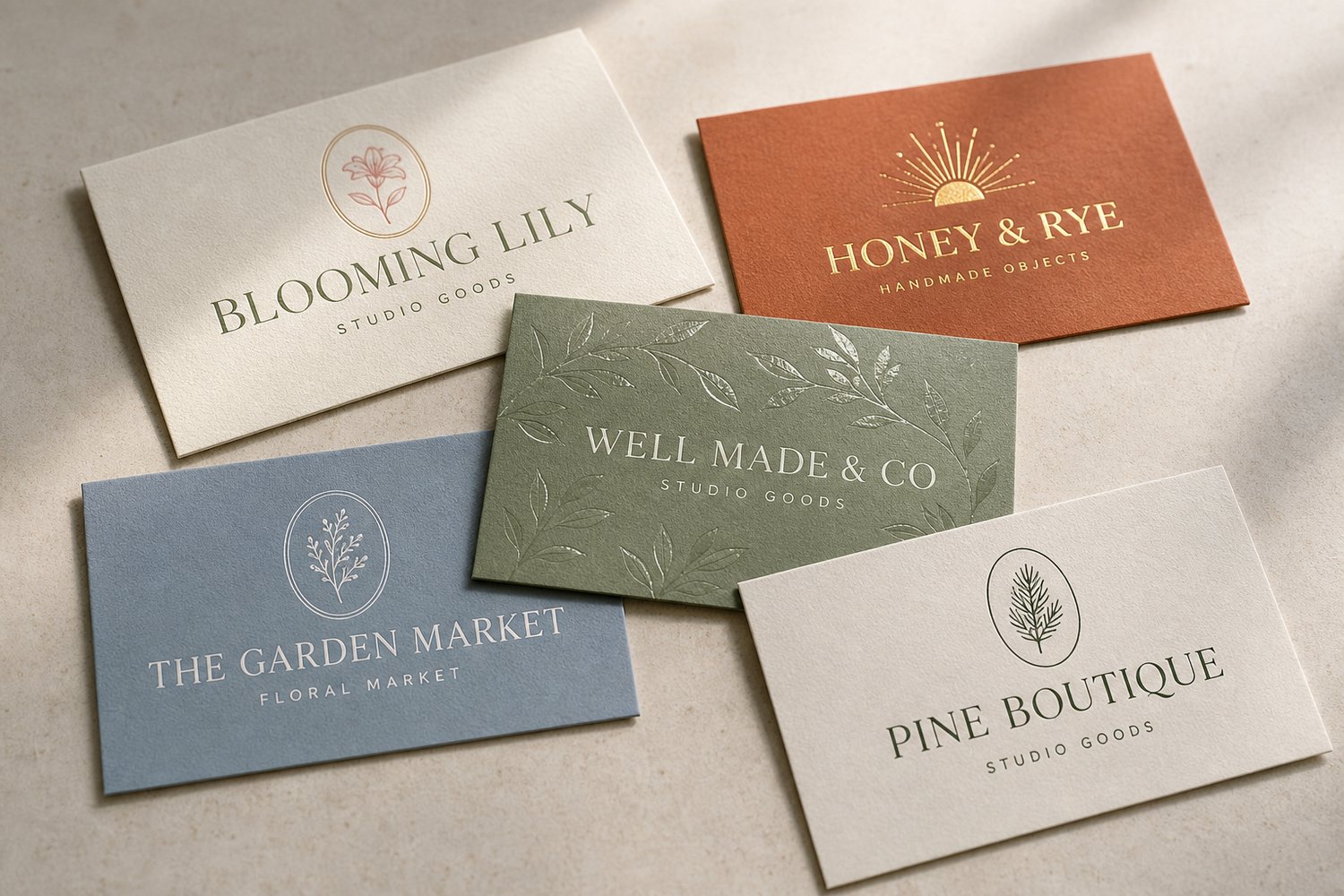
The tactile experience of a business card begins with the paper stock. Standard lightweight cardstock (around 300 GSM) often feels flimsy and inexpensive, whereas heavy stock (400 GSM to 600+ GSM) commands immediate respect. If your brand emphasizes minimalism and modern luxury, you may want ultra-thick cotton stock, rounded corners, or edge painting. Conversely, if you need functional cards for quick distribution at massive trade shows, a durable semi-gloss or standard matte finish with a cost-effective price point per unit will serve you better.
Quantity, Budget, and Turnaround Time
Budget constraints heavily influence your choice. Printing 100 cards digitally versus 5,000 cards offset will change your cost-per-card dramatically. Furthermore, turnaround time is critical if you have an upcoming event. Some online printers offer next-day delivery, while custom finishes like letterpress or spot UV can add several days to production and shipping times.
2. The 5 Best Places to Get Business Cards
The following five printing services represent the industry standards for quality, reliability, customer support, and value across different use cases.
| Printer | Best For | Key Features | Price Tier |
|---|---|---|---|
| Moo | Premium quality & design | Luxe papers, Printfinity (mixed) | Mid to High |
| VistaPrint | Variety & affordability | Massive templates, fast shipping | Budget to Mid |
| GotPrint | High-volume economy | Wholesale pricing, rich options | Low |
| Minted | Artistic & independent | Community artist designs | Mid to High |
| PsPrint | Custom corporate jobs | Offset printing, heavy stocks | Mid |
Moo: Best for Premium Quality and Design Flexibility
Moo has built a stellar reputation among creatives, entrepreneurs, and design-conscious professionals. Their standout feature is Printfinity, which allows you to print a different image or team member profile on the back of every single card in a single pack—ideal for photographers, artists, and multi-disciplinary agencies.
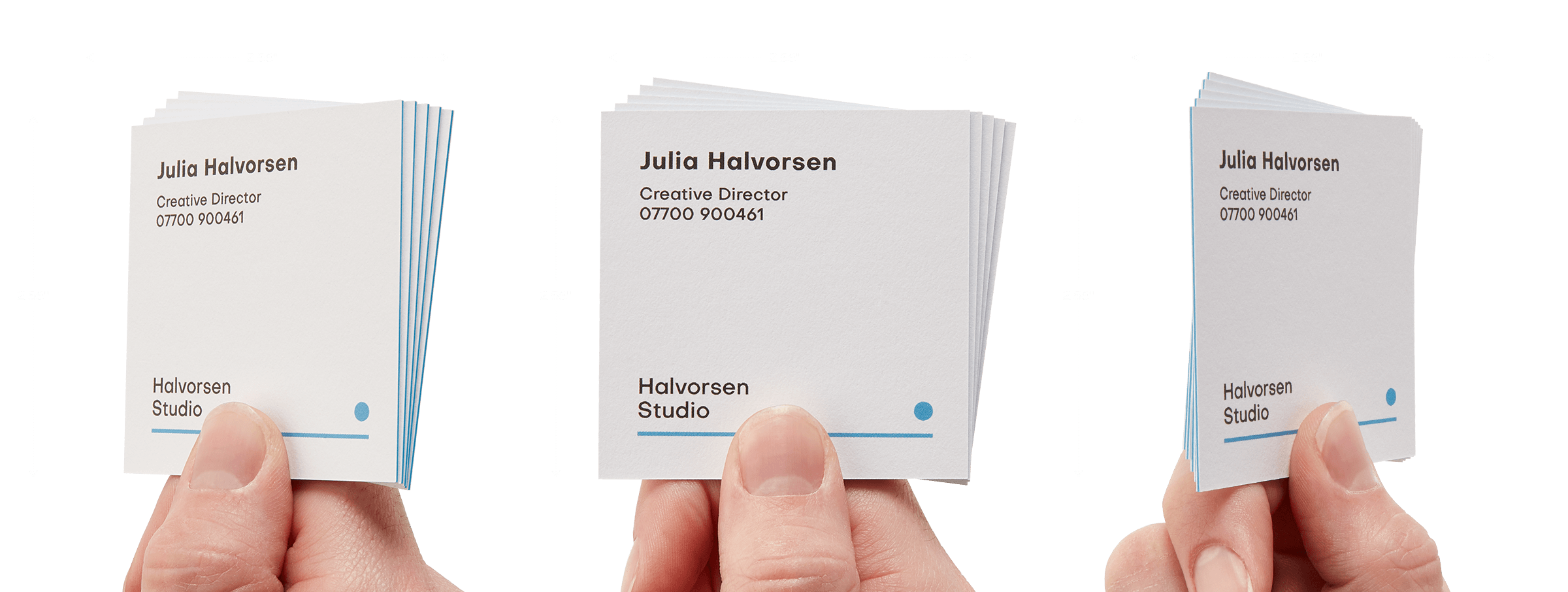
- Paper Options: Moo offers standard, matte, gloss, and their signature "Luxe" paper line, which features a vibrant colored seam sandwiched between thick layers of Mohawk Superfine paper.
- Finishes: Spot gloss, gold foil, silver foil, and raised spot varnish.
- Pros: Exceptional paper weights, unique size options (like their popular MOO Size minicards), and zero-compromise print clarity.
- Cons: Higher cost per card compared to budget bulk printers.
VistaPrint: Best for Variety and Fast Turnaround
As a household name in small business marketing, VistaPrint provides an expansive ecosystem of templates, products, and speedy shipping options. They cater effectively to business owners who want to get professional-looking cards designed and delivered quickly without dealing with complex design software.
- Paper Options: Standard, recycled, premium matte, linen, and pearl.
- Finishes: Embossed gloss, metallic foil accents, and standard UV coatings.
- Pros: User-friendly online design studio, frequent promotional discounts, and vast template libraries categorized by industry.
- Cons: Standard stocks can feel thin unless you specifically upgrade to their premium tiers; upselling during checkout requires careful navigation.
GotPrint: Best for High-Volume and Wholesale Value
GotPrint is a favorite among graphic designers and cost-conscious business owners who need bulk printing without sacrificing structural integrity. They utilize advanced printing technology to keep overhead low, passing those savings on to the consumer.
- Paper Options: 15pt and 16pt cardstocks, 100% recycled paper, ultra-thick 32pt stock, and natural brown kraft paper.
- Finishes: Matte finish, high-gloss UV, velvet lamination, and foil stamping.
- Pros: Exceptional value for bulk orders (e.g., 1,000+ cards), robust custom upload tools, and reliable color consistency.
- Cons: The interface is more utilitarian and less hand-holding for absolute beginners compared to consumer-facing platforms.
Minted: Best for Independent Artist Designs
Minted crowdsources its aesthetic from an international community of independent graphic designers. If you want a card that looks curated, artistic, and entirely distinct from standard corporate cookie-cutter templates, Minted provides a refreshing marketplace.
- Paper Options: Signature matte, recycled matte, premium thick, and double-thick cotton.
- Finishes: Letterpress, foil-pressed (gold, silver, rose gold), and custom die-cut shapes.
- Pros: Highly unique, tasteful typography and illustrations; free design assistance from professional layout artists.
- Cons: Limited selection of purely functional, minimalist corporate layouts; higher price point.
PsPrint: Best for Heavy-Duty Custom Corporate Printing
PsPrint bridges the gap between digital consumer printing and commercial offset printing. They are well-suited for established businesses, corporate entities, and agencies ordering business cards in large batches with strict brand guidelines.
- Paper Options: Premium matte, heavy cardstock, recycled options, and uncoated options.
- Finishes: Aqueous coating, UV gloss, spot UV, and custom die-cuts.
- Pros: Excellent customer support for technical printing specs, consistent large-run quality, and competitive bulk pricing.
- Cons: Website navigation is more corporate and less optimized for quick consumer ordering.
3. How to Choose the Right Printer for Your Workflow
Choosing between these options depends on weighing your specific professional priorities. Follow these steps to narrow down your selection:
Step 1: Assess Your Design Readiness
Do you already have a vector file (.AI, .EPS, or high-res PDF) created by a professional designer, or do you need a template?
- If you have existing professional assets, GotPrint or Moo will respect your precise color profiles and bleeds.
- If you need to build a card from scratch using pre-made layouts, VistaPrint or Minted offer intuitive drag-and-drop builders.
Step 2: Determine Your Finishing Preferences
Standard flat printing is inexpensive, but specialty finishes create tactile memorability.
- If you want gold foil or raised spot UV, ensure the printer offers these specialized digital enhancements without exorbitant setup fees.
- If you want ultra-thick multi-layered paper, Moo’s Luxe line or GotPrint’s 32pt options are ideal.
Step 3: Calculate Total Cost with Shipping
Always proceed through the checkout screen before making a final decision. Printers often advertise low base rates for 100 basic cards, but shipping fees, tax, and mandatory paper upgrades can shift the total cost significantly. Look for bulk discounts if you manage a team across multiple locations.
4. Essential Design and Technical Best Practices
Once you select your printer, executing the final product correctly requires attention to technical print standards.
Understanding Bleed, Trim, and Safe Zones
When a printing press cuts paper, tiny mechanical shifts can occur. To prevent unsightly white edges (unprinted paper) from showing if the blade cuts slightly off-center, you must extend your background artwork or color fills into the bleed area (typically 0.125 inches beyond the final card edge).
Conversely, keep critical text and logos inside the safe zone (at least 0.125 to 0.25 inches inside the trim line) to ensure important information never gets inadvertently sliced off.
Color Modes: CMYK vs. RGB
Computer screens display color using RGB (Red, Green, Blue) light, whereas commercial printers use CMYK (Cyan, Magenta, Yellow, Key/Black) ink. Always convert your digital design files to CMYK color mode before exporting. Designing exclusively in RGB can result in unexpected color shifts, turning vibrant digital blues into dull purple hues upon print execution.
Typography and Legibility
Resist the urge to crowd your business card with excessive text. Essential elements include:
- Full name and professional title
- Company name and logo
- Direct phone number
- Professional email address
- Website URL
- QR code (optional, pointing directly to a digital portfolio or vCard link)
Maintain a font size of at least 8 points for body text to ensure absolute legibility across all lighting conditions.
Frequently Asked Questions
What is the standard business card size?
In North America, the standard business card size is 3.5 inches by 2 inches (88.9 mm × 50.8 mm). In Europe and parts of Asia, the standard size is slightly different, typically 85 mm × 55 mm. Always verify your printer's template dimensions before finalizing your layout.
What paper weight (GSM) should I choose for a professional feel?
For a standard card that feels durable and professional, choose a paper weight of 350 GSM to 400 GSM (approx. 14pt to 16pt cardstock). If you want an ultra-premium, luxury feel that resists bending, look for 600+ GSM or multi-layered cardstocks.
Should I put a QR code on my business card?
Yes, adding a clean, high-contrast QR code can bridge the physical and digital divide effectively. Ensure the QR code links directly to a mobile-optimized landing page, digital portfolio, or electronic contact card (vCard) rather than a desktop-only web page.
How many business cards should I order at once?
If your title, phone number, or company branding changes frequently, order in smaller batches of 100 to 250 cards to avoid waste. If your information is stable and long-term, ordering 500 to 1,000 cards drops your cost-per-card significantly.
What is spot UV coating?
Spot UV is a clear, glossy varnish applied only to specific areas of a business card—such as your logo or name—while the rest of the card remains matte. This creates a striking contrast in texture and reflection, giving the card a high-end, sophisticated appearance.
Final Recommendation
For most professionals seeking an ideal balance of superior tactile quality, design versatility, and moderate pricing, Moo is the premier choice. If your priority is fast turnaround and economical mass distribution for conferences or retail counters, VistaPrint or GotPrint provide dependable, cost-effective solutions. Assess your branding goals, prepare your files using correct CMYK and bleed settings, and invest in a heavier cardstock to make a lasting impression.