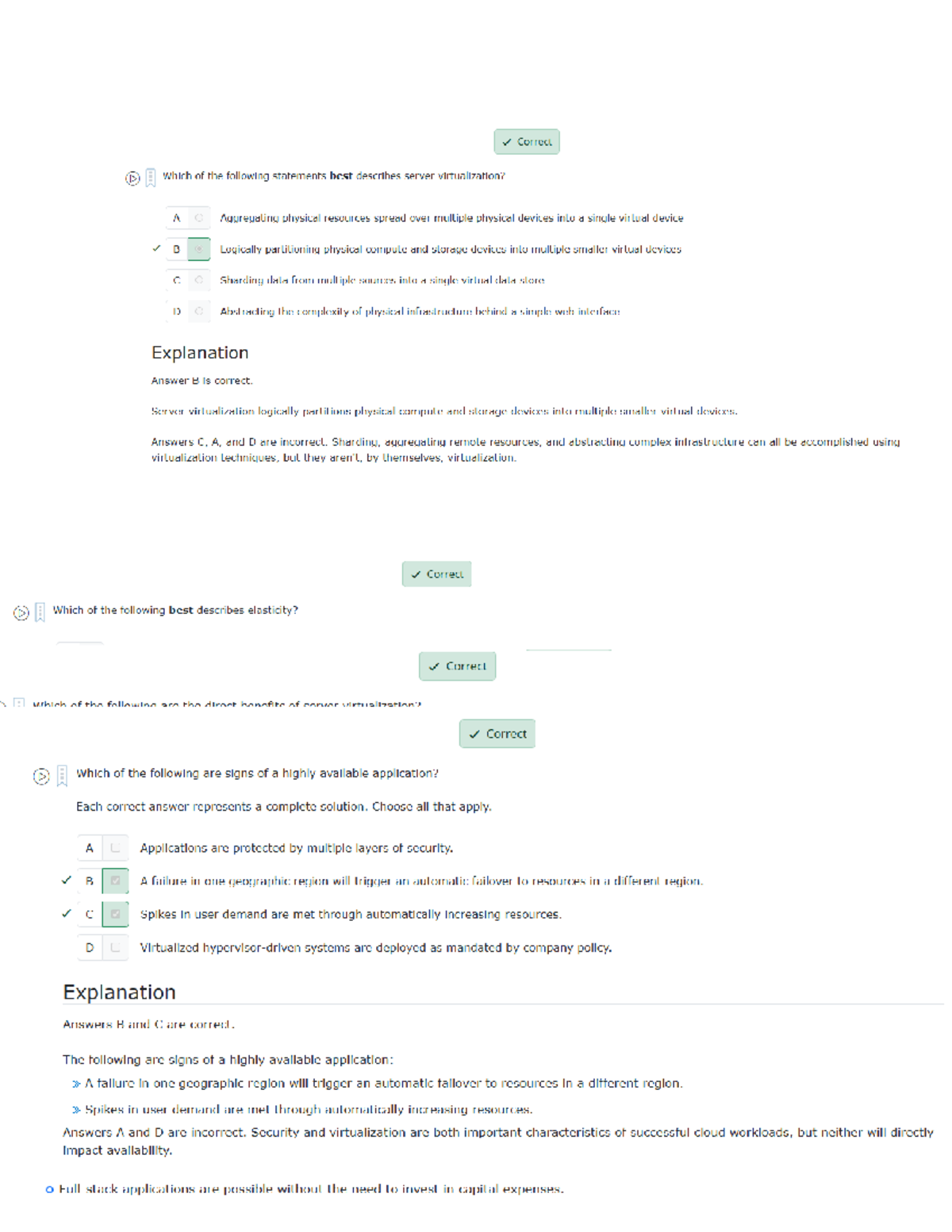
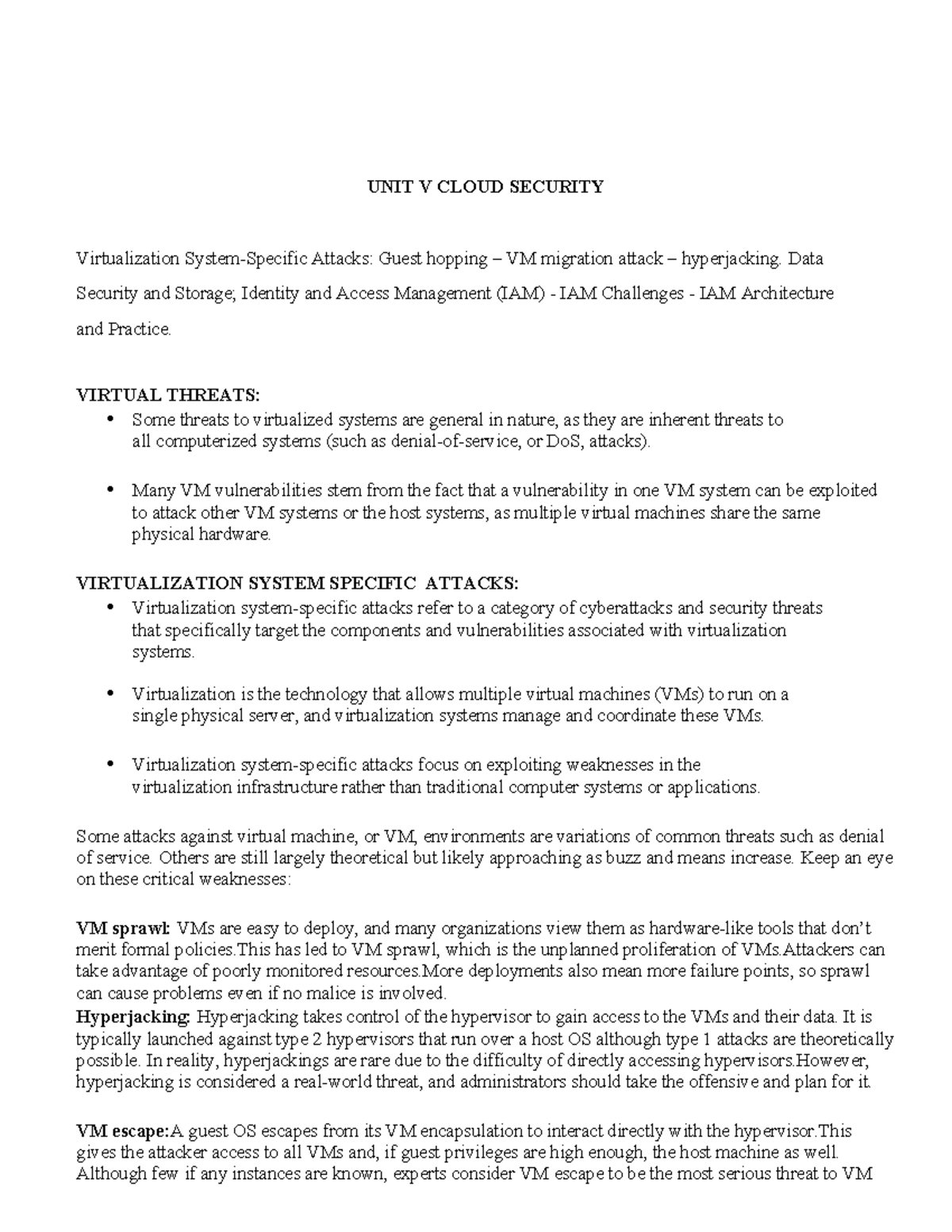
Mastering the security principles found in Module 11 of cloud and virtualization curricula requires a firm grasp of hypervisor integrity, shared responsibility models, and the specific isolation mechanisms that separate virtual machines from their underlying hardware. By correctly answering the quiz questions associated with this module, students demonstrate their ability to apply identity management, encryption, and secure configuration standards to dynamic cloud environments.
The Foundation of Virtualization Security
Virtualization acts as the architectural bedrock of modern cloud computing. By abstracting the operating system and applications from the physical hardware through a hypervisor, virtualization allows for high resource utilization. However, this same abstraction creates unique attack surfaces. The core of Module 11 focuses on the realization that if the hypervisor—the software layer managing these virtual machines (VMs)—is compromised, the entire security posture of every guest VM on that physical host is invalidated.
When studying for quiz modules on this topic, it is essential to understand the distinction between Type 1 (bare-metal) and Type 2 (hosted) hypervisors. A Type 1 hypervisor, such as VMware ESXi or Microsoft Hyper-V, runs directly on the hardware and is generally considered more secure due to its reduced footprint and lack of a full general-purpose operating system underneath it. Quiz questions often test whether you can identify the security implications of these architectures, particularly regarding "VM escape" attacks, where a malicious actor attempts to break out of the guest VM to gain control over the hypervisor or other co-resident VMs.
Shared Responsibility in Cloud Environments
A recurring theme in Module 11 is the Shared Responsibility Model. Regardless of whether your cloud deployment is Infrastructure as a Service (IaaS), Platform as a Service (PaaS), or Software as a Service (SaaS), the division of security duties remains the most misunderstood aspect of cloud architecture.
In an IaaS model, the cloud service provider (CSP) is typically responsible for the physical security of data centers, the physical hardware, and the hypervisor layer. The customer, however, retains full responsibility for the guest operating systems, application configurations, identity and access management (IAM), and the data residing within those systems. Quiz modules frequently present scenarios where a security breach occurs at the application layer and ask you to identify the party responsible for patching or remediation. Understanding where the provider’s responsibility ends and yours begins is critical for both passing exams and maintaining organizational compliance in 2026.
Key Security Domains for Virtualization
To navigate the quiz successfully, you must categorize security controls into logical domains. These controls are not just theoretical; they are operational requirements for any cloud-based business.
1. Identity and Access Management (IAM)
In a virtualized environment, access is the new perimeter. Because virtual assets can be spun up or destroyed in seconds, managing static permissions is no longer sufficient. Modern cloud environments rely on attribute-based access control (ABAC) and role-based access control (RBAC). Quiz questions often challenge you to select the least-privilege configuration for a specific service account or an administrative role.
2. Network Segmentation and Micro-segmentation
Virtual networks (often referred to as Software-Defined Networking or SDN) allow for complex traffic filtering. Micro-segmentation is a vital concept in Module 11; it involves creating granular security policies for individual VMs rather than relying on traditional perimeter firewalls. By isolating workloads, you limit "lateral movement," where an attacker moves from one compromised server to another within the same network.
3. Data Encryption Standards
Security in the cloud hinges on the protection of data at rest, data in transit, and data in use. Encryption keys must be managed with a lifecycle approach. If a quiz asks about data protection, look for answers that involve Hardware Security Modules (HSMs) or key management services (KMS), as these represent industry-standard methods for ensuring that even if storage media is compromised, the data remains unreadable.
Comparison of Security Mechanisms in Cloud Environments
The following table summarizes key security focal points often tested in virtualization and cloud security assessments.
| Security Domain | Primary Objective | Common Mitigation Strategy |
|---|---|---|
| Hypervisor Integrity | Prevent unauthorized access to host | TPM, Secure Boot, Kernel hardening |
| VM Isolation | Prevent inter-VM attacks | Micro-segmentation, Virtual LANs (VLANs) |
| Identity Management | Prevent account takeover | MFA, Conditional Access, SAML/OIDC |
| Data Persistence | Prevent unauthorized access to storage | AES-256 encryption, Key Rotation |
| API Security | Prevent unauthorized orchestration | API keys, OAuth, Rate Limiting |
Navigating the "VM Escape" and Hypervisor Risks
The concept of a "VM escape" is a high-priority topic in advanced virtualization security. An escape occurs when an attacker exploits a vulnerability in the interface between the virtual hardware and the hypervisor. If a quiz scenario describes an attacker attempting to gain unauthorized access to the host's kernel from within a guest OS, your focus should be on patch management and hypervisor hardening.
By 2026, many enterprise hypervisors utilize hardware-assisted virtualization features like Intel VT-x or AMD-V. These technologies provide memory isolation at the hardware level, significantly reducing the probability of successful side-channel attacks. Understanding how these hardware features complement software-defined security is a hallmark of a high-scoring quiz performance.
Preparing for the Quiz: Common Pitfalls
Many students struggle with these modules because they approach them with traditional, on-premises networking mindsets. Here are the most frequent mistakes made during testing:
- Assuming the CSP Handles All Security: Always remember that the customer owns the data and the configuration. If an S3 bucket or a cloud storage volume is left publicly readable, that is an account-level failure, not a provider-level breach.
- Neglecting API Security: Cloud resources are managed via APIs. If your API keys are leaked or insecurely stored in a configuration file, the entire virtual environment is compromised regardless of firewall settings.
- Ignoring Lifecycle Management: Virtual machines should be treated as "cattle, not pets." Security configurations must be applied via templates (Infrastructure as Code) to ensure consistency across the environment. Manual configuration often leads to "configuration drift," where one VM is left vulnerable because it was configured differently from the standard image.
Frequently Asked Questions
What is the difference between a vulnerability scan and a penetration test in a cloud environment? A vulnerability scan is an automated, high-level review of your virtual assets to identify known weaknesses, such as outdated software versions. A penetration test is a manual, in-depth simulation of an attack, intended to find exploitable paths that automated tools might miss. Both are required for compliance.
How does micro-segmentation differ from traditional VLANs? Traditional VLANs isolate traffic at the network switch level. Micro-segmentation works at the workload level, often managed by the hypervisor or a host-based firewall agent. This allows for security policies that follow a VM even if it is migrated to a different physical server.
Why is MFA (Multi-Factor Authentication) crucial in cloud security? Because cloud management consoles are accessible from the public internet, a compromised password is often the only thing standing between an attacker and your entire infrastructure. MFA adds an essential layer of verification that significantly lowers the risk of unauthorized console access.
What should I prioritize when securing a cloud storage bucket? Priority one is always the "Block Public Access" setting. Priority two is enabling server-side encryption with customer-managed keys. Priority three is implementing detailed logging through tools like CloudTrail or similar auditing services to monitor who accesses the data.
Does "virtualization security" include physical security? Yes. While the cloud provider manages the physical data center, your responsibility includes the security of your own endpoints (laptops, admin terminals) that connect to the cloud environment. If an administrator’s terminal is compromised, your virtual infrastructure is effectively compromised.
Final Recommendations for Success
To succeed in your Module 11 evaluation, move beyond memorization. Analyze the documentation provided by your specific cloud provider—whether it is AWS, Azure, or GCP—as they often have subtle differences in terminology. When taking the quiz, read the scenarios carefully. Ask yourself: "Is this a configuration issue, a platform vulnerability, or a lack of administrative policy?"
Focus your final study sessions on the Identity and Access Management documentation and the Shared Responsibility Matrix for your specific provider. By mapping the security controls listed in this guide to the actual functions available in your provider's portal, you will gain the practical intuition needed to answer complex security questions with confidence.