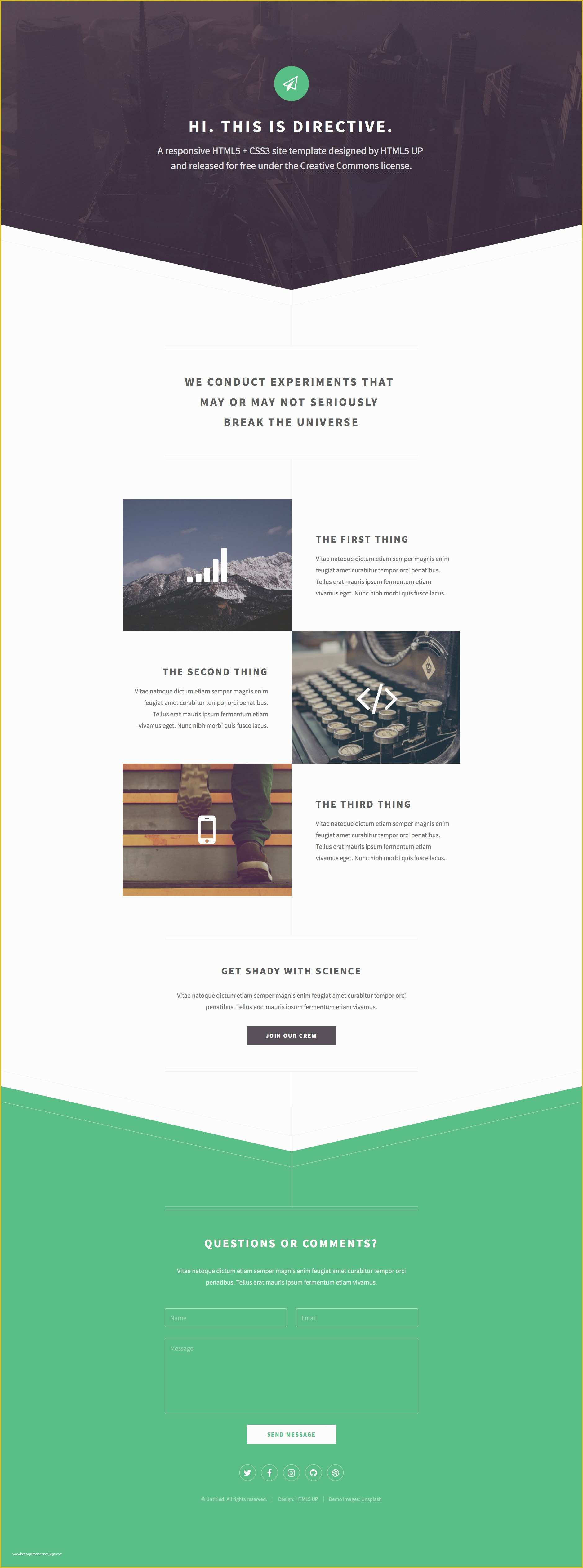
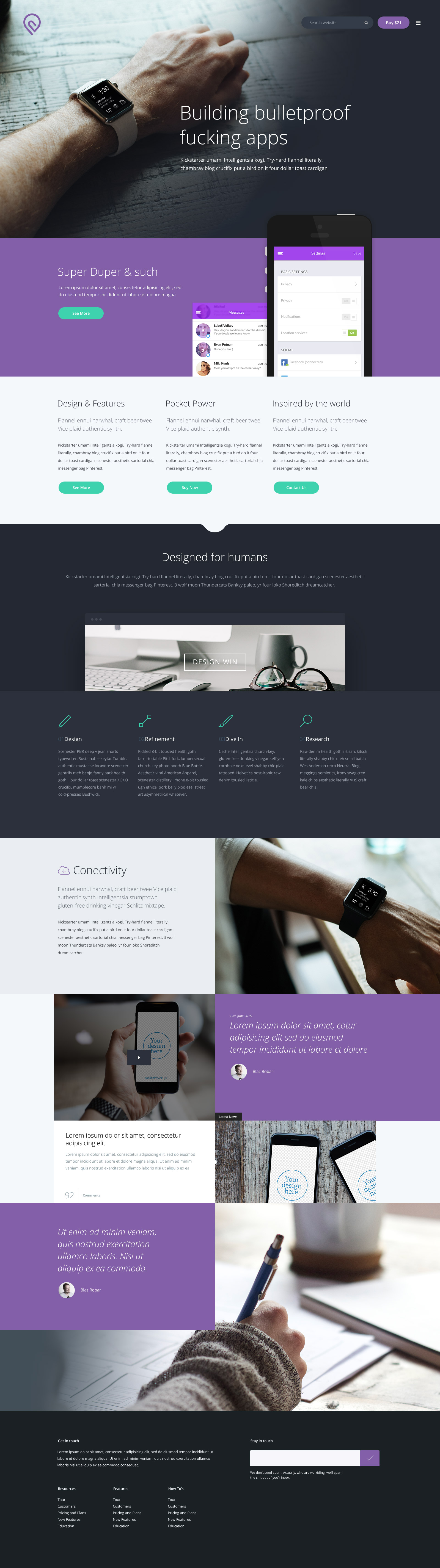
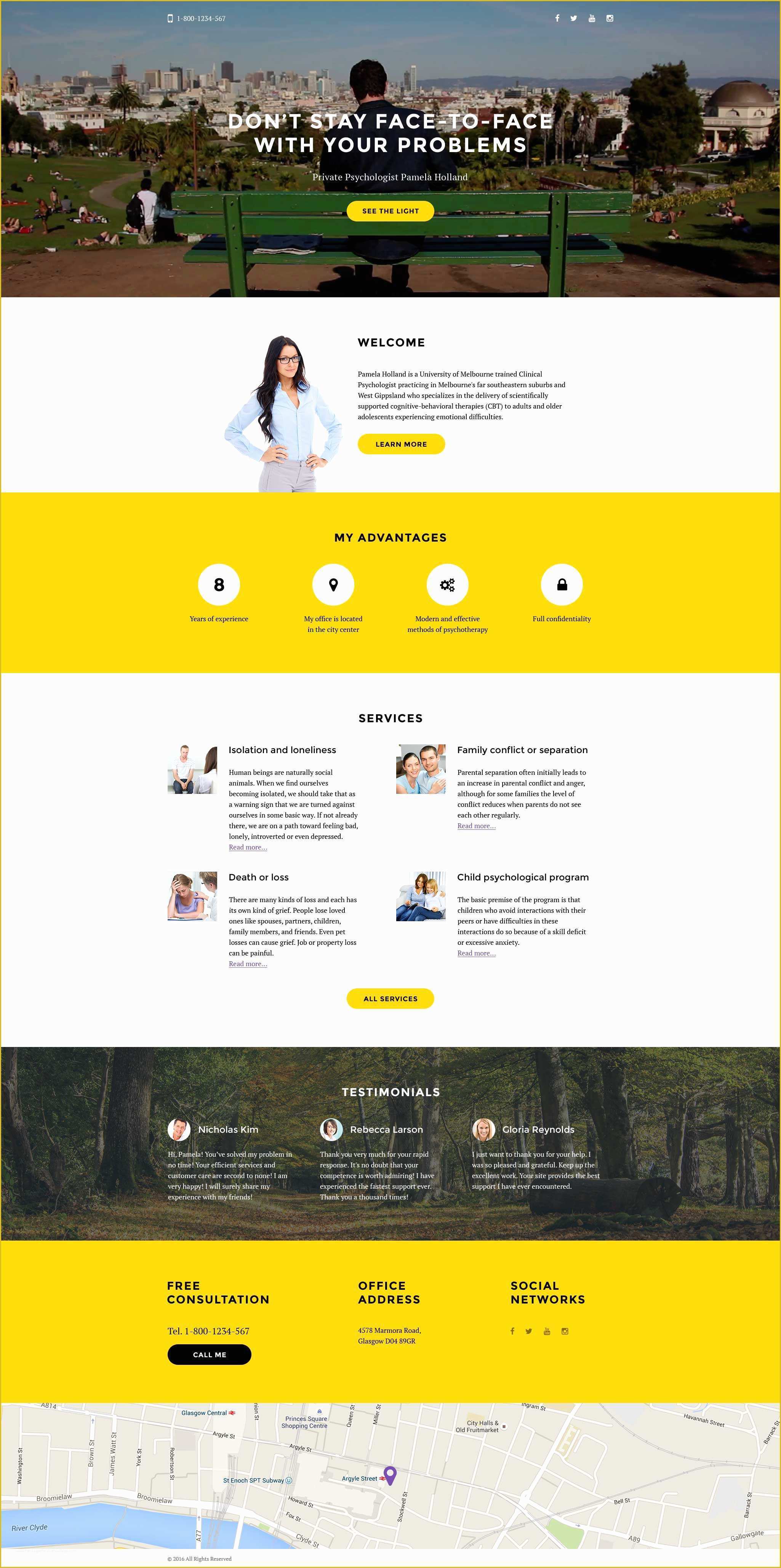
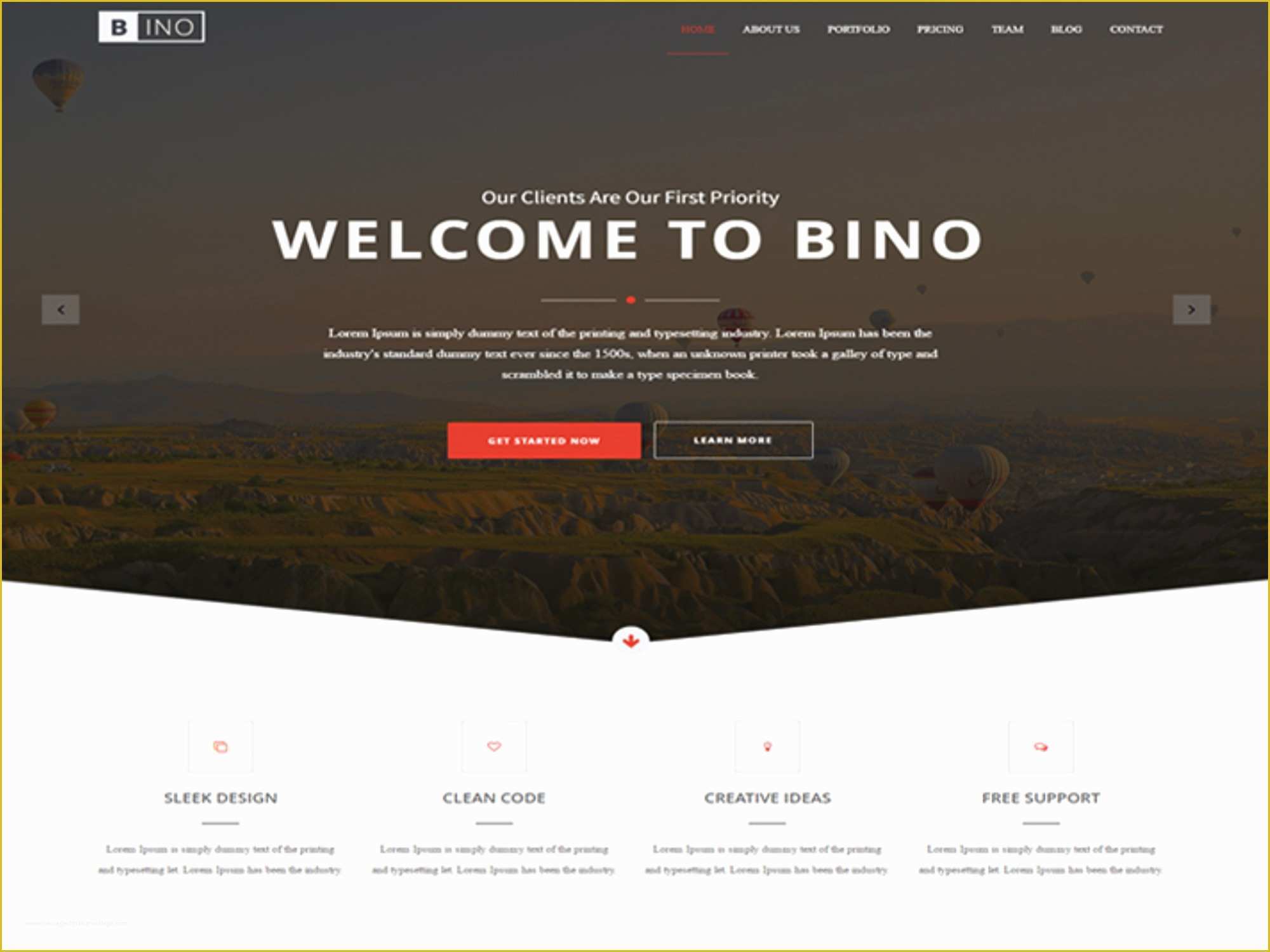
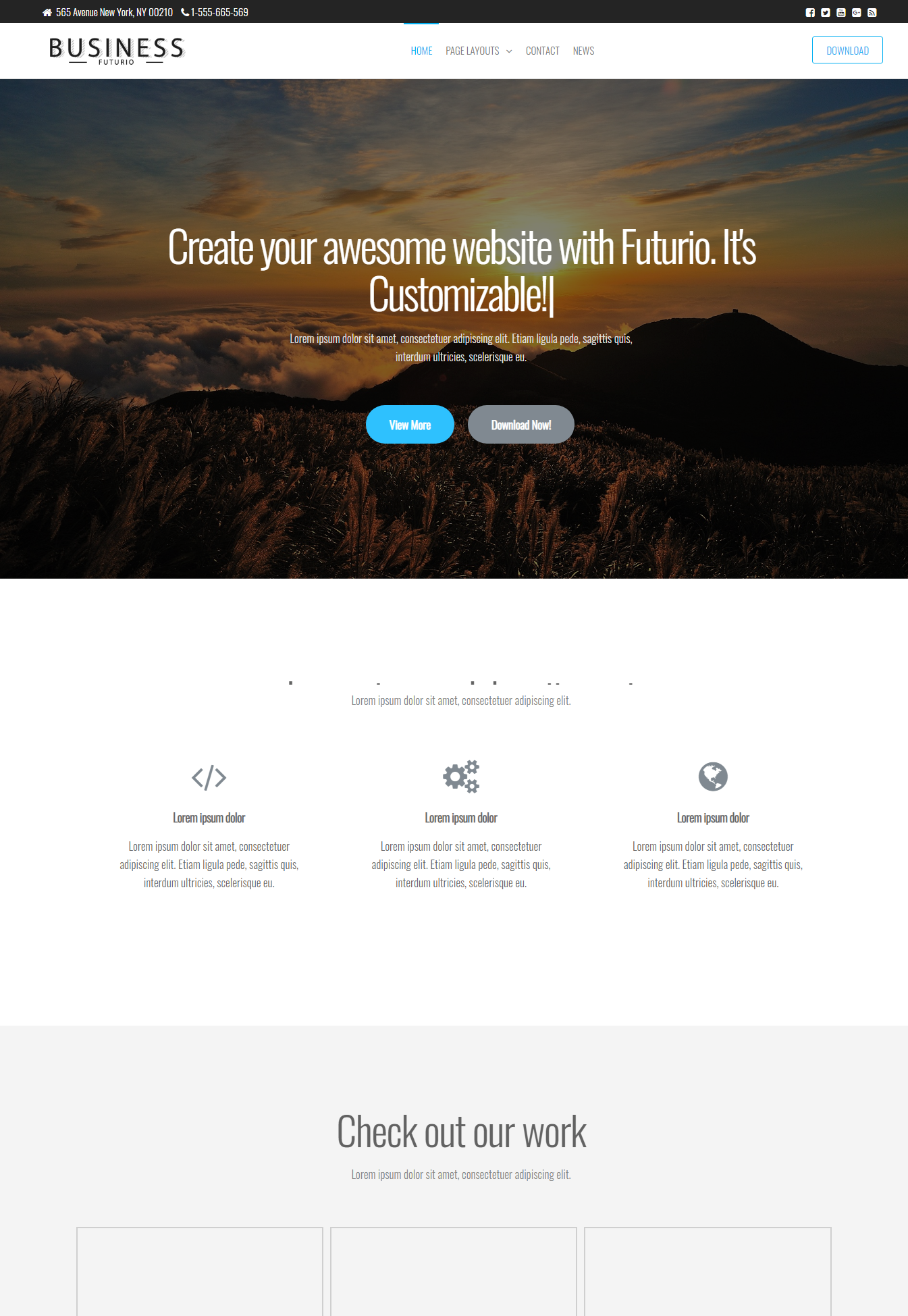
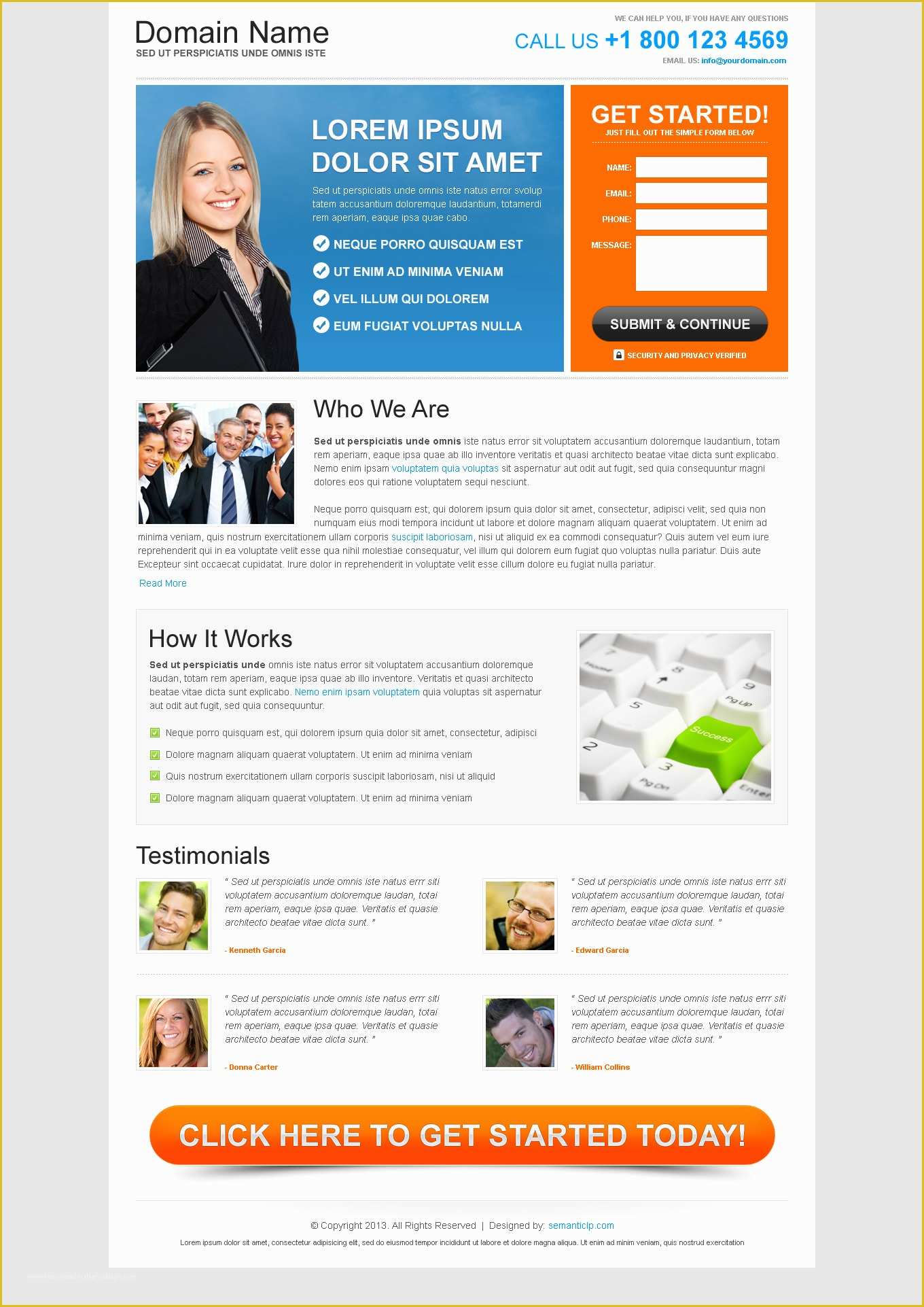
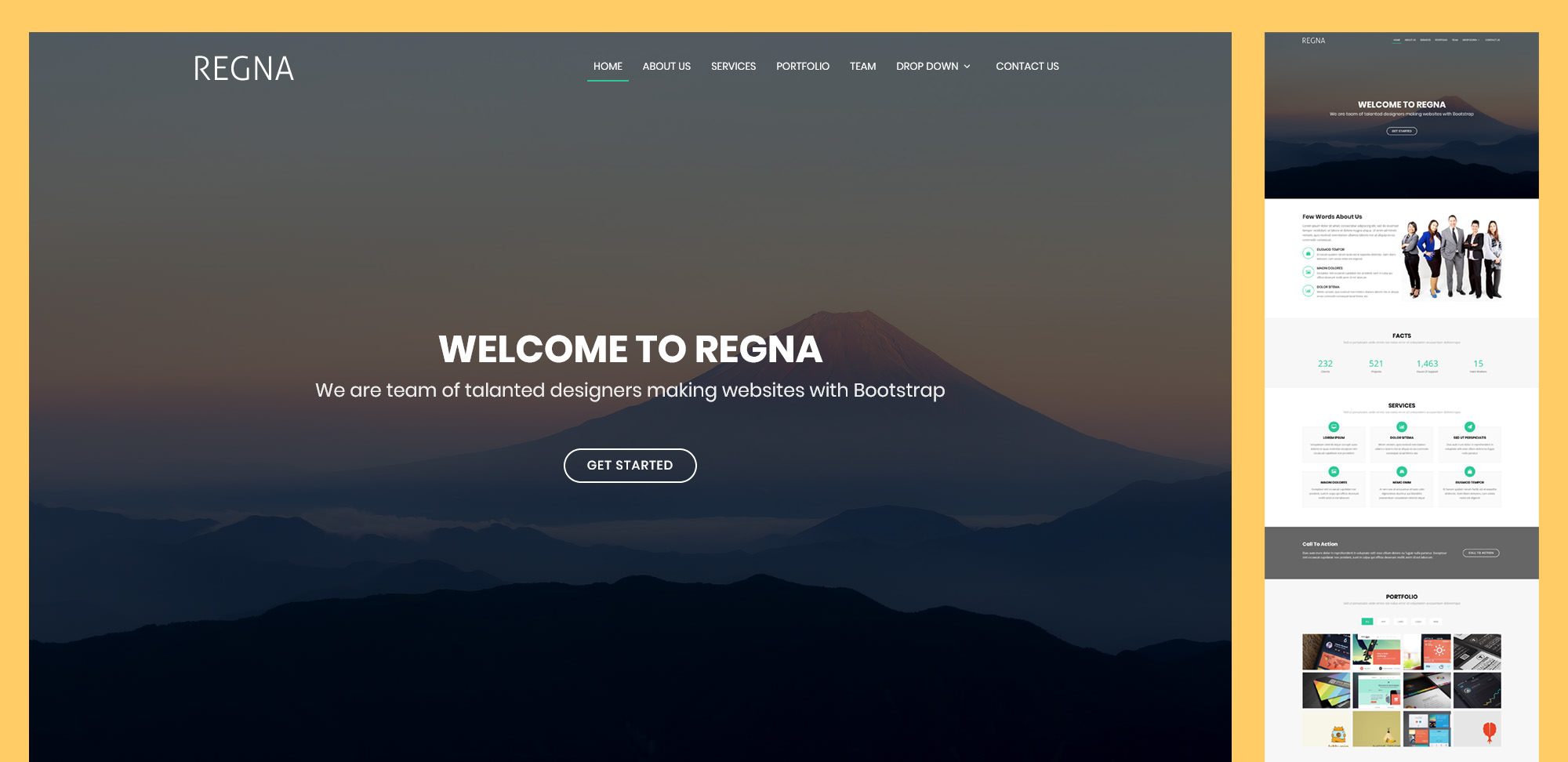
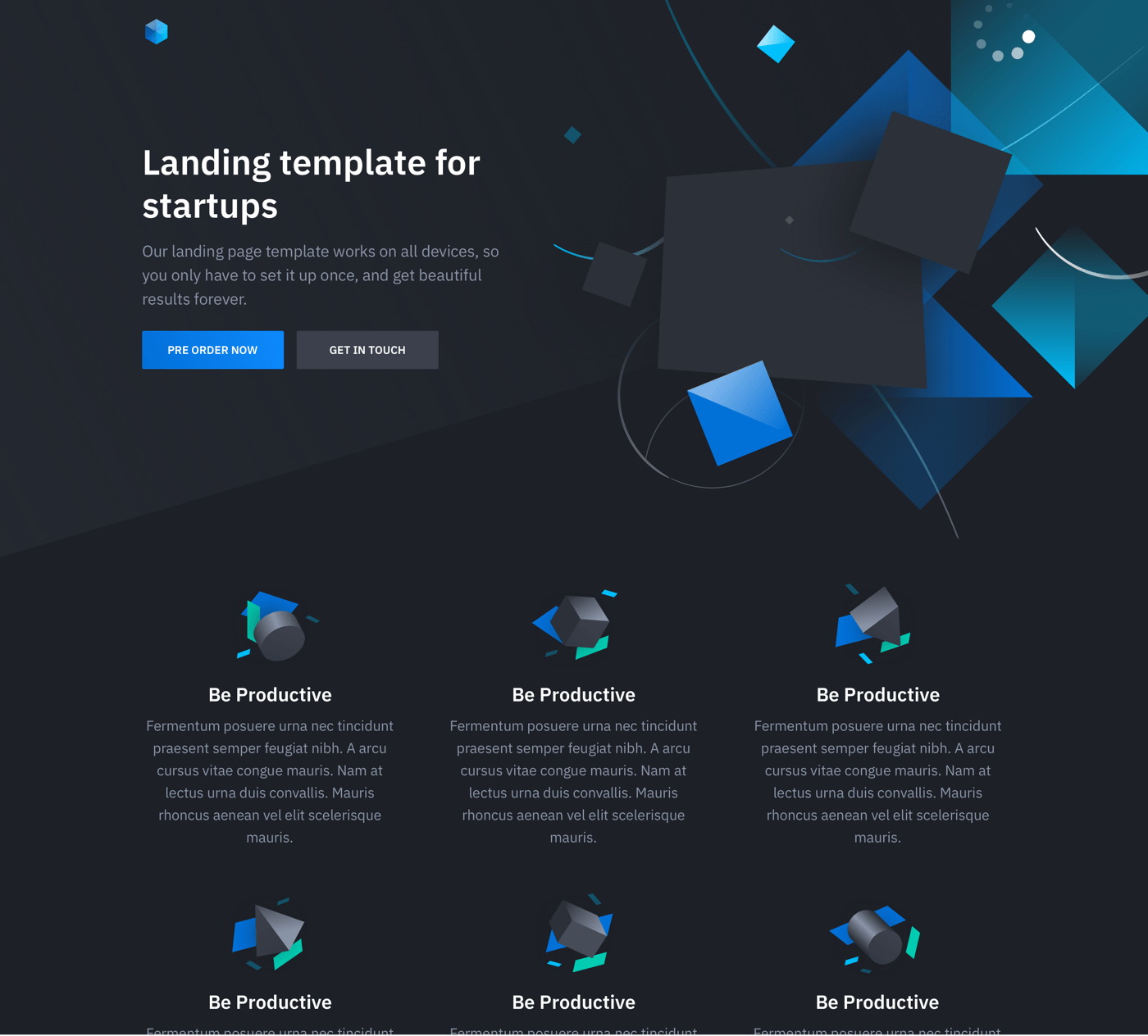
Free HTML landing page templates are generally worth your time for rapid prototyping, low-budget MVPs, and learning the fundamentals of web structure. However, they often incur hidden costs in the form of extensive customization time, potential security vulnerabilities, and limited brand differentiation. For high-stakes commercial campaigns, the "free" price tag rarely outweighs the professional value of a custom or premium solution.
The decision to use a free HTML template is rarely about the initial price of zero dollars. Instead, it is a calculation of opportunity cost. In the current 2026 digital landscape, where user experience (UX) and page performance are the primary drivers of search engine rankings and conversion rates, a template that requires ten hours of "fixing" may actually be more expensive than a $50 premium alternative or a dedicated page builder subscription. To determine if these assets are truly worth your time, one must look beyond the visual preview and evaluate the underlying code, the licensing restrictions, and the long-term scalability of the asset.
The Economics of "Free": Understanding the Total Cost of Ownership
The term "free" is often a misnomer in web development. When you download a free HTML template, you are essentially entering into a trade: you save money on the asset purchase but commit your own time (or your developer's time) to modify it. In 2026, the technical standards for a high-performing landing page are rigorous. A landing page must be fully responsive across an increasingly fragmented device market, adhere to strict W3C accessibility guidelines, and pass Google’s Core Web Vitals with flying colors.
Most free templates found on generic repositories are built to be "good enough" rather than "best in class." This often results in technical debt. If a template uses outdated libraries or redundant CSS, you will spend significant time purging "bloat" to ensure the page loads within the sub-two-second window that modern users demand. If your internal hourly rate is $50 and you spend six hours troubleshooting a free template’s CSS Grid layout or fixing broken form scripts, that "free" template has effectively cost you $300.
Furthermore, free templates often come with licensing strings attached. Many are distributed under Creative Commons licenses that require a "backlink" to the author’s site. Removing this link without permission is a violation of copyright, yet keeping it may look unprofessional on a high-end corporate site. The time spent navigating these legal nuances and ensuring compliance is another factor that detracts from the initial perceived value.
Technical Integrity and Code Quality
One of the most significant risks associated with free HTML landing page templates is the quality of the markup. Because these templates are often released as lead magnets for premium themes or as portfolio pieces by junior developers, the internal architecture can be inconsistent. Senior developers frequently warn against "spaghetti code"—nested div elements, inconsistent naming conventions, and inline styles that make global changes a nightmare.
The Problem of Legacy Frameworks
Many free templates available in 2026 are still built on aging versions of frameworks like Bootstrap 4 or early iterations of Tailwind. While these frameworks were revolutionary in their time, modern web standards have moved toward more native CSS capabilities. Relying on a template with heavy external dependencies can slow down your site and create security risks if those libraries are no longer maintained.
Semantic HTML and SEO
Search engines like Google use semantic HTML to understand the context of your content. A free template that uses generic
tags instead of semantic elements like
, , and can inadvertently hurt your SEO. When a template is poorly structured, search engine crawlers have a harder time indexing your primary call-to-action (CTA) or understanding the hierarchy of your headings (H1 through H6). If your landing page doesn't rank because of its underlying code, the time you saved by not paying for a template is lost to a lack of organic traffic.
Customization Friction and Brand Alignment
The primary goal of a landing page is conversion. To convert, a page must establish trust and align perfectly with your brand identity. Free templates are, by definition, generic. They are designed to appeal to the widest possible audience, which often means they lack the specific UI components needed for your niche.
When you attempt to force a free template to match a specific brand guide, you encounter "customization friction." This occurs when the template’s pre-defined styles (colors, typography, spacing) are so deeply embedded in the CSS that overriding them requires writing more code than if you had started from scratch. In 2026, brand consistency is non-negotiable; users are highly attuned to "template-itis," where a site looks like thousands of others. This perceived lack of originality can lower the perceived value of your product or service.
Moreover, free templates rarely include comprehensive documentation. If you need to add a complex element—such as a dynamic pricing table or an interactive FAQ section—you are often left to figure it out on your own. Premium templates, by contrast, usually come with a library of pre-built components and dedicated support channels, which can save hours of frustration.
Performance, Security, and Maintenance
Website performance is no longer just a luxury; it is a core ranking factor. Google's PageSpeed Insights and other performance tools have made it clear that slow-loading pages are penalized. Free templates are often laden with high-resolution placeholder images that are not optimized, or third-party scripts that add unnecessary HTTP requests.
Security Vulnerabilities
While HTML itself is not typically a security risk, the JavaScript bundles included with free templates can be. Outdated versions of jQuery or unverified plugins can contain vulnerabilities that hackers exploit. When using a free template, you must manually audit every script included in the package. In a professional environment, this audit time is a significant investment that must be weighed against the cost of a vetted, premium asset.
Long-term Maintenance
The web is not static. Browser updates can occasionally break specific CSS properties or JavaScript functions. When you use a free template, you have no guarantee of future updates. If a major browser update renders your landing page's navigation menu unusable, you are responsible for the fix. Premium products often include lifetime or periodic updates to ensure compatibility with the latest browser standards.
Comparison: Free HTML vs. Premium vs. SaaS Builders
To help you decide where to invest your energy, the following table compares the three most common methods for deploying a landing page in 2026.
| Feature | Free HTML Template | Premium HTML Template | SaaS Page Builders (e.g., Framer, Carrd) |
|---|---|---|---|
| Initial Cost | $0 | $20 – $100 | $10 – $50/month |
| Setup Time | High (Manual coding) | Moderate (Better docs) | Low (Drag-and-drop) |
| Customization | Unlimited (but difficult) | High (Modular components) | Medium (Grid-constrained) |
| Code Quality | Variable (often bloated) | High (Usually optimized) | Excellent (but proprietary) |
| SEO Control | Full (Manual) | Full (Optimized) | Partial (Platform dependent) |
| Support | None (Community only) | Included (6-12 months) | 24/7 Platform support |
| Scalability | Low | Moderate | High |
When is a Free Template Actually Worth It?
Despite the drawbacks, there are several scenarios in 2026 where a free HTML template is the most logical choice.
- Educational Purposes: If you are a student or a junior developer learning how to read and manipulate code, free templates are an invaluable resource. They provide a playground to see how others structure their files and how CSS interacts with HTML.
- Internal Testing and Wireframing: For internal presentations or "proof of concept" stages where design aesthetics don't matter, a free template can serve as a quick functional prototype.
- Extremely Low-Traffic Personal Projects: If you are building a simple "Under Construction" page or a personal portfolio with no commercial intent, the time spent customizing a free template may be acceptable because the stakes are low.
- Developer "Boilerplates": Some high-quality free templates are actually "starter kits" or boilerplates provided by reputable companies to showcase their frameworks (e.g., official Tailwind CSS components). These are worth your time because they are maintained and follow industry best practices.
How to Select a "Worthwhile" Free Template
If you decide to proceed with a free template, you must be selective. Don't simply download the first result from a search engine. Follow these verification steps to ensure the asset won't become a time sink:
- Check the Last Updated Date: If the template hasn't been updated in over two years, it likely uses deprecated code.
- Audit the Mobile Responsiveness: Use browser developer tools to test the template on multiple screen sizes. If the layout "breaks" at common breakpoints, move on.
- Scan for "Nulled" Content: Never download "free" versions of premium templates from unauthorized sites. These are frequently injected with malicious code or SEO-spam links.
- Verify the License: Ensure the license (MIT, GPL, Creative Commons) aligns with your project goals. If you cannot find a license file, do not use the template.
- Run a Speed Test: Upload the raw template to a staging environment and run it through Mozilla Observatory or Google PageSpeed Insights. If the baseline score is low before you've even added content, it will only get worse.
Common Pitfalls to Avoid
The most common mistake users make is choosing a template based solely on the "hero image" or the specific photography used in the demo. Remember that those images are rarely included in the download due to licensing. You must look at the "bones" of the page.
Another pitfall is failing to check for cross-browser compatibility. While 2026 browsers are more standardized than those of a decade ago, subtle differences in how Safari and Chrome render specific CSS effects can still cause issues. A template that looks perfect on your desktop might be unusable for a customer on an older mobile device.
Finally, do not ignore the "Documentation" or "Readme" file. A well-organized free template will include instructions on how to change variables, how to integrate the contact form (which often requires a back-end script like PHP or a third-party service), and how to compile the assets if it uses a pre-processor like SASS.
FAQs
Are free HTML templates safe to use?
Generally, yes, if they are downloaded from reputable sources like GitHub, official framework galleries, or established design agencies. However, "nulled" or pirated premium templates often contain hidden scripts, backdoors, or SEO redirects that can compromise your server and your reputation. Always inspect the JavaScript files before deployment.
Do I need to know how to code to use an HTML template?
Yes, a basic to intermediate understanding of HTML and CSS is required. Unlike drag-and-drop builders, HTML templates require you to edit the source code to change text, swap images, and configure forms. Without these skills, you will likely spend more time searching for tutorials than actually building your page.
Can I remove the footer credits from a free template?
This depends entirely on the license. Templates under the MIT or GPL licenses usually allow for the removal of credits. However, many free templates are released under Creative Commons Attribution (CC BY), which legally requires you to keep the link to the author. Always check the LICENSE.txt file included with your download.
How do I make a free HTML template SEO-friendly?
To improve SEO, you must ensure the template uses semantic tags (
, , , ), has a fast loading speed, and is fully responsive. You also need to manually add meta tags for titles and descriptions, as well as Open Graph tags for social media sharing, as these are rarely optimized in free versions. Will using a free template hurt my brand's credibility? If the template is recognizable and used by many other sites in your industry, it can make your business look less established. Branding is about differentiation. If your landing page looks identical to a competitor's because you both used the same "Popular Free Agency Template," you lose the opportunity to build a unique brand identity.
Final Recommendation
Free HTML landing page templates are a tool, and like any tool, their value depends on the hands that hold them. If you are a developer looking for a quick scaffolding to build upon, or a bootstrapper with more time than capital, they are a viable option. However, for most business owners and marketers in 2026, the time required to refine, secure, and optimize a free template often exceeds the cost of a premium alternative.
Next Action: Before downloading a template, perform a quick "Cost of Time" audit. Estimate the hours needed for customization and multiply by your hourly rate. If that number exceeds $100, you are likely better off purchasing a premium template or using a specialized landing page platform that offers better support and performance out of the box.