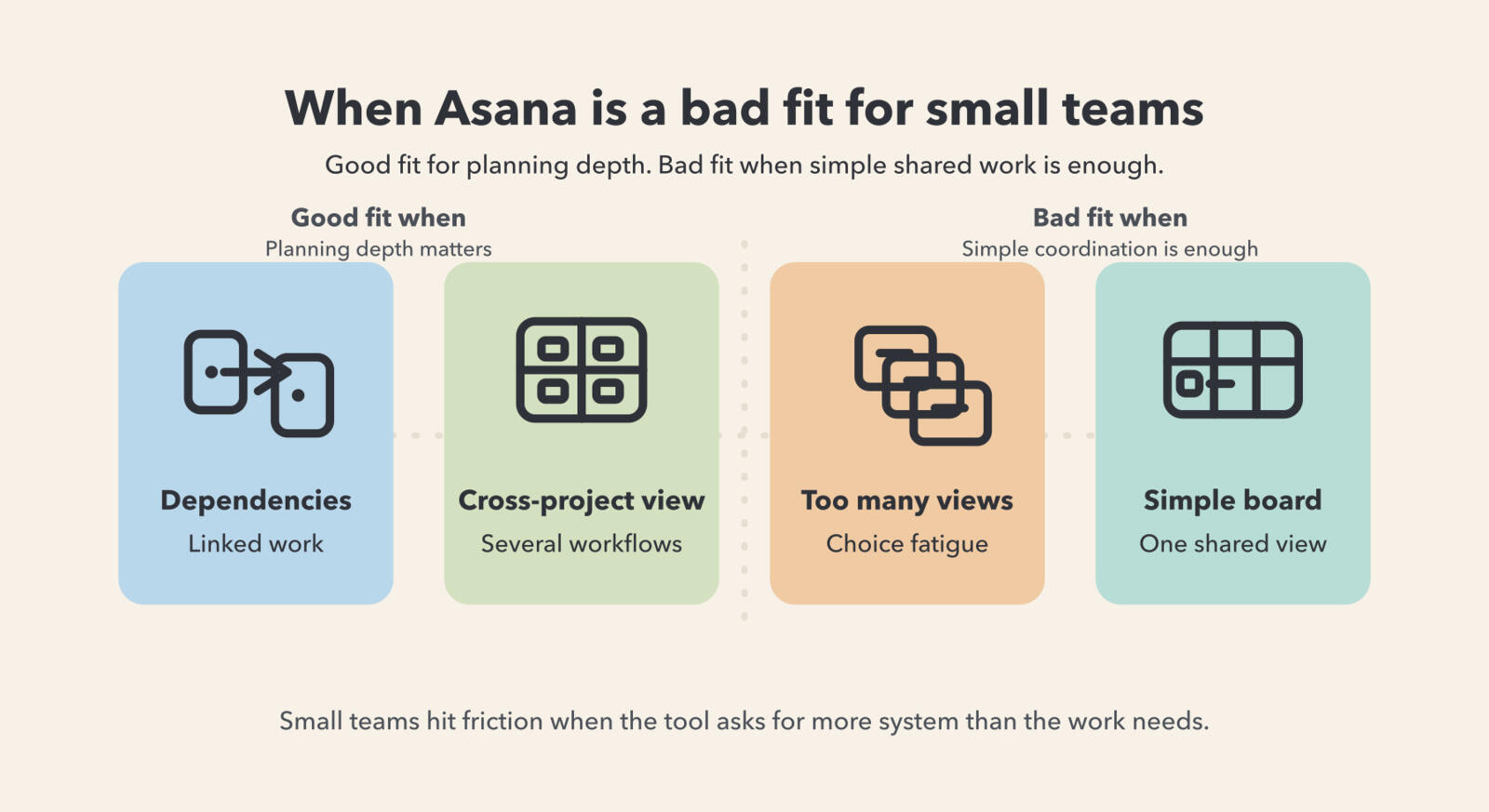
Asana maintains its position as a market leader for small to medium-sized businesses by balancing sophisticated project management capabilities with an intuitive interface. It bridges the gap between simple task lists and complex enterprise resource planning, providing teams with the structural flexibility needed to scale operations, manage cross-departmental workflows, and maintain transparent accountability without requiring specialized technical administration.
The Core Value Proposition for Growth-Stage Organizations
Small and medium-sized teams often face a "complexity trap." As a company grows, it inevitably moves beyond spreadsheet-based tracking and email threads. However, adopting a full-scale enterprise project management solution often introduces excessive overhead, steep learning curves, and prohibitive pricing. Asana targets this specific middle ground, providing a Work Graph data model that links tasks, projects, and goals into a unified visual framework.
For teams ranging from 10 to 200 employees, the platform functions as an operational nervous system. It enables stakeholders to visualize work through multiple lenses—List, Board, Timeline, and Calendar—without duplicating data. This versatility is crucial for growing teams that need to pivot rapidly while maintaining documentation of their processes.
Foundational Features Driving Productivity
Asana’s dominance in the SMB sector is largely attributed to the feature set that directly addresses the pain points of scaling organizations.
1. Intuitive Task Management
At its core, Asana replaces disjointed communications with structured tasks. Each task contains assignees, due dates, custom fields, and file attachments. The ability to create subtasks allows teams to break down complex objectives into manageable, actionable steps. By centralizing the "what, who, and when," teams minimize the time spent in status-update meetings.
2. Workflow Automation
Asana’s "Rules" feature allows teams to automate routine tasks such as assigning work, updating status, or moving projects across stages based on triggers. For smaller teams, this is a force multiplier. A marketing team, for instance, can set a rule where moving a task to the "Approved" column automatically notifies the design team and updates a custom field, eliminating manual hand-offs that are prone to human error.
3. Visual Project Tracking
The Timeline view acts as a project Gantt chart that is both accessible and highly responsive. Managers can map out dependencies—noting which tasks must be completed before others can begin—and adjust schedules via a simple drag-and-drop interface. This allows teams to identify potential bottlenecks before they impact project delivery dates.
Comparison of Asana Tiers for SMBs
As of 2026, Asana maintains a tiered pricing structure designed to accommodate different levels of organizational maturity. Small teams usually begin with the Starter plan, while those requiring more advanced reporting and security oversight move toward the Advanced tier.
| Feature | Starter Plan | Advanced Plan |
|---|---|---|
| Primary Focus | Task & Workflow Mgmt | Reporting & Resource Mgmt |
| View Options | List, Board, Calendar | All views + Portfolios |
| Automation | Basic Workflow Builder | Advanced Rules & Integrations |
| Reporting | Basic dashboarding | Advanced charts & Goal tracking |
| Target User | Collaborative small teams | Scaling teams with complex needs |
Implementing Asana: A Strategic Framework for Adoption
Success with Asana is not merely about signing up for an account; it requires a structured implementation strategy. Teams that fail to adopt a standard taxonomy often find themselves with a "digital junk drawer" within six months.
Step 1: Standardize the Nomenclature
Establish naming conventions for projects and tasks before inviting the entire team. Decide whether projects will be organized by department, by campaign, or by ongoing operational process. Without this consistency, team members will struggle to locate information as the account grows.
Step 2: Define "Done"
In an agile or project-based environment, ambiguity kills momentum. Use the custom fields feature to define project stages clearly. Ensure every task has an assignee and a clear description of what constitutes successful completion. Encouraging the use of the "Comment" section for task-specific updates ensures that communication remains contextually linked to the work, rather than sequestered in siloed email threads.
Step 3: Integrate with Existing Tooling
Asana integrates with over 200 software applications as of 2026. For small teams, integrating Asana with communication platforms (like Slack or Microsoft Teams) and file-sharing services (like Google Drive or OneDrive) is essential. These integrations prevent context switching, allowing employees to manage their work from within the platforms they are already using for communication.
Addressing Common Implementation Challenges
Even with a robust tool, teams often encounter friction during the onboarding phase. Understanding these challenges allows leaders to mitigate them early.
- Over-complication: A frequent mistake is creating too many projects or overly intricate workflow structures at the outset. Start with a simple "Team To-Do" list and add complexity only when the team expresses a clear need for it.
- Lack of Adoption: If leadership does not use the tool to manage their own tasks and assign work, the team will perceive it as a redundant administrative burden. Adoption must be top-down; if it isn’t in Asana, it essentially doesn't exist.
- Notification Fatigue: New users often feel overwhelmed by notifications. Encourage team members to adjust their personal notification settings early on so they only receive alerts for work they are directly responsible for.
Scaling from Small to Medium: Maintaining Governance
As a team grows from a startup environment to a mid-sized operation, governance becomes paramount. Asana’s "Portfolios" feature is the primary tool for this transition. Portfolios allow managers to aggregate multiple projects into a single high-level view. This enables leadership to monitor the health, progress, and budget of multiple workstreams simultaneously without having to drill into individual projects.
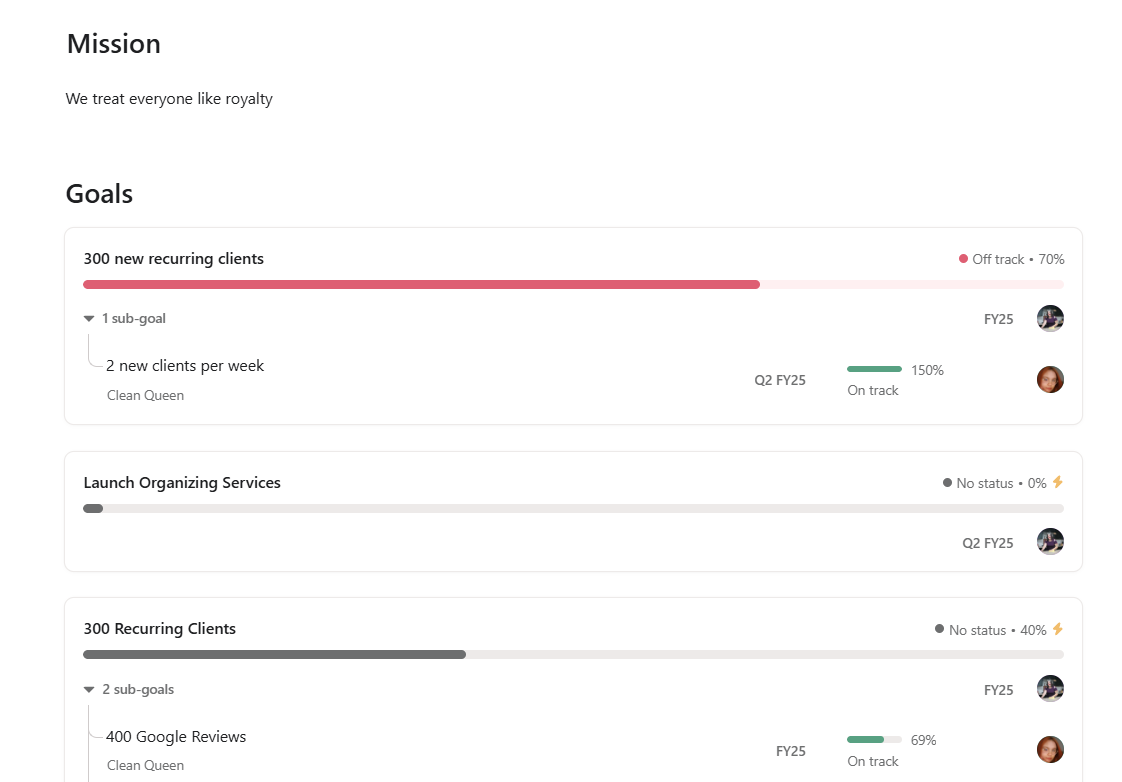
Furthermore, Asana’s "Goals" feature links daily execution to company-level objectives. By cascading goals from the leadership team down to individual contributors, the organization ensures that every task performed contributes to the broader strategic vision. This creates a culture of transparency where employees understand how their individual work moves the needle for the entire company.
Frequently Asked Questions
Is Asana suitable for teams that are not technically inclined?
Yes. One of Asana’s primary strengths is its low barrier to entry. While it offers powerful automation and data-modeling capabilities, the interface is designed for general business users, not just project managers or developers.
Does Asana handle project budgeting and time tracking?
While Asana is not a dedicated financial accounting tool, it allows for custom fields that can track budgets or estimated hours. For advanced time tracking, many teams integrate third-party applications like Harvest or Toggl, which sync directly with Asana tasks.
How does Asana ensure data security for small businesses?
Asana employs enterprise-grade security protocols, including SOC 2 Type II compliance and data encryption in transit and at rest. Small businesses benefit from these high standards, which are often built to meet the requirements of larger enterprise clients.
Can I use Asana for personal task management?
Yes. Asana provides a Personal tier that is free for individuals or very small teams. This is an excellent way to familiarize yourself with the interface and the "My Tasks" view, which serves as a centralized dashboard for all work assigned to you.
What is the biggest advantage of Asana over simple to-do lists?
The primary advantage is the "Work Graph" data model. Unlike simple lists, Asana allows tasks to be connected to multiple projects and goals, providing contextual depth. You can see how a specific task impacts a project timeline, a departmental goal, and the company’s quarterly objectives simultaneously.
Final Recommendation: Where to Begin
For small to medium teams looking to improve their operational efficiency, the most effective path forward is to start with a pilot project. Select one specific, high-priority team objective, set up an Asana project with clear milestones and responsibilities, and commit to managing that project exclusively within the platform for 30 days.
By treating the platform as a single source of truth for one project, you allow the team to experience the benefits of clarity, accountability, and automated tracking without the stress of a full-scale migration. Once the benefits of this pilot are realized, the workflow can be replicated across other areas of the business, creating a scalable foundation for growth that keeps pace with your organizational needs.