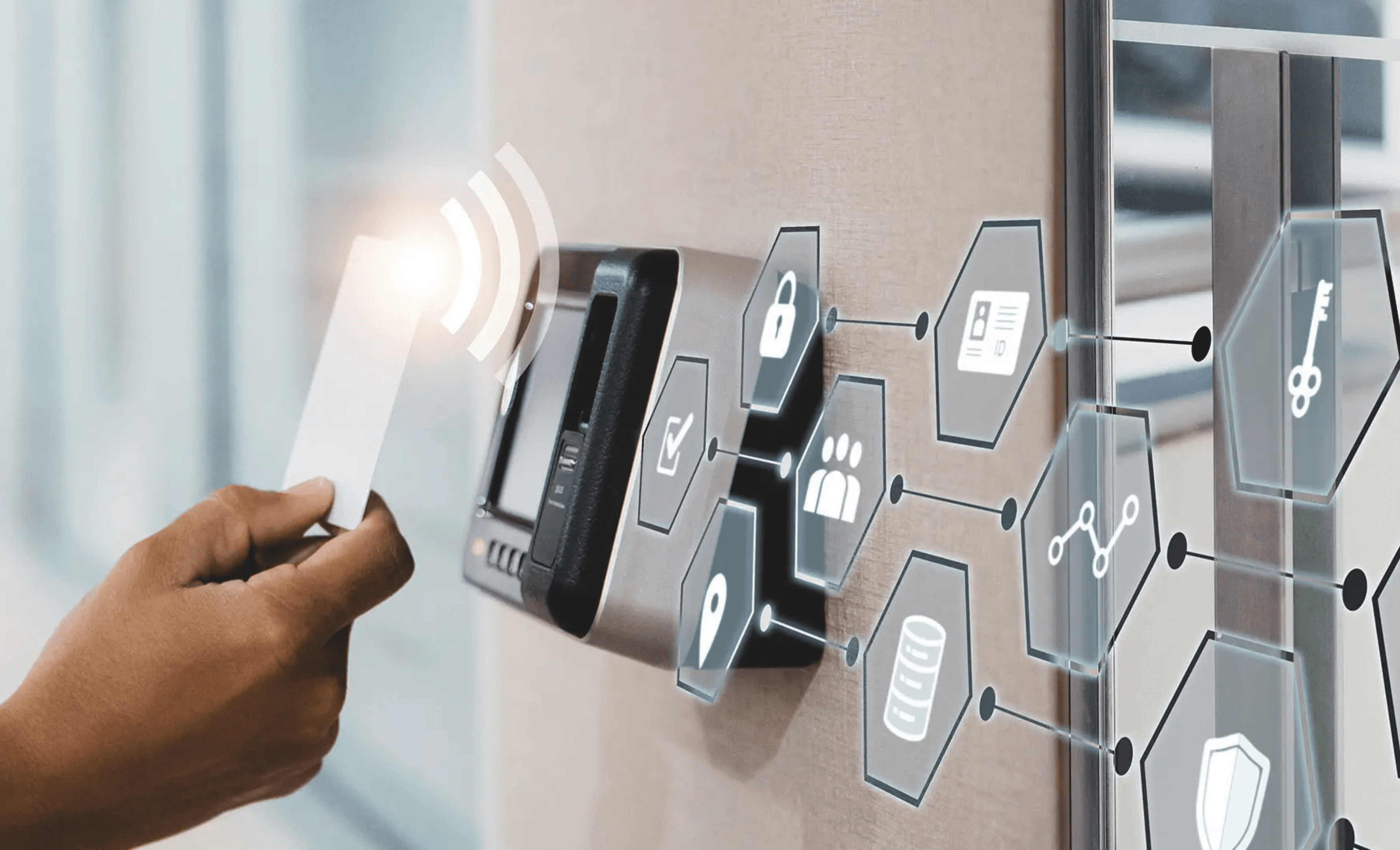
An access control security system is a digital and physical framework designed to regulate who can enter or exit specific areas within a facility, ensuring that only authorized personnel have access to sensitive resources. By replacing traditional mechanical locks with electronic credentials, these systems provide real-time monitoring, audit trails, and the ability to instantly revoke access rights, significantly enhancing overall organizational security.
Access control has evolved from simple keypad entries to sophisticated, integrated ecosystems that form the backbone of modern building security. In 2026, these systems are no longer standalone silos; they are deeply integrated with video surveillance, building management systems (BMS), and identity management platforms. Whether for a small office or a multi-national enterprise, understanding the components, architecture, and protocols of access control is essential for protecting assets, data, and human lives.
The Core Components of an Access Control System
To understand how an access control security system functions, one must look at it as a multi-layered architecture where hardware and software work in tandem. The process begins at the entry point and ends at a centralized management server.
1. User Credentials and Readers
The credential is the "key" used by an individual to request access. As of 2026, the industry has shifted heavily toward encrypted digital formats. Common types include:
- Mobile Credentials: Utilizing Bluetooth Low Energy (BLE) or Near Field Communication (NFC), smartphones act as the primary key. This is the dominant trend in 2026 due to the convenience of over-the-air provisioning.
- Biometrics: Advanced facial recognition, palm vein scanning, and fingerprint sensors provide high-security authentication by linking access to a physical characteristic.
- Smart Cards: High-frequency (13.56 MHz) encrypted cards, such as MIFARE DESFire EV3, have largely replaced older, easily cloned 125 kHz proximity cards.
The reader is the device installed next to the door that captures the credential's data. Modern readers in 2026 are increasingly "smart," capable of processing encryption keys locally and communicating with the controller via secure protocols.
2. Access Control Panels (Controllers)
Often referred to as the "brains" of the system, the controller is a physical hub that receives data from the reader. It compares the credential data against an internal database of permissions. If the user is authorized for that specific door at that specific time, the controller sends an electrical signal to the locking hardware to unlock.
3. Electronic Locking Hardware
The physical security of the door depends on the locking mechanism. Common hardware includes:
- Electromagnetic Locks (Maglocks): These use an electromagnetic field to hold a door shut. They are typically "fail-safe," meaning they unlock when power is lost, making them suitable for emergency exits.
- Electric Strikes: These replace the standard strike plate in a door frame. They are often "fail-secure," meaning the door remains locked if power fails, protecting the perimeter.
- Wireless Smart Locks: These integrate the reader and lock into a single battery-powered unit, communicating wirelessly with a hub to reduce wiring costs.
4. Management Software
The software provides the user interface for administrators. It allows for the creation of schedules, the management of user profiles, and the generation of audit reports. In 2026, most new installations utilize Access Control as a Service (ACaaS), where the management software is hosted in the cloud, allowing security teams to manage multiple sites from a single browser-based dashboard.
System Architecture: On-Premise vs. Cloud-Based
Choosing the right architecture is a foundational decision that impacts the long-term scalability and security of the system.
On-Premise Access Control
In an on-premise configuration, the server hosting the access control database and software is located physically within the facility’s IT room. This model is often preferred by highly regulated industries (such as defense or finance) that require total control over their local area network (LAN) and data sovereignty. However, on-premise systems require significant upfront capital expenditure (CAPEX) for hardware and ongoing maintenance for software updates and server hardware.
Cloud-Based Access Control (ACaaS)
Cloud-based systems host the management layer on remote servers. The local controllers connect to the cloud via a secure internet connection.
- Scalability: Adding a new door or a new building across the globe is seamless.
- Automatic Updates: Security patches and feature updates are pushed automatically by the provider.
- Remote Management: Administrators can lock or unlock doors and issue credentials from a mobile app.
- Redundancy: Most controllers in 2026 feature "distributed intelligence," meaning they can continue to function and grant access even if the internet connection to the cloud is temporarily lost.
Logical Models of Access Control
Beyond the hardware, the logic used to grant access determines the system's flexibility and security posture.
- Discretionary Access Control (DAC): The owner of a resource decides who has access. This is common in low-security settings but is prone to human error.
- Mandatory Access Control (MAC): Access is regulated by a central authority based on security levels (e.g., Confidential, Secret, Top Secret). This is the standard for government and military installations.
- Role-Based Access Control (RBAC): This is the most common model for businesses in 2026. Access is granted based on an individual's role within the organization (e.g., "Marketing Team," "IT Admin," "Night Shift Janitor").
- Attribute-Based Access Control (ABAC): A sophisticated model that considers multiple attributes before granting access, such as the user’s role, the time of day, the specific device being used, and the current threat level of the building.
Technical Standards and Security Protocols
A critical aspect of a modern access control security system is the protocol used for communication between components. Historically, the industry used the Wiegand protocol, which is now considered a significant security risk because it lacks encryption, allowing hackers to easily intercept and "sniff" credential data.
By 2026, the Open Supervised Device Protocol (OSDP) has become the mandatory standard for secure installations. OSDP, particularly version 2.2 and higher, utilizes AES-128 encryption to protect communication between the reader and the controller. It also supports "supervision," meaning the system can detect if a wire has been cut or if a reader has been tampered with in real-time.
Organizations should also look for compliance with UL 294, which is the standard for Access Control System Units, ensuring the hardware meets rigorous safety and performance benchmarks.
Comparison of Access Control System Types
The following table summarizes the key differences between the major categories of access control systems available in 2026.
| Feature | Standalone Systems | On-Premise Networked | Cloud-Based (ACaaS) |
|---|---|---|---|
| Ideal For | Small shops, residential | Enterprise, high-security | Multi-site, modern offices |
| Management | At the door (manual) | Local server | Web browser / Mobile app |
| Scalability | Low (difficult to add doors) | High (but requires hardware) | Infinite (on-demand) |
| Initial Cost | Low | High | Moderate (Subscription) |
| Security Level | Basic | Very High | High to Very High |
| Data Backup | None (manual export) | IT-managed backups | Automatic / Redundant |
| Integration | Limited | Extensive (via SDK/API) | Deep (API-first design) |
Implementation and Installation Requirements
Deploying an access control security system requires careful planning to ensure both security and compliance with life safety codes.
1. Wiring and Infrastructure
Most modern systems utilize Power over Ethernet (PoE). This allows a single Cat6 cable to provide both data connectivity and power to the controller and the electronic lock. This significantly reduces installation costs by eliminating the need for a licensed electrician to run high-voltage power to every door.
2. Life Safety and Fire Code Integration
Access control systems must be integrated with the building's fire alarm system. According to NFPA 101 (Life Safety Code), in the event of a fire, certain doors (particularly fail-safe maglocks on exit routes) must automatically unlock to allow for safe egress. Failure to comply with these regulations can lead to significant legal liability and safety risks.
3. Identity Provider (IdP) Integration
To streamline administration, modern systems sync with an organization’s existing directory, such as Microsoft Azure AD (Entra ID) or Google Workspace. When a new employee is hired and added to the company directory, their access control profile is automatically created. Conversely, when an employee is terminated, their physical access is revoked instantly across all locations.
Cost Considerations and ROI
The cost of an access control system is generally calculated "per door." In 2026, prices vary based on the complexity of the hardware:
- Basic Door: $1,500 – $2,500 (includes reader, controller portion, and electric strike).
- High-Security/Biometric Door: $3,000 – $5,500+.
- Software Fees: For ACaaS, expect a monthly subscription of $10 – $30 per door.
The Return on Investment (ROI) is realized through the elimination of re-keying costs (which can be thousands of dollars if a master key is lost), reduced man-hours for security guards, and the mitigation of theft and liability risks through a comprehensive audit trail.
Common Challenges and Troubleshooting
Even the most advanced systems can face operational hurdles.
- Environmental Interference: Readers installed on metal surfaces may experience reduced range. Using plastic spacers or "shielded" readers can resolve this.
- Credential Failures: Mobile credentials may fail if the phone’s "Power Saving Mode" disables Bluetooth. Users should be educated on app settings.
- Database Desync: In networked systems, the local controller might have an outdated user list if it loses connection to the server. Regular "heartbeat" checks and local storage of the database on the controller are essential.
Frequently Asked Questions
What is the difference between "Fail-Safe" and "Fail-Secure" locks?
Fail-safe locks (like electromagnetic locks) unlock when power is removed, prioritizing life safety during emergencies. Fail-secure locks (like electric strikes) remain locked when power is removed, prioritizing the security of the building's contents. The choice depends on the door's function and local fire codes.
Can access control systems be hacked?
Like any networked device, they are susceptible if not properly configured. Using old Wiegand protocols or default passwords makes systems vulnerable. However, using OSDP-compliant hardware, encrypted credentials, and end-to-end encryption in cloud communications makes modern systems extremely difficult to compromise.
Do I need to replace my existing doors to install access control?
In most cases, no. Most doors can be "retrofitted" with electronic hardware. However, older doors or those with specialized architectural designs may require custom mounting brackets or the use of wireless smart locks to avoid damaging the door frame.
How long do access control systems last?
With proper maintenance, the hardware (controllers and readers) typically has a lifespan of 10 to 15 years. However, the software and credential technology should be reviewed every 3 to 5 years to ensure they remain compatible with modern security standards and mobile operating systems.
Can I use my Apple Watch or smartwatch for access?
Yes. As of 2026, most major access control providers support "Wallet" integration (such as Apple Wallet or Google Wallet). This allows users to tap their watch against the reader just as they would for a contactless payment, providing a seamless and highly secure entry experience.
Is biometric data stored on the cloud?
In most modern, privacy-compliant systems, the actual biometric image (like a photo of a face) is never stored. Instead, the system creates a mathematical "template" or hash of the biometric features. This template is encrypted and often stored locally on the reader or a secure element, ensuring that even if the data is intercepted, it cannot be reconstructed into a personal image.
Next Steps for Implementing a Security System
For organizations looking to upgrade or install a new access control security system in 2026, the first step is a comprehensive Security Risk Assessment. Identify the most sensitive areas of your facility and the "threat vectors" you are most concerned about (e.g., unauthorized visitors, internal theft, or tailgating).
Consult with a certified security integrator who is familiar with the latest OSDP standards and local building codes. It is highly recommended to request a "Proof of Concept" (PoC) for a single door to test the integration between your identity provider and the access control software before committing to a full-scale deployment.