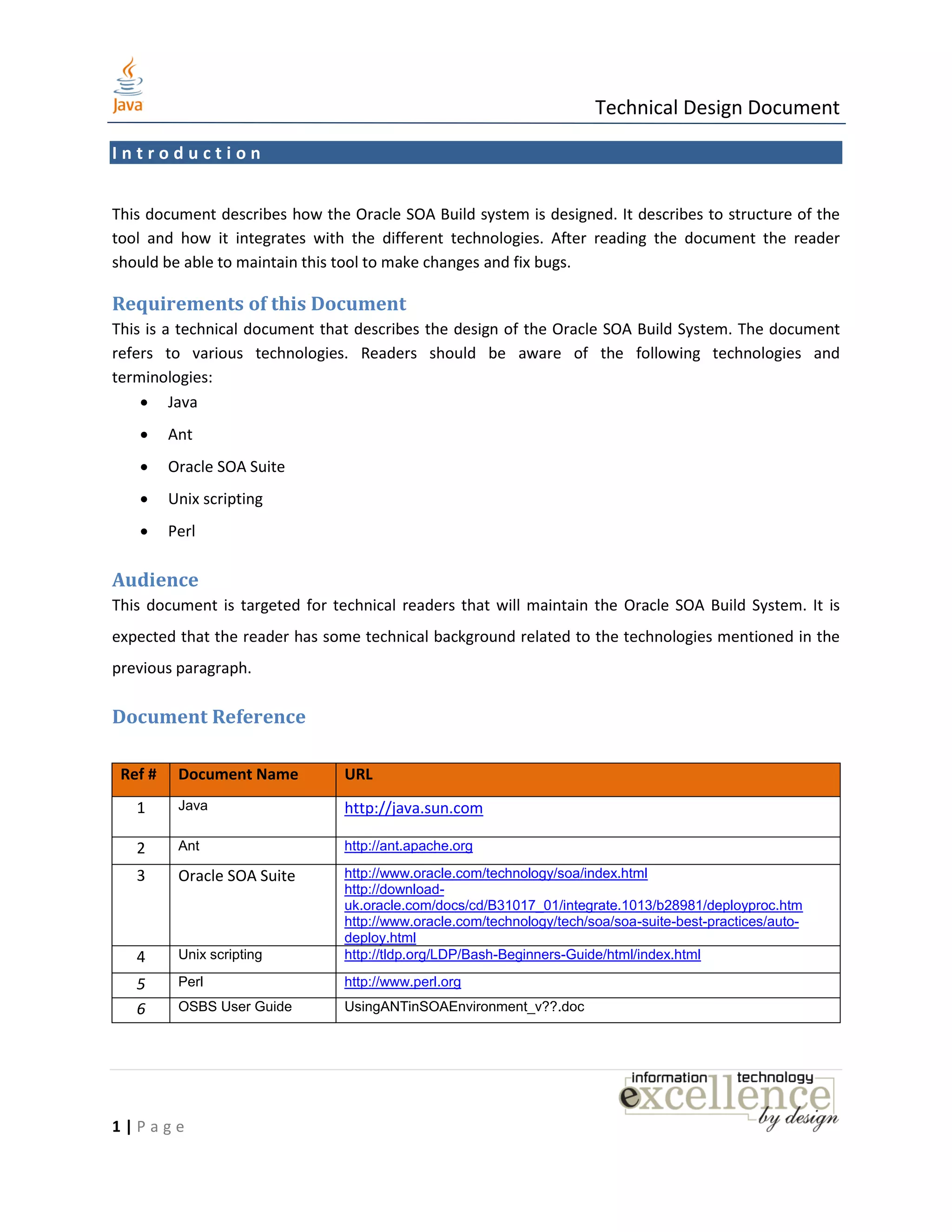
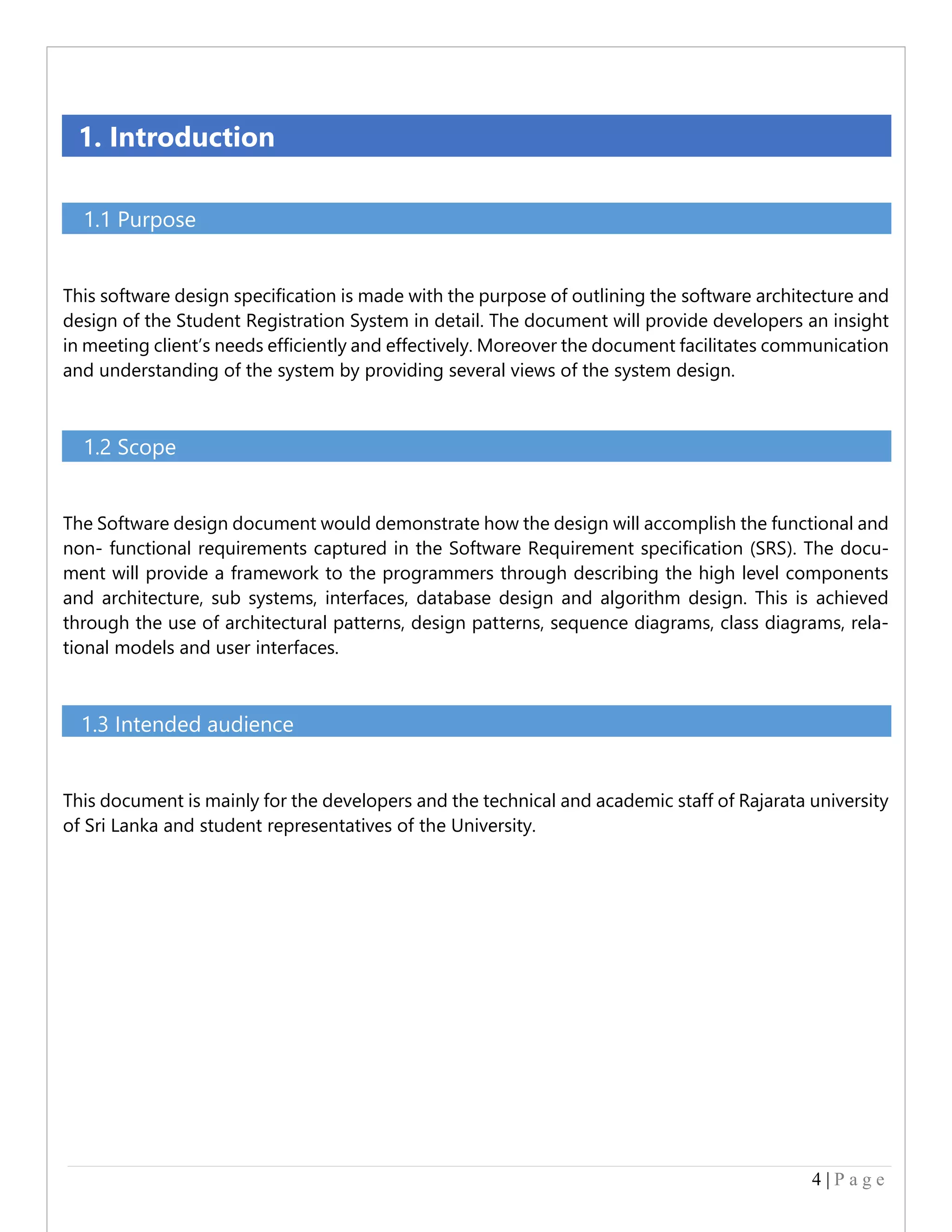
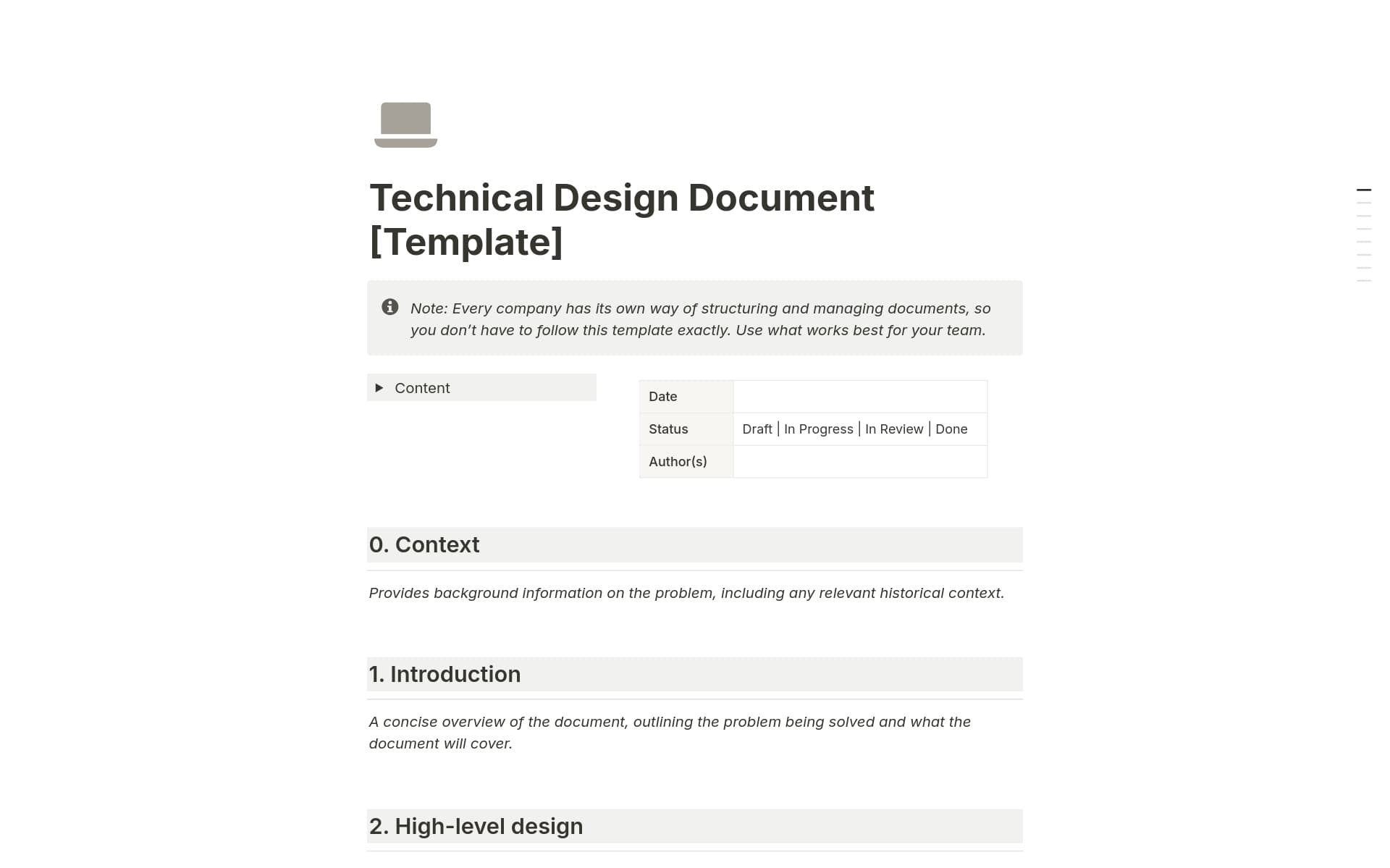
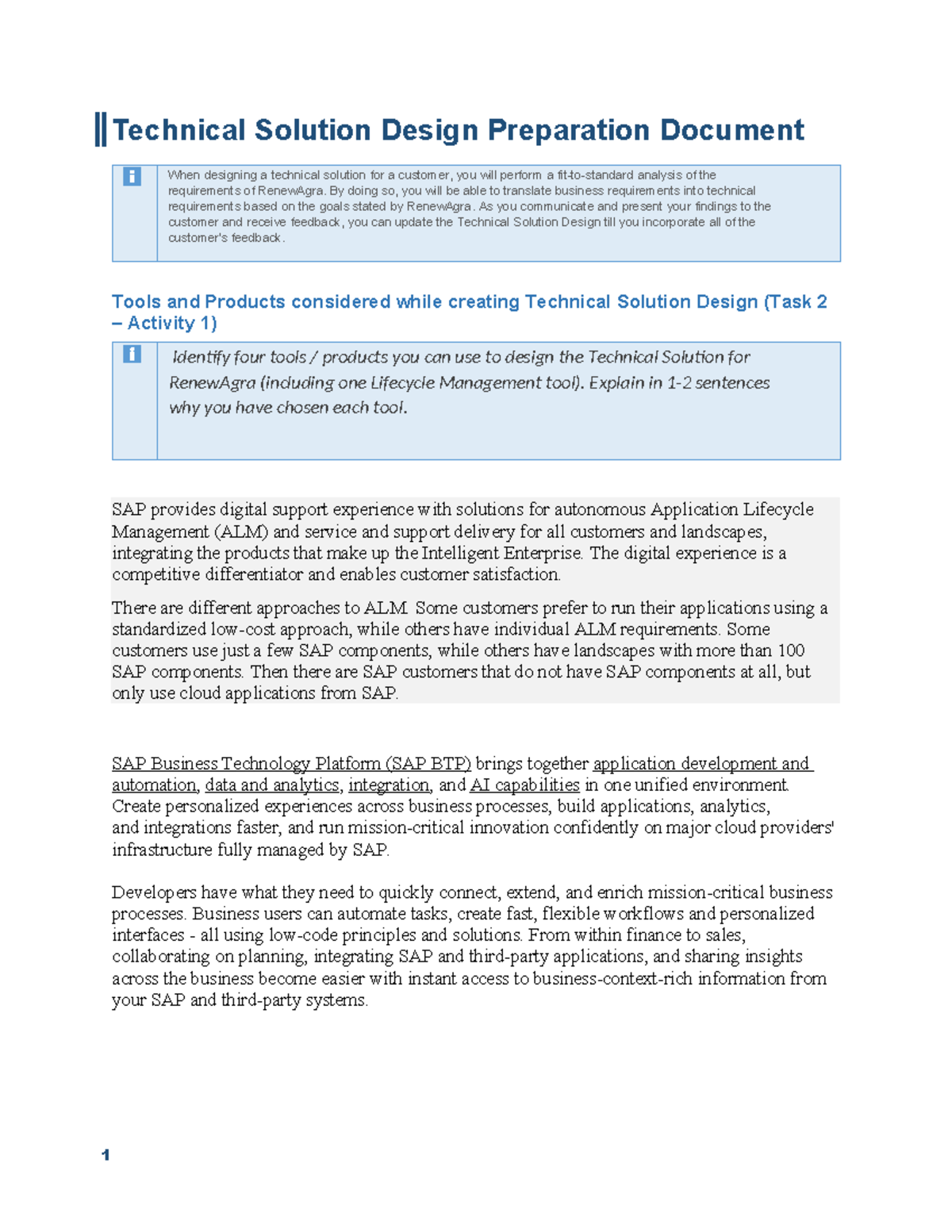
A technical design document (TDD) is a detailed blueprint that describes the architecture, data structures, and logic required to implement a software solution. It serves as a bridge between high-level product requirements and actual code, ensuring all stakeholders align on the implementation strategy, security measures, and scalability before development begins.
In the fast-paced software engineering environment of 2026, the technical design document remains the most critical artifact for mitigating architectural risk. Whether you are building a microservices-based application, integrating generative AI models, or refactoring a legacy system, a well-structured TDD prevents costly "re-work" by forcing engineers to think through edge cases and system constraints upfront.
This guide provides a deep dive into the essential components of a TDD, a concrete example for a distributed system, and best practices to ensure your documentation remains useful throughout the software development lifecycle (SDLC).
The Strategic Importance of Technical Design Documents
A TDD is not merely a bureaucratic requirement; it is a communication tool designed to solve several engineering challenges simultaneously. By the time a project reaches the design phase, the product requirements are usually defined in a Product Requirements Document (PRD). However, the PRD rarely addresses how the system will function under load, how data will stay consistent, or how the system will recover from failure.
Ensuring Cross-Functional Alignment
The TDD serves as the primary point of truth for various stakeholders. For developers, it provides a roadmap for implementation. For QA engineers, it offers the necessary context to build test plans. For security and compliance teams, it documents the data flow and protection mechanisms essential for meeting modern standards like GDPR, CCPA, or the latest 2026 data sovereignty protocols.
Identifying Blind Spots Early
Writing a TDD forces an engineer to move from "abstract thinking" to "concrete planning." During this process, teams often discover that a proposed third-party API lacks the necessary throughput or that a database schema won't support future reporting requirements. Addressing these issues in a document costs nothing; addressing them in a production environment can cost thousands of engineering hours.
Knowledge Preservation
In 2026, as remote and asynchronous work remains the standard, TDDs act as a form of "institutional memory." When an engineer leaves a company, the TDD they wrote for a critical service allows their successor to understand the "why" behind specific architectural choices, rather than just the "how" found in the code.
Core Components of a Technical Design Document
Every TDD should follow a consistent structure to ensure readability and completeness. While the depth of each section may vary based on project size, the following components are considered industry standards.
1. Metadata and Header Information
This section includes the document title, status (e.g., Draft, In Review, Approved, Deprecated), authors, reviewers, and a link to the original PRD. In 2026, it is also common practice to include a "Last Updated" timestamp to ensure engineers are not referencing obsolete versions of the design.
2. Executive Summary
A brief overview (2–3 paragraphs) of what the project is, why it is being built, and the high-level solution. This section is intended for managers and non-technical stakeholders who need to understand the impact of the work without diving into the code logic.
3. Goals and Non-Goals
Defining what the project will not do is just as important as defining what it will do.
- Goals: Specific, measurable technical objectives (e.g., "Support 10,000 concurrent users with <200ms latency").
- Non-Goals: Explicitly stating boundaries to prevent scope creep (e.g., "This version will not include a mobile-native offline mode").
4. System Architecture
This is the heart of the TDD. It typically includes:
- High-Level Diagram: A visual representation of how the new component interacts with existing systems.
- Component Breakdown: Detailed descriptions of each new service, database, or UI module.
- Data Flow Diagrams: Illustrating how information moves through the system from input to storage to output.
5. Detailed Design and Logic
This section moves into the specifics of implementation. It covers API contracts (using OpenAPI/Swagger standards), pseudocode for complex algorithms, and state machine diagrams if the system involves multi-step processes.
6. Data Model and Schema
If the project involves a database, this section must define the schema. Engineers should document table structures, primary/foreign keys, indexing strategies, and why a specific database type (SQL vs. NoSQL) was chosen.
7. Security and Privacy
In the current landscape, security cannot be an afterthought. This section must address authentication, authorization (RBAC/ABAC), data encryption at rest and in transit, and any potential vulnerabilities identified during the design phase.
8. Scalability, Performance, and Observability
How will the system handle growth?
- Scaling: Vertical vs. horizontal scaling strategies.
- Performance: Expected throughput and response times.
- Observability: What metrics will be tracked? How will logs be aggregated? What alerts will be set up in tools like Datadog or Prometheus?
Technical Design Document Example: Distributed Inventory Sync Service
To illustrate these concepts, let’s look at an example for a fictional service called the Global Inventory Synchronizer (GIS). This service is designed for a retail platform that needs to synchronize stock levels across 500 physical stores and an online web store in real-time.
1. Executive Summary
The Global Inventory Synchronizer (GIS) will replace our legacy batch-processing system. The current system updates inventory every 60 minutes, leading to "over-selling" during high-traffic events. The GIS will provide sub-second inventory synchronization using an event-driven architecture, ensuring that if a product is sold in a physical store, the online availability is updated immediately.
2. Goals and Non-Goals
- Goals:
- Achieve end-to-end synchronization latency of <500ms.
- Handle a peak of 50,000 inventory updates per minute.
- Provide a "read-only" inventory API for the storefront with 99.99% availability.
- Non-Goals:
- This service will not handle price updates (managed by the Pricing Service).
- This service will not handle physical shipping logistics.
3. Proposed Architecture
The system will utilize an Event-Driven Architecture built on Apache Kafka.
- Producer: Point-of-Sale (POS) systems and the Online Order Service will publish "InventoryChanged" events to a Kafka topic.
- Consumer: The GIS Service will consume these events, update the Master Inventory Database (PostgreSQL), and invalidate the Redis cache.
- Storage:
- PostgreSQL: Primary source of truth for inventory counts.
- Redis: Distributed cache for the Storefront API to ensure low-latency reads.
4. Data Model
Table: inventory_items
| Column Name | Type | Description |
|---|---|---|
product_id |
UUID | Primary Key, indexed for fast lookups. |
store_id |
INT | Foreign key to the Stores table. |
quantity |
INT | Current stock level (cannot be negative). |
last_updated |
TIMESTAMP | The exact time of the last transaction. |
version |
INT | Used for optimistic locking to prevent race conditions. |
5. Security Considerations
- Authentication: All incoming requests from POS systems must use mTLS (Mutual TLS) for service-to-service authentication.
- Authorization: The GIS Service will use an IAM role with the least-privilege principle, only allowing
SELECTandUPDATEon theinventory_itemstable. - Encryption: Data will be encrypted using AES-256 at rest in PostgreSQL.
Technical Design Document vs. Other Documentation
It is common to confuse the TDD with other types of software documentation. The following table clarifies the distinctions between the most common documents used in 2026.
| Document Type | Primary Audience | Focus | Timing |
|---|---|---|---|
| Product Requirements (PRD) | Product Managers, Stakeholders | The "What" and "Why" from a user perspective. | Before the TDD. |
| Request for Comments (RFC) | Engineering Lead, Peers | High-level architectural proposals and trade-offs. | During early ideation. |
| Technical Design (TDD) | Developers, QA, Security | The "How." Detailed implementation specs and logic. | Before coding begins. |
| API Documentation | Frontend/Mobile Devs, Third-party users | Endpoints, request/response formats, and status codes. | After/During implementation. |
How to Write an Effective TDD: Best Practices
To ensure your TDD is actually read and used, follow these professional guidelines.
Use Visuals Liberally
A single architecture diagram is often more effective than five pages of text. Use standard notation (like C4 model or UML) so that team members can quickly grasp the system's structure. In 2026, tools like Mermaid.js or Lucidchart are standard for embedding dynamic diagrams directly into Markdown-based documentation systems.
Embrace the "Alternatives Considered" Section
One of the most valuable parts of a TDD is the section describing what you didn't choose. If you chose PostgreSQL over MongoDB, explain why. Did it come down to ACID compliance? Licensing costs? Team expertise? Documenting these decisions prevents future "Monday morning quarterbacking" where colleagues might question your choices months later.
Keep it Living, But Versioned
A TDD should not be a "dead" document. As implementation progresses and unforeseen technical hurdles arise, the TDD should be updated. However, always maintain a version history. If a major architectural pivot occurs, it is better to archive the old TDD and start a "v2" than to overwrite the original logic and lose the context of the initial design.
Focus on Edge Cases and Failure Modes
Senior engineers distinguish themselves by focusing on what happens when things go wrong. What happens if the Kafka cluster is unreachable? What if the database write fails but the cache update succeeds (cache inconsistency)? A high-quality TDD explicitly addresses these failure modes and describes the mitigation or recovery strategy.
Common Pitfalls to Avoid
- Too Much Detail: Avoid documenting every single variable name or basic helper function. The TDD should focus on high-level logic and complex interactions. If the document is 100 pages long, no one will read it.
- Lack of Peer Review: A TDD written in a vacuum is dangerous. It must be reviewed by at least one or two other senior engineers who can spot flaws in the logic or potential scaling bottlenecks.
- Ignoring Non-Functional Requirements: Many TDDs focus entirely on "features" and forget about "reliability." Ensure your document addresses logging, monitoring, and deployment strategies.
- Stale References: Ensure that links to external API docs or PRDs are active and that the TDD doesn't reference internal services that have already been deprecated.
Frequently Asked Questions
How long should a technical design document be?
There is no set length, but most effective TDDs range from 5 to 20 pages (or roughly 2,000 to 5,000 words). Smaller features may only require a 2-page design doc, while a massive system overhaul could span much more. The goal is clarity and completeness, not word count.
Who is responsible for writing the TDD?
Usually, the lead engineer or the architect assigned to the project is the primary author. However, for complex systems, different sections (such as Security or DevOps) might be co-authored by specialists in those fields.
When should a TDD be updated after the project starts?
A TDD should be updated whenever a significant architectural change is made that deviates from the original plan. Minor implementation details do not require a TDD update, but changes to data schemas, API contracts, or third-party dependencies should be documented immediately to keep the team aligned.
Is a TDD necessary for Agile development?
Yes. While Agile emphasizes "working software over comprehensive documentation," this does not mean no documentation. A TDD is essential for the "Design" phase of an Agile sprint or epic to ensure the team isn't moving quickly in the wrong direction. In fact, TDDs are often used as the basis for task breakdown in Jira or other project management tools.
What is the best format for a TDD?
In 2026, most engineering teams use Markdown-based systems like GitHub Wiki, Notion, or specialized internal developer portals (IDPs) like Backstage. These allow for version control (via Git), easy linking, and the embedding of code snippets and diagrams.
Next Steps for Technical Leadership
After completing a TDD, the next action is to schedule a Design Review Meeting. Present the high-level architecture to your team, walk through the "Alternatives Considered," and solicit feedback on the security and scalability sections. Once the document is approved and signed off by the relevant stakeholders (Product, Engineering, and Security), it should be used to create the specific implementation tickets for the development team.
For further reading on architectural patterns, refer to the IEEE 1016-2009 - System Design Document Standard or the ISO/IEC/IEEE 42010 for systems and software engineering.