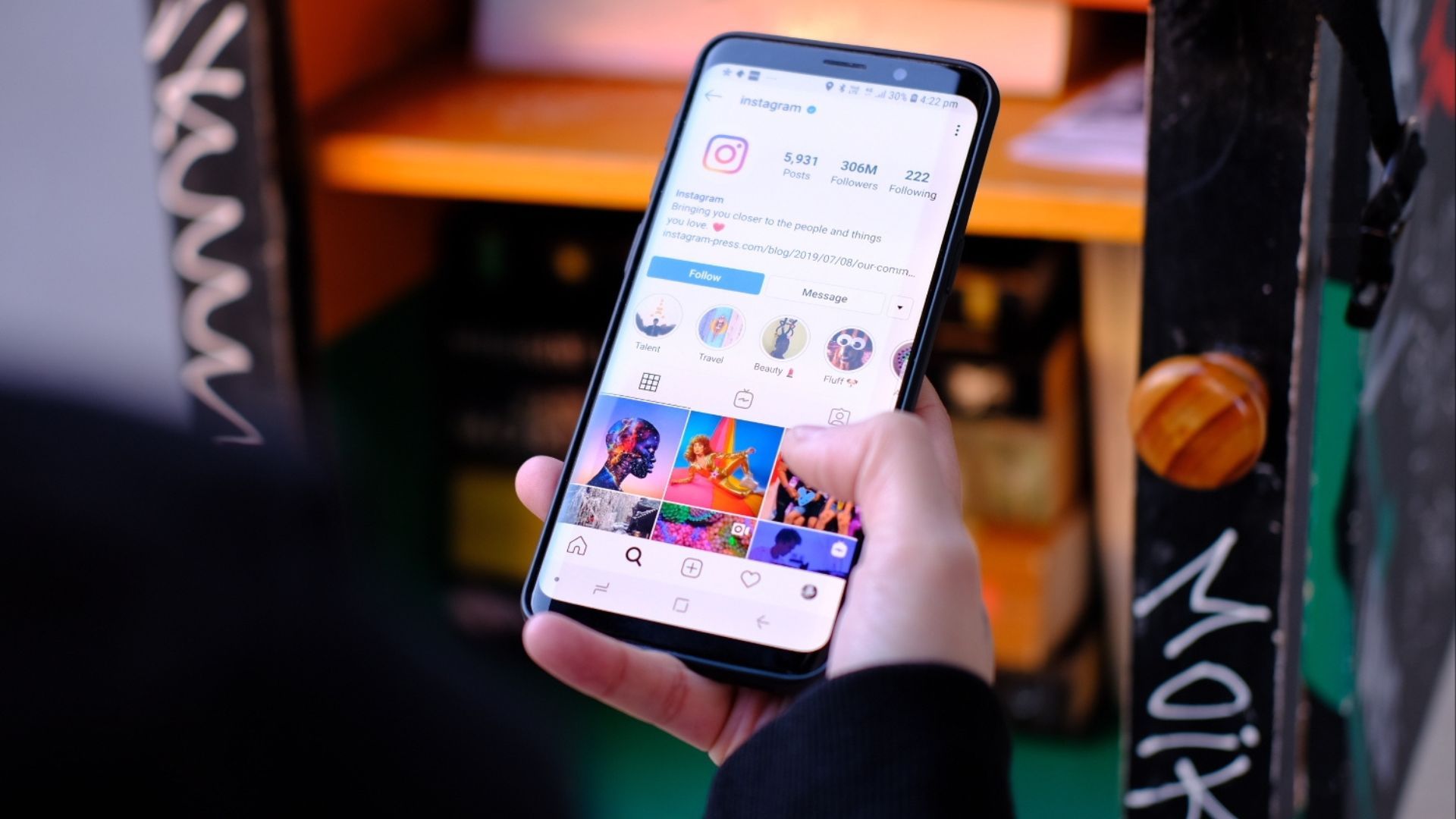
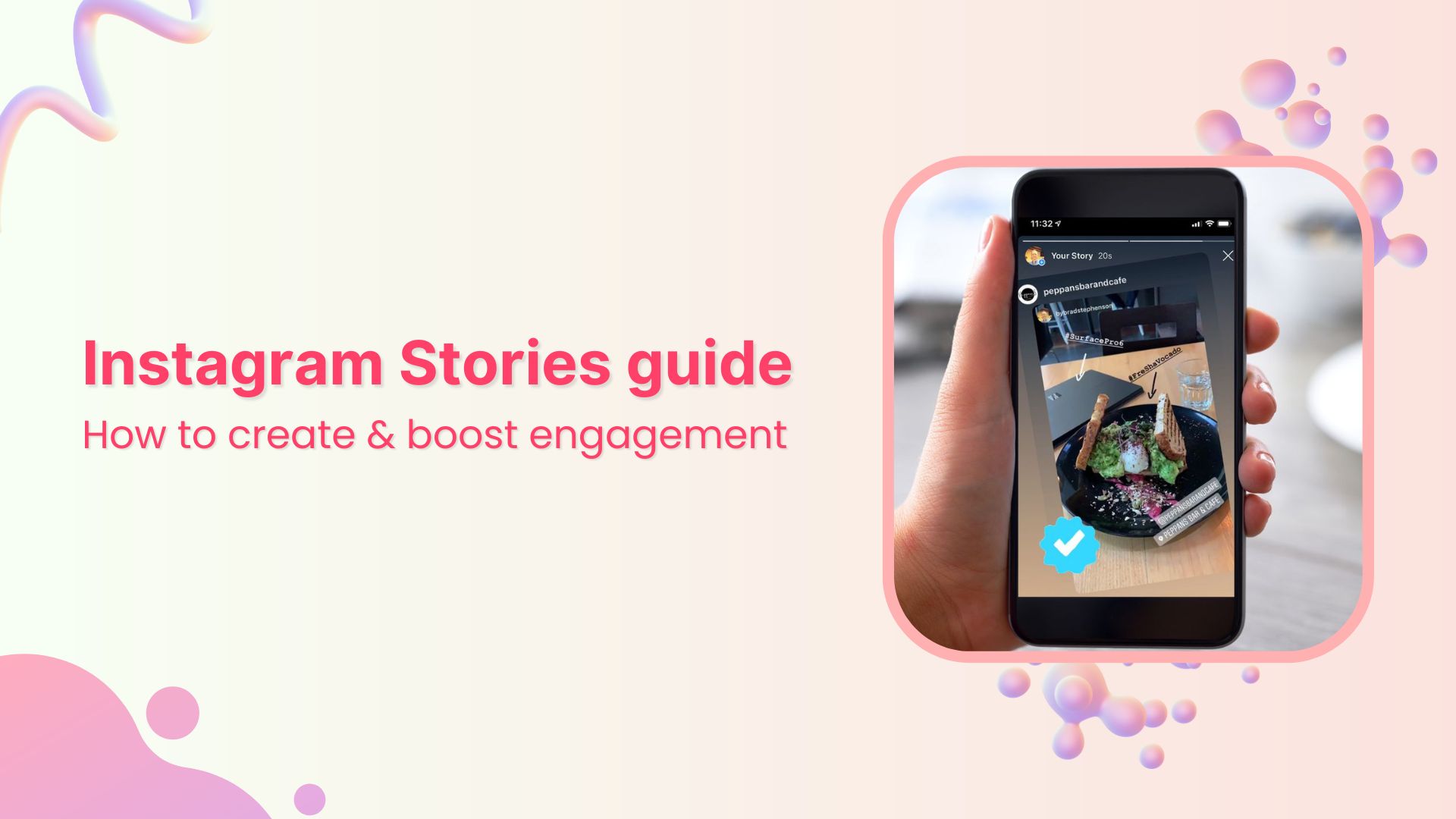
Instagram Stories are public by default if your account is set to a "Public" profile, allowing anyone on or off the platform to view them. However, if your account is "Private," your stories are visible only to your approved followers. You can further restrict visibility by using the "Close Friends" list or the "Hide Story From" setting.
The question of whether Instagram Stories are public is central to how users navigate social media today. In 2026, the platform continues to serve as a primary medium for real-time sharing, but the lines between "public" and "private" have become more nuanced as Meta introduces more granular controls. Understanding these settings is essential for maintaining your digital footprint and ensuring that your content reaches only the intended audience.
Understanding the Foundation: Account Privacy vs. Story Privacy
To answer whether your stories are public, you must first look at your overall account status. Instagram operates on a binary system for account visibility, which serves as the "master switch" for everything you post, including Stories, Reels, and traditional grid posts.
Public Accounts: The Open Door
When an account is set to public, the "public" designation applies to your Stories automatically. This means that any of the billions of Instagram users can search for your handle, click on your profile picture, and view your active stories. Furthermore, public stories are eligible to appear in the "Explore" tab, "Location" tags, and "Hashtag" stickers.
If you tag a specific location in a public story, your content may be aggregated into a larger story for that location, visible to anyone searching for that spot. In 2026, this remains a powerful tool for creators and businesses to gain reach, but for the average user, it means their daily activities could be monitored by strangers. Public stories are also susceptible to being viewed by third-party "anonymous story viewers"—websites that allow people to watch stories without logging in or leaving a footprint in your "seen" list.
Private Accounts: The Gated Community
When you toggle your account to private, your stories are shielded from the general public. Only people you have explicitly approved as followers can see your content. If a non-follower attempts to view your profile, they will see your bio and profile picture, but the "ring" around your profile photo—indicating an active story—will either be invisible or inaccessible to them.
It is a common misconception that switching to a private account only affects new followers. In reality, it immediately restricts visibility for everyone who does not already follow you. However, it is important to remember that your current followers still have full access. If you have "ghost followers" or people you no longer trust, a private account alone isn't enough; you must also manage your follower list.
Granular Controls: Close Friends and Hiding Stories
Even if your account is public, Instagram provides tools to keep specific stories private. Conversely, even on a private account, you might want to hide a specific story from a subset of your followers (such as family members or coworkers).
The Close Friends List
The "Close Friends" feature is perhaps the most effective way to share private moments without changing your overall account settings. When you post a story to your Close Friends list, only the people you have manually added to that list can see it.
- Visibility: These stories appear with a green ring around your profile picture instead of the standard gradient ring.
- Exclusivity: Even your other followers cannot see that you have posted a Close Friends story unless they are on the list.
- Management: You can add or remove people from this list at any time. In 2026, Instagram has made this feature even more prominent, allowing users to create multiple lists for different social circles, such as "Work," "Family," and "Best Friends."
Hiding Stories from Specific People
If you want your stories to be public to everyone except a few specific individuals, you can use the "Hide Story From" setting. This is a surgical approach to privacy. By navigating to your Story Settings, you can select specific accounts that will be blocked from seeing your stories and live videos.
This does not block the user entirely; they can still see your grid posts and message you, but your active stories will never appear in their feed. This is a common tactic used to maintain a public profile for professional reasons while shielding personal updates from specific acquaintances or "frenemies."
How Story Highlights Affect Public Visibility
Standard Instagram Stories disappear after 24 hours, but "Highlights" allow you to pin them to your profile indefinitely. The privacy of a Highlight is dictated by the privacy of the account at the time of viewing, not the time of posting.
If you have a public account and you save a story to a Highlight, that Highlight is public. Anyone can browse through your archived stories from months or years ago. If you later switch your account to private, those Highlights will also become private, visible only to your followers.
A critical detail often overlooked is that if you share a story to your "Close Friends" and then add it to a Highlight, only your Close Friends will be able to see that Highlight on your profile. The platform maintains the original privacy restriction of the content, even when it moves from the active story bar to the permanent profile grid.
Third-Party Viewers and the "Public" Risk
One of the greatest risks to privacy on a public account is the existence of third-party story viewers. These are external websites and apps that scrape Instagram's data. Because a public story is technically accessible to anyone, these sites can display your stories to users who wish to remain anonymous.
When someone views your story through the official Instagram app, their username appears in your "Seen By" list. However, third-party viewers bypass this mechanism. As of 2026, Instagram has implemented more robust anti-scraping technologies, but the cat-and-mouse game continues. If your story is public, you should operate under the assumption that someone could be watching it without your knowledge. This makes the "Public" setting significantly more exposed than it might initially seem.
Resharing and the Viral Potential of Public Stories
Visibility is not just about who sees your story, but who can share it.
- Direct Message Sharing: By default, on a public account, anyone who views your story can share it with someone else via Direct Message (DM). Even if the recipient doesn't follow you, they can see the story because it is public.
- Story Mention Resharing: If you mention (tag) someone in a public story, they receive a notification and the option to "Add This to Your Story." This can create a chain reaction where your content is viewed by the followers of the person you tagged, and then their followers, and so on.
- Screen Recording and Screenshots: Regardless of privacy settings, anyone who can see your story can take a screenshot or screen recording. Instagram does not currently notify users when a story is screenshotted (a feature that was briefly tested years ago but abandoned).
To prevent resharing, you must manually disable the "Allow Sharing to Story" and "Allow Sharing to Messages" options in your privacy settings.
Privacy Comparison Table
The following table summarizes the visibility and sharing permissions for different types of Instagram Stories in 2026.
| Feature | Public Account Story | Private Account Story | Close Friends Story |
|---|---|---|---|
| Who can see it? | Anyone on or off Instagram | Only approved followers | Only people on the list |
| Appears in Explore? | Yes | No | No |
| Searchable by Hashtag? | Yes | No | No |
| Can be reshared to DMs? | Yes (by default) | Only by followers to followers | No |
| Notifies you of views? | Yes (except 3rd party) | Yes | Yes |
| "Seen By" list available? | For 48 hours | For 48 hours | For 48 hours |
| Viewable by non-users? | Yes (via web/3rd party) | No | No |
Step-by-Step: Managing Your Story Privacy
If you are concerned about whether your stories are public, follow these steps to audit and change your settings.
Checking Your Current Account Status
- Open Instagram and tap your profile icon.
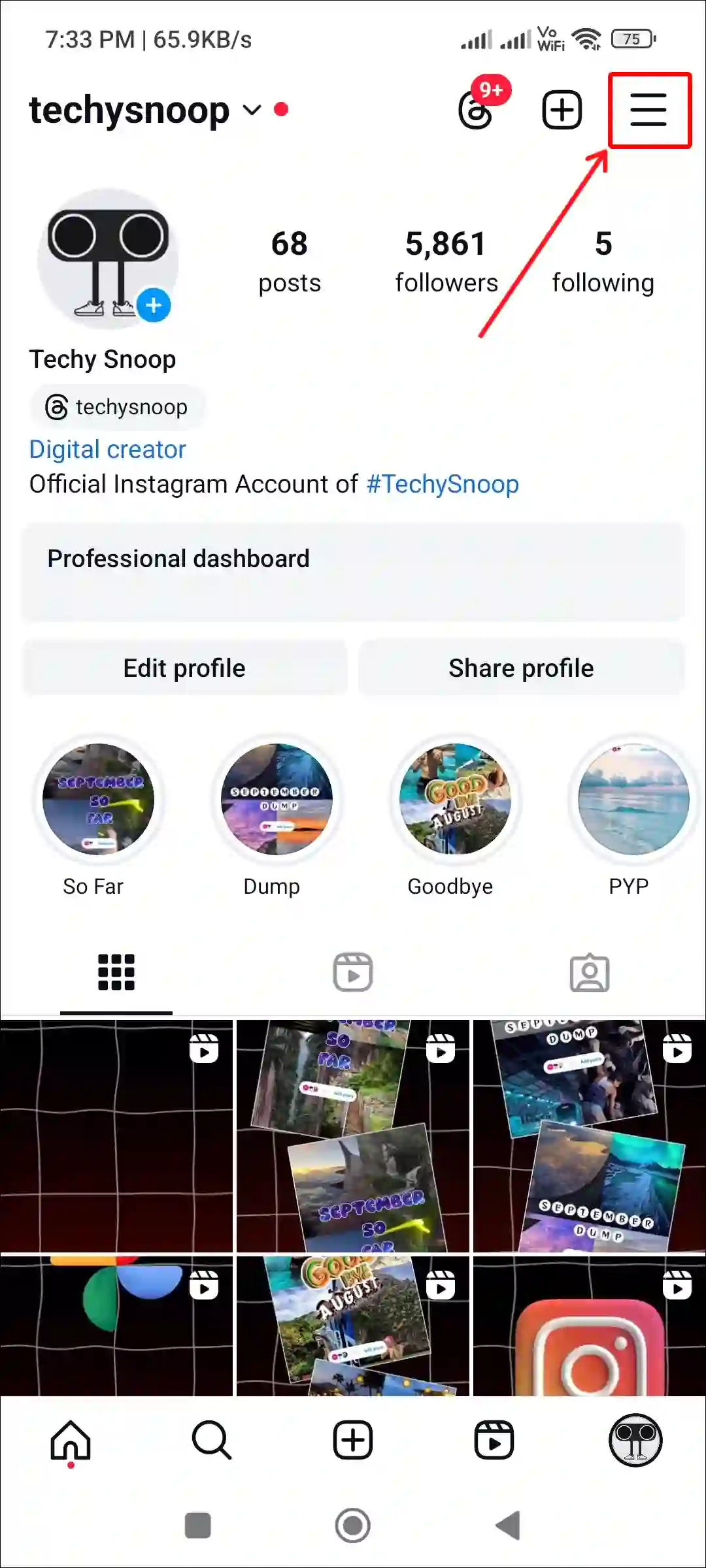
- Tap the three horizontal lines (Menu) in the top right corner.
- Select Settings and Privacy.
- Scroll down to Account Privacy.
- If the toggle is off, your account (and stories) are Public. If it is on, they are Private.
Restricting Story Visibility Specifically
- Go to Settings and Privacy.
- Under the "How others can interact with you" section, tap Story.
- Tap Hide Story From to select specific people you want to exclude.
- Tap Close Friends to curate your inner circle list.
- Under the "Sharing" sub-section, toggle off Allow sharing to story and Allow sharing to messages if you want to prevent your content from being circulated.
The Role of Business and Creator Accounts
It is important to note that if you use a Professional (Business or Creator) Account, your profile must be public. Instagram does not allow private business accounts because the primary purpose of these accounts is reach and analytics.
For users who want the "Insights" and "Analytics" provided by a professional account but also want privacy, there is a conflict. You cannot have both. If you are a creator who needs to keep some stories private, you must rely heavily on the Close Friends feature or maintain a separate, private personal account.
Troubleshooting Common Privacy Issues
Sometimes, users find that their stories are being seen by people they didn't intend, even with strict settings.
- Facebook Cross-Posting: If your Instagram is linked to your Facebook account, your stories might be automatically sharing to Facebook. Facebook has its own privacy settings. If your Facebook profile is public, your Instagram stories cross-posted there will be public as well.
- Old Highlights: As mentioned earlier, check your Highlights. You may have set your account to private recently, but if you have old highlights from when you were public, they might still be visible to a wider audience than you realize if your follower approval process wasn't thorough.
- Syncing Contacts: If you have "Find Friends" or contact syncing enabled, Instagram may suggest your profile to people in your phone's contact list, making it easier for people from your "real life" to find your public stories.
Frequently Asked Questions
1. Can someone see that I viewed their story if my account is private?
Yes. Your privacy settings only affect who can see your content. When you view someone else's story, your username will appear in their "Seen By" list regardless of whether your account is public or private. The only way to avoid this is to use an anonymous viewing tool (not recommended for security reasons) or to not watch the story at all.
2. If I tag someone in a private story, can their followers see it?
No. If your account is private, only your followers can see the story, even if you tag someone who has a public account. The person you tagged will be able to see it and will get a DM notification, but the "Add this to your story" button will not work for them because your account's privacy settings override the resharing feature.
3. Do Instagram Stories show up on Google Search results?
Generally, no. Instagram prevents search engines like Google from indexing Stories. However, your profile itself can appear in search results. If your profile is public, a searcher could click the link to your Instagram profile and then view your stories from there. Private accounts are entirely shielded from search engine content indexing.
4. What happens to my stories if I switch from Public to Private?
The change is retroactive for any active stories. If you post a story while public and then switch to private ten minutes later, that story immediately becomes invisible to anyone who doesn't follow you. The same applies to Highlights.
5. Can someone tell if I've hidden my story from them?
There is no direct notification that says "User X has hidden their story from you." However, if a person knows you are active on Instagram (perhaps by seeing your posts or "Active Now" status) but never sees your story ring, they might suspect they've been hidden. There are also third-party tools that people use to check if they are hidden, though these are often unreliable and pose security risks.
Final Recommendations for Story Privacy
To ensure your Instagram Stories are only as public as you want them to be, perform a "Privacy Audit" at least once every few months. Start by reviewing your follower list and removing any accounts that look suspicious or that you no longer wish to share your life with.
If you are a casual user, keeping your account Private is the most secure way to ensure your stories aren't being scraped by third-party sites or viewed by strangers. If you are a creator who needs a Public account, use the Close Friends list as your default for any content involving your home, your children, or your specific real-time location. In 2026, the key to social media safety is not just using the tools provided, but understanding the technical "Why" behind how they interact with the broader internet.