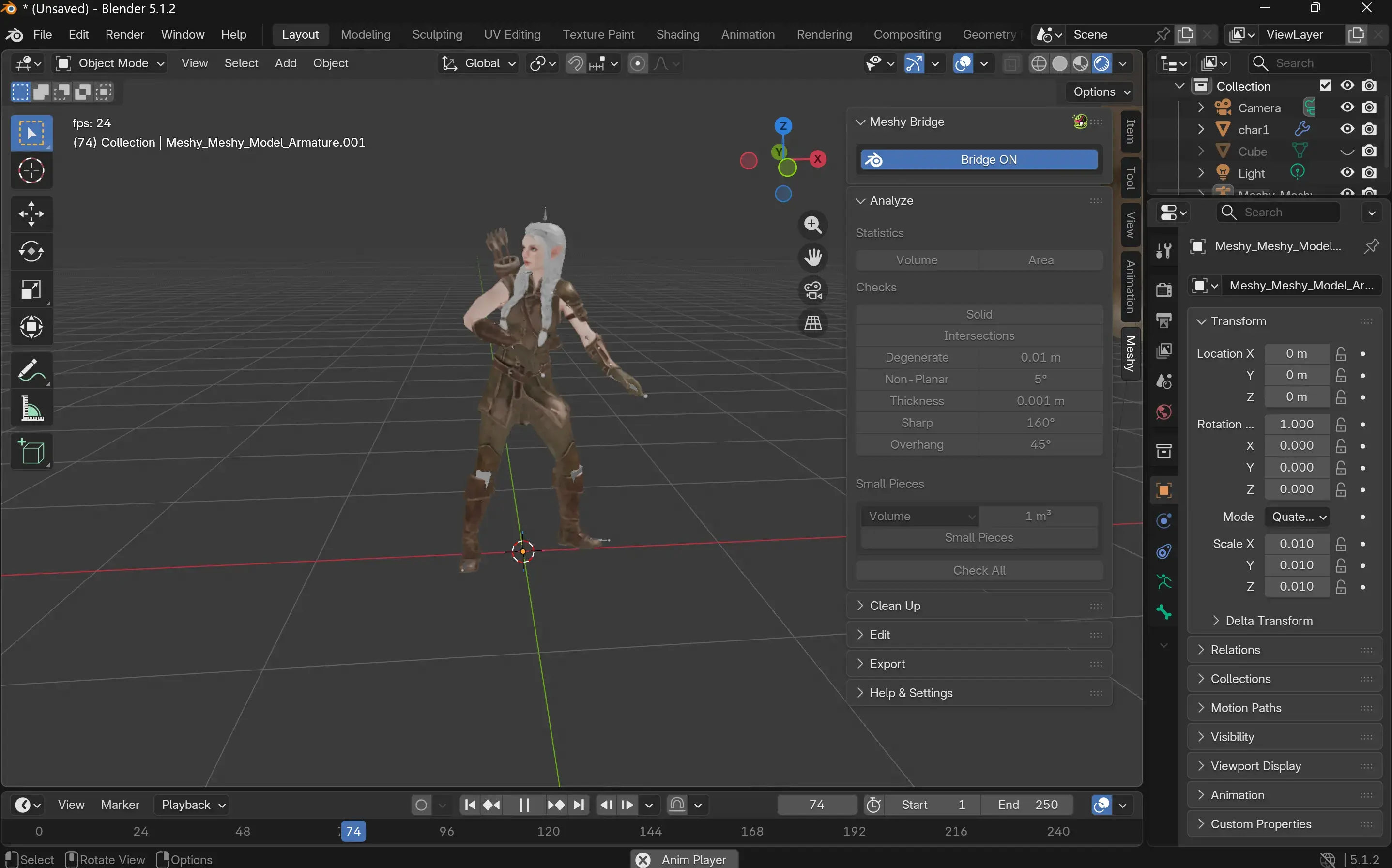
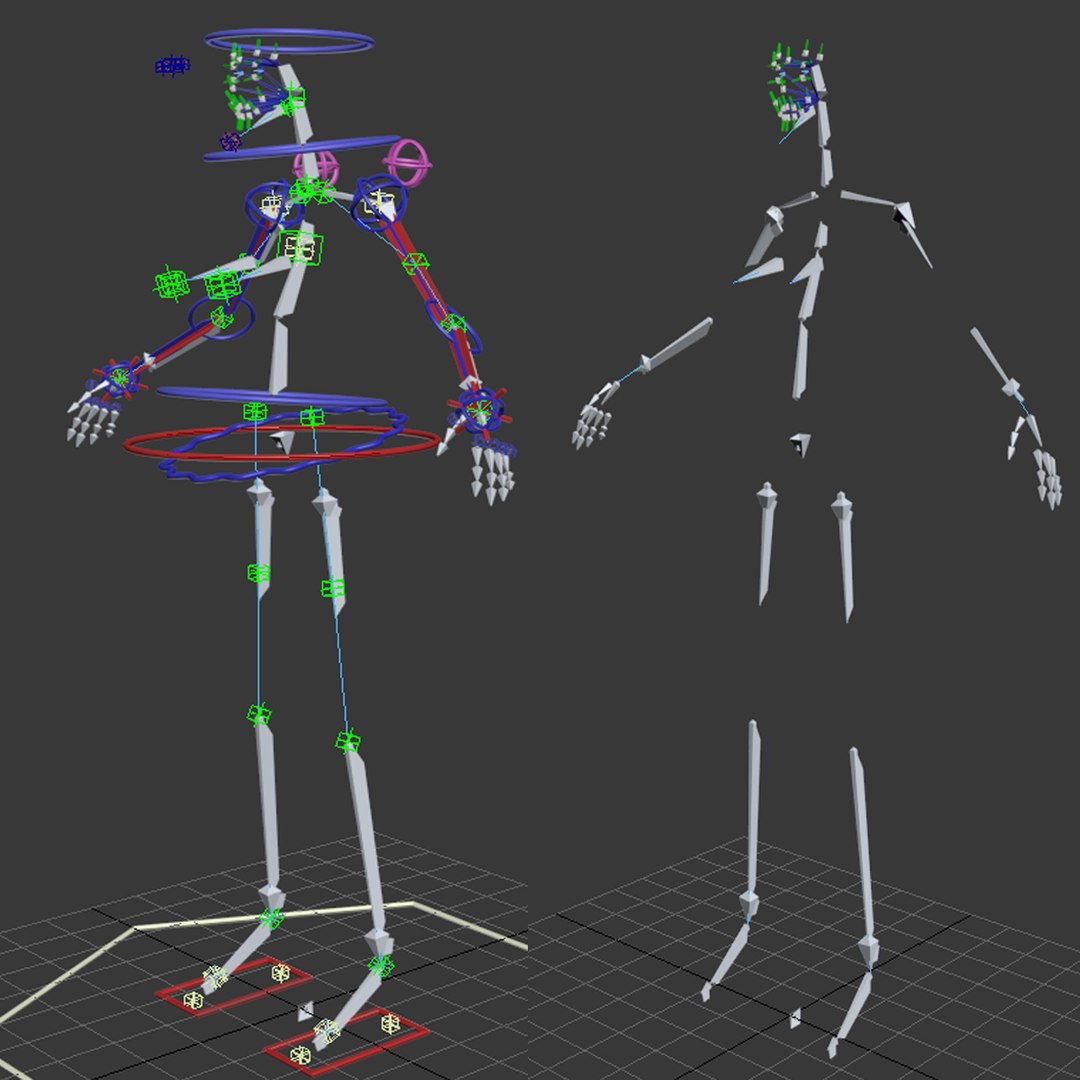
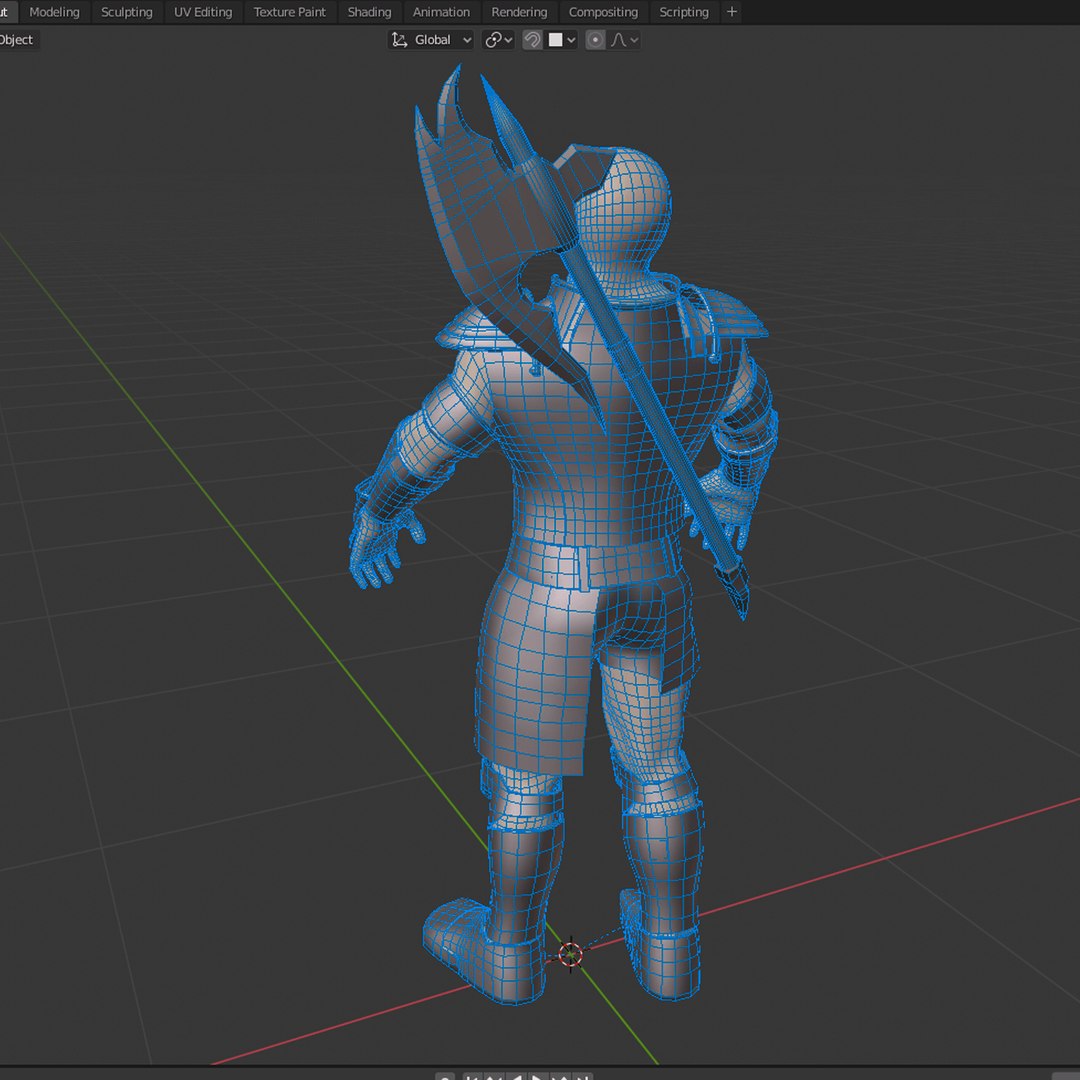
A 3D character rigger acts as the crucial bridge between digital modeling and animation, building the internal skeletal and control structures that allow static 3D models to move, deform, and express emotion fluidly. This technical and artistic discipline requires deep knowledge of anatomy, mathematics, and software tools to ensure characters deform realistically during complex movements.
Defining the 3D Character Rigger Position
The role of a 3D character rigger sits at the intersection of computer science, anatomy, and fine art. Within production pipelines for video games, feature films, television, and virtual reality, a rigger receives a static 3D model (mesh) from a modeler and prepares it for the animation team. Without a proper rig, an animator cannot move a character's limbs, blink its eyes, or make it speak.
Riggers must understand how human, animal, and fantastical anatomy works in motion. They analyze how muscles bunch, skin stretches, and joints rotate. This anatomical knowledge is then translated into digital code and graphical controllers. A successful rigger ensures that when an animator pushes a shoulder forward, the surrounding chest, clavicle, and back muscles react in a believable, organic manner.
In smaller studios, a 3D character rigger might handle everything from basic skeletal setup to cloth and hair simulation. In larger visual effects (VFX) and animation houses, the position is often highly specialized. Some technical directors focus exclusively on facial rigging and blendshape architectures, while others specialize in quadrupeds, mechanical assets, or muscle simulation systems.
Core Responsibilities and Technical Workflow
The daily work of a character rigger involves a systematic pipeline that transforms an inanimate digital sculpture into a responsive, intuitive tool for animators. This process requires a balance of technical coding and artistic refinement.
1. Skeleton Creation (Joint Placement)
The foundation of any rig is the skeleton, composed of joints or bones placed hierarchically inside the 3D mesh. The rigger positions these joints to match the natural pivot points of the character, such as elbows, knees, spine vertebrae, and fingers. Proper joint orientation is essential; incorrect axis alignment can cause erratic behavior when animators try to rotate limbs, leading to frustrating workflow bottlenecks.
2. Skinning and Weight Painting
Once the skeleton is established, the rigger binds the mesh to the bones through a process called skinning. Weight painting assigns influence values ranging from 0 to 1 vertex by vertex. For example, a vertex on the inner elbow might have a 0.5 weight assigned to the upper arm bone and a 0.5 weight assigned to the forearm bone. Precise weight painting prevents unnatural pinching, collapsing, or tearing of the mesh when the character bends or twists.
3. Controller Creation and Inverse Kinematics (IK/FK)
Animators do not manipulate raw skeleton joints directly; instead, they interact with custom controllers (curves and shapes placed around the character). Riggers set up Inverse Kinematics (IK) and Forward Kinematics (FK) systems. FK chains rotate from the root outward (like a shoulder moving an elbow, then a wrist), while IK chains drive from the end effector upward (like a foot planting on the ground, automatically adjusting the knee and hip). Riggers often build IK/FK blending controls so animators can switch seamlessly between systems depending on the shot requirements.
4. Advanced Deformation and Muscle Systems
To achieve high-end cinematic quality, standard linear skinning is often insufficient. Riggers implement advanced deformation techniques, such as corrective blendshapes, node-based driven keys, and dynamic muscle simulation plugins. These systems correct volume loss in areas like bending elbows or puffed cheeks, ensuring that skin slides realistically over underlying muscle and bone structures.
Essential Software and Technical Stack
A 3D character rigger relies on industry-standard Digital Content Creation (DCC) applications and programming languages to build and optimize rigs. Mastery of these tools is a prerequisite for professional practice.
| Software / Tool | Primary Industry Application | Key Riggng Features |
|---|---|---|
| Autodesk Maya | Film, TV, Game Development | Industry standard for rigging; robust node graph, Deformers, Python/MEL scripting, Advanced Skeleton integration. |
| Blender | Indie Games, Animation, VFX | Powerful armature system, weight painting tools, drivers, geometry nodes, and open-source accessibility. |
| Houdini | Complex VFX, Procedural Pipelines | Procedural rigging workflows, VEX scripting, muscle simulation, and automated pipeline generation. |
| Unreal Engine / Unity | Real-time Games, Virtual Production | Engine-native rigging tools, Control Rig systems, retargeting skeletons, and physics integration. |
In addition to visual software interfaces, modern rigging frequently requires scripting and programming. Proficiency in Python allows riggers to automate repetitive tasks, build custom UI panels for animators, and write modular rigging scripts that can generate complete character skeletons in seconds. Understanding vector math, matrix transformations, and quaternions is also vital for solving complex rotational constraints and gimbal lock issues.
Specializations Within Character Rigging
As digital productions grow more complex, character rigging has fractured into specialized sub-disciplines. Understanding these specializations helps studios build balanced pipelines and allows professionals to focus their skill sets.
Facial Rigging
Facial rigging is widely considered one of the most complex domains in 3D production. It involves setting up systems for lip sync, blinking, brow movement, and micro-expressions. Riggers use two primary methods: joint-based rigging (using a dense web of facial bones) and blendshape-based rigging (sculpting hundreds of target expressions that are triggered by slider controls). Many modern pipelines combine both approaches, often integrating performance capture (mocap) data from actor head-rigs to drive photorealistic digital doubles.
Creature and Quadruped Rigging
Rigging animals, monsters, and non-humanoid creatures presents unique anatomical challenges. Quadrupeds have different spinal mechanics and leg configurations than humans. Furthermore, creatures often require procedural tail physics, wing folding mechanics, and jaw structures that differ wildly from standard bipedal models. Riggers working in this niche must frequently invent custom locomotion controls that allow animators to drive multi-legged movement intuitively.
Cloth and Hair Simulation Rigging
Characters rarely wear skin-tight clothing; capes, robes, hair strands, and accessories must react dynamically to movement and environmental forces like wind and gravity. Riggers set up collision volumes, spring constraints, and proxy meshes that interact with cloth and hair solvers in software packages like Marvelous Designer, XGen, or engine-native physics engines.
Essential Skills Required to Become a Professional Rigger
Transitioning into a career as a 3D character rigger demands a unique blend of technical aptitude and artistic intuition. Because the role sits between technical development and creative animation, successful practitioners cultivate several key competencies.
- Deep Anatomical Understanding: Knowing how bones, joints, muscles, and skin interact in biological organisms is foundational for creating believable movement.
- Problem-Solving Mindset: Rigging is essentially puzzle-solving. When a mesh collapses or a constraint breaks, the rigger must trace through complex node graphs to find the root mathematical or structural error.
- Empathy for Animators: A good rigger designs controls with the end-user in mind. The best rigs feature clean outliners, intuitive controller placements, and robust attributes that speed up the animator's workflow rather than hindering it.
- Continuous Learning: Technology evolves rapidly, especially with the integration of real-time engines, machine learning-driven skinning weights, and procedural generation tools. Staying current with industry developments is mandatory.
Common Challenges and Troubleshooting in Rigging
Even experienced 3D character riggers encounter persistent technical hurdles during production. Anticipating and resolving these issues efficiently separates amateur setups from production-ready assets.
Gimbal Lock
Gimbal lock occurs when two rotational axes of a joint align in a 3D space, resulting in the loss of one degree of freedom. This causes erratic flipping during animation playback. Riggers mitigate this by utilizing quaternion rotation instead of Euler angles, or by carefully structuring constraint hierarchies to prevent axis alignment.
Volume Loss During Deformation
When a character bends a limb, standard linear blend skinning often causes the joint area to collapse or pinch, losing its natural biological volume. Riggers solve this by implementing corrective blendshapes, volume-preserving joint chains, or sliding muscle geometry that automatically scales up when compressed.
Pipeline Integration and Performance Bottlenecks
Complex rigs packed with expressions, nodes, and physics simulations can severely slow down viewport frame rates, frustrating animators. Riggers must optimize dependency graphs, remove redundant nodes, and provide lightweight proxy display modes so animators can work smoothly at interactive frame rates.
Frequently Asked Questions About 3D Character Rigging
What is the difference between a 3D modeler and a 3D rigger?
A 3D modeler builds the static visual geometry, texture maps, and surface details of a character, essentially creating a digital sculpture. A 3D character rigger takes that finished model and constructs the internal skeleton, controllers, and deformation systems required to make the character move and animate.
Do 3D character riggers need to know how to code?
Yes, scripting is highly recommended and often mandatory for professional rigging positions. Python is the industry standard language used in applications like Maya and Blender to automate repetitive tasks, build custom user interfaces, and develop modular rigging pipelines.
Why is weight painting so important in character rigging?
Weight painting determines how much influence individual skeletal joints have over specific vertices on the character's mesh. Poor weight painting causes clothing to tear, skin to pinch unnaturally, and joints to collapse, whereas precise weight painting ensures smooth, organic deformation during movement.
What software do most professional 3D character riggers use?
Autodesk Maya remains the dominant industry standard for film, television, and AAA game development due to its robust node architecture and extensive toolset. However, Blender is widely adopted in indie studios and educational settings, while Houdini is increasingly utilized for procedural rigging and complex technical simulation pipelines.
Can character rigs be reused across different models?
Yes, many studios use modular rigging systems and skeleton templates (such as Auto-Rig Pro, Advanced Skeleton, or engine-native solutions) to generate standard rigs quickly. This process, known as retargeting or modular assembly, saves significant production time when creating background characters or similar body types.
Next Actions for Aspiring Riggers
To break into the field of 3D character rigging, building a focused portfolio is essential. Begin by downloading free character models or sculpting your own simplified meshes. Practice basic bipedal rigging in Maya or Blender, focusing heavily on clean joint orientation and smooth weight painting. Progress to facial rigging and custom automation scripts using Python. Once you have functional, animator-friendly rigs, showcase your work through turnaround videos that demonstrate the rig's range of motion, deformation quality, and custom control interfaces.