A Samsung TV red light blinking three times usually indicates a failure in the power supply sequence, often caused by a faulty Power Supply Unit (PSU) or a communication error between the main board and the display panel. This specific blink code suggests the TV is stuck in a boot loop or a protection mode due to improper voltage levels.
Understanding the Samsung Red Light Diagnostic System
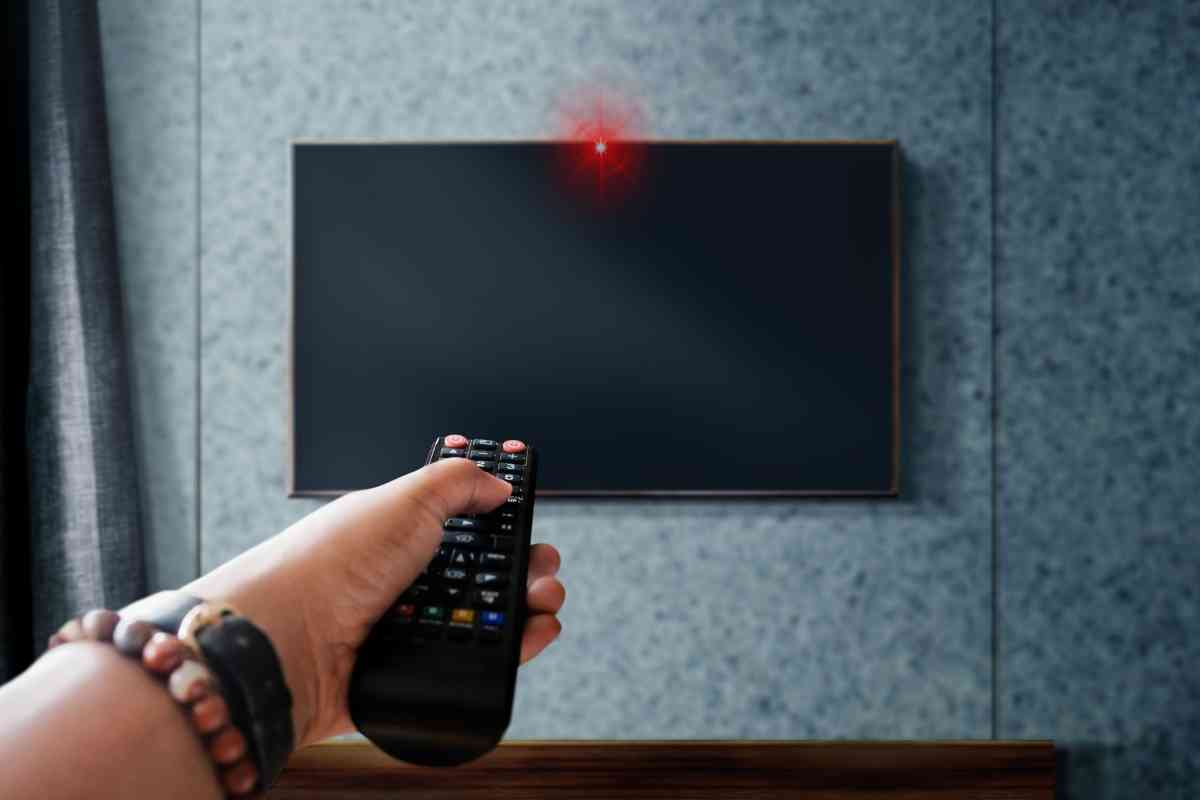
Samsung televisions utilize a sophisticated "Self-Diagnosis" system that communicates hardware health through the Standby LED located at the bottom or side of the frame. Under normal operating conditions, this light is solid red when the TV is off and disappears when the TV is on. However, when the internal processor detects a hardware irregularity, it triggers a rhythmic blinking pattern to help technicians identify the source of the failure.
In the 2026 landscape of smart home technology, these diagnostic codes remain a primary tool for both DIY enthusiasts and professional repair services. While a single or double blink might point toward backlight failures or software glitches, a consistent three-blink pattern is generally more critical, signaling that the internal Power Management Integrated Circuit (PMIC) has detected a voltage mismatch.
The diagnostic system monitors various rails, including the 13V rail that powers the main board and the high-voltage rail required for the LED backlights. If these voltages do not stabilize within a few milliseconds of hitting the power button, the system shuts down the boot process to prevent fire hazards or further component damage, resulting in the three-blink alert.
Primary Causes of the 3-Blink Alert
When your Samsung TV displays three red blinks, it is rarely a software issue that can be fixed with a simple remote sequence. Instead, it usually points to one of the following hardware complications.
1. Power Supply Unit (PSU) Failure
The most common culprit is a deteriorating power board. Over time, the electrolytic capacitors on the PSU can bulge or leak. In 2026, as older LED and QLED models reach the five-to-ten-year mark, capacitor aging is a frequent occurrence. If the capacitors cannot hold a charge, the board cannot provide the steady current required to "handshake" with the main board, causing the system to retreat into protection mode.
2. Main Board Communication Errors
The main board acts as the brain of the television. If the CPU on the main board is failing or if there is a short circuit in the HDMI ports or the Wi-Fi module, it may fail to send the "Power On" signal back to the power supply. The three-blink code often represents this failed "handshake" where the power board is ready, but the main board is unresponsive or reporting a fault.
3. LED Backlight Shorts
While a backlight failure typically results in a two-blink code on many Samsung models, certain 2022-2025 Neo QLED series models utilize a different protection logic. In these units, an electrical short in the Mini-LED array can trigger a 3-blink shutdown to protect the local dimming zones from permanent heat damage.
4. External Device Interference
Occasionally, a malfunctioning external device (such as a gaming console, soundbar, or cable box) can send an improper voltage back through the HDMI-CEC (Consumer Electronics Control) line. This "back-feeding" of electricity can confuse the TV's power management system, leading it to believe there is an internal hardware short.
Initial Troubleshooting Steps: The "Cold Boot" Method
Before assuming your hardware is permanently damaged, you should perform a "Cold Boot." Unlike a standard restart, a cold boot completely drains the residual electricity from the TV’s internal capacitors, which can reset the diagnostic logic.
- Unplug the TV from the Wall: Do not just turn it off with the remote. Physically remove the power cord from the electrical outlet.
- Disconnect All Peripherals: Remove all HDMI cables, USB drives, and Ethernet cables. This ensures no external device is providing a "leakage" current to the TV.
- Hold the Physical Power Button: Locate the physical button on the TV chassis (usually underneath the logo or on the back). Press and hold it for at least 30 seconds. This discharges the standby power stored in the main board's capacitors.
- Wait 10 Minutes: Allow the TV to sit idle. This period allows any temporary thermal issues to dissipate.
- Plug Directly into the Wall: Avoid using surge protectors or power strips during this test. Plug the TV directly into a known-working wall outlet to ensure it receives the full, stable amperage required for startup.
If the TV boots up and the red light disappears, the issue was likely a temporary logic glitch or a power surge that tripped the internal breakers. If the 3-blink pattern returns immediately, the issue is hardware-bound.
Advanced Diagnostics: Identifying the Faulty Board
If the basic reset fails, you can perform a few non-invasive tests to narrow down whether you need a new power board or a new main board.
The "Optical Out" Test
Check the "Optical Audio Out" port on the back of the TV. Even if the screen is black and the red light is blinking, a healthy main board will often send a red laser light through the optical port. If you see a red glow from the optical port but the TV won't stay on, the main board is likely receiving standby power but failing to execute the display command. If the optical port is dark, the power supply is likely failing to provide even the basic 5V standby current.
The Backlight Test (Flashlight Method)
Turn the TV on and wait for the 3-blink pattern. Take a high-powered flashlight and hold it directly against the screen while the TV is "on." Look closely for any faint images, menus, or logos. If you can see an image but the screen is otherwise dark, your power supply is likely fine, but the backlight inverter circuit or the LED strips themselves have failed. In this case, the 3-blink code is a secondary warning that the LED driver is being shut down.
Visual Inspection of the Power Board
For those comfortable opening the back panel (ensure the TV is unplugged!), a visual inspection can often confirm a 3-blink cause. Look for:
- Bulging Capacitors: The tops of the silver cylinders should be perfectly flat. If they are domed or have a crusty brown residue on top, they have failed.
- Burn Marks: Darkened areas on the tan or green PCB (Printed Circuit Board) indicate an overheated component, often a MOSFET or a diode.
- Loose Ribbons: Ensure the wide, white ribbon cables connecting the boards are seated firmly. Vibrations or heat cycles can sometimes loosen these connections over several years of use.
Comparison of Samsung Blink Codes (2026 Reference)
| Blink Pattern | Primary Indication | Typical Solution |
|---|---|---|
| 1 Blink | Software/Firmware Glitch | Factory Reset / USB Firmware Update |
| 2 Blinks | Backlight / Power Rail Failure | LED Strip Replacement or PSU Repair |
| 3 Blinks | PSU/Main Board Handshake Failure | Power Board or Main Board Replacement |
| 4 Blinks | Overheating / Fan Failure | Cleaning Internal Dust / Fan Replacement |
| 5 Blinks | T-CON Board / Panel Short | T-CON Replacement or Screen Replacement |
| Continuous | Total Power Supply Failure | PSU Replacement or Fuse Swap |
Component Replacement and Repair Costs in 2026
If your diagnosis confirms a hardware failure, you must decide between a DIY repair or a professional service. As of 2026, the modularity of Samsung TVs makes board replacement relatively straightforward, provided you can source the exact part number.
Sourcing Parts
Always match the BNxx-xxxxx number found on the sticker of the board itself, rather than just the TV model number. Samsung often uses different board revisions within the same model year.
- Power Supply Board: Typically costs between $60 and $120.
- Main Board: Ranges from $80 to $200, depending on the complexity (8K boards are significantly more expensive).
Professional Repair Estimates
If you take the unit to a certified Samsung service center:
- Diagnostic Fee: $50 - $100 (often credited toward the repair).
- Labor: $150 - $250.
- Total Cost: For a standard 55-inch or 65-inch LED TV, expect a total bill between $250 and $450.
Given that a new mid-range 4K television in 2026 costs approximately $600–$800, a 3-blink repair is usually economically viable for high-end QLED or OLED models, but may not be worth it for entry-level "Crystal UHD" series TVs that are more than four years old.
Safety Precautions for DIY Repair
Opening a television involves exposure to high-voltage components. Even when unplugged, the large "filter capacitor" on the power board can hold a lethal charge (up to 400V) for several minutes or even hours.
- Work on a Non-Conductive Surface: Use a wooden table or an anti-static mat.
- Wait for Discharge: After unplugging, wait at least 30 minutes before touching any internal components.
- Avoid Touching Capacitors: Do not touch the legs or the bodies of large capacitors unless you have used a discharge tool (a high-wattage resistor).
- Panel Protection: Lay the TV face down on a soft, clean surface (like a thick comforter or foam) to prevent scratching the screen or cracking the panel while removing the back cover.
Frequently Asked Questions
Does a 3-blink code mean my screen is broken?
Not necessarily. The 3-blink code is rarely triggered by a cracked or defective LCD panel itself. It is almost always a power-delivery or logic-processing issue. If your screen has no visible cracks, there is a high probability that the TV can be fixed by replacing an internal circuit board.
Can a software update fix the 3-blink red light?
In 95% of cases, no. Because the 3-blink code prevents the TV from booting into the operating system, you cannot access the "Software Update" menu. If the TV stays on long enough to reach a menu before blinking, you can try an update via a USB drive sourced from the Samsung Support website, but this is a long shot for a 3-blink error.
Why does my TV blink 3 times only when I use a specific HDMI port?
This suggests a short circuit in that specific HDMI port or a "ground loop" issue with the connected device. If the TV works fine without that device plugged in, replace the HDMI cable or check the connected device for power faults. In rare cases, a surge through an HDMI port can fry the "input switcher" on the main board, necessitating a main board replacement.
Is the 3-blink code the same for all Samsung models?
While the 3-blink code is a standardized warning for power sequence failures in most Samsung models from 2018 to 2026, some older Plasma or legacy LCD models (pre-2015) may use different sequences. Always consult your specific model's service manual if available for the most accurate diagnostic interpretation.
Can I bypass the protection mode to keep the TV running?
No. The protection mode is a hardware-level safety feature. Attempting to bypass it by jumping pins on the power board can result in a fire or the total destruction of the main processor. If the TV is shutting itself down, it is doing so to prevent a catastrophic failure.
Final Recommendation
If your Samsung TV is flashing the red light three times, start with a 30-second cold boot followed by a 10-minute discharge period. If the problem persists, the most likely solution is a replacement of the Power Supply Unit (PSU). For owners of premium Neo QLED or OLED models still under warranty, contact Samsung Support immediately, as these internal board failures are typically covered under the standard manufacturer's warranty or extended service plans. For out-of-warranty units, a DIY power board swap is a cost-effective way to extend the life of your display into 2027 and beyond.