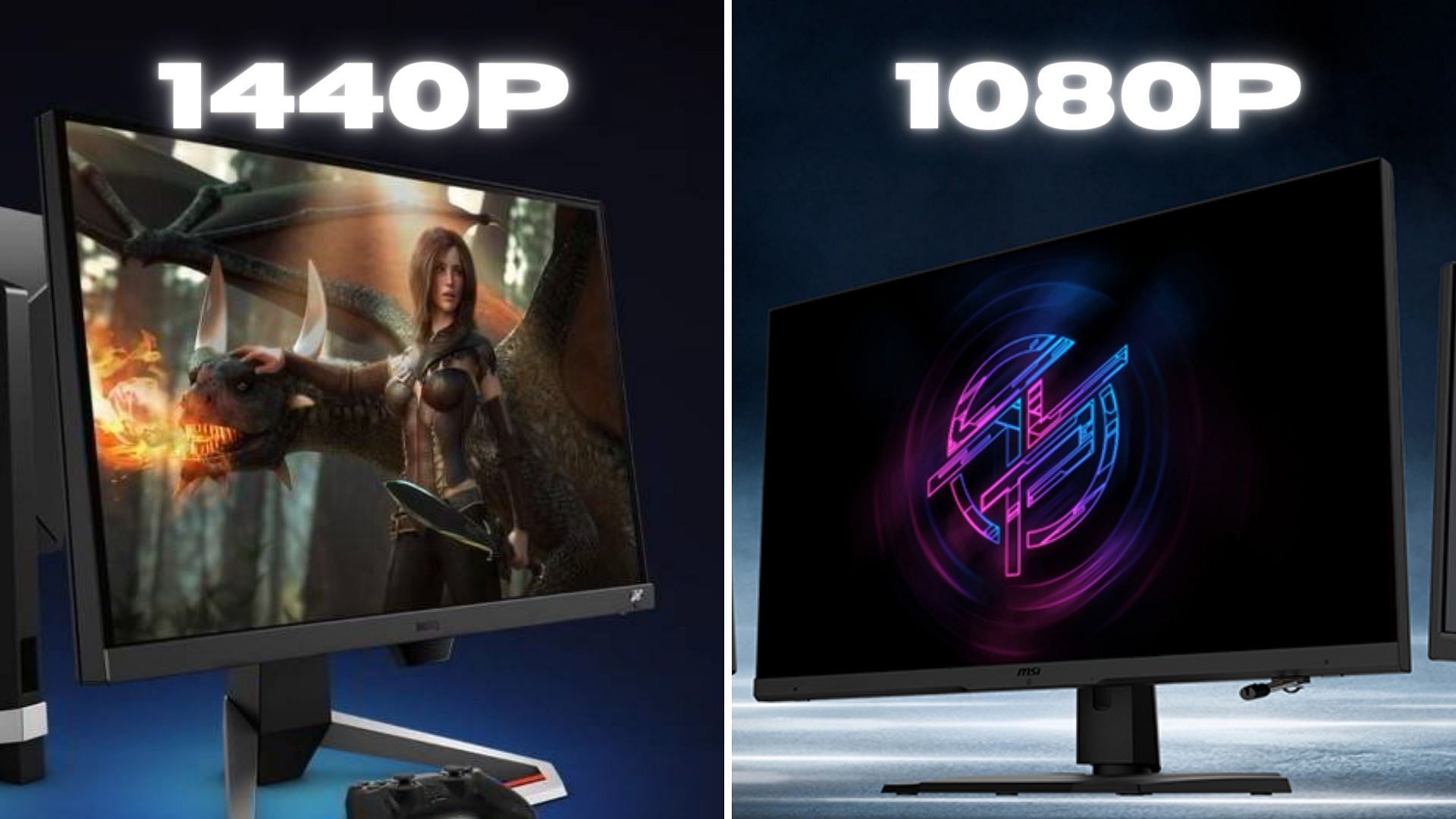
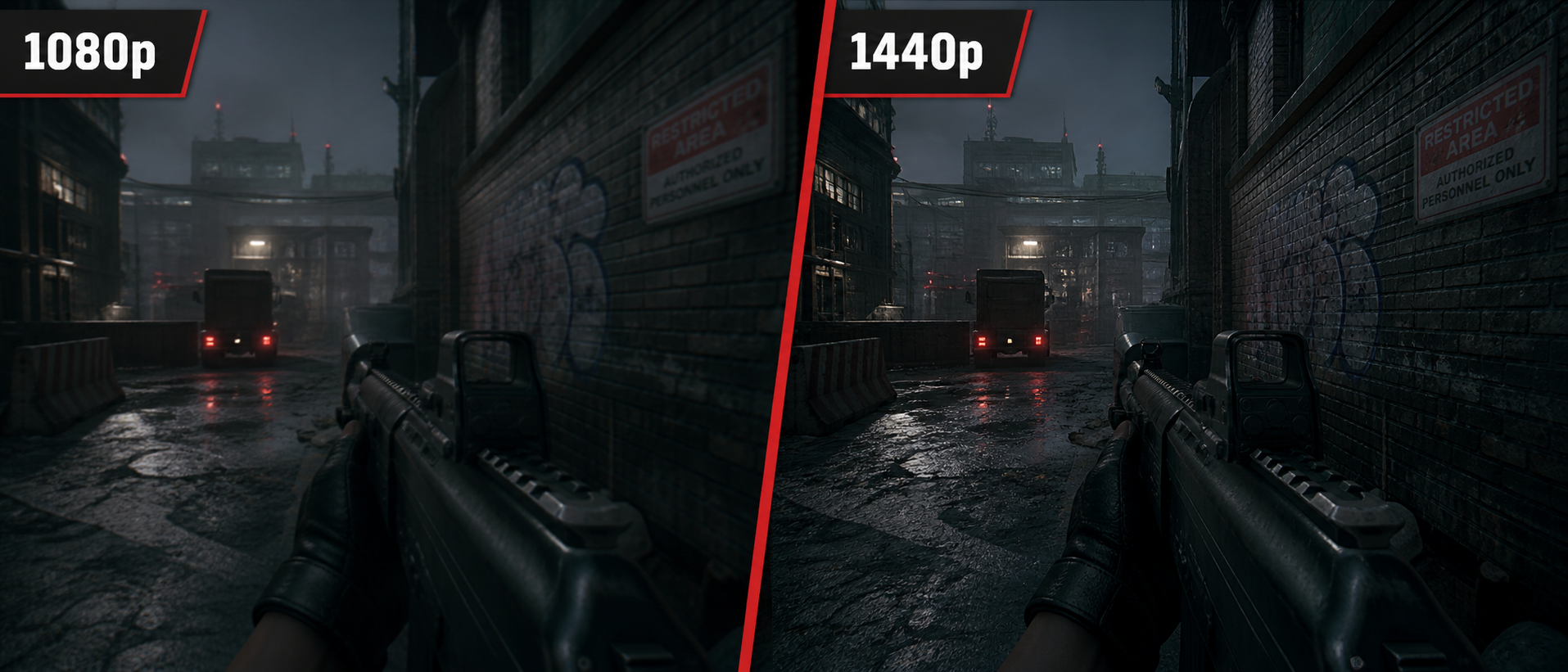
Deciding between 1080p and 1440p comes down to balancing display sharpness, hardware performance, and budget, with 1440p offering a noticeably crisper workspace and more immersive gaming experience that is well worth the investment for most modern PC users, provided their graphics card can handle the heavier rendering load.
Understanding the Pixel Counts: What Do 1080p and 1440p Mean?
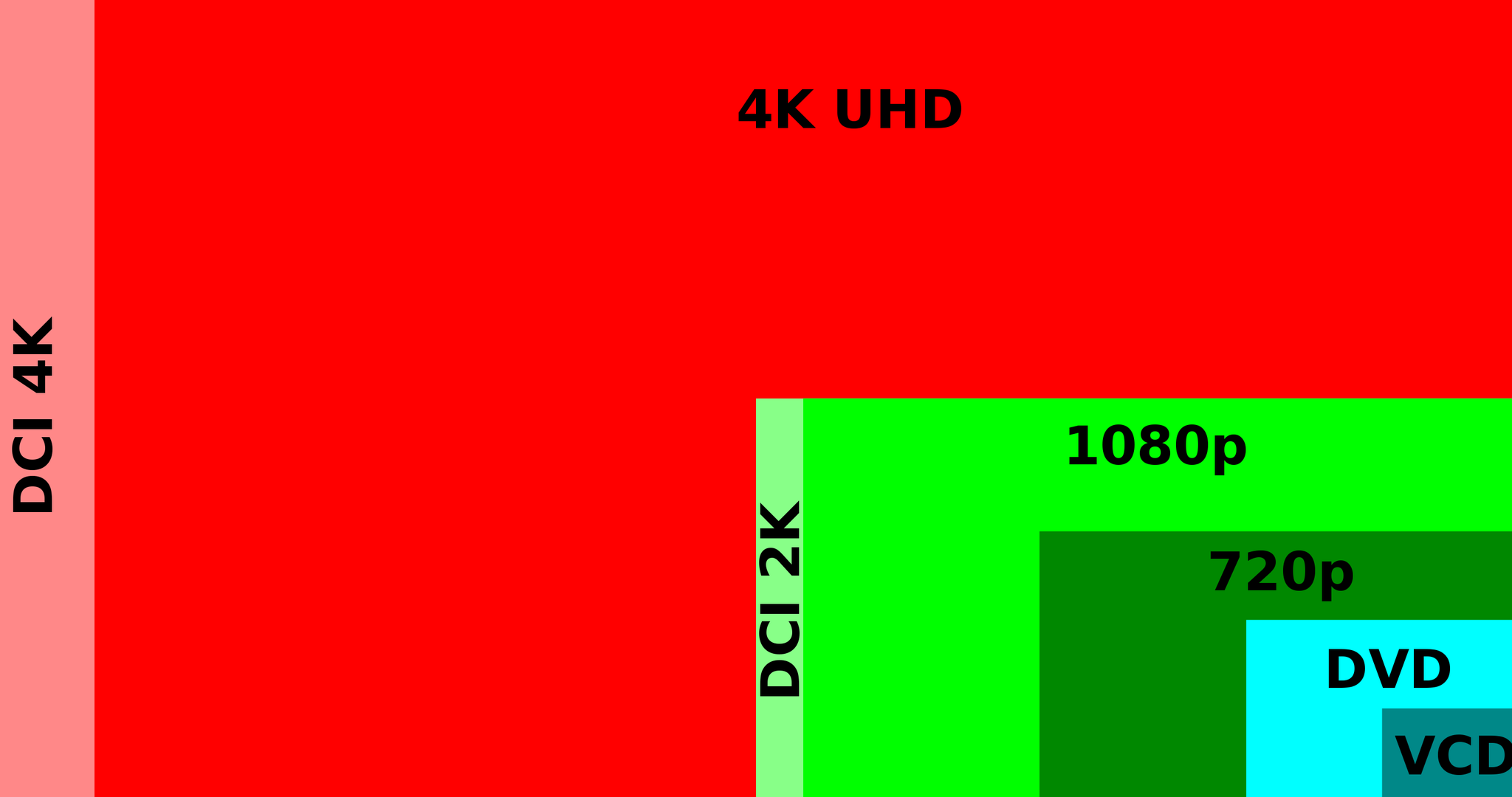
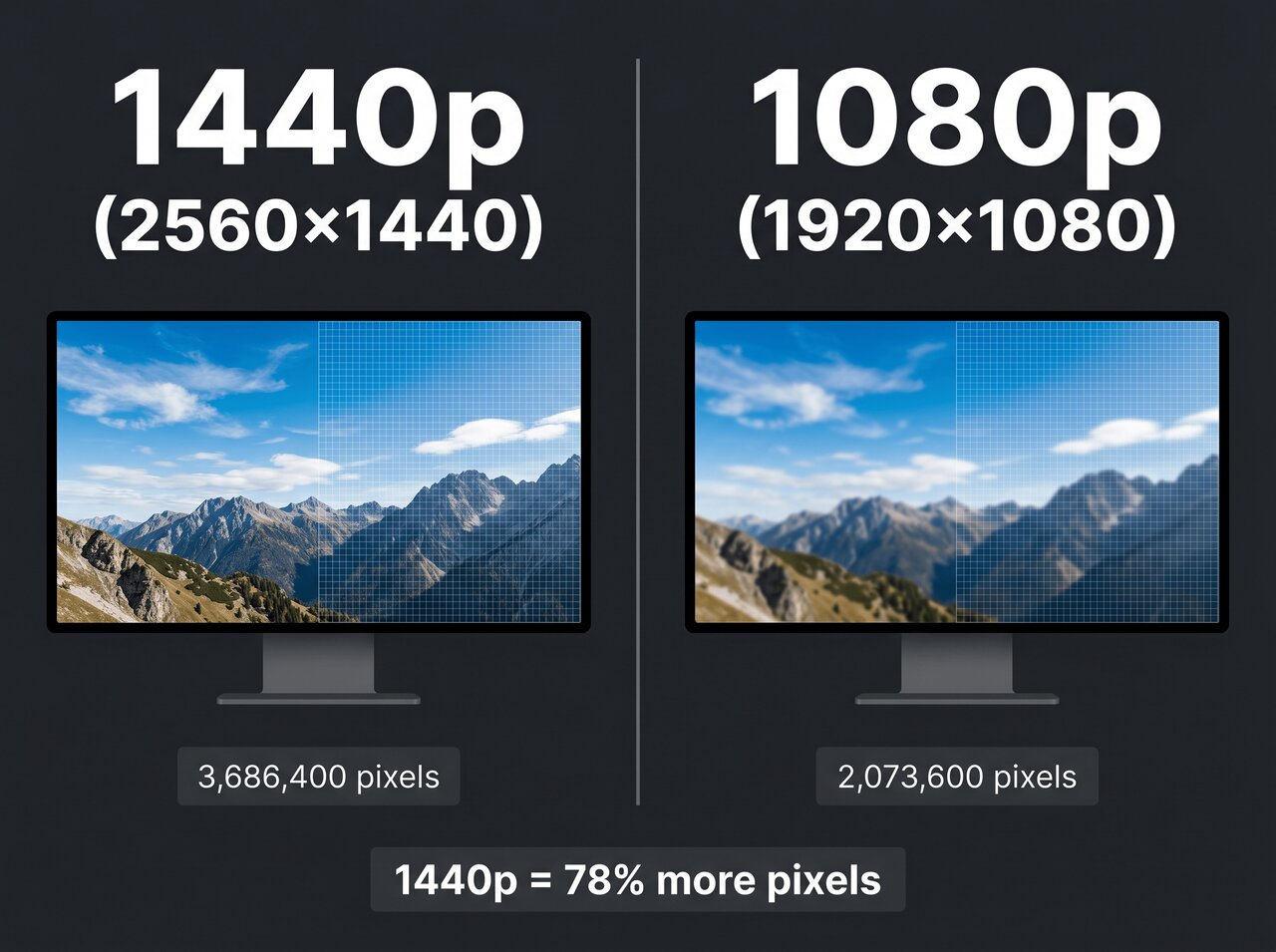
To understand the practical difference between 1080p and 1440p, it helps to look at the underlying mathematics and geometry of digital displays. The term 1080p, frequently referred to as Full HD, represents a resolution of 1,920 pixels horizontally by 1,080 pixels vertically, totaling approximately 2.07 million pixels on screen. On the other hand, 1440p, commonly known as QHD (Quad High Definition) or 2K, boasts a resolution of 2,560 pixels horizontally by 1,440 pixels vertically. This amounts to roughly 3.68 million pixels.
When comparing these two standards, 1440p delivers roughly 77% more pixels than 1080p. This substantial increase in pixel density means that images, text, and video elements have more room to render fine details. However, packing more pixels onto a screen also requires significantly more processing power from your computer's graphics processing unit (GPU). Every single frame rendered at 1440p forces the GPU to calculate nearly 1.6 million more pixels than it would at 1080p, which directly influences your frame rates in video games and demanding creative applications.
Display Size and Pixel Density: The Role of PPI
Resolution alone does not dictate perceived image sharpness. The physical size of the monitor plays an equally critical role through a metric called PPI (Pixels Per Inch). PPI measures how tightly packed the pixels are within a given physical area. A higher PPI yields a smoother, sharper image where individual pixels are harder to distinguish with the naked eye, even when sitting relatively close to the screen.
Consider how resolution interacts with screen size across these two formats:
- 24-inch Monitor: At 1080p, a 24-inch display yields roughly 92 PPI, which provides an acceptable balance of text legibility and image clarity. At 1440p on a 24-inch screen, the PPI jumps to approximately 122, resulting in exceptionally sharp text, though it can make user interface elements appear very small without scaling.
- 27-inch Monitor: This is widely considered the sweet spot for 1440p. At 27 inches, 1440p yields about 109 PPI, offering a sharp, spacious viewing area. Conversely, stretching 1080p across a 27-inch screen drops the PPI down to roughly 81, often resulting in noticeable pixelation, jagged edges on fonts, and a less refined visual experience.
- 32-inch Monitor and Beyond: At 32 inches, 1440p delivers about 92 PPI—the same sharpness as a 24-inch 1080p screen. Running 1080p on a 32-inch monitor is generally discouraged due to severe pixelation, making 1440p or 4K essential at this scale.
Gaming Performance and Hardware Requirements
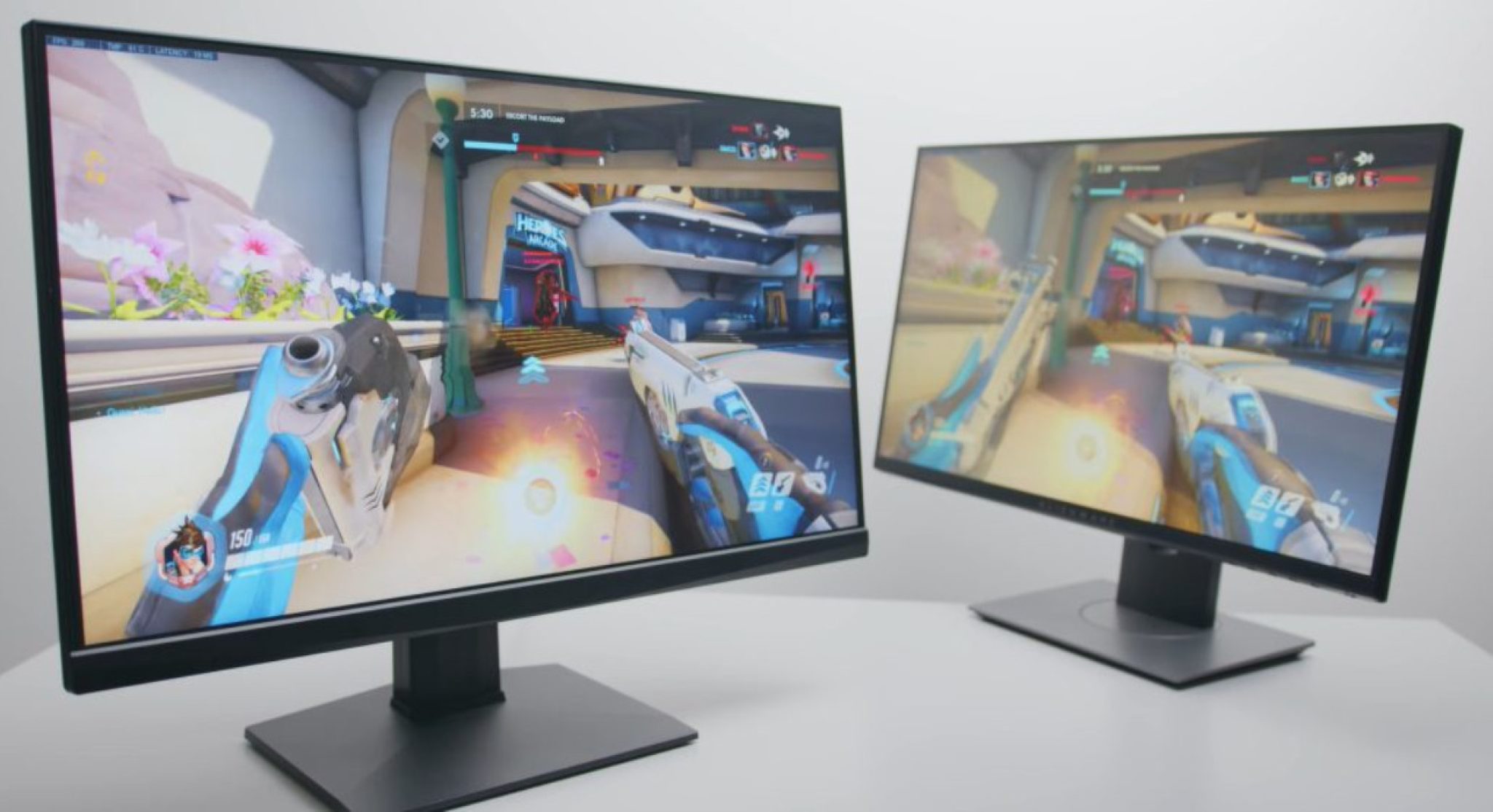
For gamers, the debate between 1080p and 1440p centers on the classic trade-off between visual fidelity and high frame rates. Fast-paced competitive multiplayer games, such as Counter-Strike 2, Valorant, or Apex Legends, benefit immensely from ultra-high refresh rates (144Hz, 240Hz, or higher) to minimize motion blur and input latency. Achieving these high frame rates is inherently easier at 1080p because the rendering load on the GPU is lower.
Conversely, open-world role-playing games, flight simulators, and visually rich narrative adventures thrive on the enhanced environmental clarity and reduced aliasing that 1440p provides. Jagged edges (jaggies) are far less prominent at 1440p, often reducing the need for aggressive anti-aliasing techniques that can soften an image.
However, moving to 1440p requires a more capable graphics card. While budget-to-midrange GPUs can comfortably max out settings at 1080p, maintaining high frame rates at 1440p typically demands a mid-to-high-tier GPU. Technologies like NVIDIA DLSS (Deep Learning Super Sampling) and AMD FSR (FidelityFX Super Resolution) have bridged this gap significantly by rendering games at a lower internal resolution and upscaling them using artificial intelligence, allowing users to enjoy 1440p clarity with near-1080p performance overhead.
Productivity and Desktop Workspace Real Estate
Beyond entertainment and gaming, display resolution profoundly impacts everyday productivity, multitasking, and workflow efficiency. Operating a computer at 1440p provides a significantly larger digital canvas than 1080p.
With 77% more screen workspace, you can comfortably snap two full-sized browser windows side-by-side without horizontal scrolling or text clipping. Video editors and digital artists benefit from having more room for timeline tracks and tool palettes without obstructing the primary preview window. Writers and programmers can view more lines of code or text simultaneously, reducing the need for constant scrolling and window switching.
Furthermore, text rendering is sharper at 1440p, particularly on standard 27-inch monitors. Crisp fonts reduce eye strain during long working sessions involving reading documents, spreadsheets, or code repositories. While operating systems like Windows and macOS offer display scaling options to enlarge text, native 1440p resolution on a 27-inch panel strikes an ideal balance where scaling is rarely required for legibility, maximizing usable workspace.
Cost Analysis: Hardware, Monitors, and Long-Term Value
When evaluating whether 1440p is "worth it," financial considerations extend beyond the initial price tag of the monitor itself. A comprehensive cost analysis involves three primary components: monitor pricing, GPU hardware investments, and long-term upgrade cycles.
| Feature / Component | 1080p (Full HD) | 1440p (QHD / 2K) |
|---|---|---|
| Average Monitor Price | Budget-friendly ($100 – $200) | Mid-range ($200 – $400+) |
| Standard Panel Sizes | 21 inches to 27 inches | 27 inches to 32 inches |
| Required GPU Tier | Entry-level to Mid-range | Mid-range to High-end |
| Typical Frame Rates | High to Ultra-high | Moderate to High (Settings dependent) |
| Productivity Workspace | Standard single/dual window | Expanded multi-window |
Monitor pricing has equalized significantly over recent years, making 1440p displays far more affordable than they once were. High-refresh-rate 1440p IPS panels are now readily available at competitive price points. However, the hidden cost lies in the supporting hardware. If upgrading to a 1440p monitor forces you to also purchase a more powerful graphics card and potentially a higher-wattage power supply to drive it, the total cost of the transition increases.
From a long-term value perspective, buying a 1440p monitor is generally viewed as a more future-proof investment. While 1080p remains a viable baseline for budget-conscious builders and competitive esports players, 1440p has firmly established itself as the modern standard for general-purpose PC computing.
Common Mistakes When Choosing Between Resolutions
Navigating monitor purchases often leads to common pitfalls that can undermine your investment. Avoiding these missteps ensures you get the right hardware for your specific use case:
- Ignoring Physical Desk Space: Buying a 27-inch or 32-inch 1440p monitor without measuring your desk or viewing distance can result in ergonomic discomfort or an overly dominating display setup.
- Mismatched GPU and Resolution: Pairing a high-end 1440p high-refresh-rate monitor with an entry-level graphics card will result in subpar gaming performance, forcing you to play at lower settings or reduced resolutions.
- Overlooking Panel Technology: Focusing solely on resolution while ignoring panel types (such as choosing a cheap TN panel instead of an IPS or OLED panel) can lead to poor viewing angles and washed-out color reproduction.
- Neglecting Cable Standards: Attempting to run high-refresh-rate 1440p displays using outdated HDMI cables rather than modern DisplayPort or certified high-speed HDMI connections, which can cap your refresh rate and cause signal dropouts.
Frequently Asked Questions
Is 1440p a massive upgrade over 1080p?
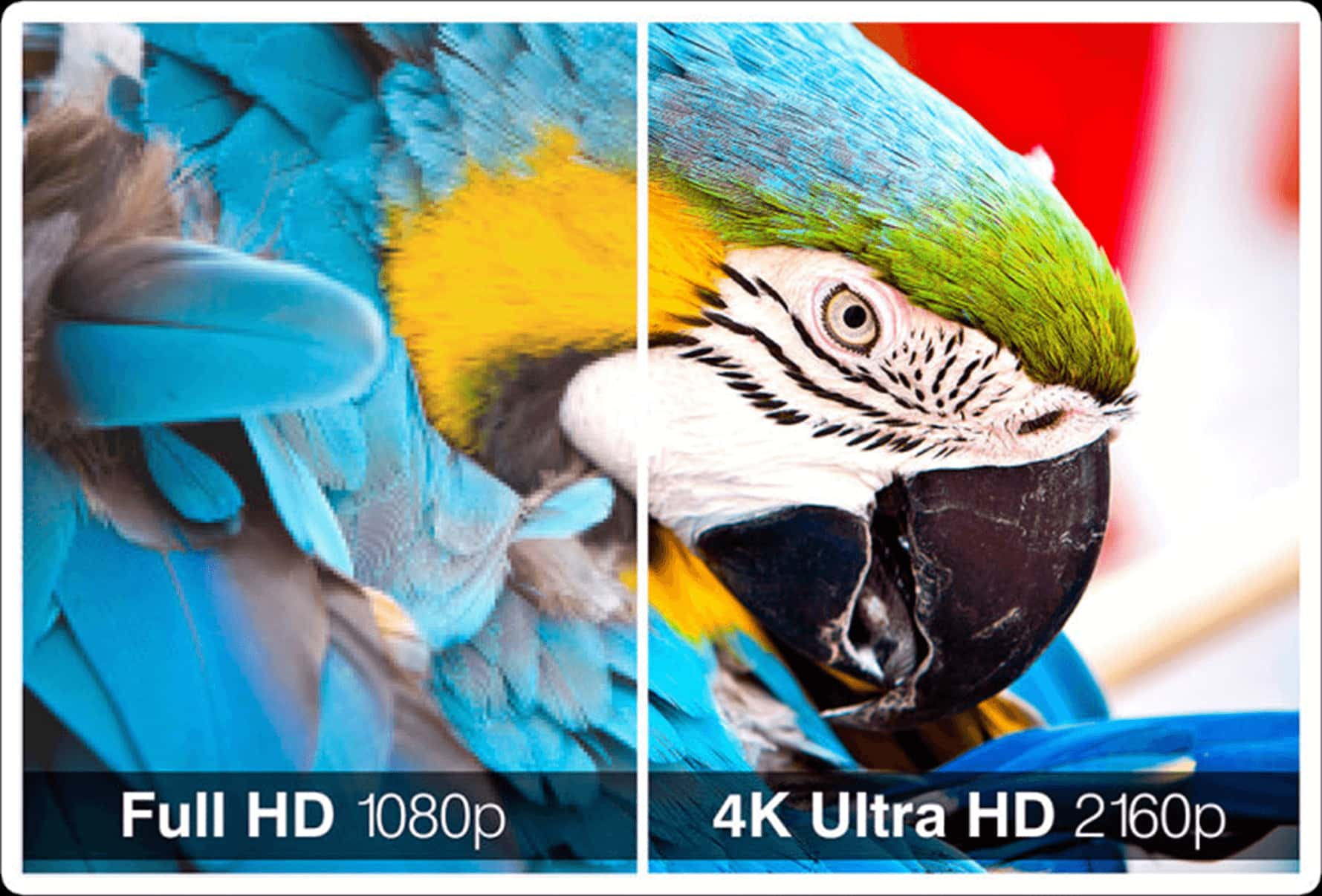
Yes, the visual difference is substantial, particularly on monitors 27 inches and larger. The 77% increase in pixel count delivers noticeably sharper text, smoother edges, and a significantly larger workspace for productivity tasks.
Do I need a new graphics card to switch to 1440p?
It depends on your current GPU and your intended use. If you plan to play modern, graphically demanding video games at high settings, you will likely need a mid-range to high-end graphics card. For office work, web browsing, and lighter media consumption, many existing GPUs can handle 1440p output without difficulty.
Is 1440p better for working from home and productivity?
1440p is exceptionally well-suited for productivity. The extra screen real estate allows you to view multiple applications simultaneously without feeling cramped, and the higher pixel density reduces eye strain by making text sharper and easier to read.
Can I play 1080p content on a 1440p monitor?
You can run 1080p content or games on a 1440p monitor, but it may not look as crisp as native 1440p. Because 1440p does not divide evenly into 1080p mathematically, scaling can sometimes introduce slight blurring or soft edges, though modern upscaling technologies and monitor scalers handle this much better than older displays.
Is 1440p worth it for competitive esports gaming?
For ultra-competitive esports players where maximum frame rates (such as 240Hz to 360Hz) take precedence over graphical fidelity, 1080p remains a popular choice. However, modern high-end GPUs can easily drive high refresh rates at 1440p in many esports titles, giving players both speed and visual clarity.
Conclusion and Final Recommendation
Choosing between 1080p and 1440p ultimately hinges on your primary activities, hardware budget, and display size preferences. If you are building a strict budget system, focusing entirely on high-frame-rate competitive esports, or restricted to a smaller 24-inch desk footprint, 1080p remains a practical and cost-effective choice. However, for anyone utilizing a 27-inch monitor, balancing general productivity, media consumption, and modern gaming, 1440p is unquestionably worth the investment. It delivers the optimal balance of sharpness, performance, and workspace longevity for modern computing needs.