The most effective project management tip for busy teams is the implementation of the Eisenhower Matrix to ruthlessly prioritize tasks by urgency and importance. By categorizing daily responsibilities into four distinct quadrants, teams can move away from reactive "firefighting" and toward strategic execution, ensuring that critical long-term goals receive the focus they require despite heavy daily workloads.
Understanding the Burden of Modern Project Management
In professional environments throughout 2026, the primary challenge facing project teams is not a lack of effort, but a fragmentation of focus. With the proliferation of asynchronous communication tools, real-time messaging platforms, and constant stakeholder demands, the average team member is bombarded with requests that masquerade as "high priority."
This environment creates a state of continuous partial attention. When every task is treated as urgent, no task is truly important. The Eisenhower Matrix, popularized by former U.S. President Dwight D. Eisenhower, provides a visual and logical framework to combat this. It forces a pause between the arrival of a task and the commitment to execute it. For a busy team, this pause is the difference between a high-performing project lifecycle and a chaotic, burnout-prone process.
The Four Quadrants of Task Prioritization
To apply this tip effectively, team leaders must train their members to categorize every incoming item into one of four boxes. This mental sorting process prevents the "urgent trap," where teams spend their most productive hours on trivial administrative tasks simply because they have a nearing deadline.
Quadrant 1: Urgent and Important (Do First)
These are your crises, deadlines, and project-critical issues. These require immediate attention. Examples include a server outage, a client-critical delivery due today, or a legal compliance deadline.
- The Strategy: Limit time spent here through effective planning. If your team lives exclusively in this quadrant, the project management system is failing, as constant crisis management is unsustainable.
Quadrant 2: Not Urgent but Important (Schedule)
This is the "Strategic Zone." This quadrant includes long-term planning, skill development, relationship building, and proactive project maintenance.
- The Strategy: This is where high-performing teams win. By scheduling time for these tasks, you prevent them from becoming Quadrant 1 crises later. It is the most important quadrant for project longevity.
Quadrant 3: Urgent but Not Important (Delegate)
These tasks often interrupt the flow of productive work. They include most meetings, certain email threads, and minor interruptions that feel pressing but do not move the needle on core project outcomes.
- The Strategy: Delegate these tasks whenever possible. If you cannot delegate, batch them into a specific time slot to prevent them from fragmenting your day.
Quadrant 4: Not Urgent and Not Important (Eliminate)
These are the time-wasters. Excessive internal administrative bureaucracy, "CYA" (cover your assets) emails, or lengthy meetings with no agenda belong here.
- The Strategy: Ruthlessly eliminate or minimize these activities. They provide zero value to the project and consume the team's most finite resource: cognitive bandwidth.
Table: Applying the Eisenhower Matrix to Project Workflow
| Category | Priority | Action | Typical Project Example |
|---|---|---|---|
| Q1: Urgent/Important | High | Do Immediately | Critical bug fix, project sign-off |
| Q2: Not Urgent/Important | High | Schedule | Research, strategy, team training |
| Q3: Urgent/Not Important | Low | Delegate / Batch | Routine status reports, minor emails |
| Q4: Not Urgent/Not Important | Lowest | Eliminate | Unnecessary meetings, busywork |
Cultivating a Culture of "No"
For busy teams, the hardest part of project management is not adding tasks, but protecting the team from task inflation. A "yes" to a non-essential request is a "no" to the high-impact work that actually drives project success.
Leaders must empower their teams to ask for clarification on the priority level of new assignments. When a new task arrives, the team should be encouraged to ask: "Does this support our primary project milestone, or can this be deferred?" When managers provide this autonomy, they foster a culture where the team feels protected from scope creep.
Managing the Technical Environment
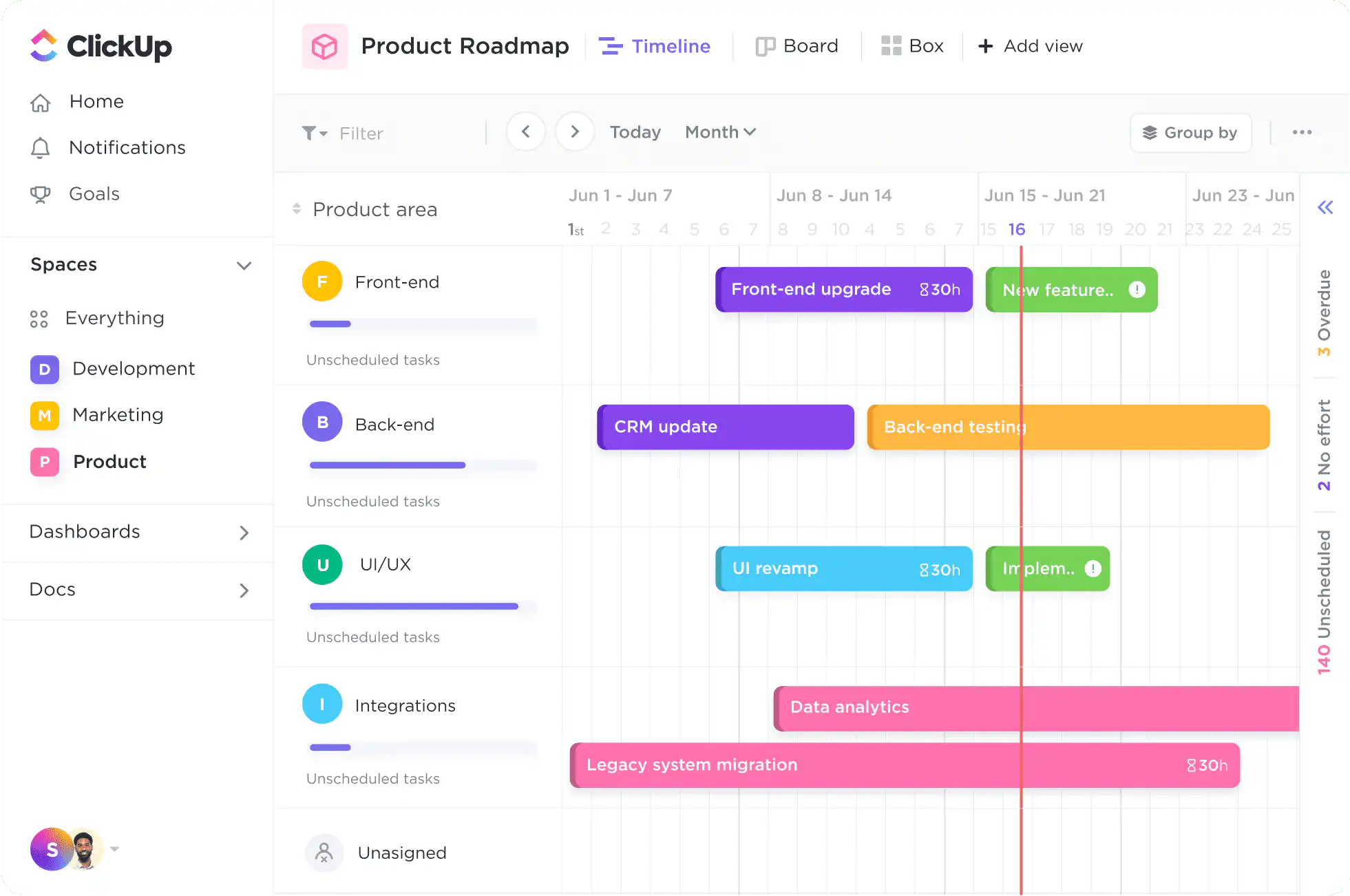
In 2026, many project management platforms—such as Jira, Asana, and Monday.com—include built-in priority labeling. However, these digital labels are often ignored. The mistake teams make is allowing the software to dictate their workflow rather than using the software to support their methodology.
To use these tools effectively:
- Standardize Definitions: Ensure every team member knows that "High" priority in the software is reserved only for Quadrant 1 tasks.
- Audit Regularly: Use weekly sprint reviews to audit tasks currently marked as "High." If a task has been in "High" for three weeks without movement, it likely belongs in Quadrant 2 or 4.
- Visualization: Use dashboard views that hide Quadrant 3 and 4 tasks from the daily view. This prevents "clutter anxiety," where the team feels overwhelmed by the sheer volume of low-priority to-dos.
Common Pitfalls and How to Avoid Them
Even with a solid prioritization strategy, teams often fall into traps that erode their productivity. Recognizing these early is essential for maintaining project momentum.
The Fallacy of the "Open Door"
While accessibility is vital, the "open door" policy is often the enemy of deep work. If team members are constantly interrupted by ad-hoc questions, their ability to perform Quadrant 2 tasks vanishes. Implement "Office Hours" where team members are available for questions, leaving the rest of the day for protected, heads-down work.
Neglecting the "Not Urgent"
Teams rarely fail because they ignore urgent tasks; they fail because they ignore the non-urgent but important ones. Neglecting project documentation, code refactoring, or stakeholder engagement usually leads to a "Big Bang" failure later in the project lifecycle. Always allocate at least 20% of the team's weekly capacity to Quadrant 2 activities.
Over-Delegation of Responsibility
Delegation is an effective tool for handling Quadrant 3 tasks, but it is not a cure-all. Assigning a task to a junior team member who lacks the training can result in a "pajama project"—where the manager ends up re-doing the work at night. Ensure that delegation is accompanied by adequate resources, documentation, and authority.
Assessing Team Capacity and Velocity
Prioritization only works when paired with realistic capacity planning. If a team is operating at 110% capacity, even the best-prioritized list will still feel overwhelming.
In 2026, data-driven capacity planning has become the standard. Project managers should look at the last three months of velocity—the amount of work completed per sprint—to determine how much work can realistically be committed to in the next cycle. If the team consistently hits capacity, the solution is not better prioritization; it is either reducing the project scope or requesting additional resources.
Frequently Asked Questions
How do I convince stakeholders that "urgent" tasks should sometimes wait? Focus the conversation on outcomes, not requests. Explain that delaying a lower-value urgent task allows the team to focus on the high-value work that delivers the primary objective, effectively increasing the team's output on what matters most.
What if everything feels urgent? If everything is a top priority, nothing is. This is a sign of poor upstream planning. Re-evaluate your project roadmap. Use the Eisenhower Matrix to force a triage session where you ask, "What happens if this task is delayed by two weeks?" Often, you will find that the sky does not fall, and the task can be safely rescheduled.
How does this matrix change for remote or distributed teams? Distributed teams rely more on documentation. Because you cannot simply tap someone on the shoulder, the Eisenhower Matrix helps categorize which tasks require synchronous communication (Q1) and which can be handled through documentation or ticket systems (Q2/Q3).
Can the Eisenhower Matrix be used for personal productivity? Yes. It is highly effective for individual time management. By separating personal goals—like learning a new software tool (Q2)—from daily chores (Q3/Q4), individuals can carve out time for professional development despite a hectic schedule.
Next Steps for Implementation
To begin, conduct a "Priority Audit" with your team during the next weekly meeting. Have everyone list their top five active tasks and categorize them into the four quadrants. Identify any Quadrant 3 or 4 tasks that are currently consuming more than 10% of the team's time.
Starting next Monday, block out the first 90 minutes of the day as "Quadrant 2 Time." During this period, discourage messaging and emails. Focus exclusively on the work that moves the needle on your long-term project goals. Repeat this process for two weeks and measure the shift in project morale and progress. You will likely find that by simply stopping the "noise" of low-value tasks, the team becomes significantly more capable of handling the true emergencies.