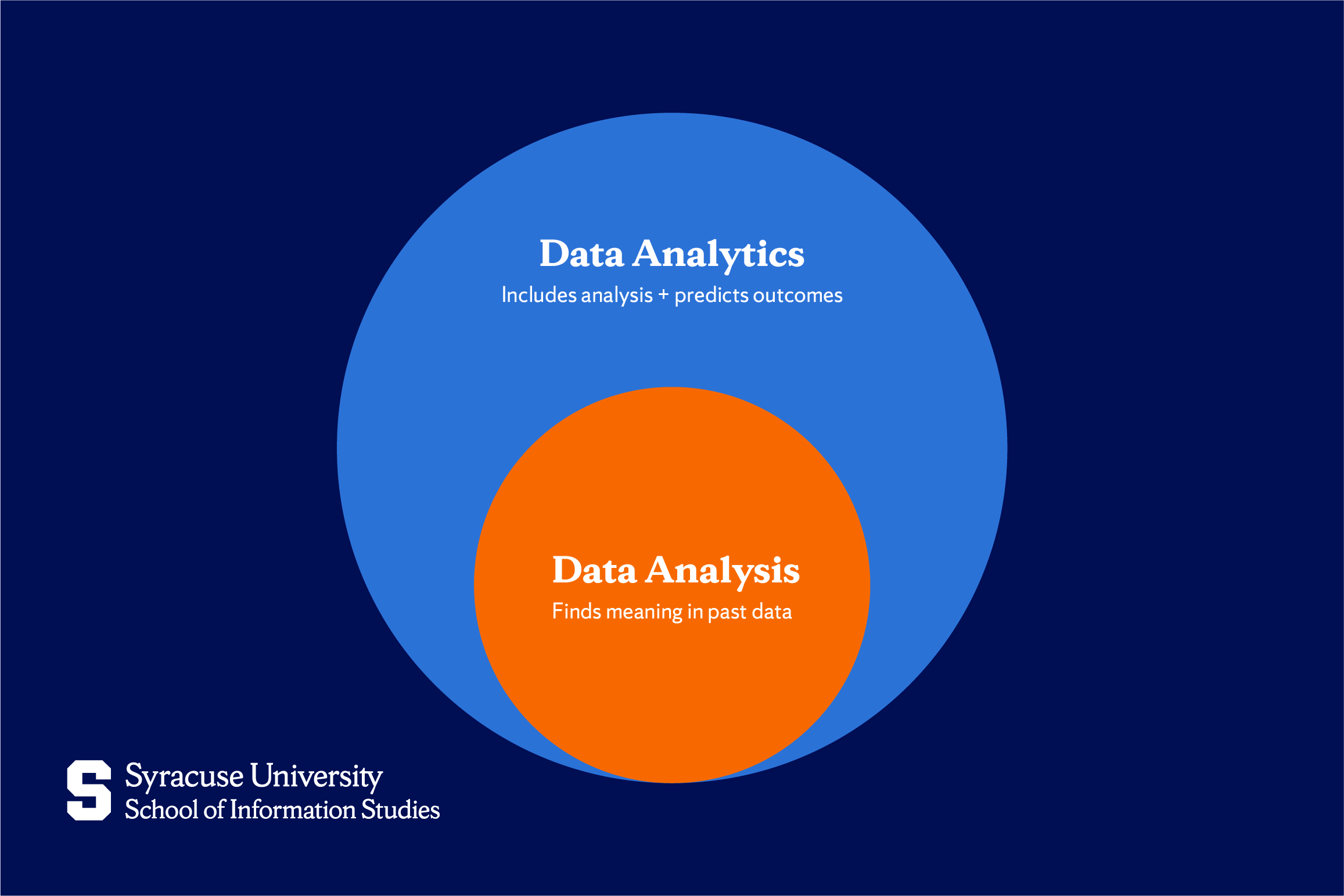
An analytics database is a specialized database management system optimized for high-performance retrieval and analysis of massive, multi-dimensional datasets rather than transactional operations. Unlike standard relational databases that focus on recording individual events, an analytics database facilitates complex queries, aggregations, and business intelligence reporting across petabytes of historical data.
Defining the Analytics Database Architecture
To understand why an analytics database is distinct, you must contrast it with Online Transaction Processing (OLTP) systems. OLTP databases—such as standard SQL databases used for web applications—are designed to insert, update, and delete individual rows efficiently. They optimize for data integrity and speed at the "event" level. An analytics database, conversely, is designed for Online Analytical Processing (OLAP).
OLAP systems are built on columnar storage formats. In a traditional row-based database, data is stored as a contiguous block for each record. To calculate the average of a single column across a million rows, the system must read every record from disk. A columnar database, however, stores data by column. When an analyst queries the "Revenue" column, the database reads only the blocks containing that specific data, ignoring all irrelevant information. This architectural choice is the primary driver of the performance gains seen in modern data warehousing.
Key Technical Requirements for Modern Workloads
When selecting an analytics database in 2026, you must evaluate several critical technical pillars. If your infrastructure does not meet these requirements, you will likely encounter bottlenecks as your data volume grows.
1. Columnar Compression and Encoding
Because these databases process such large volumes of data, I/O (Input/Output) operations are the primary performance constraint. Columnar storage allows for sophisticated compression techniques. Because data in a single column is often of the same type and frequently shares patterns, algorithms like Run-Length Encoding (RLE) or dictionary encoding can reduce storage requirements by 70–90%. This compression not only saves money on storage costs but also significantly speeds up query performance, as fewer bytes need to be transferred from disk to memory.
2. Massively Parallel Processing (MPP)
Modern analytics databases utilize MPP architectures to distribute the workload across multiple nodes or compute clusters. When a query is initiated, an MPP engine breaks the request into smaller sub-tasks and executes them concurrently across the available compute resources. This allows a cluster to scan billions of rows in seconds, a task that would take hours or crash a traditional single-server database.
3. Separation of Compute and Storage
The most significant shift in database design over the last decade is the decoupling of compute resources from storage. Historically, scaling an analytics database required adding both memory and disk space simultaneously. Today, cloud-native analytics databases allow users to store data in inexpensive object storage (like AWS S3) while spinning up independent compute clusters to process that data. This is essential for elasticity, allowing organizations to scale compute power up during peak reporting hours and scale down during off-peak times to optimize costs.
Comparison of Database Categories
Understanding the landscape requires distinguishing between the different flavors of analytics platforms available today.
| Database Type | Primary Optimization | Best Use Case | Typical Scaling Mechanism |
|---|---|---|---|
| Cloud Data Warehouse | Structured SQL, complex joins | Business intelligence, financial reporting | Dynamic compute clusters |
| Data Lakehouse | Semi-structured & unstructured data | Machine learning, data science, AI | Storage-centric, decoupled compute |
| Real-Time OLAP | Sub-second latency on stream data | User-facing dashboards, IoT monitoring | Distributed indexing, in-memory cache |
Implementation and Prerequisites
Before migrating your data, you must address the foundational prerequisites of data architecture. An analytics database is only as valuable as the data quality it houses.
- Schema Design: While some modern databases allow for "schema-on-read," defining a clear schema for your core fact and dimension tables remains best practice. Fact tables should contain quantitative metrics, while dimension tables should provide the descriptive context (e.g., product names, user regions, time stamps).
- Data Pipeline Integration: An analytics database is typically the destination for a data pipeline. Ensure you have an Extract, Transform, Load (ETL) or Extract, Load, Transform (ELT) process in place. In current workflows, ELT is preferred, where raw data is loaded into the warehouse and then transformed using SQL or specialized modeling tools like dbt (data build tool).
- Security and Governance: Analytics databases centralize sensitive corporate data. You must implement Role-Based Access Control (RBAC) and consider row-level security if you have multi-tenant data or regional compliance requirements (e.g., GDPR or CCPA).
Troubleshooting Common Bottlenecks
Even with an optimized database, poor query performance is often a result of human error rather than system limitations.
- The "Select Star" Trap: Beginners often query
SELECT *from a table with hundreds of columns. In a columnar database, this forces the engine to read every column, destroying the performance advantage of the architecture. Only select the specific columns required for your analysis. - Improper Partitioning: If your queries frequently filter by date, ensure your data is partitioned by time (e.g., by day or month). This allows the engine to "prune" partitions—meaning it ignores entire swaths of data that do not match the criteria, drastically reducing the search space.
- Join Complexity: Attempting to join massive tables on non-indexed columns can cause data to "spill to disk." Always ensure that joining keys are optimized and, where possible, use denormalized tables (flat structures) to minimize the need for complex joins.
Frequently Asked Questions
How does an analytics database differ from a traditional data lake? A data lake is a repository for raw, unstructured data in its native format. It is highly flexible but often lacks the performance and metadata management required for high-speed reporting. An analytics database provides the structure, indexing, and compute engine necessary to perform fast, reliable SQL queries on that data.
Is it necessary to use a cloud-based analytics database? While on-premises analytics solutions exist, cloud-native databases are the standard in 2026. They provide managed maintenance, automated backups, and the ability to scale resources instantly—capabilities that are prohibitively expensive and difficult to maintain in a private data center.
Can I run transactions on an analytics database? Technically, most can, but you should avoid it. They are not built to handle high-frequency row-level locking or single-record updates. Doing so will lead to poor performance and potential instability. Always keep your transaction (OLTP) and analytics (OLAP) workloads on separate systems.
How do I choose between a warehouse and a lakehouse? Choose a data warehouse if your primary goal is structured reporting and BI for business users. Choose a lakehouse if your workflow involves significant amounts of unstructured data (log files, images, text) or if you are running extensive machine learning models directly on your data store.
What is the role of indexing in an analytics database? In columnar databases, indexing is handled differently than in row-based SQL. Instead of traditional B-tree indexes, these systems rely on zone maps, bloom filters, and sort keys to locate data quickly. Learning how your specific engine uses these "metadata indexes" is key to optimization.
Next Actions for Your Organization
If you are currently evaluating an analytics database, start by auditing your current data volume and query latency requirements. Begin with a Proof of Concept (PoC) using a representative sample of your data. Focus on the ease of integrating your existing data sources and the clarity of the documentation provided by the vendor. For most organizations, the primary goal should be to move toward a "single source of truth" where analytical queries are decoupled from operational performance, ensuring that your business intelligence remains fast and reliable regardless of how much your data grows.