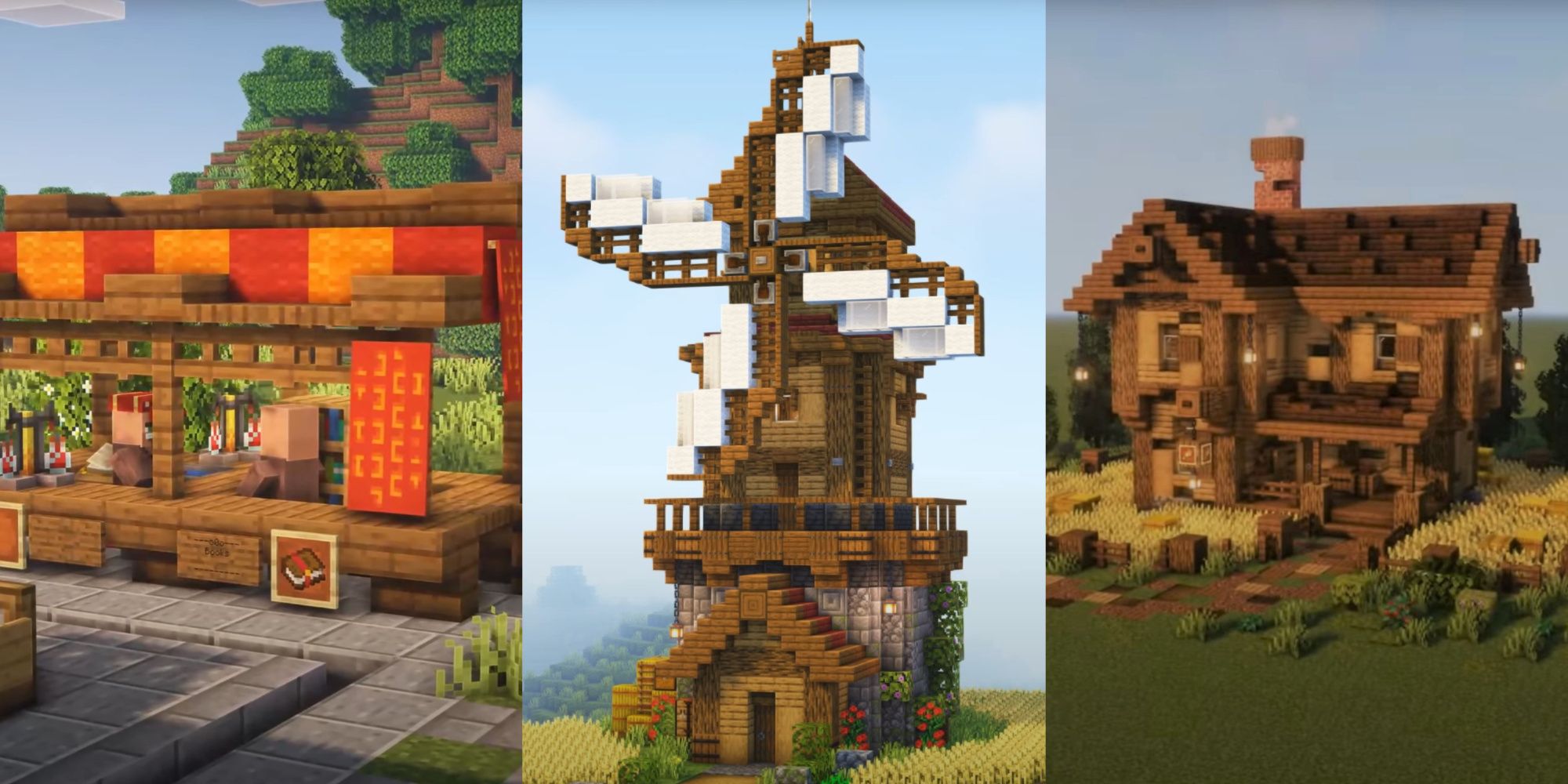
Building a successful city in Minecraft requires balancing aesthetic appeal with functional infrastructure. By focusing on residential zones, commerce, public transport, utilities, green spaces, government services, and industrial zones, you create a cohesive, immersive environment that feels alive and encourages further expansion within your world.
The Foundation of Urban Planning in Minecraft
When you decide to embark on a city-building project in Minecraft, the initial temptation is often to jump straight into constructing skyscrapers or elaborate mansions. However, a city is more than just a collection of tall structures; it is a system of interconnected services and zones. Whether you are playing in Creative mode for pure architectural expression or in Survival mode where logistics and mob management matter, your city needs a roadmap.
Urban planning in a block-based environment relies on vertical and horizontal density. By establishing these seven essential components, you ensure that your world remains scalable. You avoid the "ghost town" effect by designing spaces that cater to both the visual player and the functional builder.
1. Residential Zoning and Housing Diversity
A city needs citizens—or at least the illusion of them. Residential zones should be the backbone of your city’s layout. To avoid a monotonous look, incorporate a variety of housing types.
- Low-Density Suburbs: Single-family homes with yards, gardens, and picket fences. These occupy more space but provide a cozy, relatable aesthetic.
- Medium-Density Apartments: Three-to-five-story buildings that house more villagers or simulate a higher population density.
- High-Density Skyscrapers: Use glass, concrete, and iron blocks to create large-scale residential towers.
Pro-Tip: Utilize different block palettes for different neighborhoods to create a sense of progression and character. A "wealthy" district might use polished diorite and quartz, while a "working-class" district could utilize brick and terracotta.
2. Commercial Districts and Marketplaces
Your residents need a place to trade, gather, and interact. A commercial district is the heartbeat of your city. If you are playing in Survival mode, this is where you should centralize your trading halls with villagers.
- Central Market: An open-air square with stalls and colorful wool awnings.
- The Shopping Mall: A multi-level structure featuring specialized shops for armor, weapons, and rare materials.
- Cafes and Restaurants: Use trapdoors as chairs and pressure plates as tables to create immersive social hubs.
By centralizing these functions, you create a natural flow of movement for players (and villagers) through the city, making the space feel purposeful.
3. Public Transport Networks
A sprawling city becomes difficult to navigate without a transit system. Efficient transport is not just a luxury; it is a vital utility that connects your seven essential zones.
- Railway Systems: Use minecarts and powered rails to create a metro or subway system. Underground tunnels can add a "big city" atmosphere.
- Roads and Highways: Ensure your streets are wide enough for travel. Use slabs or concrete powder to create road textures, and consider implementing street lighting using lanterns or sea lanterns.
- Pedestrian Pathways: Elevated walkways or bridges help reduce traffic congestion (if you use mods or datapacks) and provide excellent vantage points for viewing your city’s skyline.
4. Utilities and Infrastructure
A realistic city needs to support itself. Building utility structures adds a layer of depth that separates amateur builds from professional-level urban design.
- Power Stations: Even if you aren't using redstone power mods, building a "Nuclear Power Plant" or a "Solar Array" using daylight sensors and blue glass creates a modern aesthetic.
- Water Treatment and Storage: Construct large water towers or dams to explain the source of water for your city’s residents.
- Waste Management: Creating a "recycling center" or a landfill area can be surprisingly fun. Use hoppers and chests to represent the sorting of items, adding a gritty, realistic element to your world.
5. Green Spaces and Parks
Without greenery, a city can quickly feel sterile and overwhelming. Parks act as "lungs" for your Minecraft city. They provide a visual break from the sharp angles of stone, concrete, and glass.
- Botanical Gardens: Utilize glass domes and rare foliage to house exotic plants.
- Community Parks: Simple layouts with ponds, custom trees (using leaves and logs), and benches.
- Public Plazas: Large, open spaces with fountains or statues in the center. These are perfect locations for holding events or marking the city’s spawn point.
6. Government and Emergency Services
To establish order, your city requires institutions. These structures often become the "landmarks" or focal points of your build.
- City Hall: The administrative center, usually built as the tallest or most ornate structure in the city.
- Police or Fire Stations: Build garages for your vehicles (even if static, using carpets and banners to suggest design).
- Hospitals: Create a clinic using white concrete and quartz. Internally, you can use brewing stands and beds to simulate medical equipment.
7. Industrial Zones
Every city requires an area for production. Industrial zones are where your automated farms, mob grinders, and storage systems should be housed. By tucking these away in an industrial park, you keep your city center clean and beautiful.
- Factories: Use dark blocks like coal blocks, dark oak, and gray concrete to simulate smoke stacks and industrial machinery.
- Storage Facilities: Massive warehouses for your items, using chests, barrels, and item frames.
- Logistics Hubs: Docks, train depots, or cargo areas that connect your city to the outside world.
Comparative Overview of City Zones
| Zone Type | Primary Purpose | Best Building Materials |
|---|---|---|
| Residential | Housing and comfort | Quartz, Wood, Terracotta |
| Commercial | Trading and interaction | Glass, Bricks, Wool |
| Transport | Mobility and flow | Iron, Stone, Rails |
| Utilities | City maintenance | Concrete, Glass, Redstone |
| Green Space | Aesthetics and air | Leaves, Grass, Water |
| Government | Order and status | Quartz, Stone Bricks |
| Industrial | Production and storage | Coal Blocks, Metal, Logs |
Addressing Common Challenges in Minecraft City Building
One common mistake builders make is starting too large without a plan. If you lay out a grid for a massive metropolis before building a single structure, you will likely lose motivation.
Start Small: Focus on one "block" or one "district" at a time. Establish your primary residential street, then branch out into a commercial plaza. By working incrementally, you build momentum.
Manage Lag: If your city becomes too large, especially with complex redstone, your game performance may suffer. Keep high-intensity farms and heavy redstone systems in chunks that are located away from your primary high-density residential zones.
Frequently Asked Questions
How do I make my city look more realistic? Realism comes from details. Add "wear and tear"—buttons on walls to simulate vents, trapdoors as shutters, and varying your road textures using different shades of gray blocks like gravel and andesite.
Should I build in Survival or Creative mode? Creative mode is superior for planning and massive scope, as you have unlimited resources and flight. Survival mode is more rewarding for long-term play, as you can link your automated farms to your industrial district.
What is the best scale for city buildings? Most players prefer a "human scale" where doors are two blocks high and rooms are at least three to four blocks high. This ensures the player feels comfortable walking through the streets.
How do I deal with mob spawns in a city? Ensure your streets and buildings are well-lit. Use light sources that integrate into your build, such as sea lanterns hidden under carpets or lanterns hanging from custom-built lamp posts.
Can I build a city in a pre-existing village? Yes. Transforming a village into a city is a popular method. Keep the existing houses as the "Old Town" and build your modern skyscrapers around it to create a narrative of urban growth.
Final Recommendation
To create the most cohesive city possible, begin by selecting a flat biome, such as a plains or desert, to save time on terraforming. Map out your roads before you start building walls; a city with a logical road network is infinitely more satisfying to explore than one with buildings scattered at random. Start with a single "Town Square" that features a mix of commercial and government buildings, and expand outward from there. By balancing these seven essential elements, you ensure that your city is not just a collection of blocks, but a functional, thriving urban project.