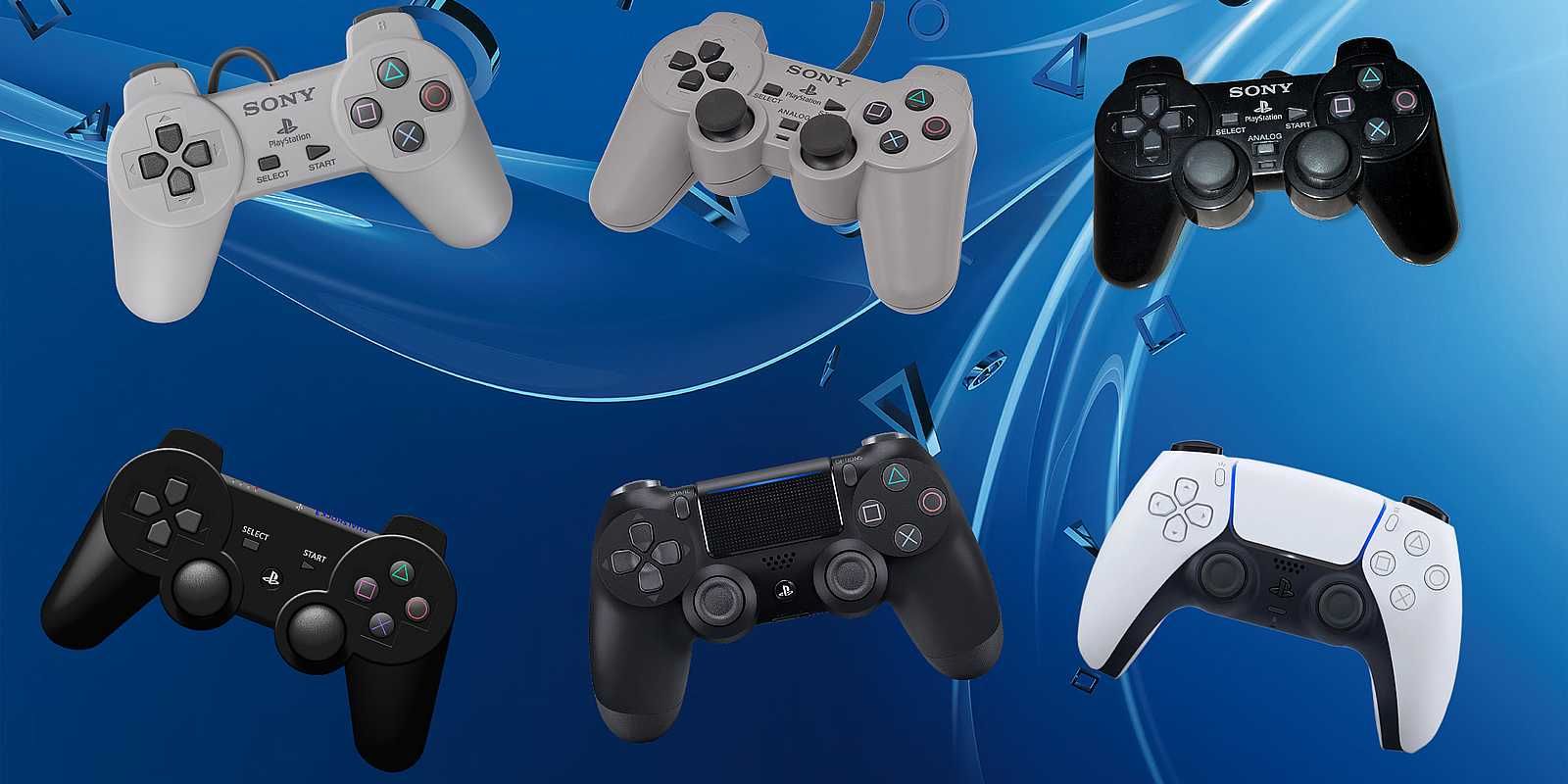
Connecting a PlayStation 3 (PS3) DualShock 3 or Sixaxis controller to a PlayStation 2 (PS2) is not natively supported, as the two consoles use entirely different communication protocols and hardware interfaces. The PS2 utilizes a proprietary wired controller port requiring the DualShock 2, while the PS3 utilizes Bluetooth wireless technology or USB for digital-only wired input. However, through the use of specialized third-party hardware adapters, it is possible to bridge this gap, allowing for the use of more modern, ergonomic controllers on legacy hardware.
Understanding the Technical Barrier
The fundamental issue preventing a direct connection between a PS3 controller and a PS2 console lies in the physical and electrical interface. The PS2 controller port is a specialized serial interface designed in the late 1990s. It provides power and data transfer through a specific pinout configuration that is exclusive to the PlayStation and PlayStation 2 ecosystem.
Conversely, the PS3 controller operates on an entirely different standard. When used wired, it functions as a USB Human Interface Device (HID). When used wirelessly, it relies on the Bluetooth protocol. The PS2 hardware, which lacks both a Bluetooth radio and the necessary USB drivers to interpret HID signals from a modern game controller, cannot natively "handshake" with a PS3 controller. Even if you were to physically solder a USB cable to the pins of a PS2 controller port, the signals would not be recognized by the console, as the electrical signaling levels and data formats are fundamentally incompatible.
The Role of Hardware Adapters
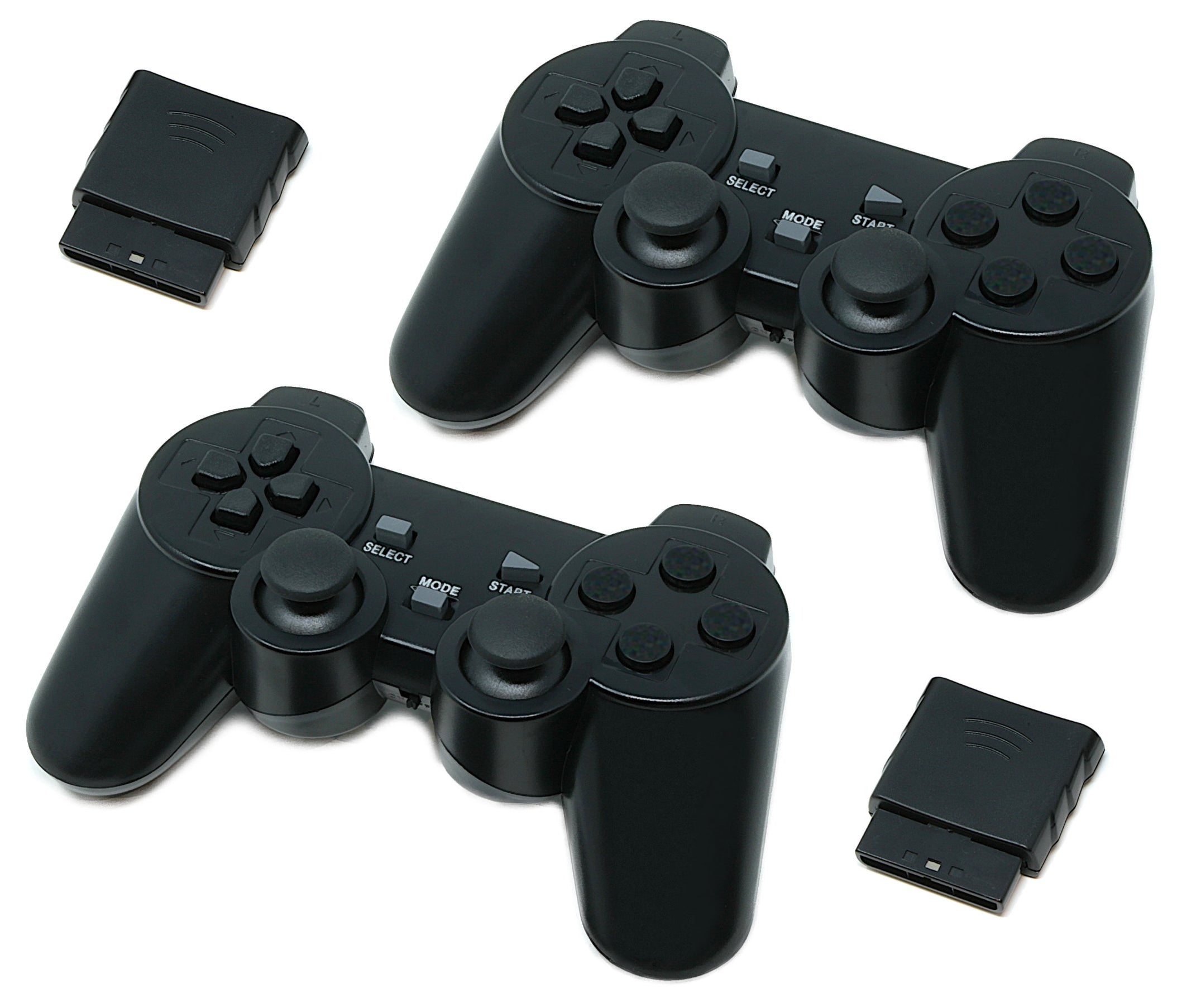
To bypass these limitations, users must employ a hardware signal converter, often referred to as a "PS3 to PS2 controller adapter." These devices act as an interpreter. The adapter plugs into the PS2's controller port and provides a female USB port or a Bluetooth receiver that accepts the PS3 controller's input.
Inside the adapter, a microcontroller processes the incoming signals from the PS3 controller, translates them into the language the PS2 understands, and relays the translated data to the console's controller port. This process happens in real-time, generally with negligible latency that is imperceptible to the average player.
Selecting the Right Adapter
Not all adapters are created equal. When sourcing an adapter in 2026, it is vital to distinguish between two main categories:
- Wired-Only Adapters: These require you to keep the PS3 controller plugged into the adapter via a USB cable. These are generally more stable and less prone to interference.
- Wireless Bluetooth Adapters: These allow you to sync a PS3 controller wirelessly. While more convenient, they often require a "pairing" process that might involve a PC or a specific button sequence on the adapter itself.
When evaluating an adapter, look for build quality and, if possible, reviews that specify compatibility with specific revisions of the DualShock 3, as some "Sixaxis" controllers have different power requirements than the later "DualShock 3" vibration-enabled models.
Prerequisites and Setup Procedures
Before attempting to connect your controller, ensure you have the following requirements met.
Prerequisites
- A Functional PS2 Console: Whether a "Fat" or "Slim" model, the controller port must be in good working condition.
- A Genuine or High-Quality PS3 Controller: Third-party PS3 controllers may use non-standard communication protocols that many adapters fail to recognize.
- A Compatible Converter: Ensure the device specifically lists "PS2 console" compatibility.
- A Mini-USB Cable: If you are using a wired adapter or performing the initial pairing for a wireless one, a high-quality data-capable Mini-USB cable is essential.
Setup Steps
- Power Down the Console: Always connect the adapter while the PS2 is powered off to avoid potential electrical shorts or port errors.
- Connect the Adapter: Plug the adapter firmly into the PS2 controller port.
- Establish the Link: If using a wired adapter, connect the PS3 controller to the USB port on the adapter. If using a wireless adapter, consult the manual to trigger the "discovery mode" on the adapter, then press the "PS" button on the controller to pair.
- Initialization: Power on the console. The controller should be recognized as a standard digital controller. Note that because the PS2 expects a native DualShock 2, certain features—most notably pressure-sensitive buttons—may behave differently or not function at all, depending on the adapter's firmware.
Comparative Overview of Controller Interfaces
| Feature | DualShock 2 (Native) | PS3 Controller (via Adapter) |
|---|---|---|
| Connection | Hardwired | USB / Bluetooth (via Adapter) |
| Pressure Sensitivity | Fully Supported | Varies by Adapter Firmware |
| Vibration | Native Support | Supported (if adapter permits) |
| Latency | Near-Zero | Minimal (Signal Conversion overhead) |
| Hardware | Integrated | Requires External Converter |
Limitations and Potential Drawbacks
While using a PS3 controller on a PS2 provides a familiar ergonomic experience, it is not a perfect 1:1 replacement.
Pressure Sensitivity
Many games in the PS2 library, such as Metal Gear Solid 2 or Gran Turismo, rely on the analog, pressure-sensitive face buttons of the DualShock 2. Most third-party adapters translate signals into binary (on/off) inputs. Consequently, games that require varying levels of pressure (e.g., lightly tapping a button to walk vs. pressing fully to run) may become difficult or impossible to play correctly.
Wireless Stability
If using a Bluetooth adapter, you may experience occasional input lag or dropped connections, especially if there is significant interference from nearby 2.4GHz devices (such as Wi-Fi routers or mobile phones). Wired configurations are consistently recommended for competitive or reflex-intensive gaming.
Battery Requirements
Because the PS3 controller relies on an internal battery, you must manage its charge level independently. The PS2 does not supply power to charge a PS3 controller through the controller port, even when a USB-based adapter is used. You will need to charge the controller using a PC or a dedicated wall charger, which can be an inconvenience during long gaming sessions.
Troubleshooting Common Issues
If your setup is not functioning as expected, follow these systematic troubleshooting steps:
- Check the Power Indicator: Ensure the PS3 controller is actually receiving power. If the lights on the controller are not blinking or solid, the battery may be dead, or the adapter is not providing the necessary voltage.
- Verify Port Functionality: Test a standard DualShock 2 controller in the same port to ensure the port itself is not damaged.
- Reset the Controller: Most PS3 controllers have a small pinhole reset button on the back. Use a paperclip to press this for five seconds to clear any stored pairing data.
- Update Adapter Firmware: If your adapter is a modern model with a USB-update capability, check the manufacturer's website for firmware patches. Many adapters released in the mid-2020s include patches to improve compatibility with aging controllers.
FAQ: Frequently Asked Questions
Will my PS3 controller's vibration function on the PS2?
Generally, yes, provided the adapter explicitly supports force-feedback. However, the intensity and timing of the vibration may differ from the native DualShock 2 experience because the adapter must map PS3-specific rumble commands to the PS2's motor control standards.
Does the "PS" button on the PS3 controller do anything on the PS2?
In most cases, the "PS" button is mapped to the "Analog" mode button on the DualShock 2. Pressing it usually toggles between digital and analog modes, which is necessary for games that do not support analog sticks.
Can I use multiple PS3 controllers on one PS2?
Yes, but you will need one adapter for every controller. The PS2 controller ports are independent. Ensure you have enough clearance for multiple adapters if you are using an older "Fat" PS2 model, as the ports are positioned relatively close together.
Why does my controller work in the menu but not in the game?
This usually indicates an issue with the "Analog" mode. Some PS2 games require the controller to be in "Analog" mode to recognize the thumbsticks. Try pressing the "PS" button (or the equivalent mapped button) to toggle the mode and see if input is registered.
Are there any legal or safety risks?
Using third-party adapters carries no inherent legal risk for the user. However, always ensure your adapters are CE or FCC certified to minimize the risk of electrical faults that could potentially damage the sensitive motherboard of the PS2 controller ports.
Final Recommendation
Integrating a PS3 controller into a PS2 setup is an excellent way to extend the lifespan of your console if your original DualShock 2 controllers are worn out or unavailable. For the best experience, prioritize a high-quality wired adapter to avoid the complexities of Bluetooth pairing and potential latency. Before committing to a purchase, review your preferred game library; if you frequently play titles that rely heavily on pressure-sensitive inputs, you may find that a refurbished or high-quality replica DualShock 2 remains the more functional choice.