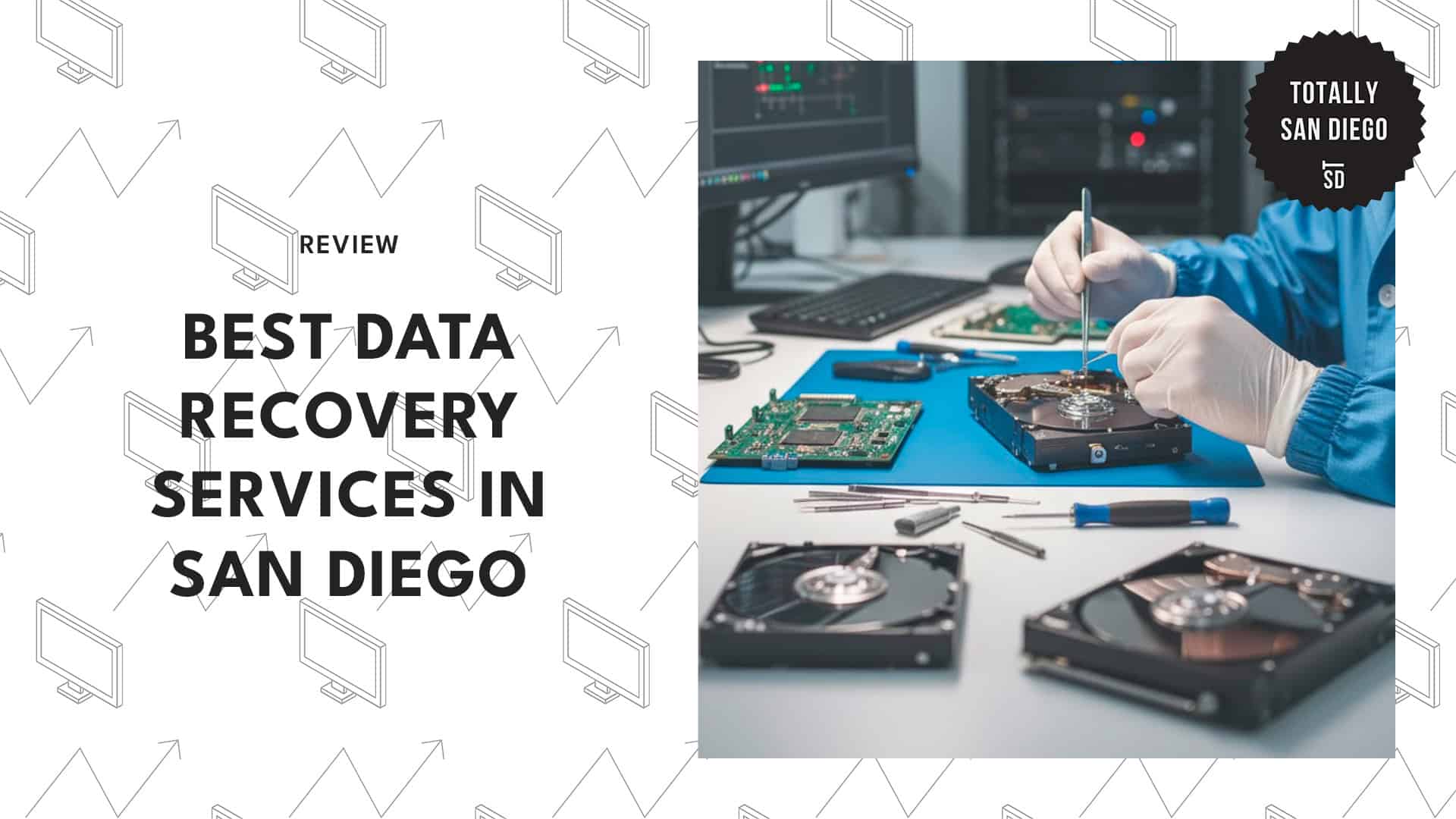
Professional data recovery services are worth the cost when the value of the lost information—whether financial, legal, or sentimental—exceeds the typical service fee of $300 to $3,000. For physical hardware failures, such as clicking hard drives or dead SSD controllers, experts provide the only safe path to restoration.
Determining whether to hire a data recovery professional is a decision that balances the technical reality of hardware failure against the economic or emotional value of the data. In 2026, storage densities have reached unprecedented levels, with 30TB+ mechanical drives and high-layer NAND flash becoming standard. This increased density makes DIY recovery attempts riskier than ever, as even minor errors can lead to permanent data loss. This guide explores the mechanics of professional recovery, the cost structures involved, and how to determine if your specific situation warrants a professional's fee.
The Evolution of Data Recovery Costs in 2026
The pricing for professional data recovery has stabilized in 2026, but it remains a premium service due to the specialized infrastructure required. While software solutions are available for $50 to $200, professional lab services operate on a completely different scale of complexity and investment.
Understanding the Tiered Pricing Model
Most reputable data recovery labs utilize a tiered pricing structure based on the type of failure rather than the volume of data. It is a common misconception that recovering 1GB is cheaper than recovering 1TB; in reality, the engineer spends the same amount of time repairing the drive's physical components regardless of the data footprint.
- Logical Recovery ($300 – $600): This covers scenarios where the hardware is functional but data is inaccessible due to accidental deletion, formatting, or minor file system corruption.
- Mechanical Failure ($700 – $2,000): This is the most common reason for professional intervention. It involves physical repairs, such as replacing the head-stack assembly (HSA) or unsticking motor bearings.
- Complex SSD and Flash Recovery ($500 – $2,500): Recovering data from failed Solid State Drives (SSDs) or NVMe modules often requires "chip-off" procedures or bypassing proprietary controller encryption, which demands significant engineering hours.
- RAID and Enterprise Storage ($1,500 – $10,000+): Large-scale arrays require virtual reconstruction and often involve multiple failed disks, leading to high labor costs.
The "No Data, No Fee" Guarantee
In 2026, the industry standard for reputable labs remains the "No Data, No Fee" policy. This ensures that if the engineers cannot recover the specific files you have identified as critical, you are not charged the full recovery fee. However, most labs still charge a non-refundable evaluation fee (typically $50–$100) to cover the initial diagnostic work and the shipping of the device.
When Is Professional Recovery a Necessity?
Not every data loss scenario requires a cleanroom and a microscopic soldering station. However, certain symptoms indicate that any attempt at a DIY fix will likely result in a "head crash"—a catastrophic event where the read/write heads scrape the magnetic platters, turning your data into dust.
Identifying Physical Hardware Failure
If your storage device exhibits any of the following symptoms, software-based recovery is not an option and will likely worsen the damage:
- Audible Clicking or Grinding: This suggests a mechanical failure of the actuator arm or a head-stack malfunction.
- Drive Not Spinning: This usually indicates a failure of the Printed Circuit Board (PCB) or the motor.
- The "Scent of Smoke": An electrical surge has likely fried the controller or the TVS diodes on the PCB.
- Biosis/UEFI Non-Detection: If the computer's lowest-level software cannot see the drive, consumer-grade recovery software certainly won't either.
The Technical Complexity of Modern SSDs
As we move through 2026, the shift toward QLC (Quad-Level Cell) and PLC (Penta-Level Cell) NAND flash has made data recovery significantly more difficult. These drives use complex wear-leveling algorithms and hardware-level encryption controlled by a specific chip. When that controller fails, the data on the flash chips is scrambled. Experts use specialized tools, such as the PC-3000, to emulate the controller and reconstruct the data—a task impossible for an end-user.
The Risks of the "Do-It-Yourself" Approach
The temptation to save $1,000 by following a YouTube tutorial is high, but the risks are often misunderstood. Data recovery is a "one-shot" process; the more you stress a failing drive, the lower the probability of a successful professional recovery later.
Software vs. Hardware
Recovery software is designed to scan a drive for file signatures and directory structures. However, software works by repeatedly reading every sector of the drive. If the drive has "bad sectors" or a failing read head, the intense activity of a software scan can cause the failing component to fail completely mid-scan. Professionals instead use hardware imagers that can skip bad sectors, control the drive's power cycle, and read data with minimal stress on the components.
The "Freezer Trick" and Other Myths
Ancient advice like putting a hard drive in a freezer or tapping it with a screwdriver is dangerous in 2026. Modern drives have tolerances measured in nanometers. Moisture from a freezer can cause internal corrosion or "stiction," while physical impacts can misalign the heads. Professional labs use ISO 5 (Class 100) cleanrooms to ensure that not a single speck of dust enters the drive housing while it is open.
Professional Data Recovery vs. DIY Software Comparison
| Feature | DIY Recovery Software | Professional Lab Service |
|---|---|---|
| Average Cost | $50 – $200 | $300 – $3,000+ |
| Success Rate (Logical) | High | Very High |
| Success Rate (Physical) | Near Zero / Dangerous | High (70% – 90%) |
| Tools Used | Software algorithms | Cleanrooms, Head-swaps, Hardware Imagers |
| Data Privacy | User-controlled | Managed via NDA / SOC 2 Compliance |
| Risk of Permanent Loss | High if hardware is failing | Minimal; preserves original state |
| Turnaround Time | Immediate | 2 Days to 3 Weeks |
Evaluating the Value of Your Data
To decide if the cost is worth it, you must perform a cold-room assessment of what the data is actually worth to you or your organization.
Business Continuity and Legal Obligations
For a business, the cost of data recovery is often a tax-deductible expense. More importantly, it is an investment in avoiding legal liabilities. If the lost data contains client records, tax filings, or intellectual property required for a contract, the $2,000 recovery fee is negligible compared to a potential lawsuit or the loss of a multi-million dollar account.
Sentimental Value and Irreplaceability
For individuals, the "worth" is subjective. If a drive contains the only copies of a child's first years or a deceased relative's photos, the cost is often viewed as a "digital ransom" that many are willing to pay. However, if the drive contains games, downloaded movies, or documents that exist in an older cloud backup, the professional cost is rarely justified.
What to Look for in a Data Recovery Expert
The data recovery industry is unregulated, which means anyone with a website can claim to be an "expert." In 2026, you should vet a provider using these specific criteria:
- Physical Address and Lab: Many "services" are just drop-off points that ship your drive elsewhere. Ensure the company operates its own local or regional lab.
- Security Certifications: Look for SOC 2 Type II or ISO 27001 compliance. This ensures your private data is handled with strict security protocols.
- Cleanroom Verification: Ask for proof of a certified Class 100 (ISO 5) cleanroom. Opening a modern 20TB drive in a standard room will destroy it.
- Transparent Pricing: Avoid companies that give "flat rates" over the phone without seeing the drive. A legitimate lab provides a firm quote only after a diagnostic evaluation.
Frequently Asked Questions
Can professional data recovery recover data from a drive that has been overwritten?
No. If new data has been written over the exact physical sectors where the old data resided, recovery is physically impossible regardless of the expert's skill level. However, modern operating systems often write data to different locations, meaning "overwritten" drives sometimes still contain recoverable fragments.
Why is SSD recovery more expensive than HDD recovery?
SSD recovery is more complex because it involves de-soldering NAND chips and using specialized hardware to bypass the controller's "Flash Translation Layer." Additionally, many modern SSDs employ hardware encryption, meaning the engineer must repair the original controller or find a way to extract the encryption keys to make the data readable.
How long does the professional recovery process take?
Standard recovery typically takes 5 to 10 business days. This allows time for diagnostics, sourcing specific "donor" parts (which must match the drive's firmware and pre-amp versions exactly), and the slow process of imaging a damaged drive. Emergency services are available but often double the cost.
Does a professional recovery void my hardware warranty?
In many cases, yes. Opening the drive seal usually voids the manufacturer's warranty. However, some recovery labs have agreements with manufacturers like Western Digital or Seagate that allow them to perform recovery without voiding the warranty. Always check with the lab and the manufacturer if your drive is still under its original coverage.
What happens if only part of my data is recovered?
Reputable labs provide a "file list" before you pay the final bill. You can review this list to ensure your most important files are present. If the critical files are missing, the "No Data, No Fee" policy should apply, and you will typically only be responsible for the evaluation and shipping costs.
Final Recommendation: Should You Pay?
If your drive is making noise or has suffered a physical trauma (like a drop or a power surge), do not power it on. In these cases, professional recovery is the only viable option. If the data is critical for your livelihood or represents irreplaceable memories, the $300–$2,000 investment is a justifiable expense to rectify a hardware failure that software simply cannot fix.
For future protection, the cost of data recovery should serve as a catalyst for a robust 3-2-1 backup strategy: three copies of your data, on two different media types, with one copy stored off-site. In 2026, the most cost-effective "recovery" plan is always the one you implement before the drive fails.