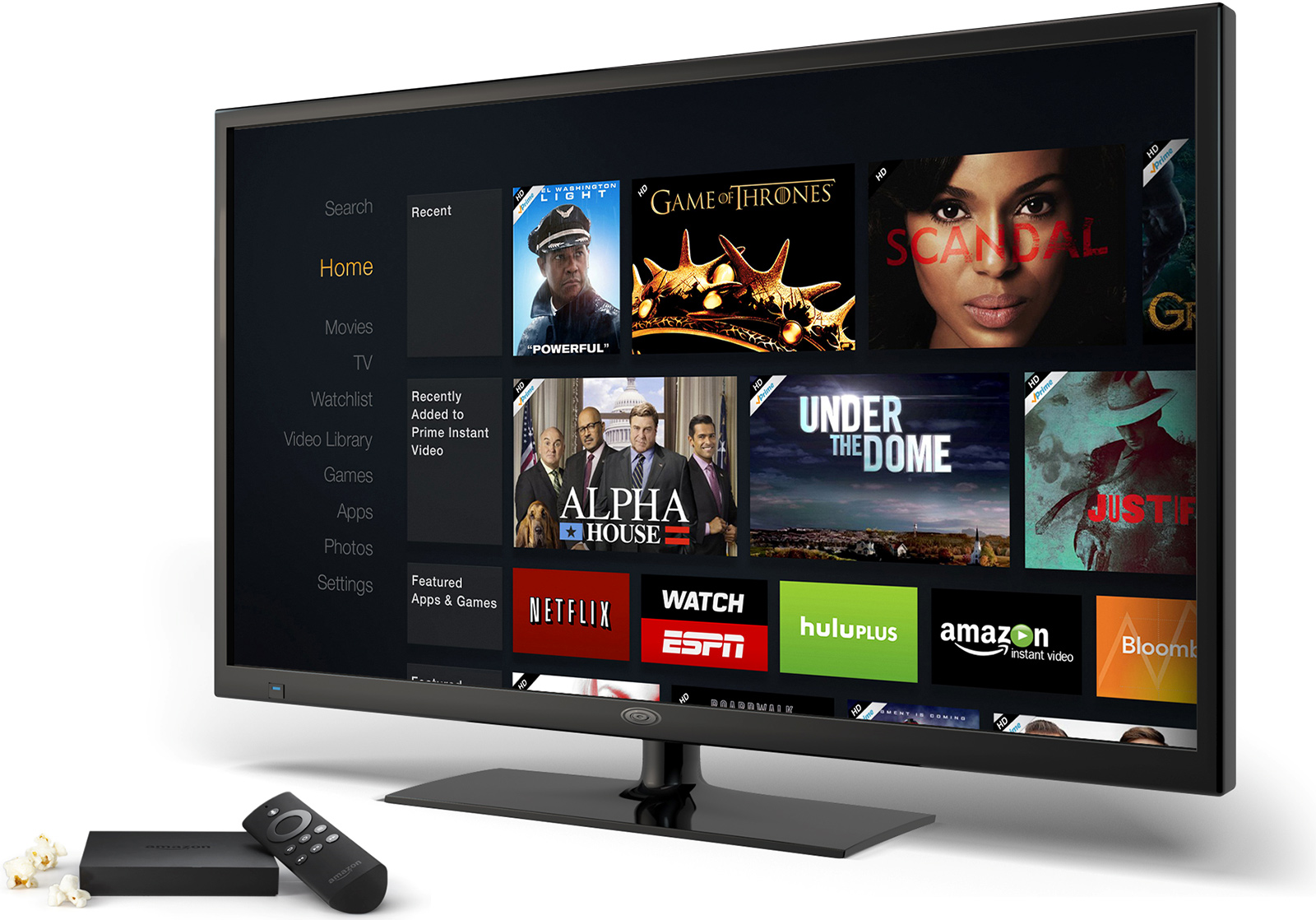
The technical landscape of Amazon Fire TV modifications spans hardware-level BootROM exploits, low-level debug interface manipulation, and Android Debug Bridge (ADB) privilege abuse. While these methods allow root access, custom recovery installation, and UI modification, modern FireOS versions enforce strict Android Verified Boot protocols, hardware e-fuses, and restricted shell environments to safeguard device integrity.
Hardware Architecture and the Fire OS Boot Hierarchy
Understanding the security posture and vulnerability surface of Amazon Fire TV hardware requires analyzing its underlying architectural components. Fire TV devices operate on ARM-based System-on-Chip (SoC) architectures supplied primarily by MediaTek and Amlogic, running FireOS—a heavily customized fork of the open-source Android platform (Android Open Source Project, or AOSP).
Fire OS Architecture
Conceptual boot chain:
- Hardware BootROM
- Preloader
- TrustZone TEE
- Little Kernel / U-Boot
- Linux Kernel
- Android System
System-on-Chip (SoC) Security Models
The System-on-Chip serves as the core execution environment. Silicon vendors embed security controls directly into the microchip during fabrication. These hardware controls form the foundation of the device's cryptographic chain of trust:
- Primary BootROM (BROM): Read-only memory etched into the silicon. The BROM code runs immediately upon device power-on and cannot be updated or altered post-manufacture.
- One-Time Programmable (OTP) Memory / e-Fuses: Microscopic hardware fuses blown during manufacture to permanently set cryptographic public key hashes, hardware revision flags, and anti-rollback indices.
- ARM TrustZone / Trusted Execution Environment (TEE): A hardware-isolated execution zone running parallel to the main operating system. The TEE handles secure key storage, cryptographic signature checks, and Digital Rights Management (DRM) processing.
Stage-by-Stage Boot Progression
When power is applied to an Amazon Fire TV device, it executes a multi-tiered boot sequence designed to verify each software component before execution:
- BootROM Execution: The hardware BROM initializes basic system memory and loads the secondary bootloader (Preloader) from internal storage (eMMC or UFS). The BROM checks the RSA signature of the Preloader using public key hashes burned into the SoC's e-fuses.
- Preloader Hand-off: If the signature matches, execution transfers to the Preloader. The Preloader initializes DRAM and prepares the Trusted Execution Environment (TEE).
- LK / U-Boot Stage: The Preloader validates and boots the main bootloader (typically Little Kernel or U-Boot).
- Kernel Verification: The bootloader checks the signature of the Android
bootpartition (containing the Linux kernel andramdisk) via Android Verified Boot (AVB) documentation. - Operating System Initialization: The Linux kernel initializes device drivers, mounts system partitions (including
system,vendor, andproduct), and launches the Androidinitprocess to start FireOS services.
If signature validation fails at any point in this chain, boot execution halts immediately to prevent untrusted code from running.
Low-Level Technical Mechanisms of Fire TV Exploitation
Modifying or "hacking" an Amazon Fire TV device involves bypassing one or more stages of the hardware or software chain of trust. Exploitation techniques range from physical hardware manipulation to software-based command injection.
BootROM (BROM) Vulnerabilities and Hardware Shorting
The most potent exploits occur at the lowest level of the boot hierarchy. Because the BootROM cannot be patched via over-the-air (OTA) software updates, hardware-level vulnerabilities remain unpatchable for affected silicon revisions.
The Kamakiri and Exploit Chain Methodology
Many popular Fire TV bootloader unlock techniques (such as the Kamakiri exploit family on MediaTek SoCs) exploit weaknesses in the BROM USB download mode protocol. When an SoC fails to load a valid preloader or is forced into recovery mode, the BROM exposes a VCOM/USB serial interface to accept emergency flashing commands.
Security researchers identified that specific BROM implementations failed to properly validate buffer lengths or sanitize inputs during USB communication. By sending crafted payload packets over the USB connection, an attacker can trigger a buffer overflow, execute arbitrary code within the BROM context, and bypass signature verification.
Physical Hardware Shorting
Because modern devices attempt to boot the valid preloader before entering USB download mode, attackers must interrupt the standard boot sequence. This is typically achieved by opening the device enclosure and physically shorting specific hardware test points on the printed circuit board (PCB):
- DAT0 or CMD Test Points: Grounding the data line 0 (
DAT0) or command line (CMD) of the eMMC chip prevents the SoC from reading the valid preloader from storage. - BROM Protocol Trigger: Forced into an error state, the hardware drops down to the BROM USB download interface, allowing the execution of exploit scripts from an external computer.
Software-Level ADB Exploitation and Privileged Shell Abuse
Not all modifications require hardware disassembly. Software modifications target the operating system layer, utilizing administrative tools intended for software developers.
Android Debug Bridge (ADB) Interfacing
FireOS includes ADB support over local networks (Wi-Fi) or direct USB connections. When "ADB Debugging" is enabled within developer settings, port 5555 opens, allowing local command execution. Standard ADB access grants the shell user privilege level (UID 2000).
Privilege Escalation Vectors
While the shell user cannot modify system partitions directly, attackers historically exploited kernel-level vulnerabilities (such as CVE-2020-0069 in MediaTek kernel drivers) to escalate privileges from shell (UID 2000) to full root access (UID 0). Once root status is obtained, security controls like SELinux (Security-Enhanced Linux) can be set to permissive mode, enabling arbitrary system modifications.
Custom Recovery Installation and System Modifications
Achieving persistent root access or running custom operating systems requires replacing system-level software partitions:
- TWRP (Team Win Recovery Project): Once the bootloader signature checks are bypassed or disabled, the standard recovery partition is overwritten with a custom recovery build like TWRP. TWRP allows reading, writing, and backing up internal storage partitions without OS restrictions.
- Magisk System Patching: Magisk patches the
bootpartition's kernel and ramdisk to grant superuser access on demand. Magisk executes in memory during boot, overlaying modified system files without permanently altering the physical/systempartition (a technique known as "systemless" rooting).
Security Controls and Anti-Exploit Engineering in Modern FireOS
Amazon actively updates FireOS to mitigate exploits, protect proprietary services, and enforce content rights. Security engineering across modern FireOS builds (FireOS 7, based on Android 9, and FireOS 8, based on Android 11) incorporates robust defence-in-depth mechanisms.
Cryptographic Integrity: Android Verified Boot (AVB) and dm-verity
Modern Fire TV devices use Android Verified Boot 2.0 (AVB) alongside dm-verity (device-mapper verity):
dm-verity Execution:
dm-verityforms a cryptographic tree hash over the contents of read-only partitions (/system,/vendor). The root hash of this tree is signed with Amazon's private key.Block-Level Hash Verification: During runtime, the Linux kernel checks every read operation from storage against the hash tree. If a single byte on the
/systempartition is modified, the hash fails, causing the kernel to throw an I/O error or trigger an immediate system reboot.Root Hash (AVB)
- Intermediate H1
- Data B1
- Data B2
- Intermediate H2
- Data B3
- Data B4
- Intermediate H1
DRM Protection and Trusted Execution Environment Isolations
Digital Rights Management relies on strict isolation between user space and security hardware:
- Widevine L1 vs. Widevine L3: Amazon Fire TV hardware supports Widevine Level 1 (L1), where all decryption, video decoding, and rendering occur entirely inside the hardware-enforced TEE.
- Cryptographic Key Invalidation: If the bootloader is unlocked or custom software is detected, the device's TrustZone revokes Widevine L1 cryptographic certificates. The device drops down to Widevine Level 3 (L3), which processes decryption in software. This limits media playback resolution on platforms like Netflix and Prime Video to standard definition (480p) or blocks playback entirely.
Operating System Hardening in FireOS 7 and FireOS 8
Amazon introduced several technical restrictions in recent OS revisions to neutralize common user-space modifications:
- Restriction of Package Manager Permissions: In FireOS 7 and 8, Amazon disabled the ability for the standard
shelluser to invoke specific Package Manager commands (e.g.,pm disable-userorpm hide). This prevented users from using ADB to disable the default Fire TV launcher (Amazon Kua Launcher) in favor of custom, ad-free launchers. - Local ADB Socket Hardening: Local loopback ADB connections (connecting to
127.0.0.1via terminal apps running directly on the stick) have been restricted or disabled in recent firmware builds to prevent automated local modification scripts. - Aggressive OTA Firmware Patching: System updates apply updated bootloaders with incremented anti-rollback security counters. If a user attempts to downgrade their firmware to a vulnerable version, the hardware bootloader checks the anti-rollback e-fuses and refuses to execute the older, vulnerable code.
Technical Comparison of Fire TV Exploit Vectors
The following matrix compares common technical modification methodologies used on Amazon Fire TV hardware, outlining execution requirements, system access levels, and security trade-offs.
| Modification Vector | Access Layer | Technical Requirements | Granted System Privileges | Hardware/Security Trade-offs | Vulnerability Patchability |
|---|---|---|---|---|---|
| BROM USB Exploit (e.g., Kamakiri) | Hardware / BootROM | Device disassembly, test-point shorting, Linux host PC | Full control (Bootloader unlock, custom TWRP) | Risk of physical destruction; breaks Widevine L1 DRM permanently on select builds | Unpatchable on existing silicon (requires hardware rev) |
| Software Kernel Privilege Escalation | Kernel / Driver | Exploitable local kernel vulnerability (CVE), ADB access | Temporary or persistent Root (UID 0) | SELinux bypass required; vulnerable to crash-induced kernel panics | Fully patchable via OTA firmware updates |
| ADB Command Line Interfacing | Application / Shell | Developer options enabled, network/USB ADB access | Local Shell (UID 2000) | Limited privileges; system partitions remain read-only | Commands restricted by Amazon in newer FireOS builds |
| Standard APK Sideloading | Application Layer | "Install Unknown Apps" permission enabled | Standard Android User Sandbox | No system modification; subject to standard Android security checks | Controlled entirely by system settings policy |
Risk Analysis: Security, Technical, and Legal Implications
Modifying Amazon Fire TV hardware or firmware introduces significant operational, technical, and legal ramifications that extend beyond basic customization.
Cybersecurity Vectors and Malicious Exploitation
Bypassing operating system boundaries significantly increases the device's attack surface:
- Unauthenticated ADB Exposure: Leaving ADB debugging enabled on a local network opens port 5555 to any connected device. Malicious scripts or compromised local devices can install unauthorized APKs, record screen output, or siphon network access credentials without user interaction.
- Cryptomining and Botnet Integration: Compromised Fire TV devices running outdated, rooted, or unpatched software are common targets for low-footprint Android malware (such as the ADB.Miner family). These payloads run background processes that consume CPU cycles for cryptocurrency mining or participate in distributed denial-of-service (DDoS) botnets.
Physical and Device Integrity: Permanent Bricking Mechanisms
Hardware-level modifications carry a permanent risk of physical render-inoperability ("bricking"):
- Soft Bricking: Caused by writing corrupted data to the
/bootor/systempartitions. This can usually be recovered using custom recoveries (TWRP) or fastboot repair commands if the bootloader remains unlocked. - Hard Bricking: Occurs when the low-level bootloader partitions (
preloader,lk,tz) are overwritten with incompatible binaries, or when anti-rollback fuse checks fail during an improper downgrade attempt. When hard-bricked, the SoC cannot initiate basic execution, rendering the hardware unusable without specialized eMMC programming equipment.
Impact on Content Rights and Ecosystem Integration
Altering device firmware directly affects access to commercial streaming media ecosystems:
- Revocation of DRM Keys: High-value 4K Ultra HD and HDR content relies on hardware-backed HDCP 2.2 and Widevine L1 decryption keys. Modification invalidates these cryptographic attestations.
- Account Termination Risks: Amazon's automated backend systems monitor service telemetry and device integrity states. Using modified FireOS software that spoofs device identifiers or bypasses native advertising frames violates the Amazon Conditions of Use and can lead to device blacklisting or account restrictions.
Regulatory and Intellectual Property Frameworks
Modifying consumer hardware intersects with legal frameworks governing digital rights and intellectual property:
- Digital Millennium Copyright Act (DMCA): In the United States, Section 1201 of the DMCA governs the circumvention of technological protection measures (TPMs). While specific exemptions exist for interoperability or security research, bypassing access controls to access copyrighted software or stream unauthorized media violates anti-circumvention rules.
- Federal Trade Commission (FTC) Guidelines: Consumer guidance from the U.S. Federal Trade Commission emphasizes that modifying software environments can remove built-in security protections, exposing personal consumer networks to unmonitored data collection and security breaches.
Practical Security Recommendations for System Maintenance
For system administrators, network engineers, and security-conscious users managing FireOS hardware within local network environments, maintaining a secure baseline requires enforcing strict operational parameters.
Hardening Guidelines for Fire OS Environments
Disable Debugging Interfaces Post-Configuration:
- Navigate to Settings > My Fire TV > Developer Options.
- Set ADB Debugging to OFF. Keep this feature disabled unless actively deploying custom software development builds.
Restrict Application Installation Sources:
- Keep Apps from Unknown Sources set to OFF within developer settings.
- If sideloading is required for verified utilities, obtain application packages directly from trusted developer repositories and verify their SHA-256 file checksums prior to installation.
Maintain Firmware Patch Integrity:
- Ensure automatic system updates remain enabled under Settings > My Fire TV > About > Check for System Update.
- Promptly apply firmware patches to ensure kernel driver vulnerabilities (such as privilege escalation vectors) are closed.
Isolate Streaming Devices on Guest Networks:
- Place Fire TV devices on a segmented Virtual Local Area Network (VLAN) or an isolated Wi-Fi Guest Network.
- Network isolation prevents compromised streaming devices from scanning or communicating with sensitive systems (such as personal computers, network-attached storage, or smart home controllers) on the primary local network.
Frequently Asked Questions
Can an Amazon Fire TV device be bricked permanently by software updates?
Yes. If an Amazon Fire TV device has a modified bootloader or custom partitions installed, installing an official Amazon over-the-air (OTA) update can cause a critical hash mismatch or trigger anti-rollback e-fuse mechanisms. When the updated bootloader detects inconsistent partition signatures, it halts the boot process, resulting in a unrecoverable "hard brick."
What is the difference between sideloading an application and rooting a Fire TV?
Sideloading refers simply to installing an Android application package (APK) from outside the official Amazon Appstore using standard system permissions. Rooting involves exploiting system vulnerabilities to grant arbitrary superuser control (UID 0) over the entire Linux operating system, allowing modifications to protected system files, partition tables, and kernel drivers.
Why do custom launchers stop working after FireOS system updates?
Amazon periodically updates FireOS to restrict access to system commands previously used to override the default user interface. Updates to FireOS 7 and FireOS 8 revoked permissions for the shell user to disable system components via the Package Manager (pm), preventing third-party launchers from intercepting the home button execution path.
Does unlocking the bootloader on a Fire TV impact video playback quality?
Yes. Unlocking the bootloader breaks the cryptographic hardware chain of trust maintained by ARM TrustZone. As a result, hardware-backed Widevine L1 Digital Rights Management (DRM) keys become invalid. Streaming applications like Prime Video, Netflix, and Disney+ fall back to software decryption (Widevine L3), which limits maximum video resolution to standard definition (480p) or restricts playback entirely.
What hardware vulnerabilities permit unpatchable Fire TV exploits?
Hardware exploits like Kamakiri target memory corruption vulnerabilities within the System-on-Chip (SoC) Primary BootROM (BROM). Because the BootROM is permanently etched into the silicon during microchip fabrication, its execution code cannot be modified by OTA firmware patches. These vulnerabilities remain active for the physical lifetime of the affected silicon revision.
Final Technical Takeaways
The security posture of Amazon Fire TV devices reflects a continuous arms race between hardware security engineering and low-level exploit development. While historical MediaTek BootROM flaws provided unpatchable entry points for bootloader unlocking and system rooting, contemporary hardware generations paired with FireOS 7 and 8 rely on robust defense mechanisms—including Android Verified Boot (AVB), e-fuse anti-rollback protections, block-level dm-verity checking, and TEE DRM isolation.
For security researchers and administrators, acknowledging these boundaries is critical: attempting low-level modifications on modern devices carries significant risks of physical hardware destruction, loss of HD/4K DRM capabilities, and security vulnerabilities. Enforcing robust local network segmentation and keeping device firmware updated remain the most effective strategies for maintaining device integrity.