Finding the right Customer Relationship Management (CRM) software as a freelancer means balancing lightweight project tracking, simple pipeline management, and affordable pricing that does not eat into independent margins. Unlike enterprise sales teams, freelancers need intuitive tools that centralize client communications, invoice creation, and lead generation without requiring a dedicated IT administrator to configure them.
As a freelancer, selecting the ideal CRM software depends on your specific workflow, the complexity of your client base, and whether you require integrated invoicing, email marketing, or time tracking. While enterprise platforms focus on multi-tier sales pipelines, freelance-oriented platforms prioritize speed, simplicity, and client-facing professionalism. This evaluation examines the top five CRM systems available for independent professionals, breaking down their core features, pricing structures, ideal use cases, and notable operational limitations.
Understanding Freelance CRM Needs vs. Enterprise Software
Before diving into specific software options, it is essential to understand why standard enterprise CRM tools often fail independent operators. Enterprise platforms like Salesforce or Microsoft Dynamics are built for large teams with complex sales cycles, requiring hours of onboarding and custom configuration. Conversely, freelancers operate as sole proprietors or small micro-teams who need to move quickly from a discovery call to a signed contract and a billable project.
A quality freelance CRM generally emphasizes four core pillars:
- Contact Management: A unified directory for client emails, phone numbers, past project history, and social profiles.
- Pipeline and Deal Tracking: Visual boards (such as Kanban layouts) to track leads from initial outreach to closed projects.
- Billing and Invoicing Integration: The ability to generate invoices, track payment statuses, and sometimes process credit card or ACH payments directly through the platform.
- Client Portals: Secure, branded spaces where clients can view project milestones, download deliverables, and sign documents.
Choosing a platform that aligns with these pillars prevents software fatigue and ensures you spend less time managing administrative data and more time generating billable hours.
1. HoneyBook: Best All-in-One Business Management for Creatives
HoneyBook is widely recognized as a premier solution for independent creative professionals, consultants, and service providers who want to manage the entire client lifecycle in one place. Rather than focusing purely on sales pipelines, HoneyBook bridges the gap between CRM functionality and front-end client onboarding.
Core Features and Workflow
HoneyBook excels at streamlining the administrative friction of freelance work. Its standout feature is its integrated document workflow: you can send a brochure, move a lead to a proposal, attach an interactive contract, and request an initial deposit payment within a single seamless link.
- Customizable Templates: Reusable templates for emails, brochures, questionnaires, proposals, and contracts save significant time.
- Automated Workflows: Trigger automated follow-up emails, task reminders, and document delivery based on client actions or milestone dates.
- Branded Client Portal: Clients receive a clean, professional web portal to view project updates, make payments, and access shared files.
Pricing and Cost Considerations
HoneyBook operates on a tiered subscription model billed monthly or annually. It typically offers three tiers: Starter, Essentials, and Premium. While it does not offer a permanent free tier, it routinely provides discounted trial periods. Transaction fees apply if you process credit card payments through HoneyBook's native payment processor, though these rates are competitive within the industry.
Pros and Cons
- Pros: Exceptionally polished client-facing documents; robust automation features; combines CRM and billing into a single ecosystem.
- Cons: Less suitable for complex, long-term sales funnels with multiple pipeline stages; monthly cost can be high for absolute beginners just starting out.
2. HubSpot CRM: Best Free Tier and Scalability
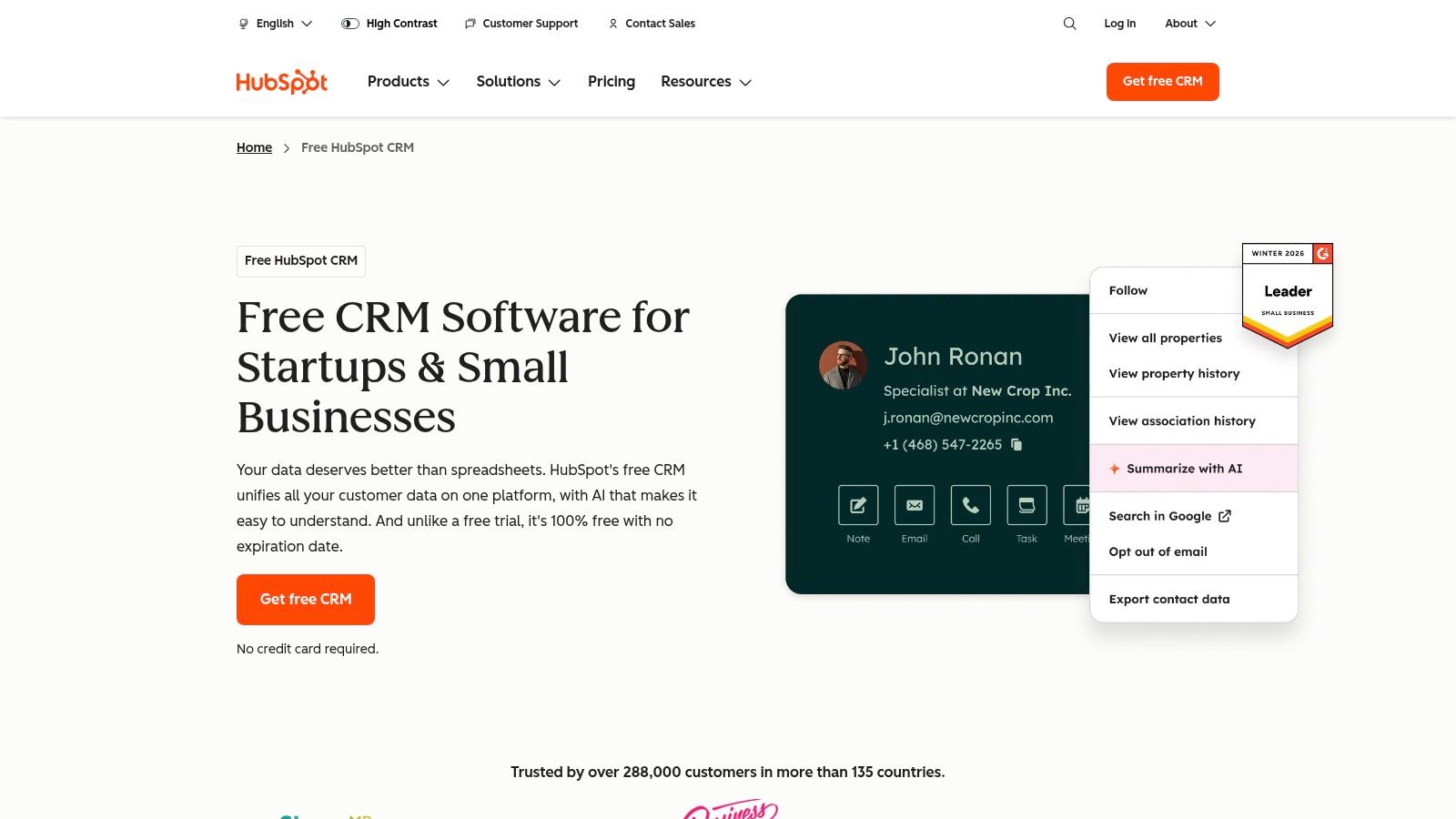
HubSpot CRM is a dominant force in the CRM market, offering a robust free plan that is surprisingly capable for freelancers who want enterprise-grade power without enterprise costs. HubSpot is ideal for freelancers who focus heavily on outbound lead generation, email tracking, and long-term client relationship nurturing.
Core Features and Workflow
HubSpot’s strength lies in its contact database and robust tracking capabilities. When you send an email to a prospective client using the HubSpot email extension, the software notifies you the moment the prospect opens the email or clicks a link.
- Visual Pipeline Management: Customizable deal stages that let you drag and drop opportunities across a clear Kanban board.
- Meeting Scheduler: A built-in scheduling tool that syncs with Google Calendar or Outlook, allowing clients to book time directly without back-and-forth emails.
- Extensive Integrations: Seamlessly connects with hundreds of third-party tools, including Gmail, Outlook, Slack, QuickBooks, and various payment gateways.
Pricing and Cost Considerations
HubSpot’s core CRM is famously free for unlimited users with up to 1,000,000 contacts. However, as you scale and require advanced automation, custom reporting, or higher marketing email limits, you must upgrade to paid tiers (Starter, Professional, or Enterprise). These paid tiers can scale rapidly in price, making HubSpot most attractive as a free foundation that you only upgrade when revenue permits.
Pros and Cons
- Pros: Generous and feature-rich free tier; exceptional email tracking and logging; massive app marketplace.
- Cons: Paid tiers become expensive very quickly; interface can feel overly complex or bloated for freelancers who only need basic invoicing and project notes.
3. Dubsado: Best for Customization and Heavy Client Automation
Dubsado is a direct competitor to HoneyBook, catering heavily to photographers, coaches, designers, and consultants who demand absolute control over branding, workflow automation, and custom form design. It is built for freelancers who want to automate almost every repetitive client touchpoint.
Core Features and Workflow
Dubsado’s standout capability is its deep customization engine. Nearly every form—from intake questionnaires to sub-agreements—can be customized with CSS styling or mapped directly to client profile fields.
- Advanced Workflow Automations: Set up multi-step triggers where completing a questionnaire automatically generates a contract, sends an invoice, schedules a welcome call, and assigns you a to-do task.
- Sub-accounts and Multi-brand Support: If you operate multiple freelance ventures under different business names, Dubsado allows you to manage them from a single login.
- Time Tracking and Project Board: Built-in tools to log billable hours and organize tasks by project.
Pricing and Cost Considerations
Dubsado offers a free trial that is not time-restricted, but rather capped at your first three clients or projects, allowing you to thoroughly test the workflow builder before paying. Paid plans are structured around monthly or annual subscriptions, with annual plans offering a substantial discount.
Pros and Cons
- Pros: Unmatched workflow automation flexibility; highly customizable client portals and forms; excellent customer support community.
- Cons: Steep learning curve due to the sheer volume of settings and customization options; mobile app experience is more limited compared to desktop.
4. Close: Best for Sales-Driven Freelancers and Outbound Prospecting
While many freelance CRMs focus on project management and invoicing, Close is unapologetically built for sales. If your freelance business relies heavily on high-volume cold emailing, cold calling, and rapid deal closing (such as freelance sales consultants, lead generation specialists, or agency founders), Close is engineered for speed.
Core Features and Workflow
Close eliminates the friction of manual data entry by baking communication tools directly into the CRM interface.
- Built-In Calling and SMS: Make outbound calls via VoIP, record conversations automatically, and send SMS messages directly from the contact profile.
- Power Dialer: Automatically cycles through a list of phone numbers, dialing the next contact as soon as the previous call ends, minimizing dead time.
- Email Sequences: Automate multi-step cold outreach campaigns with personalized follow-up sequences.
Pricing and Cost Considerations
Close is a paid platform with tiered pricing designed for sales teams, starting with a Startup plan up to enterprise-level editions. There is no permanent free tier, reflecting its positioning as a revenue-generating sales engine rather than a simple contact book.
Pros and Cons
- Pros: Built-in calling and SMS features save money on external VoIP tools; lightning-fast interface designed for high-volume outreach.
- Cons: Lacks native invoicing, document signing, and client portals; higher starting price point compared to standard freelance CRMs.
5. Notion (Custom Workspace): Best Flexible, DIY CRM for Minimalists
For freelancers who prefer a completely bespoke system without paying recurring subscription fees for rigid software features, Notion serves as an exceptional DIY CRM framework. By combining databases, Kanban boards, and rich-text pages, you can build a personalized CRM tailored precisely to your workflow.
Core Features and Workflow
Notion is a workspace tool rather than an out-of-the-box CRM, meaning you must build or adopt a template to track clients, deals, and notes.
- Infinite Customization: Link client databases directly to project databases, meeting notes, and invoice trackers using relational properties.
- Rich Documentation: Store brand guidelines, client briefs, and contractual agreements alongside standard CRM contact cards.
- Cost-Effective: Extremely affordable, with a robust free tier and low-cost personal pro plans.
Pricing and Cost Considerations
Notion offers a generous free tier that satisfies the needs of most individual freelancers. Paid plans unlock larger file upload limits and advanced workspace analytics, but the core database functionality is accessible for little to no cost.
Pros and Cons
- Pros: Fully customizable to your exact operational style; highly cost-effective; combines notes, wikis, and CRM into one workspace.
- Cons: Requires manual setup and ongoing maintenance; lacks native email tracking, automated invoicing, and built-in payment processing.
Comparative Analysis of Freelance CRM Options
To help determine which platform aligns with your specific operational model, review the comparative breakdown below.
| Software | Primary Focus | Best For | Standout Feature | Pricing Range | Free Tier/Trial |
|---|---|---|---|---|---|
| HoneyBook | All-in-One Client Management | Creatives & Service Providers | Integrated Proposals & Contracts | Moderate to High | Paid plans (occasional trial) |
| HubSpot CRM | Pipeline & Lead Tracking | Outbound Lead Gen & Scaling | Email Tracking & Meeting Scheduler | Free to High | Generous Free Tier |
| Dubsado | Workflow Automation | Detail-Oriented Consultants | Advanced Multi-Step Workflows | Moderate | Free trial (first 3 clients) |
| Close | Sales Outreach & Calling | Sales-Heavy Freelancers & Agencies | Built-in VoIP Calling & Power Dialer | Moderate to High | 14-day free trial |
| Notion | Workspace & Database Customization | Minimalist DIYers | Infinite Relational Customization | Very Low to Free | Robust Free Tier |
Key Criteria for Selecting Your Freelance CRM
When evaluating these options against your daily business operations, keep three critical evaluation criteria in mind:
- Administrative Time vs. Setup Time: Platforms like Dubsado and HoneyBook require upfront time to set up templates and workflows, but they save countless hours later. Conversely, Notion requires ongoing manual upkeep, while HubSpot offers quick setup with automated tracking out of the box.
- Financial Ecosystem Integration: Determine whether you need your CRM to collect payments. If you already use standalone accounting software like QuickBooks or Xero, a sales-focused CRM like HubSpot or Close might suffice. If you want clients to pay directly from a proposal, choose HoneyBook or Dubsado.
- Client Perception: Consider how your clients interact with your backend tools. Branded portals and clean, interactive proposals signal professionalism and can justify higher freelance rates.
Frequently Asked Questions
Do freelancers really need a CRM, or can I just use spreadsheets?
Spreadsheets work well when managing a handful of local clients, but they break down as your pipeline grows. Spreadsheets cannot automatically notify you when a prospect opens an email, trigger automated contract reminders, sync with your calendar scheduler, or process credit card payments securely. A CRM centralizes these functions, reducing administrative errors and missed follow-ups.
Can I migrate my contacts if I switch CRM software later?
Yes. Almost all modern CRM platforms allow you to export and import contact data via standard CSV (Comma-Separated Values) files. However, migrating complex workflow automations, custom form fields, and historical document archives from one ecosystem to another often requires manual recreation. Choosing the right tool from the start minimizes future migration friction.
Are free freelance CRMs secure enough for sensitive client data?
Reputable free platforms like HubSpot and Notion employ robust data encryption standards (such as SSL/TLS encryption for data in transit and AES-256 for data at rest). However, security also depends on your own account hygiene—such as enabling two-factor authentication (2FA) and using strong, unique passwords.
How do freelance CRMs handle invoicing and payment processing?
Tools like HoneyBook and Dubsado integrate native payment gateways (such as Stripe or their own payment processing arms) that allow clients to pay invoices directly via credit card or bank transfer. Other tools, like HubSpot or Notion, require integrations with external billing software (like Stripe, PayPal, or QuickBooks) to process financial transactions.
What is the most important feature to look for as a solo freelancer?
For most solo freelancers, ease of use and automated document workflows (proposals, contracts, and invoicing) deliver the highest return on investment. If a tool reduces the time spent chasing signatures and payments, it directly increases your capacity for billable work.
Next Steps for Implementation
To successfully adopt a CRM into your freelance business, start by auditing your current client onboarding bottlenecks. If you spend too much time writing manual emails, prioritize a tool with strong email templates and tracking like HubSpot. If your primary friction point is getting contracts signed and deposits paid simultaneously, test HoneyBook or Dubsado. Sign up for a trial period, input three past or active client accounts, and test the core workflow from lead inquiry to final invoice before committing to an annual subscription.