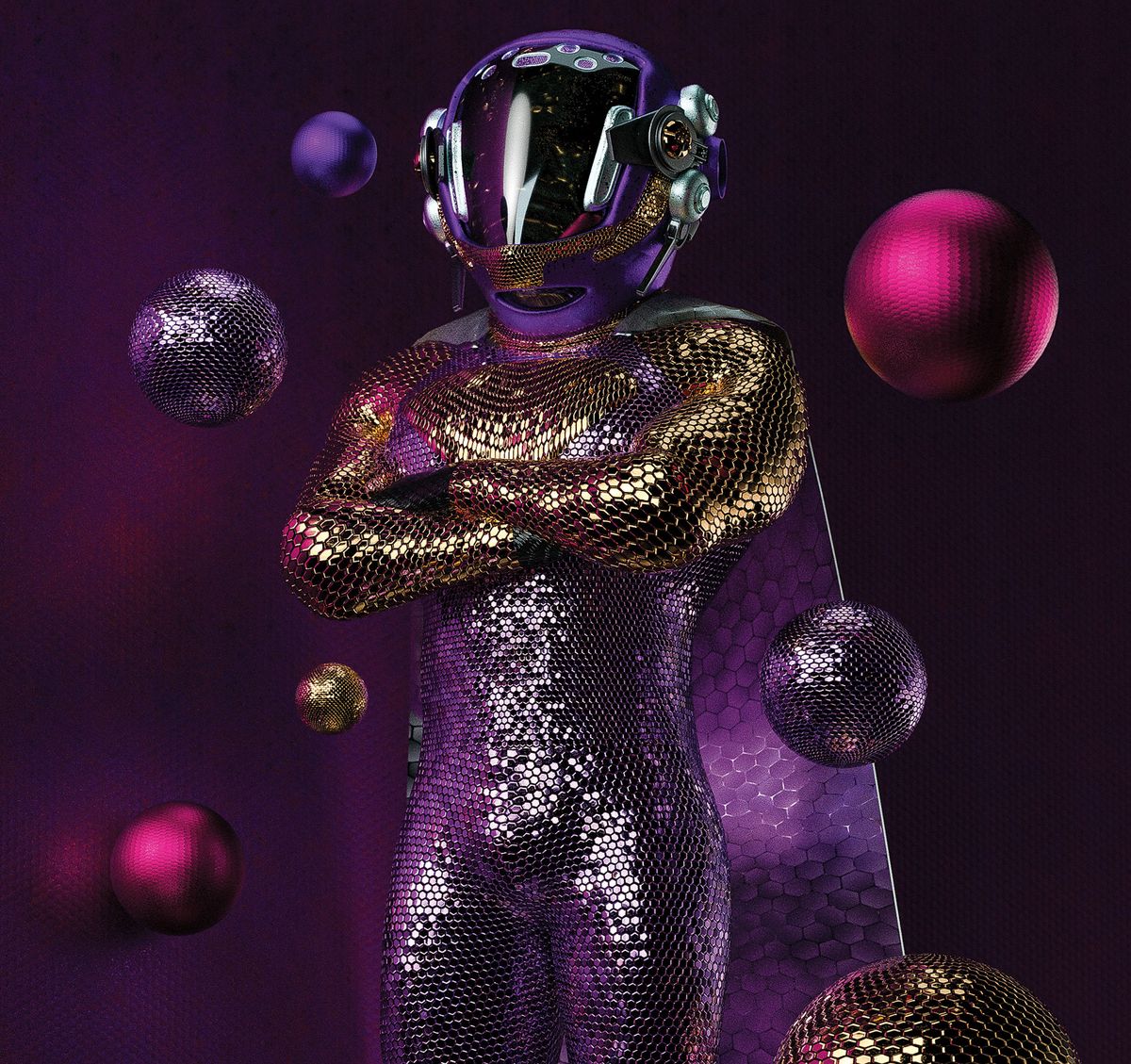
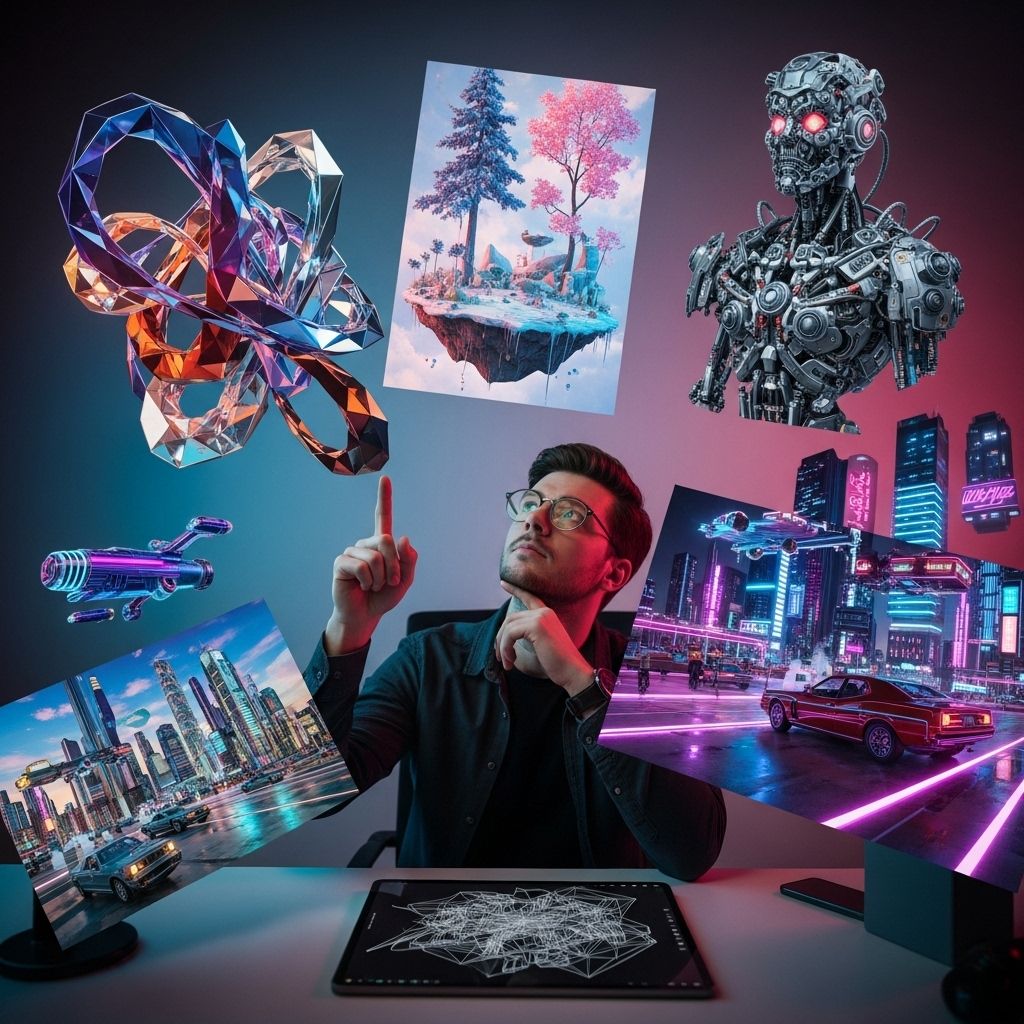
3D artwork examples span a diverse array of digital disciplines, including hard-surface modeling for industrial design, organic character sculpting for entertainment, photorealistic architectural visualization, and stylized non-photorealistic rendering. These examples illustrate how digital artists manipulate geometry, lighting, textures, and shading to create immersive visual assets across modern industries.
Introduction to 3D Artwork and Digital Creation
The landscape of digital media relies heavily on three-dimensional creative assets. Whether featured in blockbuster cinematic features, interactive video games, product marketing campaigns, or structural engineering layouts, 3D artwork serves as a core communication tool. Understanding these examples requires looking past the final rendered image to examine the underlying technical framework, which typically includes polygonal meshes, texture maps, material shaders, and complex lighting configurations.
This guide examines the distinct categories of 3D artwork examples, the primary software pipelines used to build them, the technical metrics that define their quality, and the practical criteria for evaluating them. By analyzing these components, creators and collectors alike can better navigate the expanding ecosystem of digital art production.
Core Categories of 3D Artwork Examples
Digital three-dimensional creation is not a monolithic discipline; it branches into specialized niches, each demanding distinct technical skills, artistic sensibilities, and software tools. Examining concrete categories helps clarify what separates one style from another.
Hard-Surface Modeling and Industrial Design
Hard-surface 3D artwork examples involve objects made of rigid, man-made materials with precise geometric shapes. This category encompasses mechanical components, automobiles, weapons, sci-fi spacecraft, and consumer electronics.
- Key Characteristics: Clean edge flow, precise curves, symmetrical panels, and functional mechanical parts.
- Common Applications: Automotive prototyping, product visualization, military simulation, and science fiction concept art.
- Primary Software: Autodesk Maya, Blender, Maxon Cinema 4D, and CAD-based software like Autodesk Fusion 360 or SolidWorks.
Organic Sculpting and Character Art
In contrast to hard-surface design, organic 3D artwork focuses on living or malleable forms. Character art, creatures, plants, clothing, and natural landscapes fall into this category. Organic sculpting replicates the fluidity of traditional clay modeling within a digital environment.
- Key Characteristics: High polygon counts, fine anatomical detail, subsurface scattering for skin, and dynamic rigging for animation.
- Common Applications: Video game protagonists, cinematic VFX creatures, collectible toy design, and animated feature films.
- Primary Software: Pixologic ZBrush, Maxon ZModeler, Blender, and digital painting applications like Adobe Substance 3D Painter.
Architectural Visualization (ArchViz)
Architectural visualization bridges the gap between engineering blueprints and emotional spatial storytelling. ArchViz 3D artwork examples showcase interior room layouts, high-rise exterior facades, urban planning projects, and landscape architecture.
- Key Characteristics: Accurate scale, realistic daylight simulation, physical material properties (glass, concrete, wood), and interior staging furniture.
- Common Applications: Real estate pre-sales, urban development proposals, interior design planning, and architectural competitions.
- Primary Software: Autodesk 3ds Max, Chaos Group V-Ray, Unreal Engine, and Lumion.
Stylized and Non-Photorealistic Rendering (NPR)
Not all 3D art aims for hyper-realism. Stylized 3D artwork examples mimic traditional media such as hand-drawn animation, cel-shading, claymation, and watercolor paintings. This approach leverages 3D technology while retaining a distinct, artistic signature.
- Key Characteristics: Simplified geometry, expressive textures, exaggerated proportions, and custom shader networks (e.g., toon shaders).
- Common Applications: Animated series, indie video games, stylized advertisements, and comic book adaptations.
- Primary Software: Blender, Maya, and proprietary game engine render pipelines.
Technical Foundations of 3D Digital Assets
Creating compelling 3D artwork examples requires mastering several foundational technical stages. Every finished render is the culmination of a rigorous workflow that moves from abstract mathematics to visual aesthetics.
[ Concept & Blocking ] ---> [ Modeling & Retopology ] ---> [ Texturing & Shading ] ---> [ Lighting & Rendering ]
1. Modeling and Topology
Every 3D object begins as a collection of vertices, edges, and faces forming a polygonal mesh. Topology refers to the arrangement of these polygons. Good topology ensures that an asset deforms correctly during animation and renders efficiently without artifacts. Hard-surface models require precise edge loops, while high-density digital sculptures often undergo retopology—the process of rebuilding a dense mesh into a clean, low-poly structure suitable for rigging and texturing.
2. UV Unwrapping and Texturing
Because 3D objects are volumetric, 2D image textures must be mapped onto their surfaces. UV unwrapping is the process of flattening a 3D mesh's surface into a 2D plane, similar to peeling an orange. Artists then apply textures using Physically Based Rendering (PBR) principles, which simulate how light interacts with different material layers, including base color (albedo), roughness, metallic properties, and surface normals (micro-details).
3. Lighting and Composition
Lighting transforms a flat model into a convincing piece of art. Digital lighting mimics real-world scenarios—such as three-point studio lighting, natural sunlight (HDRI environments), and artificial interior lamps. Effective composition guides the viewer's eye through the artwork using principles borrowed from traditional photography and painting.
4. Rendering Engines
The final step is rendering, where the computer calculates light rays, shadows, reflections, and refractions to produce a 2D image or video sequence.
- Ray Tracing / Path Tracing: Renderers like Chaos V-Ray, Arnold, and Cycles calculate the physical path of light rays to produce photorealistic results.
- Real-Time Engines: Engines like Unreal Engine and Unity compute lighting instantaneously using specialized GPU algorithms, making them essential for interactive experiences and virtual production.
Comparing 3D Art Styles and Software Pipelines
Different project requirements dictate different approaches to software and styling. The table below compares the primary attributes of major 3D art categories.
| Category | Primary Focus | Typical Software | Rendering Method | Target Medium |
|---|---|---|---|---|
| Hard-Surface | Mechanical precision, clean geometry | Maya, Blender, Fusion 360 | Ray Tracing / PBR | Product design, sci-fi media |
| Organic Sculpting | Anatomy, creature design, high detail | ZBrush, Blender, Mudbox | Offline Path Tracing | Game cinematics, collectibles |
| ArchViz | Spatial accuracy, realistic lighting | 3ds Max, V-Ray, Lumion | Global Illumination | Real estate, marketing |
| Stylized / NPR | Artistic expression, toon shading | Blender, Maya, Unity | Cel-shading / NPR | Indie games, animation |
Evaluating Quality in 3D Artwork Examples
When reviewing 3D artwork examples for portfolio inspiration, hiring decisions, or asset procurement, professionals look beyond surface-level aesthetics. Several technical markers distinguish exceptional work from amateur output:
- Silhouette and Form: Does the object read clearly from a distance? Strong silhouettes form the foundation of memorable character and hard-surface design.
- Surface Response to Light: Do metals look metallic and plastics look organic? Accurate roughness and specular maps prevent materials from looking flat or plastic-like.
- Scale and Proportion: Are architectural elements, vehicle parts, or human anatomies scaled logically relative to one another?
- Optimization: For real-time applications (such as games or augmented reality), check the polygon budget and texture resolution. High visual fidelity achieved with efficient resource management demonstrates advanced technical skill.
Common Pitfalls in 3D Art Production
Even experienced creators encounter recurring challenges when developing 3D assets. Recognizing these pitfalls helps maintain quality across projects:
- Over-Reliance on High Poly Counts: Relying on millions of polygons without proper normal mapping can bloat file sizes and slow down render times without adding noticeable visual value.
- Unrealistic Texturing (The "Clean" Trap): Real-world objects feature wear, tear, dust, and micro-scratches. Perfectly clean, pristine materials often look artificial unless the art direction explicitly calls for a stylized or sterile look.
- Poor Lighting Hierarchy: Flooding a scene with too many light sources washes out contrast. Successful artwork typically relies on one dominant key light complemented by subtle fill and rim lights.
- Ignoring Color Theory: Disregarding harmonious color palettes can make a technically proficient model look unappealing or muddy.
Practical Next Steps for Exploring 3D Art
For those looking to transition from viewing 3D artwork examples to creating or commissioning them, structured steps can accelerate progress:
- Define the Scope: Determine whether the goal is game development, visual effects, architectural rendering, or 3D printing.
- Select an Ecosystem: Download an industry-standard digital content creation (DCC) tool. Blender offers a comprehensive, open-source entry point for modeling, texturing, and rendering.
- Study Fundamentals: Prioritize foundational studies in traditional art—such as anatomy, perspective, and lighting—before tackling complex software parameters.
- Analyze Masterworks: Dissect portfolios on platforms like ArtStation and Behance to observe how professional artists manage wireframes, texture maps, and final compositions.