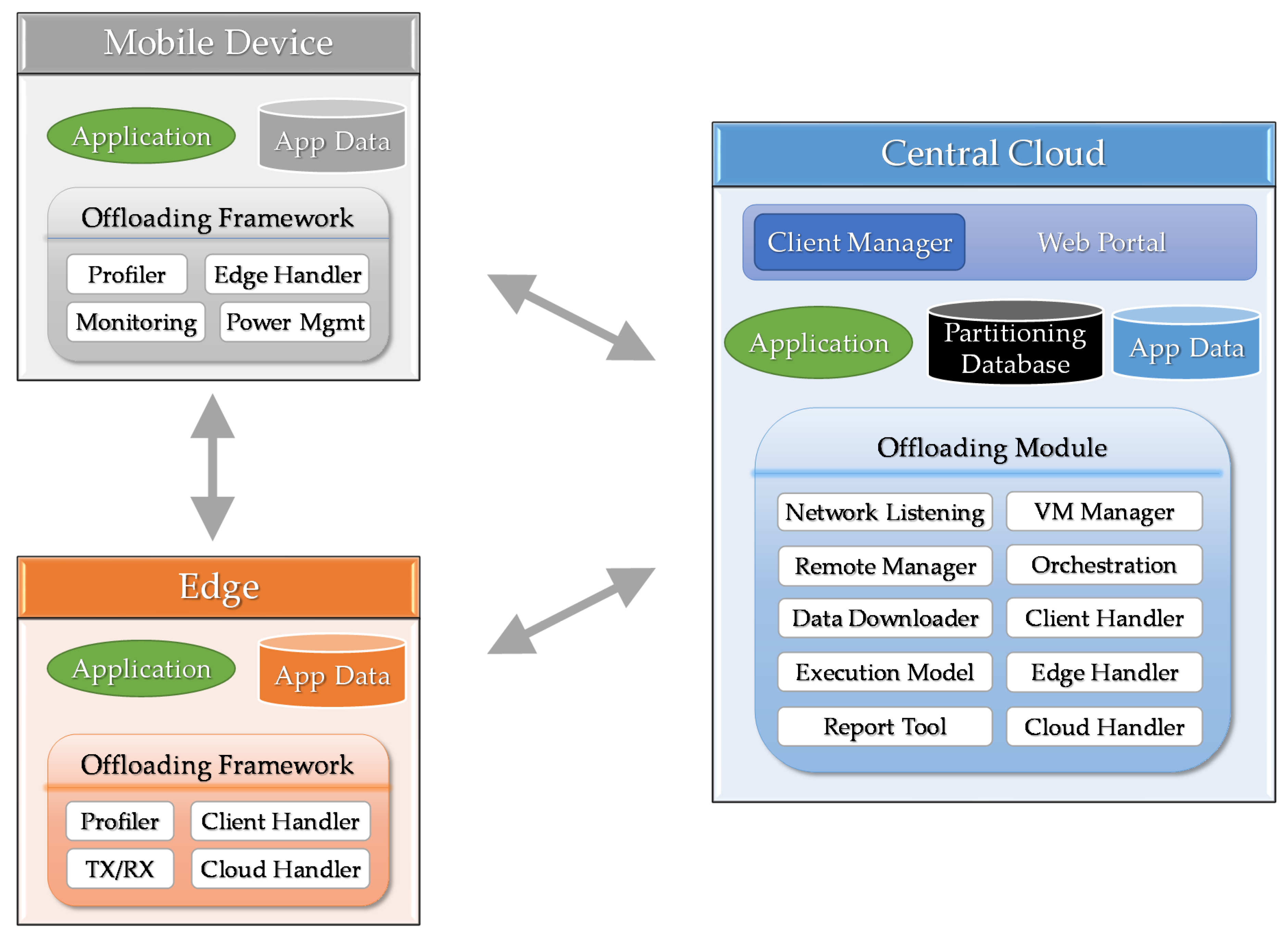
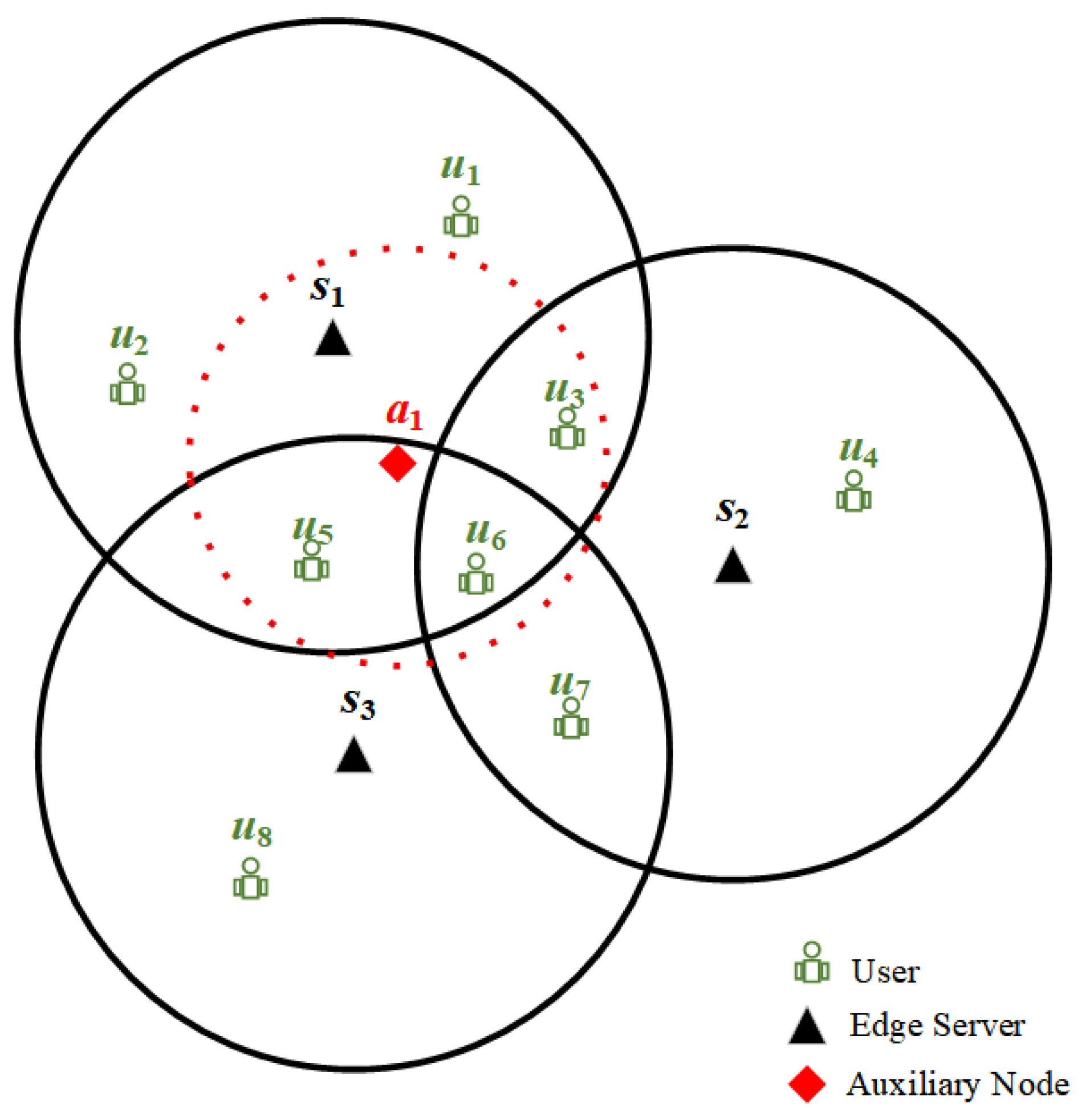
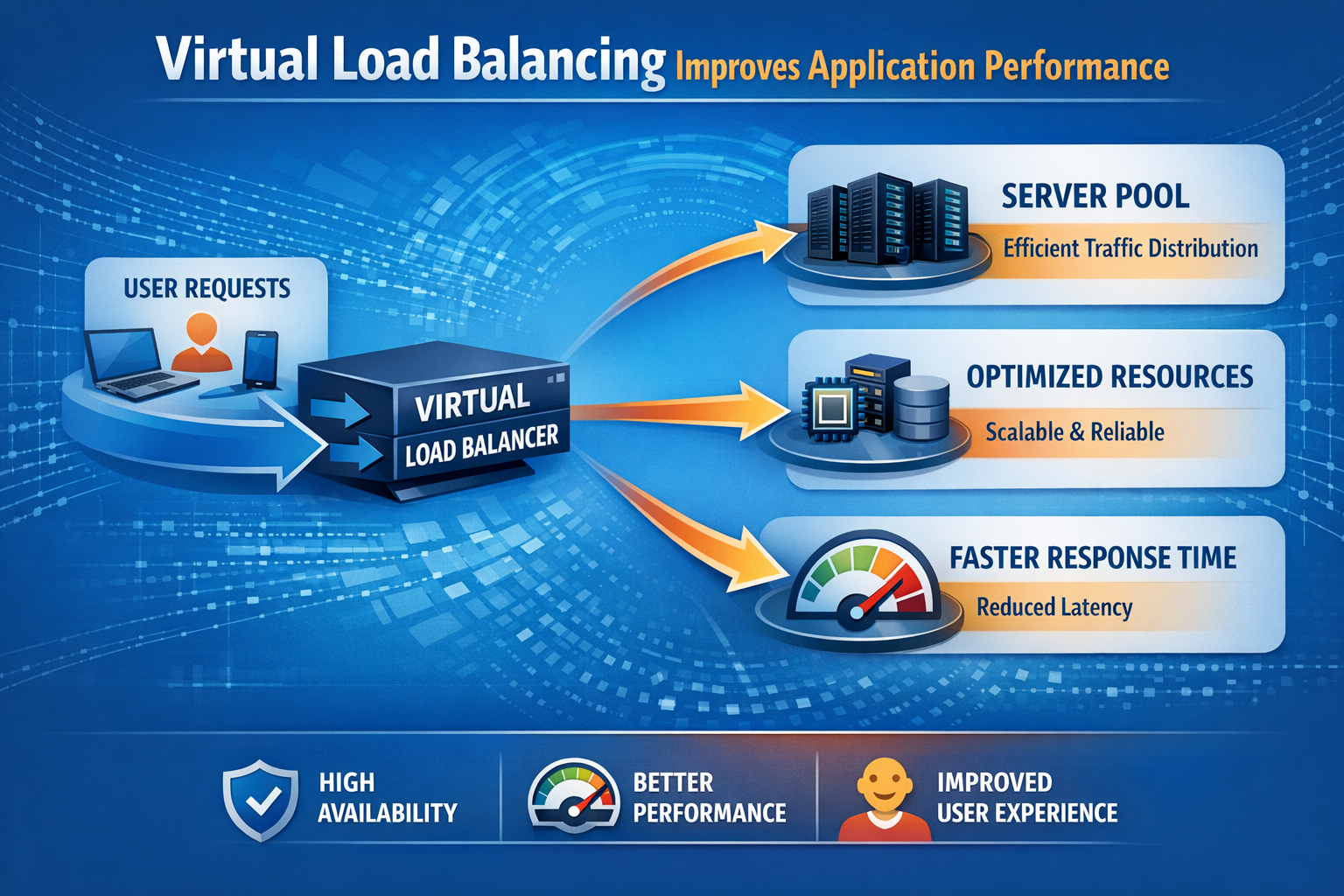
When configuring edge device load balancing using a numeric weighting scale of 100, the value 100 typically represents the maximum capacity baseline or full relative share assigned to a high-performance node. Understanding how these integer weights function allows system administrators to distribute incoming network traffic proportionally across diverse Internet of Things gateways, edge servers, and micro-data centers based on real-time capacity and hardware constraints.
Introduction to Edge Device Load Balancing and Weight Distribution
Edge computing brings data processing and application services closer to the devices generating the data, such as IoT sensors, autonomous vehicles, and local enterprise gateways. Because edge deployments often consist of heterogeneous hardware—ranging from low-power microcontrollers to robust edge servers—distributing network requests efficiently requires sophisticated load balancing algorithms. Static round-robin routing often fails in these environments because it assumes all nodes possess identical processing power, memory capacity, and network bandwidth.
Weighted load balancing solves this heterogeneity problem by assigning specific numerical values to each edge node. A scale utilizing up to 100 weights provides a granular, intuitive mechanism for administrators to allocate traffic proportions. In this paradigm, a weight of 100 indicates the primary capacity standard, while lower values represent fractional capabilities. By examining how these weights interact with routing algorithms, system architects can prevent bottlenecks, optimize resource utilization, and maintain high availability across distributed edge networks.
The Mechanics of a 100-Point Weighting Scale
Implementing a weighted distribution model requires a clear understanding of how load balancers parse numerical integers. On a 100-point scale, the assigned weight dictates the proportion of traffic an edge node receives relative to the sum of all weights across the active server pool.
How Proportional Routing Algorithms Calculate Traffic Share
Most standard load balancers utilize weighted round-robin (WRR) or weighted least-connections algorithms. When the maximum weight parameter is anchored at 100, calculating the traffic distribution percentage for a specific node involves a straightforward mathematical ratio:
$$\text{Traffic Percentage} = \left( \frac{\text{Node Weight}}{\sum \text{All Node Weights}} \right) \times 100$$
For example, consider an edge cluster with three distinct nodes:
- Edge Node A (High-End Gateway): Assigned a weight of 100.
- Edge Node B (Mid-Tier Device): Assigned a weight of 50.
- Edge Node C (Low-Power Sensor Hub): Assigned a weight of 25.
The total sum of weights in this cluster equals 175 ($100 + 50 + 25$). Node A will process approximately $57.1%$ of the incoming requests ($100 / 175$), Node B will handle $28.6%$, and Node C will absorb $14.3%$. The weight of 100 acts as the ceiling, establishing Node A as the baseline reference point for maximum capacity within that specific routing group.
Static Versus Dynamic Weighting at the Edge
Edge environments are notoriously dynamic, characterized by fluctuating network latency, thermal throttling, and intermittent power supplies. Consequently, administrators must choose between static and dynamic weight assignments:
- Static Weights: The value of 100 (and associated lesser weights) is hardcoded based on hardware benchmarking during provisioning. This approach works well in stable, predictable enterprise environments but fails when a device experiences unexpected hardware degradation or high CPU load.
- Dynamic Weights: Edge management platforms continuously monitor CPU utilization, memory pressure, and packet loss, automatically adjusting node weights in real time. In a dynamic system, a device initially rated at 100 might see its weight drop to 20 if its internal temperature rises or network congestion spikes, immediately diverting traffic to healthier peers.
Hardware Heterogeneity and Capacity Mapping
Mapping physical edge hardware to a 100-point weighting scale requires establishing rigorous benchmarking criteria. Because edge devices vary wildly in architecture—such as ARM-based single-board computers versus x86 industrial appliances—administrators cannot rely on gut feeling when assigning weights.
Benchmarking Metrics for Edge Nodes
To determine which device deserves the maximum weight of 100, engineers evaluate several performance indicators:
- Compute Capacity: Measured via CPU core count, clock speed, and instruction-set support (e.g., hardware acceleration for cryptographic or machine learning tasks).
- Memory Bandwidth: RAM size and speed dictate how many concurrent sessions or cached data payloads an edge device can manage simultaneously.
- Network Interface Cards (NICs): Gigabit or 10-Gigabit fiber uplinks versus constrained Wi-Fi or cellular connections directly impact how fast a node can ingest and forward payloads.
- Power Constraints: Battery-powered edge devices or nodes operating under strict thermal envelopes require conservative weight assignments to prevent premature hardware failure.
Weight Assignment Matrix for Common Edge Hardware
The following table illustrates a practical mapping of standard edge hardware profiles to a 100-point weighting scale, outlining their typical processing characteristics and recommended load allocations.
| Edge Hardware Profile | Hardware Specifications | Assigned Weight (Max 100) | Primary Operational Role |
|---|---|---|---|
| Industrial Edge Server | Multi-core x86, 64GB RAM, 10GbE | 100 | Primary regional aggregator and heavy data processing |
| Enterprise Gateway | Quad-core ARM, 16GB RAM, 1GbE | 50 | Local branch routing, protocol translation, and caching |
| Smart IoT Hub | Dual-core ARM, 4GB RAM, Wi-Fi/BLE | 20 | Local sensor data collection and preliminary filtering |
| Micro-Controller Unit | Single-core, 512KB RAM, LoRaWAN | 5 | Edge-most telemetry ingestion and basic event triggers |
Common Configuration Patterns and Pitfalls
Misconfiguring weights on a 100-point scale can lead to cascading failures, server starvation, or underutilized hardware. Recognizing common pitfalls helps maintain resilient edge architectures.
The Zero-Weight Misconception
A frequent mistake involves assigning a weight of 0 to indicate a low-capacity device. In most load-balancing algorithms, a weight of zero does not mean "process minimal traffic"; rather, it signifies that the node is disabled or placed in maintenance mode, routing zero requests entirely. If an administrator wants a device to handle minimal traffic, it must be assigned a non-zero integer, such as 1 or 5.
Granularity Issues with Low Integer Ranges
While a 100-point scale offers sufficient granularity for small-to-medium clusters, mixing vastly different device tiers can create rounding distortions in weighted round-robin schedulers. For instance, if an administrator assigns a high-end server a weight of 100 and a tiny microcontroller a weight of 1, the scheduler must interleave requests across a massive distribution cycle. In high-throughput edge environments, this can cause scheduling jitter. Ensuring that weight ratios accurately reflect physical capacity without introducing extreme mathematical spreads helps stabilize packet scheduling.
Troubleshooting and Verifying Edge Load Balancing
When edge applications experience latency spikes or dropped connections, verifying weight distribution is a critical troubleshooting step.
Diagnostic Steps for Weighted Routing
- Inspect Load Balancer Telemetry: Review real-time metrics on the edge load balancer (such as NGINX, HAProxy, or Envoy proxies) to verify that request counts align with the configured weight ratios. If Node A (weight 100) receives the exact same number of requests as Node B (weight 50), the weighted algorithm may be misconfigured or overridden by sticky sessions.
- Analyze Node Health Probes: Ensure that health check timeouts are not falsely marking edge devices as degraded, which causes dynamic weight drop-offs or failovers.
- Verify Network Path Asymmetry: Edge devices often operate across lossy wireless networks. High packet loss on a node weighted at 100 will severely degrade overall cluster performance, regardless of its compute capacity. In such cases, temporarily lowering the weight of network-constrained nodes helps restore application responsiveness.
Practical Next Actions for System Administrators
To implement or refine a 100-weight load balancing strategy in an edge environment, administrators should audit current hardware inventories, establish clear benchmarking criteria based on real-world workloads, and implement continuous monitoring to transition from static to dynamic weighting. Regularly reviewing traffic distribution logs against hardware telemetry ensures that the edge architecture scales efficiently as new devices are provisioned.