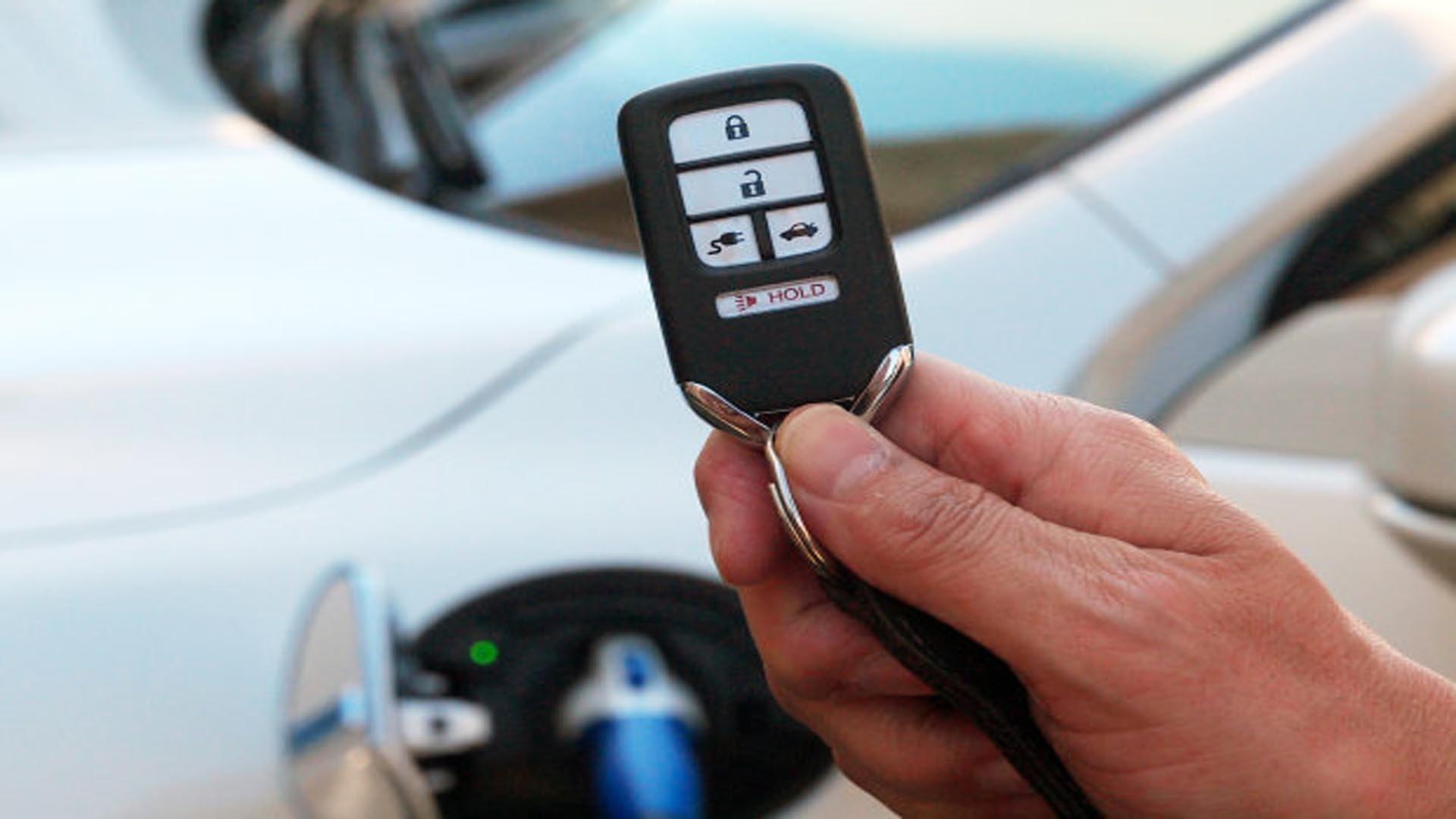
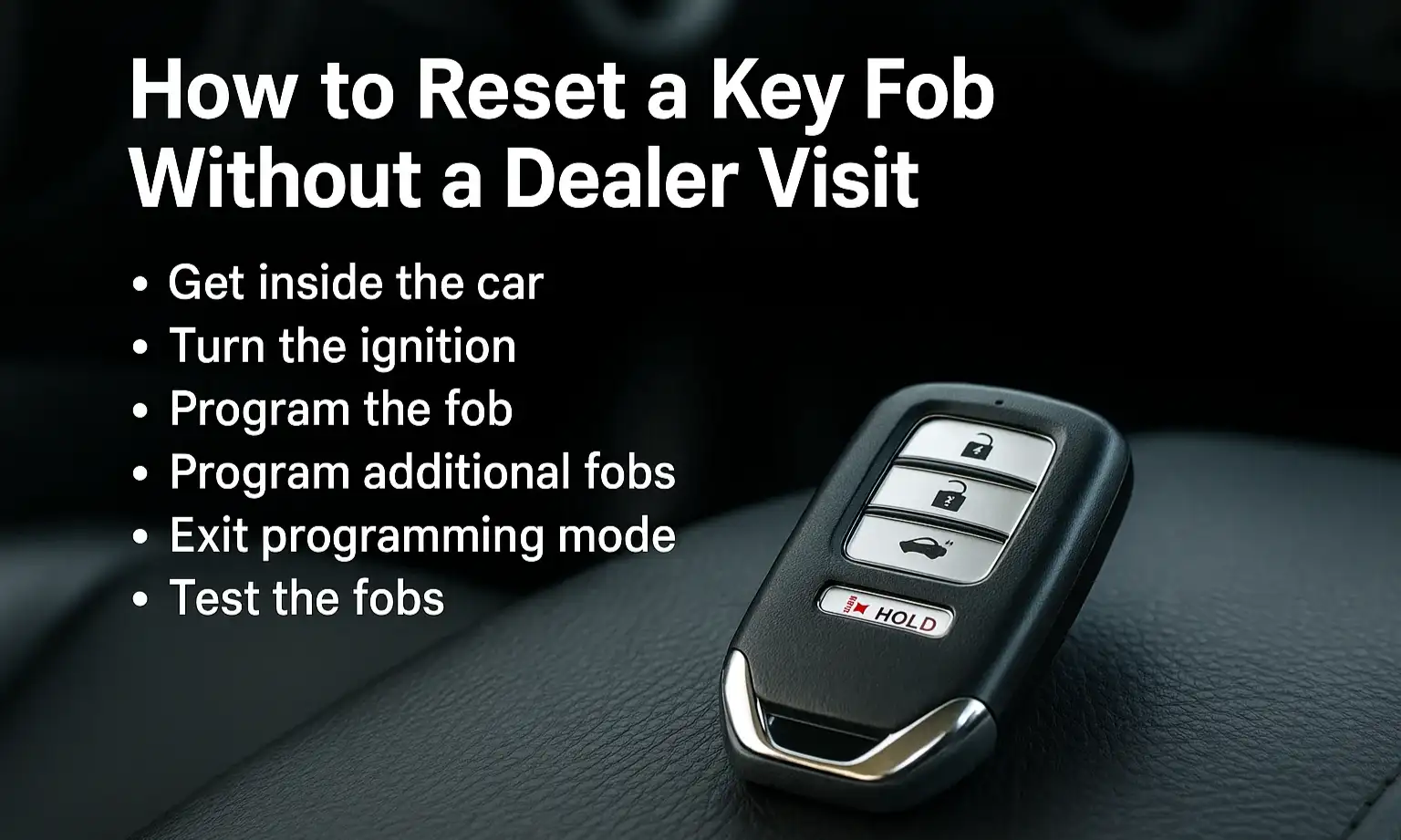
If your Mazda CX-30 key fob is not working, the most common causes are a depleted CR2032 battery, the fob being in "Power Save Mode," or signal interference. To start your vehicle immediately, depress the brake pedal and hold the key fob directly against the push-to-start button while pressing it.
Understanding the Mazda CX-30 Smart Keyless Entry System
The Mazda CX-30, since its debut and continuing through the 2026 model year, utilizes a sophisticated Advanced Smart City Brake Support-integrated keyless entry system. Unlike older automotive remotes that only sent a signal when a button was pressed, the CX-30 fob maintains a low-frequency "handshake" with the vehicle’s On-board Diagnostic (OBD) and security modules.
This system relies on localized Radio Frequency (RF) signals. When you approach the vehicle with the fob, the car’s antennas detect the unique encrypted ID of your remote. If the fob stops working, it is rarely a failure of the car’s computer; it is almost always a breakdown in the communication link—either due to power loss in the fob, a software state, or external environmental "noise."
Immediate Workarounds: How to Start a Mazda CX-30 with a Dead Fob
Finding yourself locked out or unable to start your car is a high-stress situation. Fortunately, Mazda engineers built mechanical and Near Field Communication (NFC) backups into the CX-30 design.
Gaining Entry to the Vehicle
If the buttons on the fob do not unlock the doors, you must use the auxiliary key hidden inside the fob casing.
- Locate the Release Switch: On the back of the rectangular CX-30 key fob, there is a small silver sliding switch.
- Remove the Mechanical Key: Slide the switch and pull the metal key out from the top of the fob.
- Unlock the Door: Insert the key into the driver’s side door handle lock cylinder. On some trim levels, the cylinder may be partially obscured by a plastic cap, which can be gently pried or bypassed depending on the specific model year's handle design.
Starting the Engine
Once inside, the car may display a message like "Key-less System Inspection Required" or simply "Key Not Detected." Even with a dead battery, the fob contains a passive transponder chip.
- Depress the Brake: Ensure the vehicle is in Park.
- The Fob-to-Button Method: Hold the key fob so that the Mazda logo (or the back side, depending on the specific fob revision) is touching the "Engine Start/Stop" button.
- Press the Button: Use the fob itself to push the start button. The vehicle's immobilizer ring will pick up the passive signal from the fob, allowing the engine to ignite despite the dead battery.
Common Causes of Key Fob Failure
1. Depleted CR2032 Battery
The most frequent culprit is a dead battery. The CX-30 key fob uses a standard CR2032 3V lithium coin cell. Under normal usage, these batteries last between one and two years. However, if the fob is stored near electronic devices like smartphones or laptops, it may "wake up" frequently, draining the battery in as little as six months.
2. Power Save Mode (Battery Conservation)
Many Mazda owners are unaware that the fob has a "Power Save Mode" intended for long-term storage or to prevent accidental button presses. If this mode is accidentally activated, the fob will stop transmitting signals and will appear "dead."
- How it happens: Often occurs when the lock button is pressed repeatedly while the fob is in a pocket or purse.
- The Symptom: The indicator light on the fob will not flash when buttons are pressed.
3. Signal Interference and Shielding
The 315MHz or 433MHz frequencies used by automotive remotes are susceptible to interference.
- Electronic Noise: Proximity to high-voltage power lines, cell towers, or even cheap USB car chargers can jam the signal.
- Physical Shielding: If your fob is in a "Faraday" style wallet or a bag lined with metallic foil, the signal will be blocked.
4. Vehicle Battery Issues
If the 12V battery in the Mazda CX-30 itself is weak or dead, the car’s receiver will not have enough power to listen for the fob’s signal. If you notice that your interior lights are dim or the car makes a rapid clicking sound when trying to start, the issue is the car battery, not the fob.
Detailed Guide: Replacing the Mazda CX-30 Key Fob Battery
Replacing the battery in a 2020–2026 Mazda CX-30 fob is a delicate process because the casing is held together by plastic clips that can snap if forced.
Tools Required
- A small flat-head screwdriver (jeweler’s size is best).
- A new CR2032 3V Lithium battery.
- A soft cloth to prevent scratching the fob's finish.
Step-by-Step Instructions
- Remove the Auxiliary Key: Slide the release latch on the back and pull the metal key out.
- Pry the Case Open: Insert the tip of your flat-head screwdriver into the small notches located inside the slot where the mechanical key was. Gently twist the screwdriver to pop the two halves of the shell apart.
- Access the Battery Cover: You will see a round black plastic cap. Carefully lift this cap off to reveal the battery.
- Remove the Old Battery: Take note of the orientation (the positive "+" side usually faces up). Use the screwdriver to gently pop the battery out of its housing.
- Insert the New Battery: Slide the new CR2032 into place. Ensure it is seated firmly and that the contacts are clean.
- Reassemble: Replace the round plastic cover, snap the two halves of the fob shell back together, and slide the mechanical key back in.
- Test: Press the lock or unlock button. A small red LED on the fob should flash, indicating power is restored.
Dealing with "Power Save Mode"
If you have replaced the battery and the fob still does not work (and the LED does not flash), it is likely in Power Save Mode. This feature disables the keyless entry functions to preserve battery life.
How to Disable Power Save Mode:
- Press the Lock button on the fob four times within three seconds.
- Immediately after the fourth press, press and hold the Lock button for at least two seconds.
- The indicator light should flash, confirming the mode has been deactivated.
This sequence toggles the mode on and off. If you find your key is unresponsive despite a fresh battery, performing this sequence is the first technical step you should take.
Technical Troubleshooting: Beyond the Battery
If a new battery and a Power Save Mode reset do not fix the issue, the problem may be deeper within the vehicle's electronic architecture.
Lost Programming
On rare occasions, a voltage spike or a prolonged period with a dead battery can cause the fob to lose its "handshake" with the Mazda's Body Control Module (BCM). While you can often perform a basic re-pairing of the lock/unlock functions using specific door-open/ignition-cycle sequences, the immobilizer programming usually requires a locksmith or a dealer using Mazda’s specialized M-Diagnostic software.
Internal Hardware Damage
The CX-30 fob is relatively durable, but the internal circuit board can be damaged by moisture or high-impact drops. If you see corrosion inside the battery compartment (usually a white or green powdery substance), the fob has likely suffered water damage. You can try cleaning the board with 90% isopropyl alcohol and a soft brush, but a replacement is often necessary.
Cost Comparison Table
| Service / Item | Estimated Cost (2026) | Duration / Difficulty |
|---|---|---|
| DIY Battery Replacement (CR2032) | $5 - $10 | 5 Minutes (Easy) |
| Dealer Battery Replacement | $20 - $45 | 15 Minutes (Easy) |
| Fob Re-programming (Locksmith) | $75 - $150 | 30 Minutes (Moderate) |
| New OEM Key Fob (Part Only) | $250 - $400 | N/A |
| Total Fob Replacement + Programming | $350 - $600 | 1 Hour (Professional) |
Environmental Factors and RF Interference
In 2026, the density of wireless signals is higher than ever. If your key fob fails only in specific locations (like a specific parking garage or near a hospital), external interference is the likely culprit.
- Proximity to Other Fobs: Carrying two different smart keys (e.g., one for your Mazda and one for another car) in the same pocket can cause signal collision.
- Aftermarket Electronics: High-powered dashcams or radar detectors that are incorrectly shielded can emit enough electromagnetic interference to drown out the fob's signal while you are inside the car.
- Smartphone Proximity: Placing your phone directly on top of your key fob in a bag can sometimes prevent the car from detecting the fob. Always try to keep at least a few inches of clearance between the fob and other high-frequency transmitters.
When to Visit the Mazda Dealer
While DIY solutions cover 90% of key fob issues, certain scenarios require professional intervention.
- Multiple Fobs Failing Simultaneously: If neither of your keys works, the issue is almost certainly with the vehicle's internal receiver or the car's 12V battery system.
- "Key-less System Inspection Required" Warning: This dashboard message indicates a fault code has been stored in the BCM. A technician will need to scan the vehicle to determine if an antenna has failed or if there is a wiring harness issue.
- Physical Damage: If the internal buttons have become desoldered from the board, a specialized technician or a full replacement is required.
- Recall and TSBs: Occasionally, Mazda issues Technical Service Bulletins (TSBs) for software updates regarding the keyless entry system. A dealer can check your VIN to see if your CX-30 qualifies for a free software patch that improves key detection.
Frequently Asked Questions
Can I use a different battery than the CR2032?
No. The CR2032 is specifically required because of its diameter (20mm) and thickness (3.2mm). While a CR2025 might fit, it is thinner and will not maintain consistent contact with the terminals, leading to intermittent failure or "Key Not Detected" errors while driving.
Why does my Mazda CX-30 say "Key Not Detected" while I am driving?
This usually happens if the fob battery is very low or if the fob is moved to a "dead zone" in the cabin (like the very back of the center console or on the floor). If this happens, place the fob in the cup holder or near the start button. The car will not shut off the engine while you are moving if the key is lost, but you will not be able to restart it once you turn it off.
Does the Mazda CX-30 key fob have a hidden physical key?
Yes. Every Mazda CX-30 smart key contains a physical emergency key. It is accessed by a small sliding release button on the back of the fob housing. This key will only unlock the driver's door; it cannot be used to start the ignition directly, as there is no traditional ignition cylinder on the steering column.
How do I know if my key fob is in Power Save Mode?
Press any button on the remote. If the small red LED light on the face of the fob does not blink at all, the fob is either completely dead or in Power Save Mode. If you have just replaced the battery and it still won't blink, it is almost certainly in Power Save Mode.
Can I program a new Mazda CX-30 key fob myself?
For the 2020-2026 Mazda CX-30 models, DIY programming is extremely restricted for security reasons. While some aftermarket tools claim to do it, most owners will need a professional locksmith with an OBDII programming tool or a Mazda dealership to "introduce" the new fob to the car's security system.
Final Recommendation
If your Mazda CX-30 key fob stops working, start by performing the fob-to-button start method to ensure you aren't stranded. Once you are in a safe location, check if the fob's LED flashes when buttons are pressed. If it doesn't, try the Power Save Mode reset sequence before buying a new battery. If that fails, replace the CR2032 battery with a high-quality brand-name cell. Most "broken" fobs are simply in a low-power state or have a drained battery, and these simple steps will save you a costly trip to the dealership.