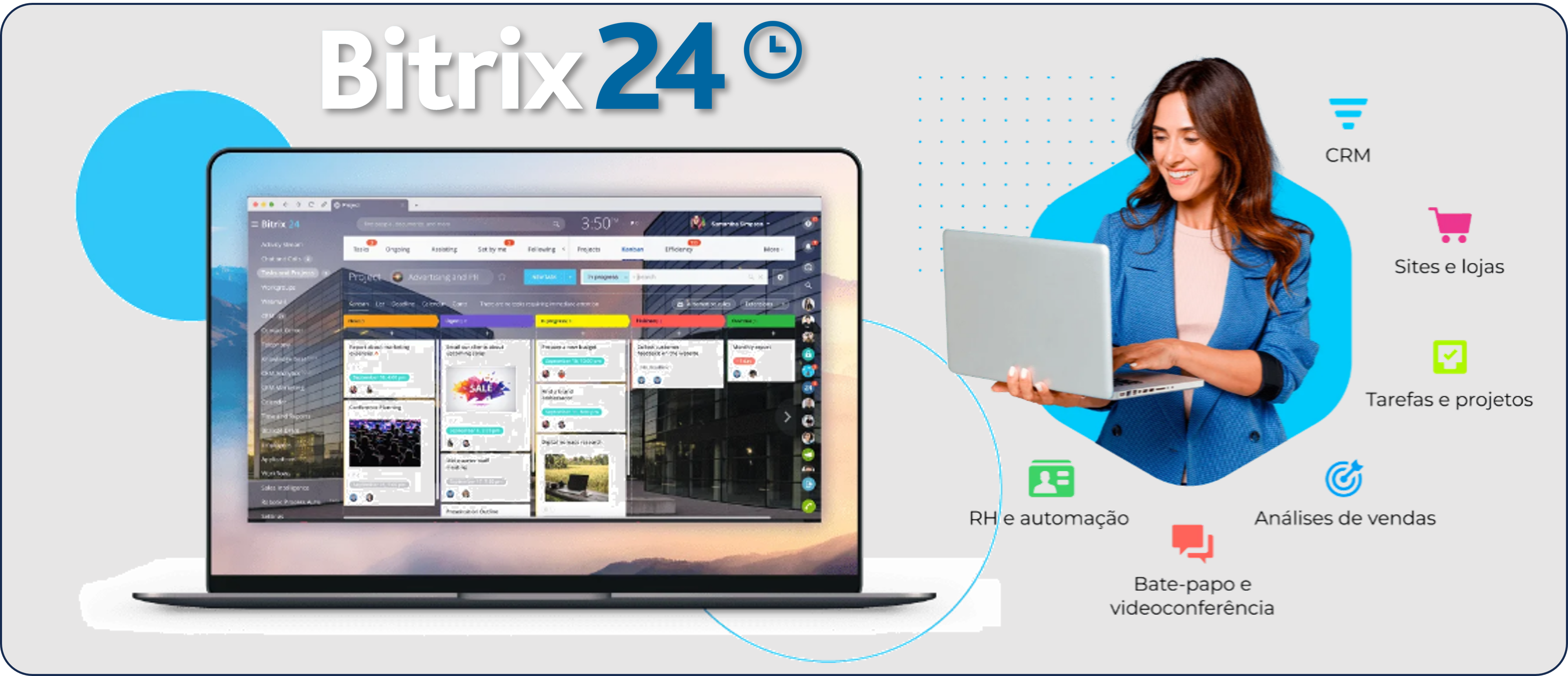
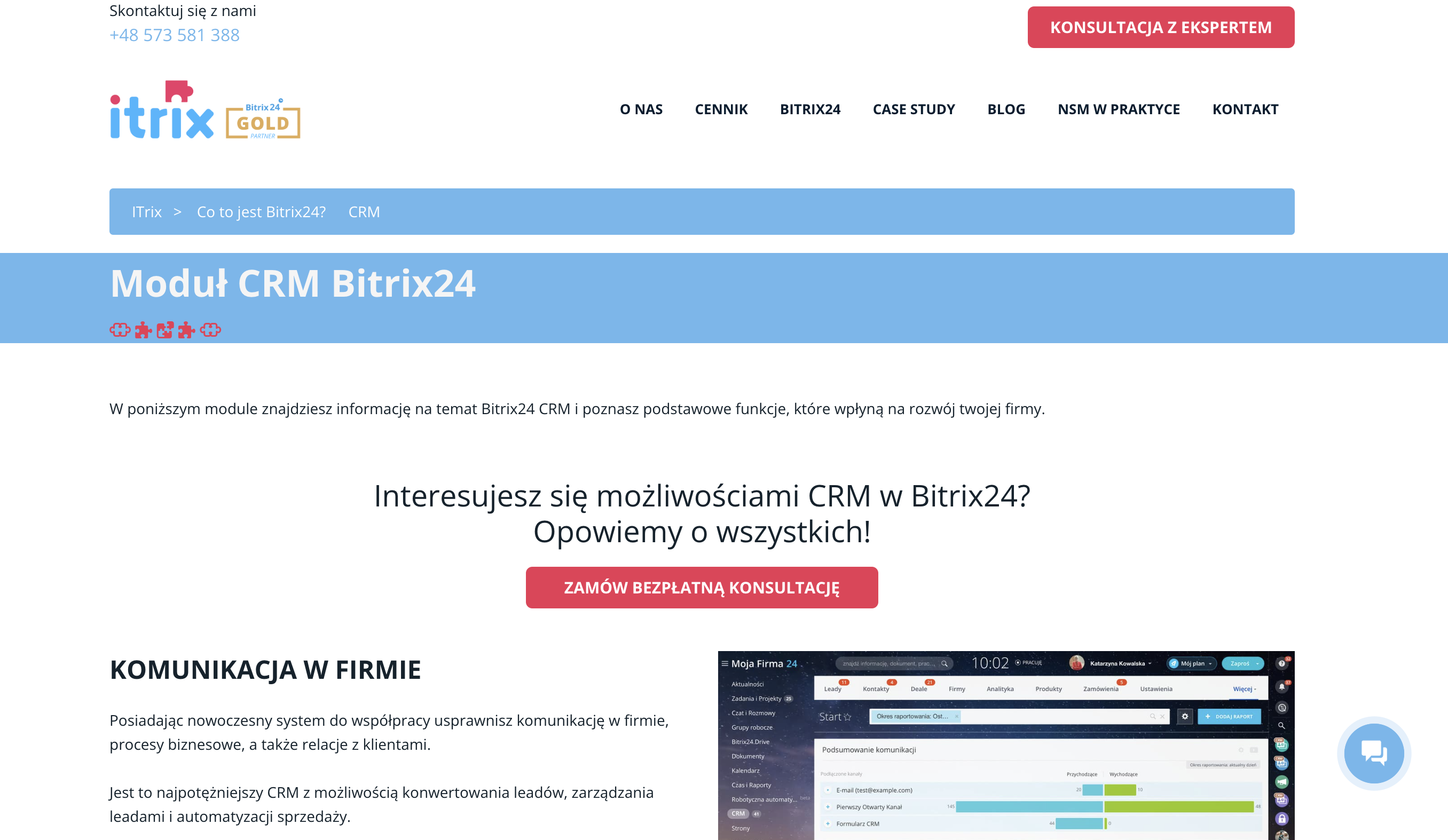
Bitrix24 offers a robust, multi-functional free CRM software tier designed to act as a centralized hub for small businesses, freelancers, and startups looking to manage customer relationships, tasks, and communications without upfront subscription costs. By integrating lead management, pipeline tracking, and internal collaboration tools into a single platform, the software enables users to digitize their sales processes while maintaining historical data for every interaction.
Core Purpose of the Bitrix24 Free Tier
The primary objective of the Bitrix24 free tier is to provide a functional entry point into professional-grade customer relationship management. Unlike many SaaS providers that offer time-limited trials, Bitrix24 maintains a "Free" plan that remains accessible indefinitely, provided the user stays within specific usage limits. This makes it a popular choice for organizations testing the waters of CRM implementation or those with modest requirements that do not yet necessitate enterprise-level automation or advanced reporting.
At its foundation, the free version is designed for lead capture and pipeline management. Users can import existing databases, create new deals, and move them through various stages of a sales funnel. By focusing on visibility, the system allows team members to identify where a potential sale is stalling and take corrective action.
Key Features Accessible to Free Users
When analyzing the free version, it is essential to distinguish between the core CRM functionality and the broader collaborative ecosystem that Bitrix24 includes. The software does not strip away the interface; instead, it limits certain advanced features and capacity metrics.
CRM and Sales Pipeline Management
The CRM interface is the engine of the free plan. Users gain access to a Kanban-style board that visualizes deals at every stage—from the initial lead generation to the final closing. Each card on the board represents a transaction or a prospective client. Within each card, users can attach documents, create notes, and assign tasks to team members. This centralized record-keeping prevents the loss of communication history that often occurs when sales data is scattered across emails and spreadsheets.
Communication Channels
Integration with communication channels is a significant advantage. The free tier includes tools to connect professional emails and, depending on regional availability, social media messaging channels. This allows leads to be funneled directly into the CRM. When a potential customer reaches out via an integrated form or email, the CRM automatically generates a profile, ensuring no inquiry goes unrecorded.
Collaboration and Project Tools
Bitrix24 is not just a CRM; it functions as an intranet. Free users also gain access to:
- Task Management: Ability to assign tasks, set deadlines, and monitor completion status.
- Internal Messaging: A platform for team collaboration, reducing the reliance on third-party chat applications.
- Document Storage: A shared drive for team documents, subject to the overall storage capacity limits of the free plan.
Technical Requirements and Operational Limits
Accessing and maintaining a Bitrix24 instance requires an understanding of the specific boundaries placed on the free tier. While the software is powerful, it is optimized for small teams and specific data volumes.
User and Data Caps
The most critical limitation for free users is the user cap. While the number of active users allowed on the free plan has historically fluctuated, users should expect limitations on how many team members can actively participate in the portal simultaneously. Additionally, total storage space for documents and attachments is limited. Once the storage threshold is reached, users must either delete old files or upgrade to a paid subscription to expand their data capacity.
Platform Performance
Because Bitrix24 is a comprehensive suite, the interface can be dense. Users should ensure their browser environments are up to date. The system relies heavily on modern web standards, so users experiencing performance issues should prioritize clearing browser caches or testing functionality in a clean profile before attributing errors to the platform itself.
Comparison of Free vs. Paid Functionality
To determine if the free version is sufficient for your business, consider the following comparison of typical functional availability.
| Feature Area | Free Plan Status | Paid Plan Advancements |
|---|---|---|
| Sales Automation | Basic manual tracking | Workflow triggers & advanced sales robots |
| User Access | Limited seat count | Scalable user seats |
| Storage | Capped cloud storage | Expanded or unlimited storage |
| Reporting | Standard dashboard views | Custom, detailed analytical reports |
| Support | Community & knowledge base | Priority support channels |
Implementation Steps for New Users
Getting started with Bitrix24 requires a methodical approach to ensure the system is populated with accurate data from the beginning.
- Registration and Portal Setup: Register your account on the official Bitrix24 website. You will be prompted to name your portal, which acts as your unique access point.
- User Onboarding: Invite team members to the portal. It is recommended to assign roles early to ensure that sensitive data remains restricted to appropriate personnel.
- Data Import: Use the import tool to upload existing CSV or Excel files containing customer contacts. Map your existing fields to the Bitrix24 field names to ensure consistency.
- Pipeline Configuration: Customize your Kanban stages. The default stages (e.g., New Lead, In Progress, Invoice Sent, Won/Lost) should be modified to match your specific sales cycle.
- Integration Setup: Connect your email server and any supported web forms to the CRM. Testing these connections immediately ensures that leads are flowing into the dashboard as expected.
Common Challenges and Troubleshooting
While Bitrix24 is a highly capable tool, users often encounter common hurdles during the initial implementation phase.
CRM "Clutter"
One frequent issue is the accumulation of "dead leads." Without a routine for cleaning or archiving inactive deals, the dashboard can become difficult to navigate. Establish a quarterly policy for reviewing and archiving deals that have stalled, which keeps the current view relevant to the active sales team.
Onboarding Resistance
Because the platform is feature-rich, team members may find it overwhelming if they are only tasked with managing CRM data. To mitigate this, restrict access to modules that are not relevant to specific team members. By simplifying the interface, you increase the likelihood of consistent adoption.
Technical Performance and Connectivity
If integrated forms are not pulling data, check the security settings of your website or email provider. Often, external scripts or firewalls block the API connection between your site and Bitrix24. Verify that all URLs are correctly formatted in your settings and that your security headers are not restricting cross-origin requests.
Strategic Suitability: Is it Right for Your Organization?
The Bitrix24 free CRM is best suited for businesses that prioritize centralized management over extreme customization. It is an ideal starting point for:
- Startups: Small teams that need to organize leads without the overhead of enterprise software costs.
- Freelancers: Individuals who require a single interface for managing client tasks, invoices, and communication history.
- Small Agencies: Teams that need to track communication across multiple client accounts in a unified environment.
Conversely, companies that require complex automation, custom software development through the Bitrix24 API, or extensive analytical reporting will likely hit the limitations of the free tier quickly. These users should view the free version as a testing environment to validate their process before scaling to a professional subscription.
Frequently Asked Questions
Is the free version of Bitrix24 actually free indefinitely?
Yes, Bitrix24 offers a permanent free tier. There is no trial expiration date, provided you operate within the specified storage and user limits defined for the free plan.
Can I upgrade my free account to a paid plan later?
Yes, Bitrix24 allows users to upgrade their subscription at any time. When you upgrade, your existing data and configured workflows remain intact, allowing you to transition to higher-tier features without losing your historical CRM data.
Does the free CRM include customer support?
Support for the free tier is primarily provided through an extensive knowledge base, community forums, and training documentation. Dedicated support tickets and real-time assistance are typically reserved for paid subscription plans.
Can I export my data from the free version?
Yes, you retain ownership of your data. The platform provides export functionality, typically allowing you to download your contacts and deal history in standard formats like CSV, ensuring you can transition to other systems if your business requirements change.
Are there mobile app options for the free tier?
Yes, the free version includes access to the Bitrix24 mobile application. This allows your team to access their tasks and CRM updates while on the go, maintaining connectivity regardless of their physical location.
Recommended Next Steps
To determine if Bitrix24 is the correct CRM solution for your 2026 operations, begin by mapping your current sales process on paper. Identify the exact stages a lead passes through and determine how many team members require access. Sign up for a free portal, populate it with a small batch of test data, and run through a full lead-to-close scenario. By testing the workflow in real-time, you can confirm whether the interface aligns with your internal processes before committing your team to a full migration.