While many films on Amazon Prime are included at no additional cost with a paid Prime membership, not all titles are free. The platform operates as a hybrid service, combining a subscription library (Prime Video) with an ad-supported free tier (Freevee) and a digital storefront for renting or purchasing individual movies.
The question of whether films on Amazon Prime are "free" is one of the most common sources of confusion for subscribers. As we move through 2026, the streaming landscape has become increasingly fragmented, and Amazon’s interface has evolved to integrate multiple types of content delivery into a single search bar. To understand what you can watch without paying extra, it is essential to distinguish between the various labels, subscription requirements, and licensing agreements that govern the platform.
The Different Tiers of Content on Amazon Prime
To navigate Amazon Prime Video effectively, you must first understand that "Amazon Prime" is the umbrella brand for several distinct ways of consuming media. In 2026, these tiers are more integrated than ever, which often leads users to believe a movie is part of their subscription when it may actually require a separate transaction.
1. Included with Prime (SVOD)
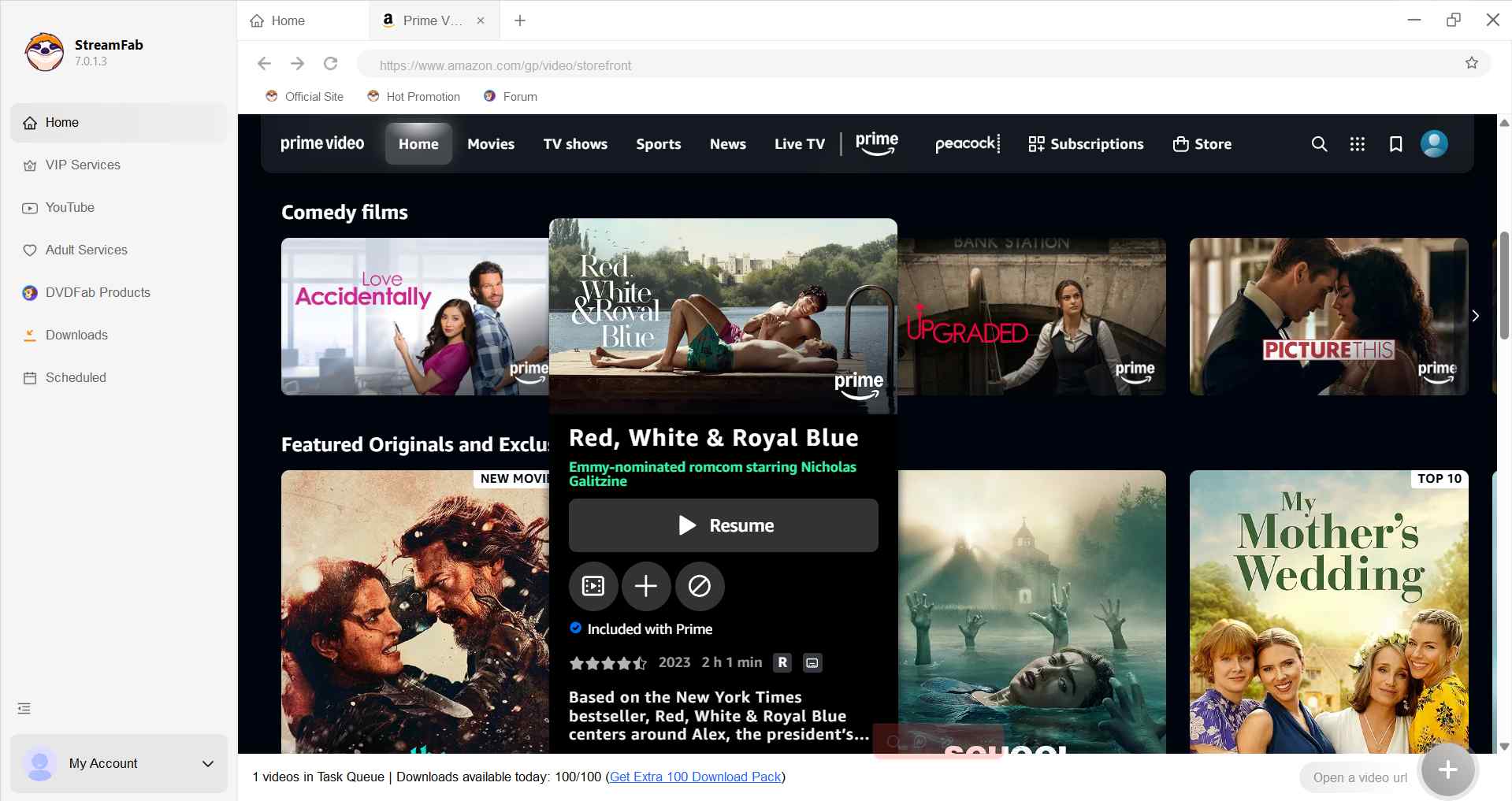
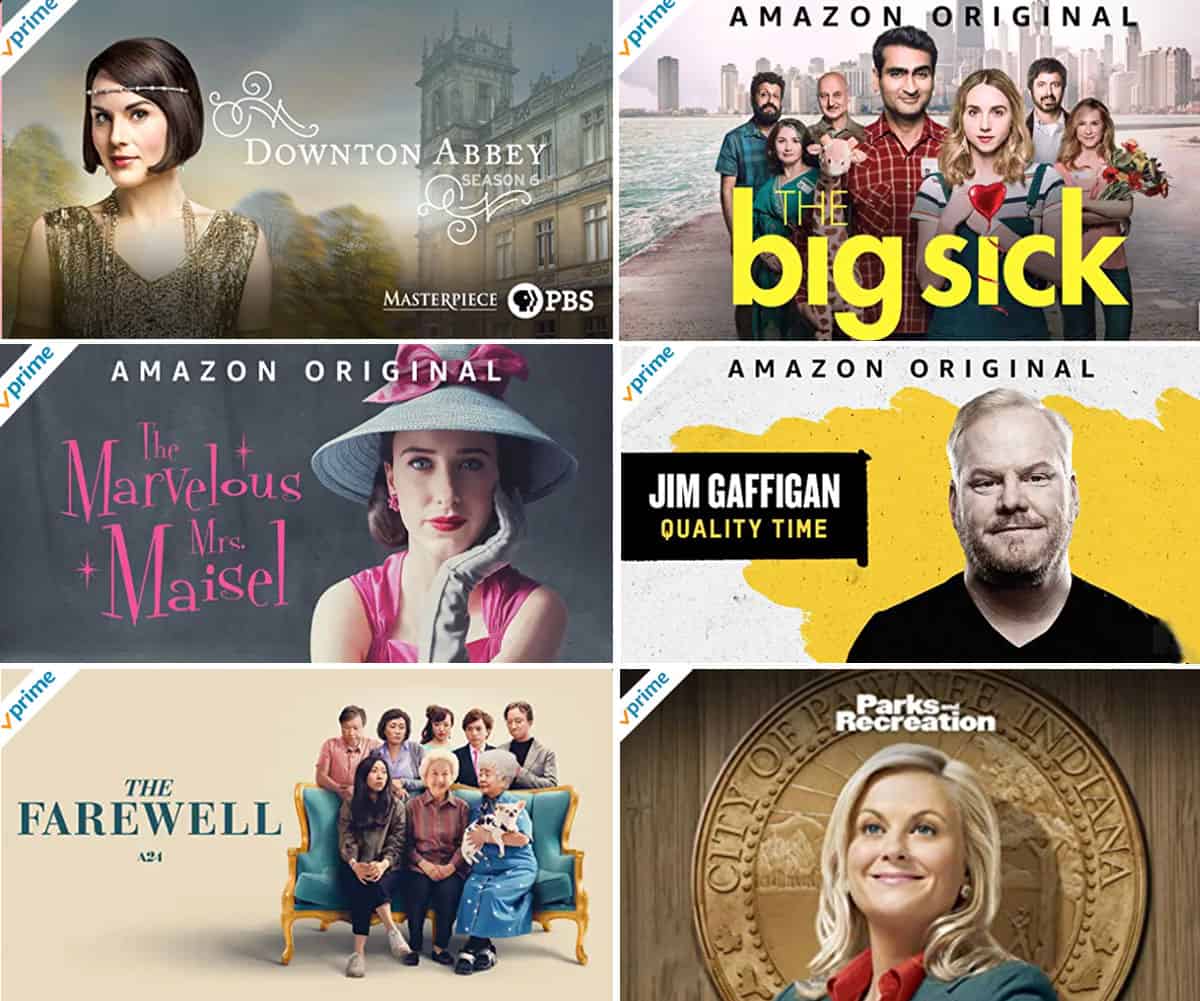
This is the Subscription Video On Demand (SVOD) portion of the service. If you pay for a monthly or annual Amazon Prime membership, or a standalone Prime Video subscription, you gain access to a massive library of movies and television shows. These titles are often marked with a "Prime" ribbon or a "✓ Prime" icon in the corner of the thumbnail. In 2026, the standard Prime membership continues to include an ad-supported version of this library, with an optional "ad-free" upsell available for an additional monthly fee.
2. Amazon Freevee (AVOD)
Amazon Freevee is a separate, Ad-supported Video On Demand (AVOD) service. Titles on Freevee are genuinely free to watch for anyone with a standard Amazon account—you do not even need a Prime membership. However, these films are interrupted by commercials, similar to traditional broadcast television. Freevee titles are often integrated into the Prime Video interface, leading to the perception that they are "free movies on Prime."
3. Rent or Buy (TVOD)
Transactional Video On Demand (TVOD) is the digital storefront side of Amazon. This includes the newest theatrical releases that have not yet moved to a subscription service, as well as classic films that Amazon does not currently have the "streaming rights" to include for free. If you see a price tag ($3.99 to rent, $19.99 to buy, for example), that film is not included in your Prime membership.
4. Prime Video Channels
These are third-party subscriptions like Paramount+, Max, or MGM+ that you can "add on" to your Amazon account. If you search for a movie and it says "Watch with a free 7-day trial of MGM+," it means the movie is not free with Prime; it requires an additional monthly subscription to that specific channel.
Why Some Movies Cost Extra Despite a Subscription
A frequent frustration for users is finding a movie they want to watch, only to discover it costs $5.99 to rent despite their $139-per-year Prime membership. This occurs because of licensing agreements.
Streaming rights are not permanent. Amazon enters into contracts with film studios (like Warner Bros., Universal, or Sony) to host their content for a specific window of time. When that window expires, the movie may leave the "Included with Prime" library but remain on the platform as a rental or purchase.
Furthermore, "New Releases" almost always start in the TVOD (Rent/Buy) category. A film that was in theaters last month is rarely included for free on any subscription service immediately. It typically follows a lifecycle:
- Theatrical Release (Cinema only)
- Digital Purchase/Rental (Amazon Storefront)
- Subscription Streaming (Included with Prime or other services)
- Ad-Supported Streaming (Freevee)
How to Identify and Filter for Free Content
Navigating the Prime Video interface in 2026 requires a bit of "UI literacy" to avoid accidental charges and find the content that is included in your plan.
Use the "Free to Me" Filter
On most devices, including Smart TVs and the mobile app, there is a toggle or a navigation tab labeled "Free to Me" or "My Subscriptions." Activating this filter removes all titles that require an extra payment, rental fee, or channel subscription. This is the most efficient way to ensure that everything you see on your screen is "free" to watch based on your current membership status.
Look for the Prime Badge
Every title that is included in your membership will have the Prime logo on the movie's detail page. If the button says "Watch Now" with a Prime logo, it is included. If the button says "Rent" or "Buy," it is not.
Understanding "Watch with Ads"
In 2026, you will see many titles labeled "Watch with Ads." There are two versions of this:
- Prime Video Ad-Supported: Included with your Prime sub, but features occasional breaks.
- Freevee: Available to everyone, but generally features more frequent or longer ad breaks.
Comparison of Amazon Video Access Tiers
| Tier | Required Subscription | Cost | Ad Experience | Selection Type |
|---|---|---|---|---|
| Included with Prime | Amazon Prime or Prime Video | Subscription Fee | Ads (Standard) / No Ads (Premium) | Rotating library of thousands of titles |
| Amazon Freevee | None (Amazon Account only) | $0 | Mandatory Ads | Older classics, indie films, Freevee Originals |
| Rentals | None | $1.99 - $7.99 per title | No Ads | Recent releases and library titles |
| Purchases | None | $4.99 - $24.99 per title | No Ads | Permanent digital ownership |
| Channels | Prime Membership + Add-on | $4.99 - $15.99 per month | Varies by provider | Network-specific (e.g., HBO, Showtime) |
Is "Buying" a Movie Truly Forever?
When you "buy" a film on Amazon Prime to avoid the subscription rotation, you are technically purchasing a non-transferable license to access that digital content. Under the terms of service, this access is typically "perpetual" as long as the content provider (the studio) continues to make the title available to Amazon.
However, users should be aware that if Amazon loses the rights to a specific title entirely, or if there are significant changes to digital distribution laws, your access could theoretically be affected. For this reason, the Federal Trade Commission (FTC) has historically monitored how platforms use the word "Buy" versus "License." For most users in 2026, purchasing a film is the only way to guarantee it stays in your "My Stuff" library regardless of whether it leaves the "Included with Prime" rotation.
Regional Restrictions: Why "Free" Varies by Country
Licensing is handled on a territory-by-territory basis. A film that is "free" (included) on Amazon Prime in the United States might be a paid rental in the United Kingdom or Canada. This is because different companies may own the distribution rights in different regions.
If you are traveling and using a VPN or accessing Prime from a different country, you may notice your "Included with Prime" library changes significantly. This is not a glitch; it is a legal requirement Amazon must follow based on its contracts with movie studios.
Common Myths About Free Movies on Amazon
- Myth: Everything on the Prime Video app is free for Prime members.
- Fact: The app is a storefront and a streaming service combined. Always check for the Prime badge.
- Myth: If I download a movie, I own it.
- Fact: Downloads for offline viewing are only available as long as you have an active subscription and the movie remains in the Prime library. If the movie leaves the service, the download will expire.
- Myth: Amazon Prime includes all "Amazon Original" films for free.
- Fact: While almost all Amazon MGM Studios originals (like The Tomorrow War or Air) are included with Prime, some very high-profile films may have a short "Early Access" window where they are rental-only before joining the subscription library.
Troubleshooting: Why a Movie is No Longer Free
It is common for a user to start a movie on a Tuesday and find it costs $3.99 on Wednesday. This usually happens because:
- The Licensing Window Closed: Most contracts end on the last day of the month or at specific 30-day intervals.
- It Moved to a Channel: Sometimes a movie moves from the general Prime library to an add-on channel like Paramount+.
- Your Membership Expired: Ensure your Prime membership or payment method is still valid in your Amazon Account Settings.
Frequently Asked Questions
Do I have to pay for movies if I already pay for Amazon Prime?
You only have to pay extra for movies that are not part of the "Included with Prime" library. Amazon offers thousands of movies at no additional cost, but new theatrical releases and certain licensed titles require a rental or purchase fee. To avoid paying extra, look for the "✓ Prime" logo on the film's thumbnail.
How can I watch movies on Amazon without a Prime membership?
You can watch movies for free (with ads) through Amazon Freevee, which only requires a standard Amazon account. Alternatively, you can rent or purchase any movie in the Amazon store on a "pay-per-view" basis without ever signing up for a monthly Prime subscription.
Why do some "Prime" movies have commercials now?
As of 2024 and continuing into 2026, Amazon Prime Video includes limited advertisements in its standard subscription tier. This is a global industry trend to keep subscription costs stable. To remove these ads from "free" Prime movies, users must typically pay an additional monthly "Ad-Free" supplement fee.
What is the difference between "Rent" and "Buy" on Amazon?
"Renting" gives you a 30-day window to start watching the film and 48 hours to finish it once you have pressed play. "Buying" adds the film to your permanent digital library, allowing you to watch it as many times as you like without time constraints, provided you have access to your Amazon account.
Can I get a refund if I accidentally bought a movie?
Amazon typically allows for a refund on accidental digital purchases if you have not yet attempted to stream or download the content. This must usually be done within a very short window (often 48 hours) through the "Digital Orders" section of your account. Once you press "Play," the purchase is generally considered final.
Are 4K and UHD movies free on Prime?
If a movie is marked "Included with Prime," the 4K/UHD version is usually included at no extra cost, provided your hardware (Smart TV, streaming stick, and internet speed) supports it. This is a major advantage over competitors who often charge a premium for 4K streaming tiers.
Practical Recommendation for Users
To maximize the value of your subscription and avoid unexpected charges, always use the "Free to Me" filter located at the top of the Prime Video interface. If you are looking for a specific new release that is currently a paid rental, add it to your "Watchlist." Amazon often notifies users or updates the listing when a title moves from a paid rental to the "Included with Prime" library. For those looking for zero-cost entertainment, explore the Freevee section, which has grown significantly in 2026 to include high-quality original programming and recent Hollywood hits supported by ads.