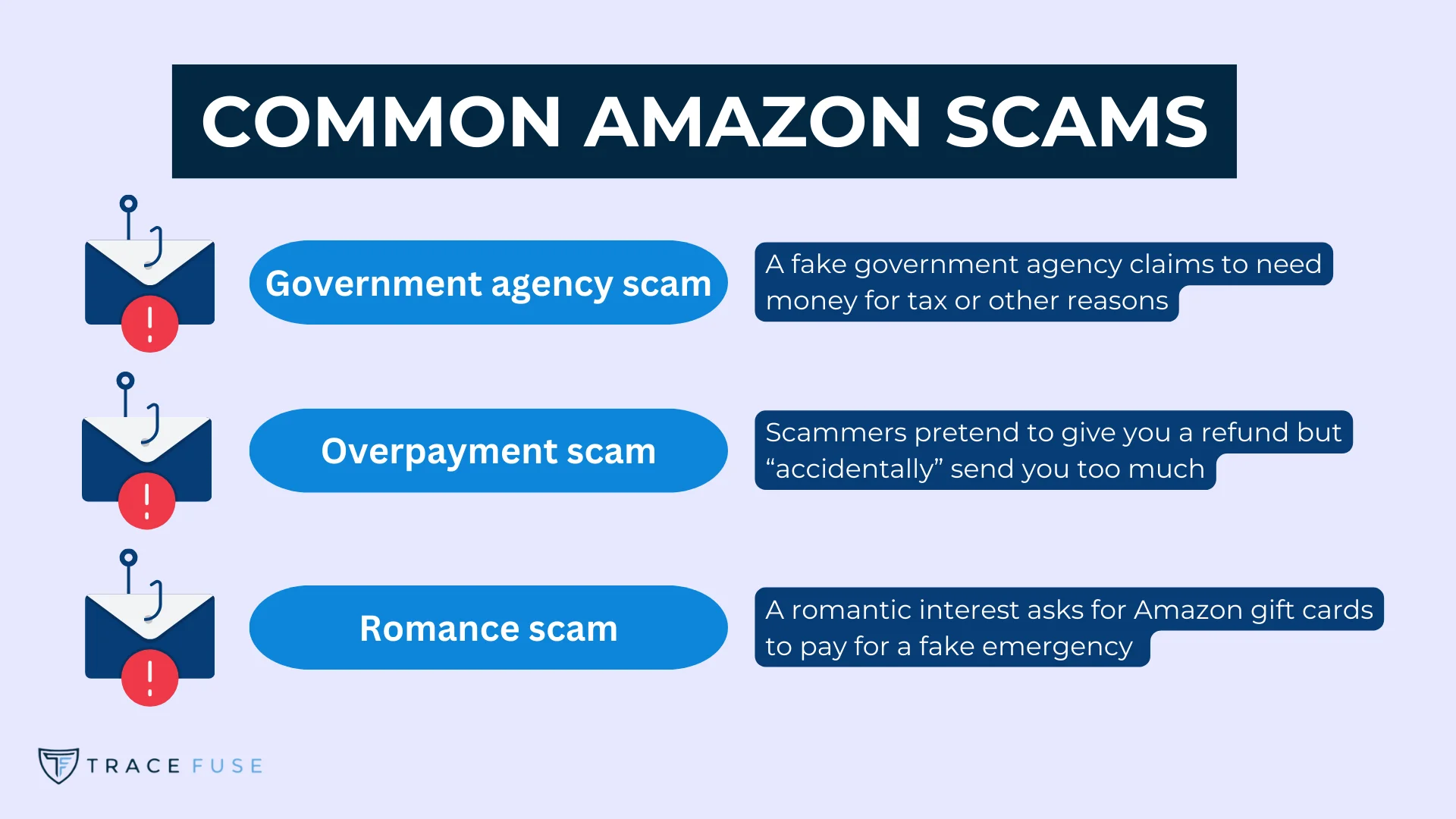
Amazon Music scams are fraudulent attempts by cybercriminals to steal your personal data, login credentials, or financial information by impersonating Amazon's streaming service. These schemes typically involve "phishing" emails, fake "urgent" billing notifications, or fraudulent technical support calls. To stay safe, always verify account status through the official Amazon website or app rather than clicking links in unsolicited messages.
The popularity of Amazon Music—with its integration into the broader Prime ecosystem and millions of active listeners—makes it a high-value target for bad actors in 2026. As streaming services have become central to our digital lives, the methods used to exploit users have evolved from simple "bad grammar" emails into sophisticated, AI-driven campaigns. Protecting your account requires a combination of technical safeguards and a healthy skepticism of any communication that demands immediate financial action.
The Evolution of Amazon Music Fraud in 2026
By 2026, the landscape of digital fraud has shifted significantly. While the underlying goals of scammers remain the same—theft of identity and money—the execution has become more seamless. Traditional phishing has been largely replaced by "hyper-personalized" social engineering. Scammers no longer just send a generic "Your account is locked" email; they use leaked data to reference specific plan types, such as the Amazon Music Unlimited Family Plan or the Single-Device Plan, making the deception far more convincing.
The value of an Amazon Music login is higher than many users realize. Because most Amazon Music accounts are tied to a primary Amazon shopping account, a compromised music login gives a thief access to stored credit cards, home addresses, and the ability to make unauthorized purchases across the entire Amazon ecosystem. This "single point of failure" is exactly what scammers look to exploit.
Common Types of Amazon Music Scams
Understanding the specific blueprints of these scams is the first step in defense. Most fraudulent activity falls into one of four primary categories, each using a different psychological lever to prompt a reaction.
1. The Billing Failure and Account Suspension Scam
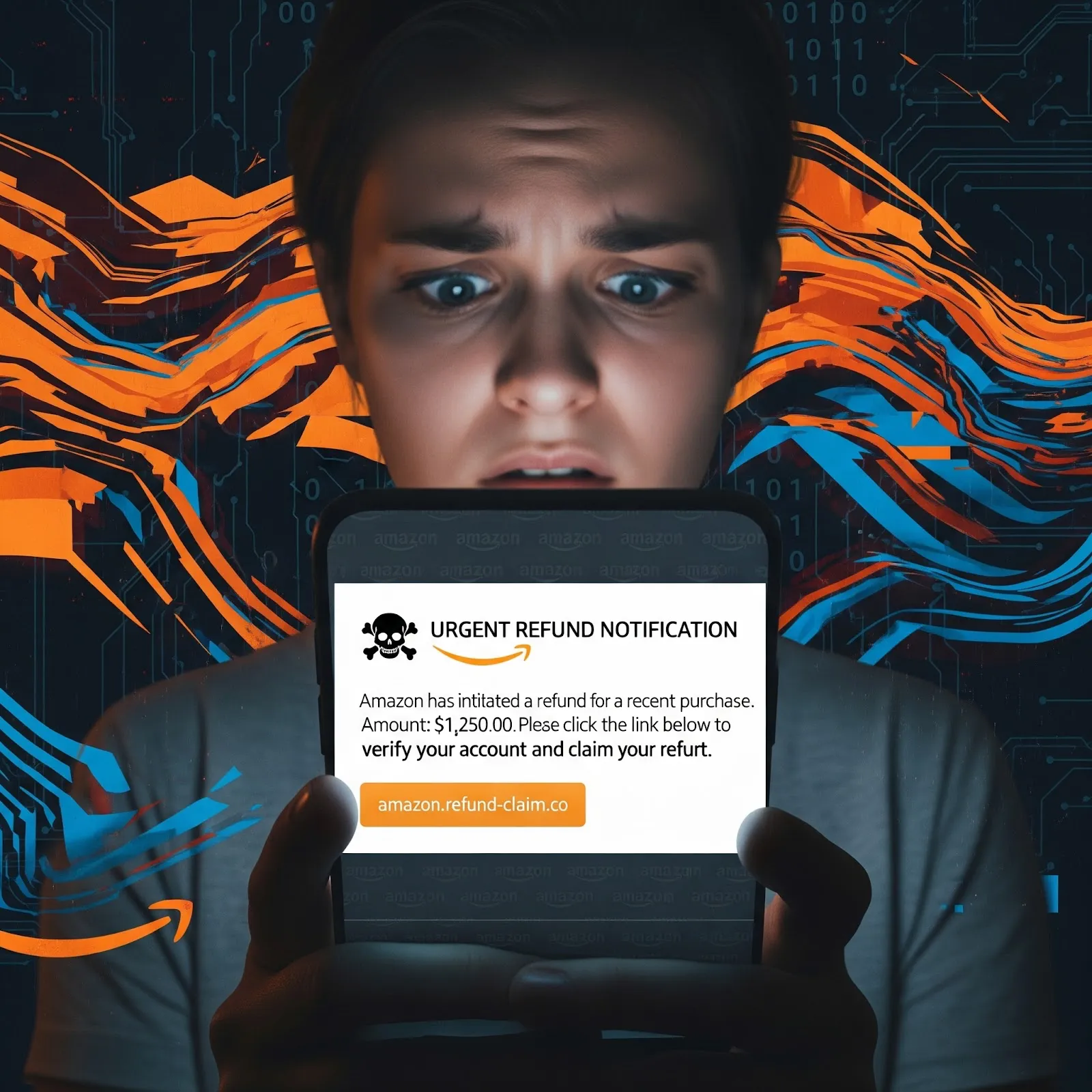
This is the most prevalent form of Amazon Music fraud. You receive an email or text message stating that your most recent subscription payment was declined. The message warns that your library, curated playlists, and offline downloads will be deleted within 24 hours if you do not update your payment method immediately.
The sense of urgency is designed to bypass your critical thinking. The provided link leads to a cloned version of the Amazon login page. When you enter your username and password, the scammers capture them in real-time. Often, the fake site will then ask for your full credit card details, including the CVV and your billing address, under the guise of "verifying" the account.
2. The "Overcharge Refund" Phony Support Scheme
In this scenario, a scammer calls or emails you claiming that Amazon Music accidentally charged you a triple fee (e.g., $30 instead of $10.99). They offer a "refund" but claim they need to access your computer via remote desktop software (like AnyDesk or TeamViewer) to process it through your bank's portal.
Once they have remote access, they may black out your screen while they actually transfer money out of your account or install persistent malware. They might also use "Inspect Element" tricks on your browser to make it look like a refund was deposited, then claim they sent too much and ask you to buy gift cards to "pay back" the difference.
3. The Fake "Exclusive Artist Content" or Giveaway
Targeting younger demographics and superfans, these scams appear on social media platforms or via direct messages. They promise early access to a major artist’s new album on Amazon Music or a chance to win a year of free service. To "register," users are asked to sign in with their Amazon credentials on a third-party site. This is a straightforward credential-harvesting operation that leverages the excitement of fan culture.
4. The "New Device Authorized" Alert
You receive a legitimate-looking security alert stating that a new device in a distant city has signed into your Amazon Music account. The message provides a "Not You? Click Here" button. While Amazon does send legitimate security alerts, the scam version directs you to a fraudulent portal designed to "secure" your account by asking for your current password and social security number.
Technical Red Flags: How to Spot a Fake
Even as scammers use AI to correct their spelling and grammar, there are technical markers that they cannot easily hide. Knowing where to look can prevent a security breach.
Dissecting the Sender's Address
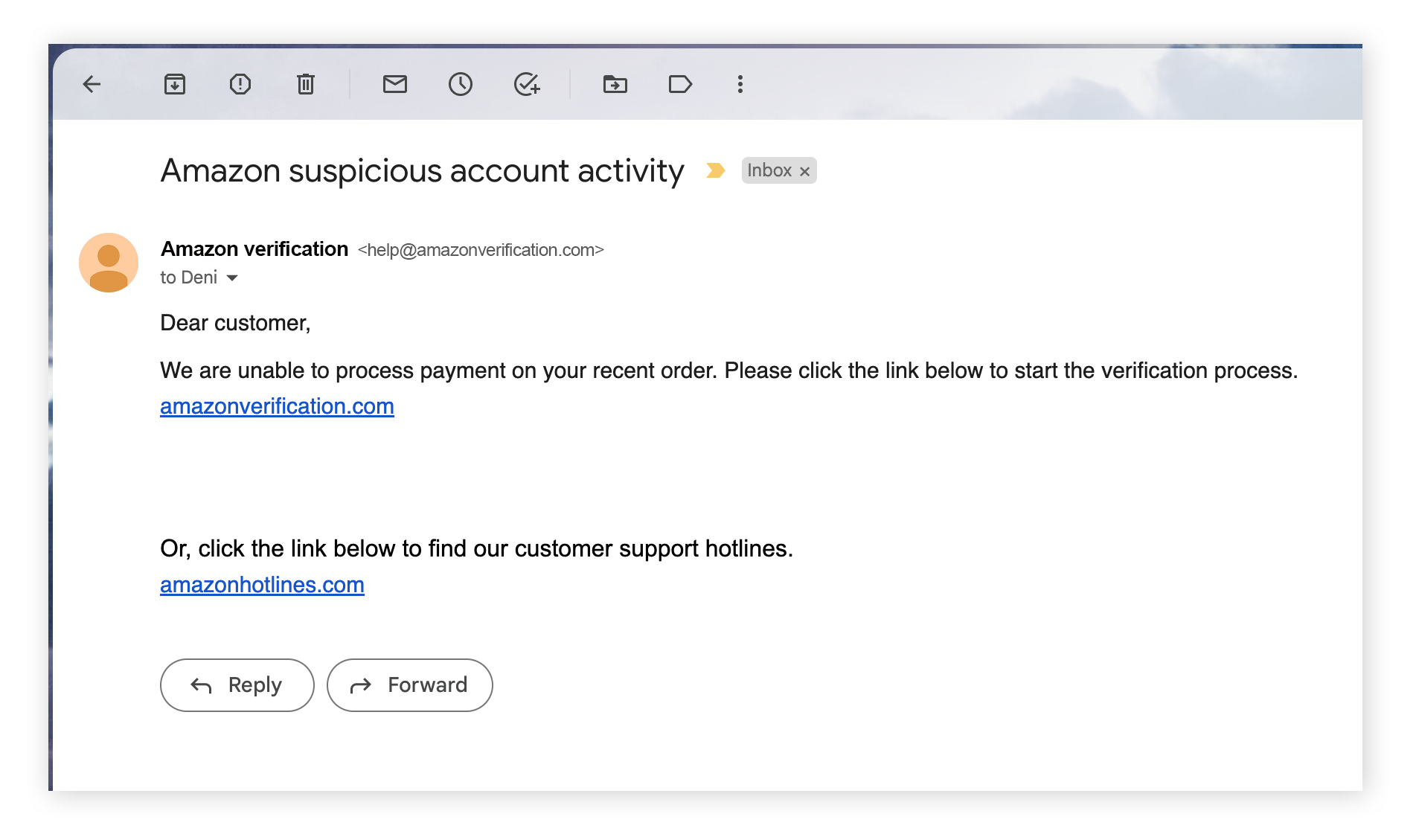
Always hover your mouse over the sender's name in an email. A scammer might set the display name to "Amazon Music Support," but the actual email address behind it might be support@amazon-security-update.com or a string of random characters. Legitimate Amazon communications regarding your music subscription will almost always come from an @amazon.com domain. Be wary of subdomains that look suspicious, such as music.amazon.support-billing.com.
URL Inspection and SSL Certificates
Before entering any data, look at the URL in your browser's address bar. Scammers use "typosquatting"—registering domains like amznomusic.com or amazon-music-login.net. While many fake sites now use HTTPS (the little padlock icon), this only means the connection is encrypted, not that the site is trustworthy. In 2026, the absence of a "Verified Mark" or the specific Amazon Extended Validation certificate in your browser should be a major warning sign.
Payment Requests via Gift Cards or Crypto
Amazon will never ask you to resolve a subscription issue by purchasing Amazon Gift Cards, Google Play cards, or sending Bitcoin. This is a definitive hallmark of a scam. Legitimate billing issues are always resolved through the payment methods already stored in your secure Amazon Wallet.
Comparison: Official Amazon Communication vs. Scammer Tactics
The following table outlines the key differences between how the real Amazon Music service operates and how scammers attempt to manipulate users.
| Feature | Official Amazon Music Behavior | Scammer Tactics |
|---|---|---|
| Urgency | Provides a grace period; sends multiple polite reminders over several days. | Uses threatening language: "Immediate action required," "Permanent deletion in 2 hours." |
| Links | Encourages you to go to amazon.com/music/settings manually. |
Forces you to click a specific, obscured link or button in the message. |
| Personal Info | Will never ask for your password, SSN, or full credit card number via email. | Requests "verification" of sensitive data directly on a web form. |
| Refunds | Processed automatically to the original payment method; no "help" needed. | Requires a phone call, remote desktop access, or "accidental overpayment" logic. |
| Tone | Professional, standardized, and often references your actual name. | Often uses generic greetings like "Dear Customer" or "Valued Member." |
| Technical Support | You must initiate contact through the Help section of the app/site. | They call you out of the blue or send "unsolicited" support tickets. |
Advanced Protection Strategies for 2026
As of 2026, standard passwords are no longer sufficient to protect high-value accounts. To secure your Amazon Music profile, you should implement a multi-layered defense strategy.
Use Passkeys and Two-Factor Authentication (2FA)
By 2026, Amazon has fully integrated Passkeys, which use your device's biometric data (fingerprint or face scan) to log you in. This effectively kills phishing because there is no password for the scammer to steal. If you still use a password, ensure that Two-Step Verification is active. This requires a code from an authenticator app (like Google Authenticator or Authy) before access is granted. Never use SMS-based 2FA if an app-based option is available, as "SIM swapping" remains a threat.
The Amazon Message Center "Source of Truth"
One of the most underutilized security features is the Amazon Message Center. Every legitimate email Amazon sends you is also stored in your account on the Amazon website. If you receive an alarming email about your Music subscription, do not click the link. Instead:
- Log in to your account at
amazon.com. - Go to "Your Account."
- Find "Your Messages" or "Message Center." If the email isn't there, the message you received in your inbox is a fake.
Dedicated Payment Methods
Consider using a virtual credit card or a dedicated card for digital subscriptions. Many banking apps now allow you to create "Single-Use" or "Merchant-Specific" virtual cards. By using a card dedicated solely to Amazon, you can easily spot unauthorized charges and limit the damage if the card details are ever leaked.
What to Do If You've Been Scammed
If you realize you have interacted with a scammer or entered your details on a fake Amazon Music page, time is of the essence. Follow these steps immediately to mitigate the damage.
- Change Your Password Immediately: If you can still access your account, change your password to a complex, unique string. If you use that same password elsewhere, change it on those sites as well.
- Revoke Unauthorized Access: Go to the "Manage Your Content and Devices" section on Amazon. Check the "Devices" tab for any smartphones or computers you don't recognize and click "Deregister."
- Contact Your Financial Institution: If you provided credit card details or bank information, call your bank's fraud department. Request a new card and ask them to flag your account for unauthorized activity.
- Report the Phish to Amazon: Forward any fraudulent emails to
stop-spoofing@amazon.com. This helps Amazon’s security team track and shut down malicious domains. - Scan for Malware: If you downloaded any "players" or "updates" from a suspicious link, run a full system scan with reputable antivirus software to ensure no keyloggers were installed.
- File a Formal Report: In the United States, report the incident to the Federal Trade Commission (FTC) at
reportfraud.ftc.govand the FBI's Internet Crime Complaint Center (IC3).
Frequently Asked Questions
Can scammers see my Amazon Music playlists?
Generally, no. Scammers are after your login credentials to access your financial data. However, if they successfully log into your account, they can see everything a legitimate user can see, including your listening history, playlists, and account settings. They rarely care about your music taste; they are focused on the credit card attached to the account.
I received a text message saying my Amazon Music trial is ending and I'll be charged $99. Is this a scam?
Most likely. Amazon Music typically bills monthly (usually around $10.99 for Unlimited or included with Prime). A sudden $99 "renewal" text is a common tactic to scare users into clicking a link to "cancel" the charge. Always check your actual subscription status via the "Memberships & Subscriptions" page on the official Amazon site.
Does Amazon Music ever call customers for technical support?
Amazon will almost never call you unless you have specifically requested a callback through their official "Contact Us" portal. If you receive an unsolicited call from someone claiming to be from "Amazon Music Security" or "Amazon Billing," hang up immediately. This is a classic "vishing" (voice phishing) attempt.
Are there fake Amazon Music apps in the App Store?
While Apple and Google have improved their screening, rogue apps occasionally appear that mimic the Amazon Music interface to steal logins. Only download the app by following the direct links from amazon.com/music or by ensuring the developer listed in the App Store is "Amazon.com" or "Amazon Mobile LLC."
If I clicked a link but didn't enter any data, am I still at risk?
Simply clicking a link is lower risk than entering data, but it isn't "safe." The link could lead to a site that attempts a "drive-by download" of malware or captures your IP address and device information to make future phishing attempts more targeted. If you clicked a link, it is a good idea to clear your browser cookies and run a quick security scan.
Final Recommendation for Users
To maintain total security over your Amazon Music account in 2026, adopt a "Zero Trust" policy toward unsolicited communications. Never use links provided in emails or texts to manage your billing. Instead, make it a habit to use the official Amazon app or manually type amazon.com into your browser. By utilizing Passkeys and checking the official Amazon Message Center, you can enjoy your music without becoming a statistic in the evolving world of cybercrime.