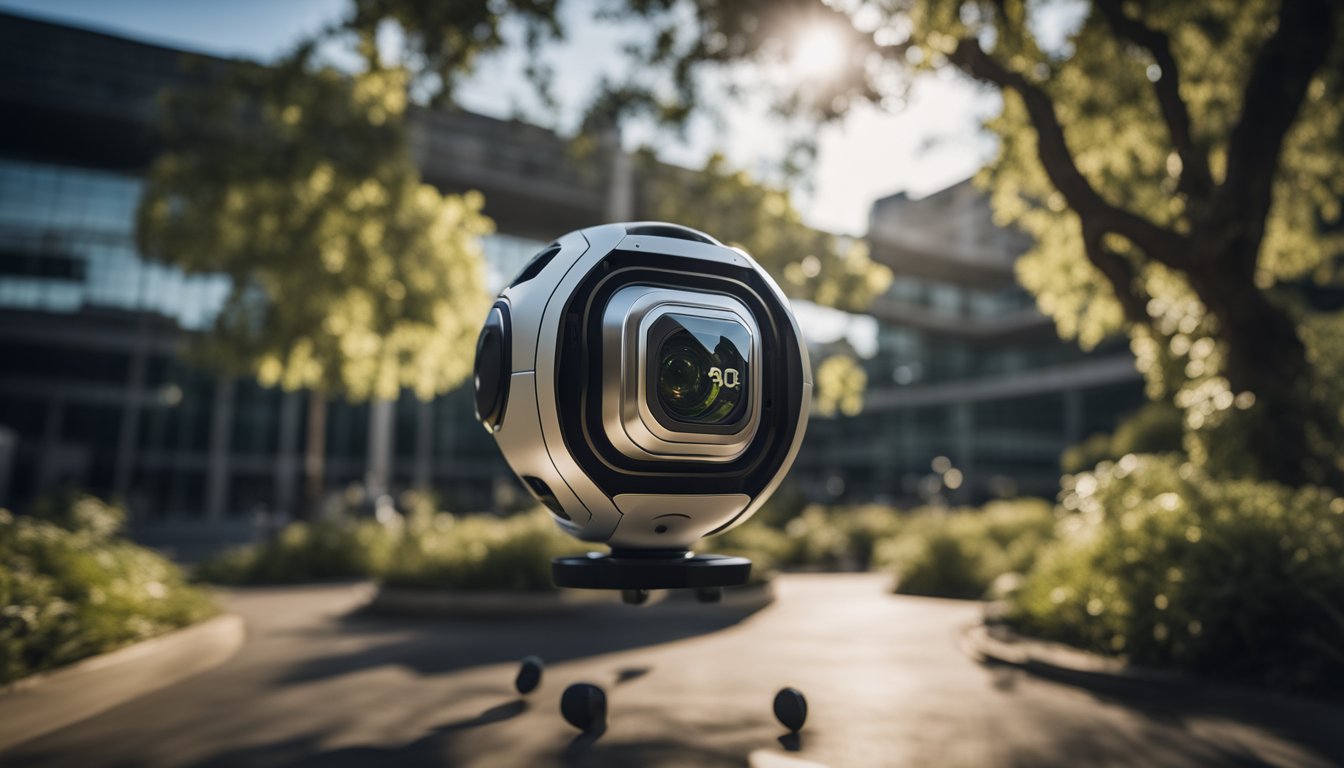
A 360 camera for HDRI is a specialized imaging device used to capture 32-bit High Dynamic Range Images for 3D lighting. By recording multiple bracketed exposures of a full spherical environment, these cameras create a comprehensive light map that allows 3D software to replicate real-world illumination and reflections with mathematical precision.
The Role of 360 Cameras in Modern HDRI Creation
In the landscape of 3D rendering and visual effects (VFX) in 2026, the demand for High Dynamic Range Images (HDRI) has never been higher. An HDRI acts as a digital light bulb for a 3D scene. Instead of manually placing hundreds of lights to mimic an environment, an artist uses an HDRI to wrap a 3D model in a sphere of real-world data. This technique, known as Image-Based Lighting (IBL), ensures that a 3D object reflects the correct colors, intensities, and shapes of the environment it is supposed to inhabit.
Historically, creating these maps required a DSLR, a tripod, a panoramic head, and a fisheye lens. An artist would take dozens of photos, rotating the camera at specific increments, and then spend hours stitching them together. While this method still offers the highest possible resolution, the advent of specialized 360 cameras for HDRI has revolutionized the workflow. These devices use two or more ultra-wide fisheye lenses to capture the entire sphere in one or more simultaneous shots, drastically reducing capture time from twenty minutes to under sixty seconds.
For professionals working in architectural visualization (ArchViz), automotive rendering, or augmented reality (AR), the speed of a 360 camera is indispensable. When lighting conditions change—such as during a "golden hour" sunset—the ability to capture a full HDRI in seconds rather than minutes is the difference between a successful project and a missed opportunity.
Essential Technical Requirements for HDRI Capture
Not every 360 camera is suitable for HDRI work. To be effective for 3D lighting, a camera must meet specific technical thresholds that allow it to capture the extreme range of light found in the real world, particularly the intensity of the sun.
Manual Exposure Control and Bracketing
The most critical feature of an HDRI camera is the ability to perform Auto Exposure Bracketing (AEB). An HDRI is not a single photo; it is a composite of many photos taken at different exposure levels. To capture the full range of light, the camera must be able to take a "dark" photo (to see details in the sun) and a "bright" photo (to see details in the shadows). In 2026, professional-grade 360 cameras are expected to offer at least 7 to 9 brackets with a spacing of 2.0 EV (Exposure Value) or more.
RAW Data Support (DNG)
JPEG files are 8-bit, meaning they contain only 256 levels of brightness per channel. This is insufficient for HDRI. A camera must support RAW output, typically in the Adobe DNG (Digital Negative) format. RAW files preserve the sensor data without compression or baked-in white balance, allowing the 3D artist to extract the maximum amount of light information during the 32-bit merge process.
Sensor Size and Signal-to-Noise Ratio
In HDRI photography, noise is the enemy. When you capture a dark environment and then "boost" the exposure in 3D software, sensor noise becomes highly visible as "fireflies" or grain in the render. Cameras with larger sensors—specifically 1-inch sensors—are the industry standard. A larger sensor has larger pixels, which can collect more photons and produce a cleaner signal. This is especially important for indoor HDRIs where shadows are deep and ambient light is low.
Lens Quality and Flare Management
Since an HDRI involves capturing the sun directly, lens flare can be a significant issue. High-quality glass coatings are necessary to minimize internal reflections and "ghosting" that can appear as bright spots in the final 3D render. Professional 360 cameras use specialized optics designed to maintain sharpness across the entire 180-degree field of view of each lens.
Top 360 Cameras for HDRI in 2026
The market for 360 cameras has stabilized, with a few key models dominating the professional HDRI niche. These cameras are selected based on their sensor quality, software ecosystem, and reliability in the field.
Ricoh Theta Z1
The Ricoh Theta Z1 remains a benchmark for HDRI production. Despite being a veteran platform, its dual 1-inch CMOS sensors and its unique "plug-in" architecture make it a favorite for VFX technical directors. The "HDR Wireless" and "Dual Fisheye RAW" plugins allow users to capture up to 12 or more bracketed RAW frames with a single press of a button. Its slim profile also means it has a very small "nadir" (the footprint of the camera at the bottom of the image), making it easier to clone out the tripod in post-production.
Insta360 ONE RS 1-Inch 360 Edition
Co-engineered with Leica, this camera is a formidable competitor to the Ricoh series. The Insta360 ONE RS 1-Inch features two 1-inch sensors that provide exceptional dynamic range and color accuracy. One of its primary advantages is the modern interface and the ability to handle high-bitrate video as well as stills. For HDRI, its "PureShot" HDR mode uses AI-assisted denoising, though most professionals still prefer the manual DNG bracketing workflow for maximum control.
Insta360 X4 (and Successors)
While the X-series uses smaller sensors compared to the 1-inch models, the Insta360 X4 and its 2026 iterations offer 8K resolution and improved HDR video capabilities. For high-end VFX, the smaller sensor might be too noisy, but for mobile AR developers and hobbyist CGI artists, the X-series provides a cost-effective and highly portable solution. Its ease of use and robust "bracketing" presets make it a gateway device for those learning the basics of IBL.
Professional HDRI Workflow: From Capture to Render
Capturing the images is only half the process. Converting those images into a usable 32-bit .exr or .hdr file requires a disciplined workflow.
- On-Site Preparation: Place the camera on a sturdy, thin light stand or tripod. In 2026, most pros use a remote trigger via a smartphone app to avoid being in the shot. It is crucial to ensure the camera is level to minimize distortion during stitching.
- The Bracketing Sequence: Set the camera to ISO 100 to minimize noise. A typical sequence for a bright day might involve 9 shots ranging from 1/8000th of a second (to capture the sun's disk) to 1 second (to capture the shadows).
- Stitching and Merging:
- PTGui Pro: This remains the industry-standard software for stitching 360 images. It allows for precise control over control points and can merge the bracketed LDR (Low Dynamic Range) images into a single 32-bit HDR file.
- Mistika VR: Often used for more complex stitching where parallax issues occur between the two lenses.
- Post-Processing and Normalization: In software like Affinity Photo or Adobe Photoshop, the artist must ensure the "sun" is actually bright enough. Many 360 cameras still clip the sun because it is too intense. Professionals often use a "Sun Remapper" or manually paint in a high-intensity spot to ensure the HDRI casts sharp, realistic shadows in the 3D engine.
- Validation: Before using the HDRI in a final project, it is often tested in a "look-dev" scene—a 3D environment containing a chrome ball, a grey ball, and a MacBeth color chart. This verifies that the reflections and light intensities match real-world physical properties.
Comparison of Leading 360 Cameras for HDRI
The following table compares the most relevant cameras used for HDRI capture as of 2026.
| Feature | Ricoh Theta Z1 | Insta360 RS 1-Inch | Insta360 X4 | Labpano Pilot Era |
|---|---|---|---|---|
| Sensor Size | Dual 1-inch CMOS | Dual 1-inch CMOS | 1/2-inch CMOS | 4 x Sony Sensors |
| RAW Format | DNG (16-bit internal) | DNG | DNG | DNG |
| Max Bracketing | 13+ (via Plugins) | 9 Frames | 7 Frames | 7 Frames |
| Resolution | 23 MP (6.7K) | 21 MP (6K) | 72 MP (8K) | 60 MP (8K) |
| Ease of Use | High (Plugin-based) | High (App-based) | Very High | Medium (Standalone) |
| Primary Use | Pro VFX / ArchViz | Pro VFX / General | AR / Hobbyist | Street View / HDRI |
Challenges and Troubleshooting in 360 HDRI Capture
Even with top-tier equipment, several common issues can ruin an HDRI light map.
Sun Clipping: The sun is millions of times brighter than a white wall. Most 360 cameras, even with a fast shutter speed of 1/8000, will "clip" the sun, meaning the pixels turn pure white and lose their mathematical intensity. To solve this, photographers sometimes use a Neutral Density (ND) filter over the lenses or use software to "re-expose" the sun in 32-bit space.
Parallax Errors: Because the two lenses of a 360 camera are several centimeters apart, objects very close to the camera can appear "broken" or "smeared" at the stitch line. When shooting HDRIs for lighting, it is best to keep the camera at least 2 to 3 meters away from any physical objects.
The Nadir Problem: Every 360 camera captures the tripod it stands on. While many 360 cameras have "auto-patching," professional HDRIs require a clean nadir. This usually involves taking a separate photo of the ground without the tripod and "patching" it in using PTGui or Photoshop.
Color Fringing: Chromatic aberration (purple or green edges) at the edges of the fisheye lenses can cause colored artifacts in the 3D reflections. High-quality 360 cameras use aspherical elements to reduce this, but some post-production cleanup is often necessary.
Frequently Asked Questions
Can I use a standard 360 camera like the GoPro Max for HDRI?
While you can technically take bracketed photos with a GoPro Max, its sensor size and lack of robust RAW bracketing tools make it difficult for professional use. The noise levels in the shadows are generally too high for high-quality CGI lighting. However, for quick "reference" HDRIs where perfect lighting isn't required, it can serve as a budget-friendly option.
Why do I need 32-bit images for 3D lighting?
3D software needs to know the actual intensity of light sources. An 8-bit JPEG tells the software a pixel is "255 white," but it doesn't distinguish between a white piece of paper and the sun. A 32-bit file (EXR or HDR) uses floating-point math to store values like "50,000," which tells the rendering engine exactly how much light should be emitted from that specific pixel.
Is resolution (8K vs 6K) important for HDRI?
Resolution is less important for lighting and more important for reflections. If your 3D object is highly reflective (like a chrome sphere or a car), a low-resolution HDRI will look blurry in the reflections. For general lighting (diffuse surfaces), even a 2K HDRI is often sufficient. Most professionals aim for 8K or higher to ensure the HDRI can serve both as a light source and a visible background.
How do I handle moving objects like cars or people in an HDRI?
Moving objects cause "ghosting" in a bracketed sequence. In 2026, many cameras offer an "HDR-Video" or "Single Shot HDR" mode to mitigate this, but these often sacrifice dynamic range. The best practice is to wait for the scene to be clear or use the "De-ghosting" tools found in PTGui Pro, which intelligently selects which frame to use for moving elements.
Do I need a special tripod for 360 HDRI cameras?
A standard tripod often has a large "head" that is very visible in the 360 shot. Professionals use "monopod-style" light stands with small feet. These are much easier to "paint out" in post-production because they occupy a very small portion of the bottom sphere (the nadir).
Recommendation for 2026
For the dedicated professional, the Ricoh Theta Z1 remains the top recommendation due to its mature plugin ecosystem and exceptional RAW data quality from its 1-inch sensors. If your workflow requires a mix of high-end photography and rugged video capability, the Insta360 ONE RS 1-Inch 360 Edition is the superior choice, offering better weather sealing and a more modern interface.
For those just starting in 3D or working primarily in Augmented Reality (AR) where speed and portability outweigh the need for extreme dynamic range, the Insta360 X4 provides the best balance of price and performance. Regardless of the camera chosen, remember that the quality of your HDRI depends as much on your stitching and merging workflow as it does on the hardware itself.