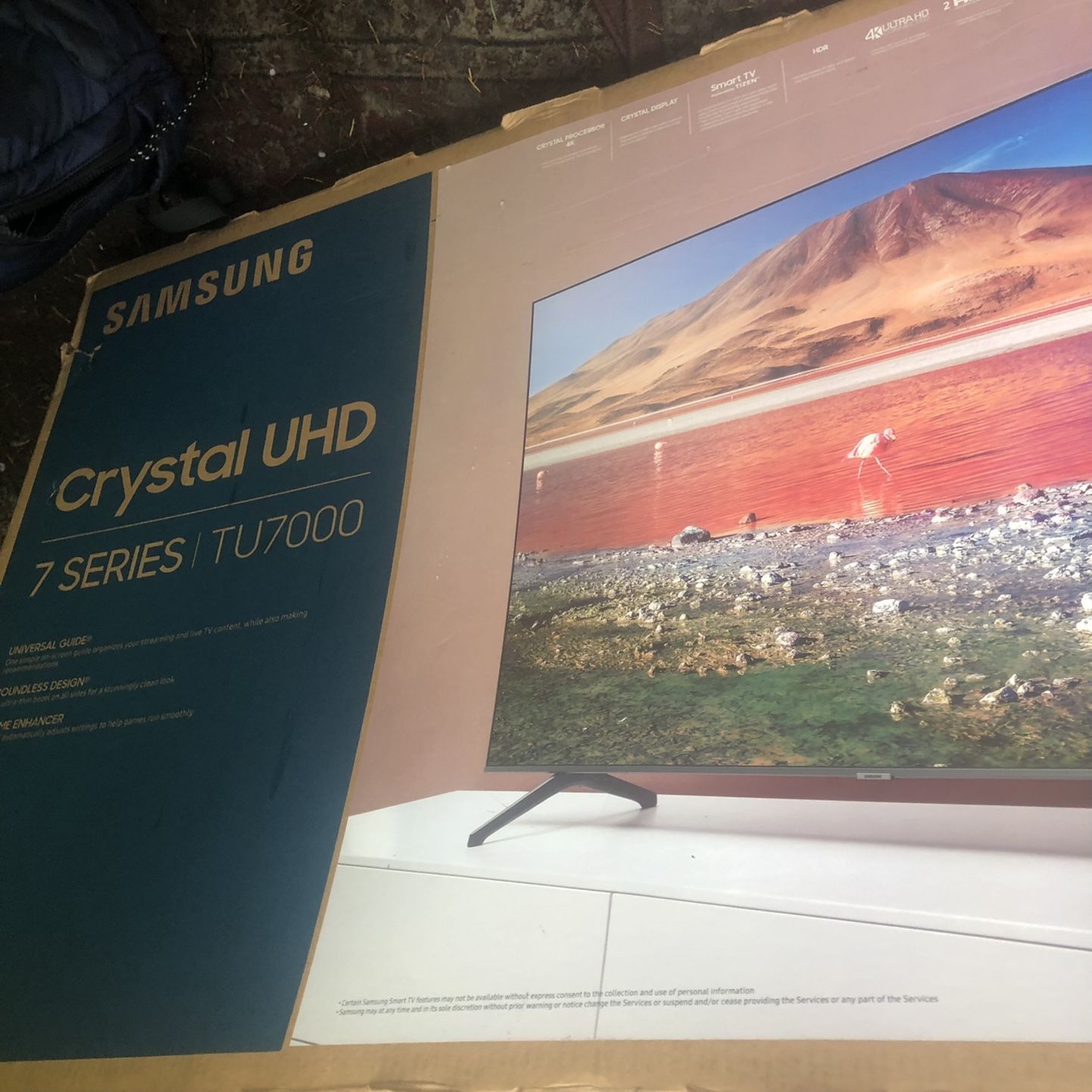
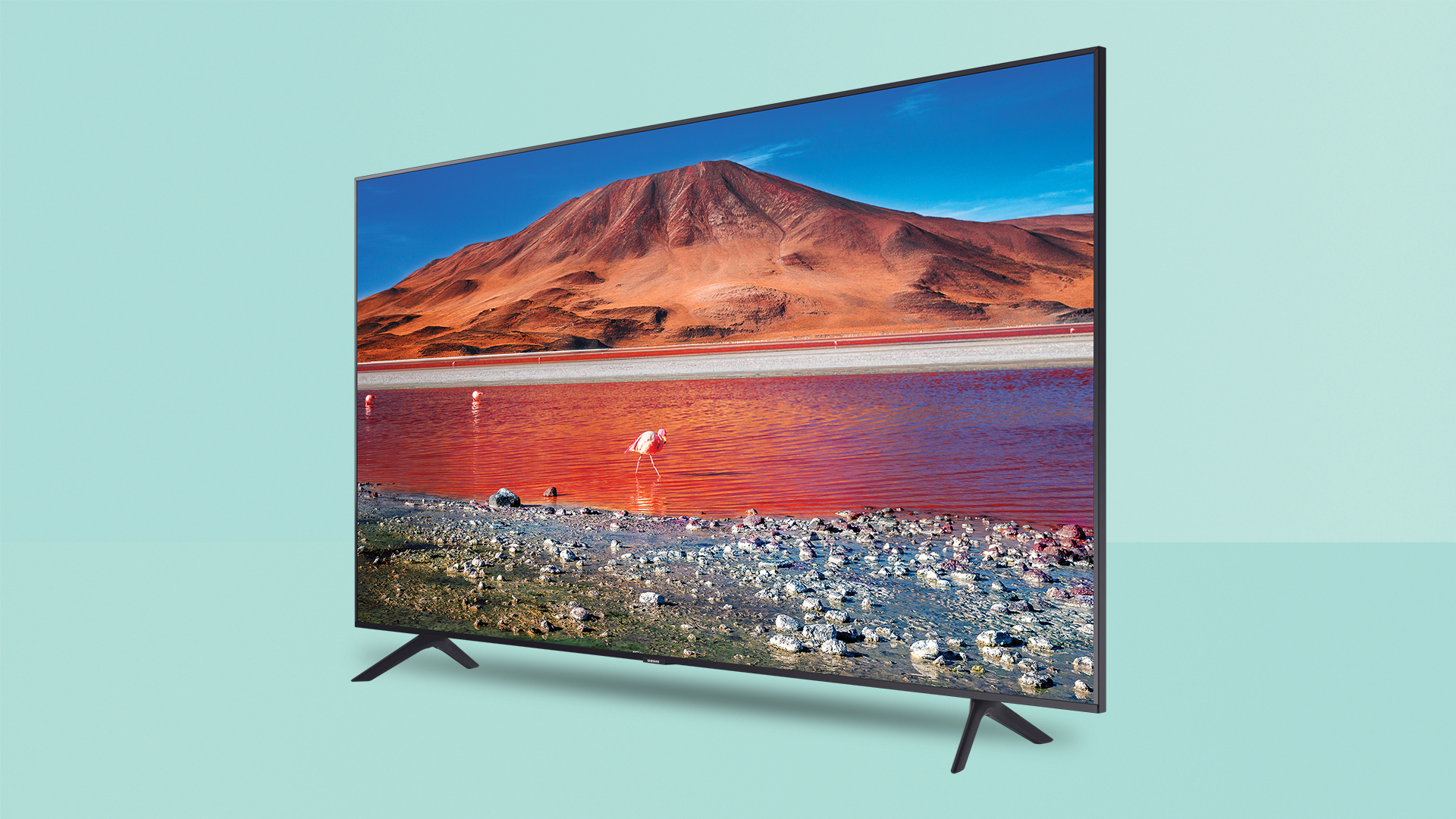
The Samsung TU7000 stands as a foundational 4K UHD LED television, designed primarily as an entry-level solution for budget-conscious consumers seeking the Samsung ecosystem. It delivers a respectable color gamut and sharp 4K upscaling, though it lacks the advanced hardware features—such as local dimming, wide viewing angles, and high-refresh-rate gaming support—found in the company’s higher-tier QLED models.
Introduction to the Samsung TU7000
The Samsung TU7000 series, released during the 2020 product cycle, was positioned to fill the critical gap between high-end professional displays and ultra-budget generic televisions. For many users, this model serves as a reliable secondary display for bedrooms or a primary television for casual living room viewing.
When evaluating the TU7000 today, it is essential to frame it as a legacy budget-tier product. It utilizes a VA (Vertical Alignment) panel, which is standard for this class of television, offering strong native contrast ratios at the expense of viewing angles. Whether you are considering purchasing a second-hand unit or evaluating your current setup, understanding how this screen performs in modern contexts—ranging from streaming 4K content to standard gaming—is the key to managing expectations.
Technical Specifications and Display Characteristics
The core appeal of the TU7000 lies in its crystal-clear UHD resolution. Unlike some budget competitors that compromise on pixel density, the TU7000 provides a true 3840 x 2160 resolution. The television is powered by the Crystal Processor 4K, which handles the upscaling of lower-resolution content like 1080p cable broadcasts or standard DVD sources.
Panel Technology and Contrast
The TU7000 uses a VA panel architecture. The primary strength of this technology is its ability to produce deep blacks, which makes the image appear significantly more vibrant in dark environments. The contrast ratio is notably higher than that of IPS (In-Plane Switching) panels often found in other mid-range televisions. However, the limitation of this panel is the "gamma shift" that occurs when viewed from an angle. If you are sitting off-center from the television, you will likely notice a significant degradation in color accuracy and a "washed-out" appearance.
HDR (High Dynamic Range) Support
The TU7000 supports HDR10, HDR10+, and HLG. While the inclusion of these formats is standard, it is important to understand that the television does not reach the peak brightness levels required to truly "pop" HDR content. HDR implementation on this model is more about ensuring the television can decode the signal and display a wider color gamut than about achieving theater-like highlights. Do not expect the blindingly bright highlights found in top-tier OLED or Mini-LED displays.
Software Ecosystem: Tizen OS
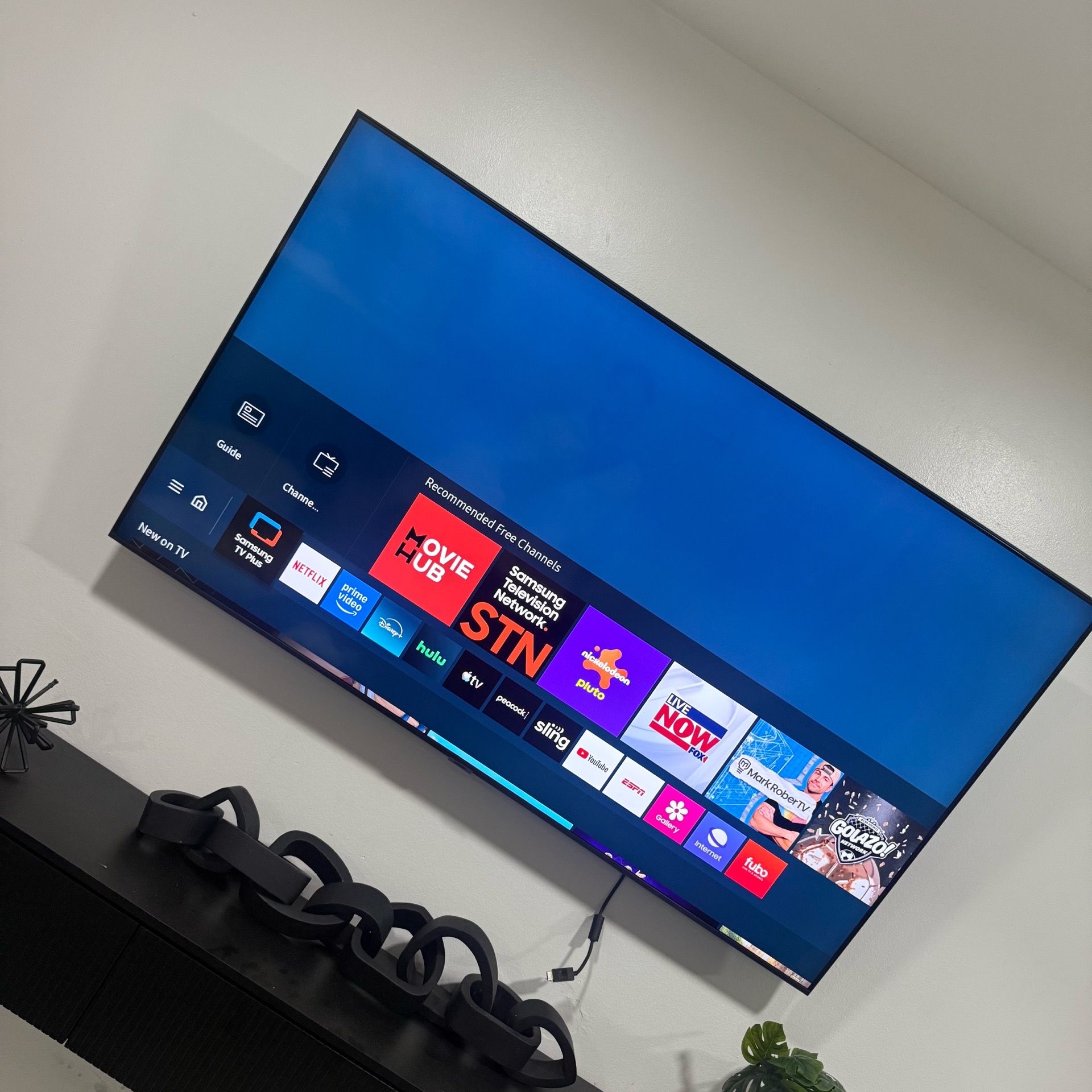
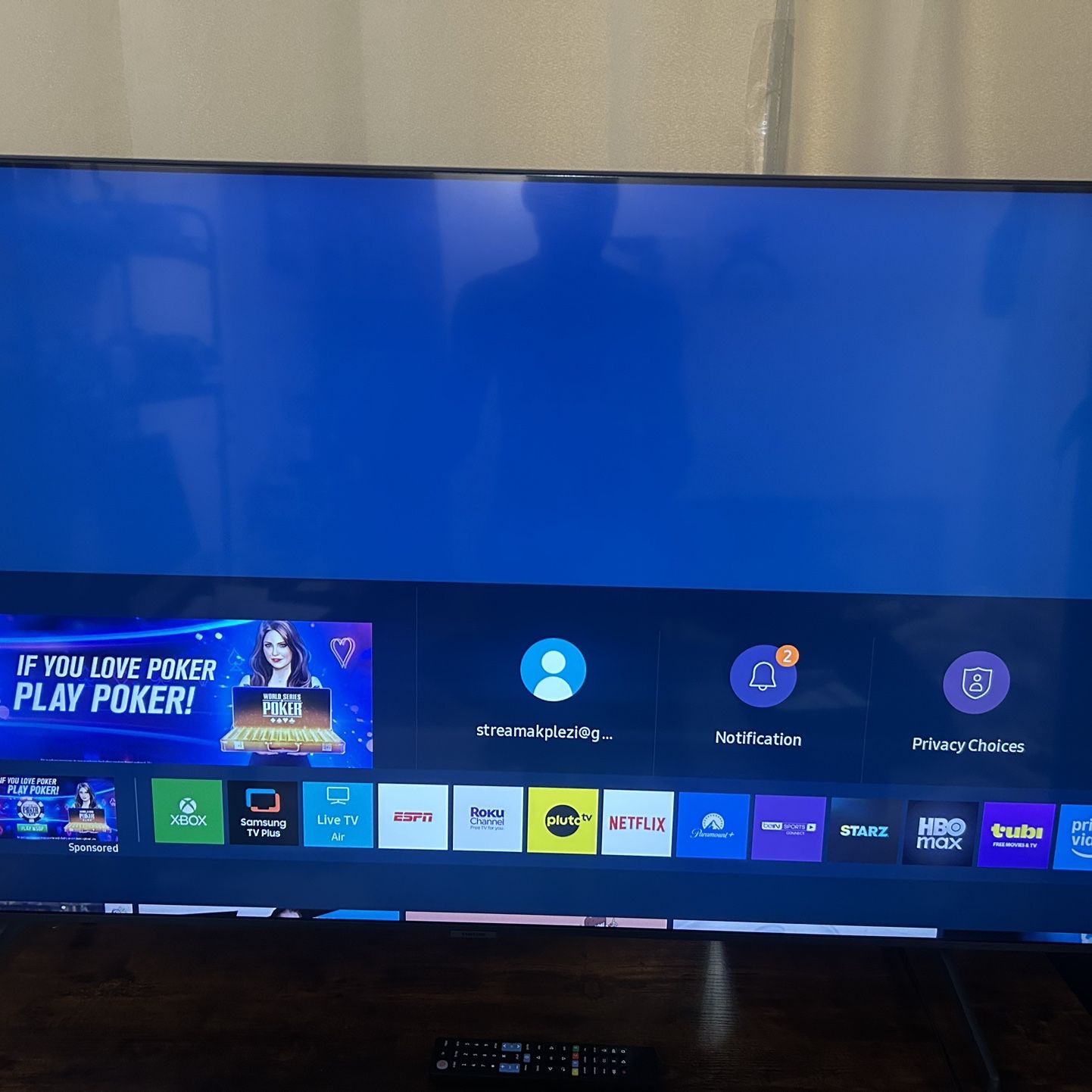
Samsung’s Tizen operating system is one of the most stable and feature-rich interfaces available for smart TVs. On the TU7000, the interface is snappy and provides native support for major streaming services, including Netflix, Disney+, Prime Video, and Apple TV.
As of 2026, the Tizen version on the TU7000 remains functional, though it lacks some of the newer, more resource-heavy features found in recent Samsung smart interfaces. Users who prefer a minimalist experience will appreciate the quick access bar at the bottom, which allows for switching between inputs and apps without disrupting the content on screen. The SmartThings integration also allows the TV to act as a hub for compatible smart home devices, a feature that remains relevant for integrated home setups.
Gaming Performance and Connectivity
For gamers, the TU7000 offers a basic but acceptable experience. It operates at a native 60Hz refresh rate. While it does not support VRR (Variable Refresh Rate) or HDMI 2.1 features like 4K at 120Hz, it does feature an Auto Game Mode. This mode automatically detects a game console connection and reduces input lag by disabling certain image processing tasks.
| Feature | Specification / Capability |
|---|---|
| Resolution | 4K UHD (3840 x 2160) |
| Refresh Rate | 60Hz (Native) |
| HDR Support | HDR10, HDR10+, HLG |
| Ports | 2 HDMI, 1 USB, Ethernet, Optical Out |
| Panel Type | VA (Vertical Alignment) |
| Smart OS | Tizen OS |
Input Lag Considerations
The input lag on the TU7000 is impressively low for its class, making it a suitable choice for casual console gaming. However, competitive gamers who require the responsiveness of 120Hz displays will find this model limiting. If you are a casual player who enjoys single-player cinematic experiences, the performance is more than sufficient.
Comparative Value: TU7000 vs. Modern Standards
When compared to the current 2026 market, the TU7000 acts as a baseline. Modern televisions have introduced widespread adoption of HDMI 2.1 and FALD (Full-Array Local Dimming). The TU7000 uses direct-lit LED technology without local dimming, meaning the entire backlight array is either on or off, rather than lighting specific zones.
If you are choosing between the TU7000 and a modern equivalent, you are primarily sacrificing advanced gaming features and peak brightness for a lower entry cost. For cinema purists or those who prioritize perfect motion handling, the TU7000 may fall short, but for the average viewer watching broadcast TV, YouTube, or Netflix, the difference in image quality compared to more expensive models is often less noticeable than technical reviewers might suggest.
Common Operational Limitations
Users often report two primary limitations with the TU7000: the limited number of HDMI ports and the sound quality. With only two HDMI inputs, users with multiple consoles, soundbars, and streaming sticks will likely require an external HDMI switch.
Furthermore, the internal speakers are standard for a slim-profile television. They are perfectly capable of dialogue-heavy content, but they lack the bass response and soundstage width needed for movies. An external soundbar or a basic 2.1 speaker system is a highly recommended upgrade to balance the visual performance with better audio fidelity.
Frequently Asked Questions (FAQ)
Does the Samsung TU7000 support 120Hz gaming?
No. The TU7000 features a native 60Hz refresh rate. It is capable of displaying a 4K image from modern consoles, but it cannot output games at frame rates exceeding 60 frames per second.
Can the TU7000 be used as a PC monitor?
Yes, it can. Because it supports chroma 4:4:4, text appears relatively crisp, which is a common pain point for TVs used as monitors. However, ensure you label the input as "PC" in the settings to ensure the lowest possible input lag and proper color mapping.
Why does the screen look washed out when I move to the side?
This is a side effect of the VA (Vertical Alignment) panel. VA panels prioritize contrast, but they suffer from narrow viewing angles. For the best picture quality, always position the television directly in front of your primary seating area.
Is the TU7000 considered an HDR television?
Technically, yes. It accepts an HDR signal and can map that information to its display. However, it lacks the high peak brightness and wide color gamut required to produce a "true" HDR experience compared to premium displays.
How do I troubleshoot connection issues with the Tizen interface?
If the smart features become sluggish, try a "Cold Boot" by holding down the power button on the remote until the TV turns off and on again. This clears the cache and often resolves minor application crashes or connectivity drops.
Final Recommendations for Owners and Buyers
The Samsung TU7000 remains a reliable, "set-it-and-forget-it" television. It excels in environments where the lighting can be controlled, as the VA panel's contrast performance shines in dim or dark rooms.
If you are currently evaluating this TV for purchase in 2026, ensure the price reflects its age. If you already own one, you can extend its life significantly by pairing it with a high-quality streaming device—which often handles interface updates faster than the built-in Tizen OS—and a dedicated soundbar. For those who prioritize gaming performance or high-end HDR, look toward models that offer 120Hz panels and local dimming. For everyone else, the TU7000 continues to offer the essential 4K experience with the reliability of a well-established hardware brand.