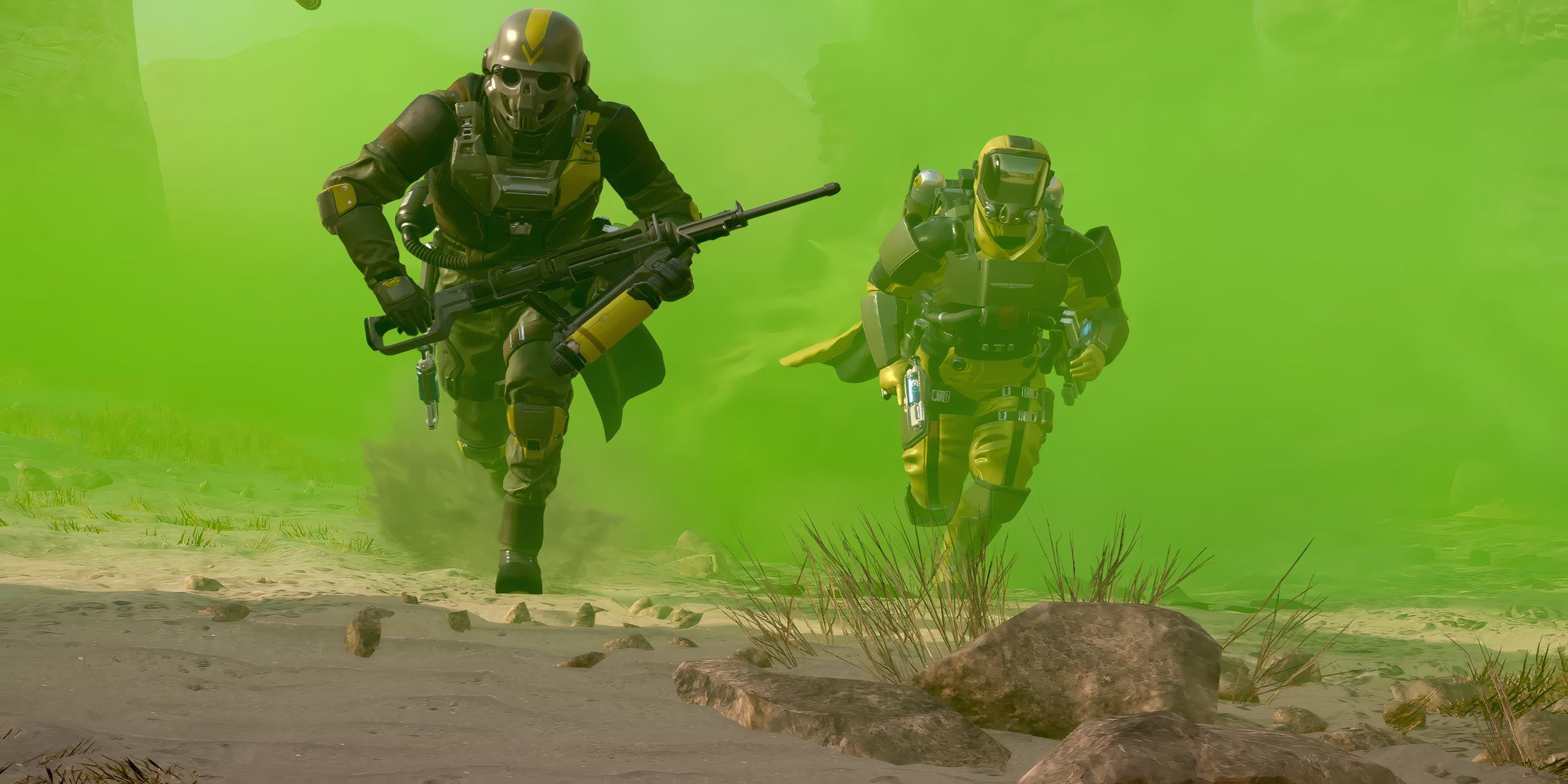
Helldivers 2 does not support native couch co-op, split-screen, or local shared-screen multiplayer. Unlike its 2015 predecessor, Arrowhead Game Studios designed Helldivers 2 as an online-only third-person shooter where every player requires their own gaming console or PC, individual display, copy of the game, and active online network account to play together.
Understanding the Local Multiplayer Reality in Helldivers 2
When Arrowhead Game Studios released Helldivers 2, fans of the original top-down shooter anticipated the return of local couch co-op. The original Helldivers (2015) earned praise as one of the premier shared-screen party games on PlayStation platforms, allowing four players to plug in four controllers and fight alien hordes on a single television screen.
However, Helldivers 2 fundamentally alters the franchise's technical architecture, camera perspective, and network mechanics. Players looking to team up in the same physical room must understand how the sequel handles multiplayer sessions, hardware requirements, and network protocols. Below are seven crucial facts detailing the reality of local co-op in Helldivers 2.
Fact 1: Helldivers 2 Features No Native Local Split-Screen or Shared Screen
The most critical distinction for living room gamers is that Helldivers 2 offers zero native local co-op functionality. There is no split-screen mode, horizontal or vertical dual-view rendering, or local guest profile support.
| Local Multiplayer Feature | Availability |
|---|---|
| [X] Same-Console Split-Screen | UNSUPPORTED |
| [X] Shared Single-Camera Screen | UNSUPPORTED |
| [X] Offline LAN Mode | UNSUPPORTED |
| [✓] Online Cross-Platform Co-Op | FULLY SUPPORTED |
| [✓] Dual-System Same-Room Setup | FULLY SUPPORTED |
You cannot connect a second, third, or fourth controller to a single PlayStation 5 or PC to add a local player to your squad. Every player who drops into the Galactic War must connect to Arrowhead’s live-service dedicated servers through an independent client machine. If you launch the game on a console or PC, the user interface provides no option for local secondary sign-ins or offline couch sessions.
Fact 2: The Shift to Third-Person Engine Rendering Created Severe Split-Screen Hardware Limits
The primary reason Helldivers 2 lacks split-screen couch co-op stems from its radical graphical and structural evolution. The original game utilized an isometric, top-down perspective where all four players existed within the boundaries of a single viewport. The engine only rendered one perspective of the map at any given moment.
Helldivers 2 shifts to an over-the-shoulder, third-person action perspective powered by a heavily modified version of the Autodesk Stingray engine. Render processing in this perspective is significantly higher:
- Dual Engine Draw Calls: Rendering split-screen requires the engine to calculate physics, light transport, fog density, shadow maps, and particle effects twice per frame—once for each camera viewpoint.
- Complex Swarm AI and Physics: The game simultaneously processes hundreds of active enemy pathfinding routines, dynamic limbs, orbital stratagem strikes, and terrain deformation.
- Target Frame Rates: Achieving 60 frames per second on consoles like the PlayStation 5 requires tight budget management of GPU geometry pipelines and CPU instruction streams. Splitting the viewport would force drastic compromises in dynamic lighting, resolution, foliage density, and frame consistency.
To maintain target visual fidelity and smooth performance during chaos, Arrowhead Game Studios focused exclusively on single-viewport rendering per hardware node.
Fact 3: Crossplay Serves as the Primary Method for Living Room Co-Op
While true single-system split-screen is absent, Helldivers 2 includes seamless cross-platform play (crossplay) between PlayStation 5 and PC players. This capability allows living room gamers to create a "virtual couch co-op" environment using two different systems side-by-side.
For example, one player can play on a PlayStation 5 connected to a primary television, while a second player sits on the same couch using a gaming laptop, desktop monitor setup, or handheld PC gaming device.
Setting Up a Living Room Crossplay Session
- Enable Crossplay in the game's Options menu on both devices.
- Open the Social menu on the primary system and generate a temporary Friend Code.
- On the secondary system, enter the generated code into the search bar within the Social menu.
- Accept the friend request to establish a permanent cross-platform friend linkage.
- Invite the local partner directly into your Super Destroyer lobby.
Fact 4: Every Local Player Requires an Account, Subscription, and Game Copy
Playing Helldivers 2 alongside someone in the same house carries higher software and infrastructure prerequisites than traditional couch co-op games. Because guest sign-ins are unsupported, every individual player must possess a dedicated ecosystem account.
- Helldivers 2 Home Co-Op Prerequisites Per Player
- Player One
- Distinct PS5 or PC Hardware
- Game License Purchased
- Individual PSN / Steam Account
- PS Plus Active (if PS5)
- Player Two
- Distinct PS5 or PC Hardware
- Game License Purchased
- Individual PSN / Steam Account
- PS Plus Active (if PS5)
- Player One
Player Requirements Summary
- Individual Game Purchases: Each participant must own an active software license for Helldivers 2.
- PlayStation Network (PSN) / Steam Accounts: Both players must log in under unique digital user profiles.
- Subscription Services: Console players on PlayStation 5 must have active PlayStation Plus memberships (Essential, Extra, or Premium) to access online multiplayer servers.
- Persistent Internet Access: The game enforces a constant online connection requirement. If your home network drops connection, both players are returned to the main title menu regardless of proximity.
Fact 5: Comparing Co-Op Architecture: Helldivers 1 vs. Helldivers 2
Understanding why local play changed requires examining the mechanical structural shifts between the original game and its successor.
| Feature / Architecture | Helldivers (2015) | Helldivers 2 (2024–2026) | Living Room Practical Impact |
|---|---|---|---|
| Local Split/Shared Screen | Native (Up to 4 players) | None (Online only) | Cannot play on 1 console/TV |
| Camera System | Shared Isometric Top-Down | Independent 3rd-Person | Players can separate across large maps |
| Hardware Per Player | 1 Console shared by 4 | 1 Dedicated Console/PC per player | Requires multiple screens & systems |
| Player Tethering | Restricted to single screen edge | Unrestricted physical movement | Full tactical freedom without spatial limits |
| Account Overhead | 1 Main Account + 3 Guests | Unique online account per player | Higher hardware and subscription cost |
| Networking Requirement | Local offline supported | Persistent online server access | Internet connection mandatory for all |
In the original game, squad movement was tethered: if one player stood at the left edge of the screen, nobody could advance right until the group moved together. Helldivers 2 completely removes this boundary. Players can split into pairs, travel kilometers apart across massive procedural planets, and complete objectives independently—a design freedom that inherently relies on separate client viewports.
Fact 6: Arrowhead Game Studios Focused Resources on Live-Service Server Stability
Prior to and following the launch of Helldivers 2, developer Arrowhead Game Studios addressed user inquiries regarding split-screen requests. The engineering team clarified that adding local split-screen was not a simple toggle or post-launch patch candidate, but a foundational design diversion.
The development team focused engineering resources on:
- Server Infrastructure & Concurrency: Scaling galactic backend servers to handle hundreds of thousands of simultaneous Helldivers.
- Galactic War Meta-Progression: Updating global liberation percentages, orders, and planet status in real time across the entire user base.
- Weapon Balancing and Dynamic Hazards: Engineering complex physics, fire behavior, biome hazard interactions, and armor penetration formulas.
Retrofitting split-screen into this architecture would require rewriting fundamental render pipelines, HUD layouts, and camera behavior logic. Arrowhead prioritizes expanding live-service updates, new Warbonds, and technical optimization over re-engineering local split-screen capabilities.
Fact 7: Workarounds for Living Room Squads Require Dual-Display Optimization
For gaming couples, roommates, or families who want to play Helldivers 2 in the same room, setting up a modern dual-system living room rig offers an effective alternative to classic split-screen.
- Home Router / Gateway
- Ethernet
- PS5 System 1
- Primary TV
- PS5 System 1
- Ethernet / Wi-Fi 6
- PC/Handheld System 2
- 2nd Monitor
- PC/Handheld System 2
- Ethernet
Optimal Same-Room Setup Recommendations
- Side-by-Side Displays: Place a secondary gaming monitor on a side table or dual-desk configuration alongside the primary living room television.
- Handheld PC Gaming Devices: Players utilizing handheld devices (such as a Steam Deck, Asus ROG Ally, or Lenovo Legion Go) can sit directly on the couch next to a PS5 player, running the game on reduced graphical settings while sharing the main room atmosphere.
- Audio Configuration: When playing in the same room, close proximity can cause voice feedback if both players use open microphones. Configure in-game audio to Push-to-Talk or mute local party chat, allowing open physical conversation without microphone echo.
Managing Home Network Bandwidth for Two Simultaneous Players
Running two instances of Helldivers 2 on the same home local area network (LAN) can occasionally trigger Network Address Translation (NAT) conflicts or bandwidth throttling. When two clients connect to Arrowhead's servers from the same external IP address, routers can misroute incoming packets.
How to Fix Network Interference Between Local Systems
- Enable UPnP (Universal Plug and Play): Access your home network router settings and ensure UPnP is active. This allows both the PS5 and PC to automatically negotiate open network ports without IP collisions.
- Use Wired Ethernet Connections: Wi-Fi interference spikes when two high-throughput gaming devices stream real-time physics and player positional data simultaneously. Connect both systems via Cat6 Ethernet cables to minimize latency jitter.
- Set Static IP Addresses: Assign local static IPs to both devices within your router's DHCP reservation menu to prevent mid-session disconnection errors.
- Avoid Double NAT: If your ISP provides a modem-router combo unit connected to a secondary mesh Wi-Fi network, set the ISP unit to "Bridge Mode" to prevent NAT type strictness on party invites.
Frequently Asked Questions
Will Helldivers 2 add split-screen co-op in a future update?
Arrowhead Game Studios has non-commitally addressed local split-screen feature requests, indicating it is not on the active feature roadmap. Due to the intensive graphics rendering demands of its third-person engine and structural live-service design, split-screen is unlikely to be patched in.
Can I use PS5 Console Sharing to play Helldivers 2 on two consoles at home?
Yes. If you own two PlayStation 5 consoles, you can purchase one digital copy of Helldivers 2 on a primary account. Enable Console Sharing and Offline Play on the secondary PS5 using the buyer's account. A second user can then log into their own PSN account on that second console to access the game simultaneously. Note that both PSN accounts still require PlayStation Plus access for online play.
Can Helldivers 2 be played completely offline?
No. Helldivers 2 is an online-only experience. All mission calculations, campaign progress, enemy spawns, and rewards sync directly with centralized server infrastructure. An active broadband internet connection is mandatory, even when playing solo.
Can I stream Helldivers 2 using PlayStation Portal for local play?
Yes, but with limitations. A player can stream Helldivers 2 from a PS5 to a PlayStation Portal handheld device over local Wi-Fi. However, this relies on an active PS5 console performing the rendering. It does not allow two people to play off a single console; the television and the Portal display the identical frame feed. To play together, you still need two separate host hardware units (such as two PS5s or one PS5 and one PC).
Why did Helldivers 2 drop the top-down local co-op design of the first game?
Arrowhead Game Studios sought to evolve the series into an immersive, high-intensity galactic war simulator. Switching to a third-person, over-the-shoulder perspective allowed for dynamic physics, detailed ballistic effects, complex environmental weather, and unrestricted player mobility across expansive planetary maps.
Final Recommendation for Living Room Players
If you are purchasing Helldivers 2 with the expectation of plugging two controllers into a single console for traditional couch co-op, do not buy it for that purpose. The game does not feature split-screen or single-display local multiplayer.
However, if your household possesses two gaming setups—such as a combination of PlayStation 5 consoles, gaming PCs, or handheld PC gaming devices—Helldivers 2 offers an outstanding co-op experience. Take advantage of full crossplay, link your accounts via Friend Codes, establish wired network connections, and adjust local microphone settings to eliminate living room audio feedback before dropping onto the front lines together.