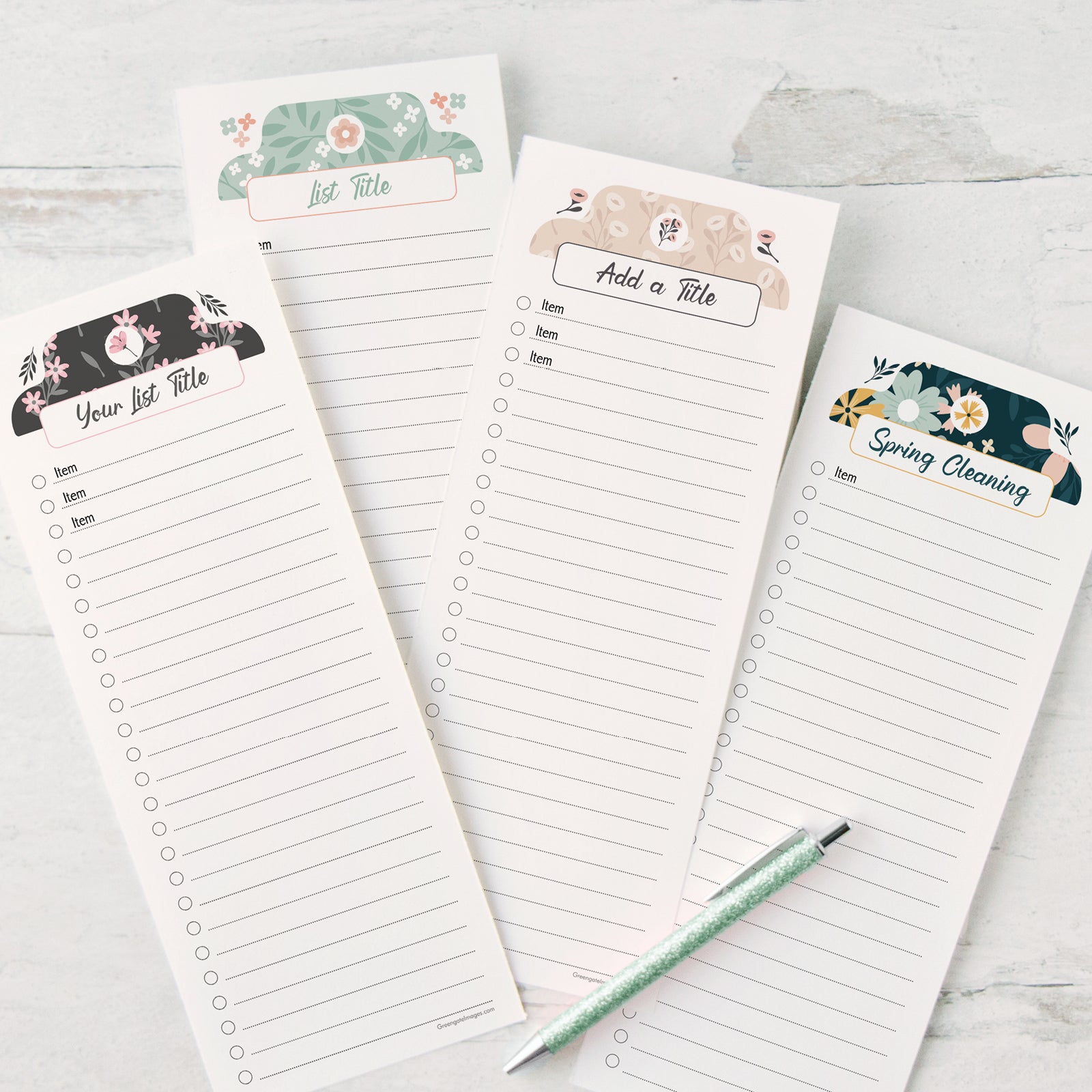
Curating a "cute list" involves synthesizing aesthetic preferences, personal utility, and thematic cohesion to create a collection that is both visually pleasing and practically useful. Whether you are organizing digital assets, physical collectibles, or task-based agendas, successful curation relies on maintaining a consistent visual language, establishing clear categorization, and prioritizing items that spark genuine resonance within your chosen theme.
Understanding the Intent of a Cute List
The term "cute" in a modern curation context often refers to an aesthetic style characterized by softness, approachable design, pastel or vibrant color palettes, and minimalist or whimsical iconography. However, at its core, a "cute list" is a highly personalized taxonomy. It is not merely a random assortment of items; it is a structured database where the "cuteness" acts as the connective tissue, binding disparate elements into a unified whole.
When you embark on curating such a list, you must first define your objective. Is the list meant for public consumption on a social platform, or is it a private organizational tool for personal productivity? Determining the audience dictates the level of polish required. A public list necessitates high-resolution assets and universal appeal, while a private list can lean into niche personal humor or inside jokes that sustain your motivation.
Prerequisites for Effective Curation
Before adding a single item, you must establish the "vibe" of your collection. Without a clear set of parameters, a list quickly devolves into clutter.
Define Your Thematic Framework
Your theme is the anchor for all future inclusions. Consider the following dimensions:
- Color Palette: Limit your list to 3–5 core colors. This creates instant harmony. For example, a "Spring Garden" theme might focus on sage greens, soft yellows, and muted pinks.
- Visual Texture: Do you prefer clean, flat vector illustrations, or are you drawn to warm, hand-drawn, or vintage textures? Mixing these styles often breaks the "cute" illusion.
- Functional Purpose: If the list is a to-do list or a resource guide, ensure the items serve the utility. A list that is cute but impossible to navigate fails its primary function.
Select Your Platform
The platform determines the technical limitations and presentation style of your list.
| Platform Type | Best For | Technical Considerations |
|---|---|---|
| Note-Taking Apps | Personal tasks, research | Requires Markdown support, image embedding |
| Social Bookmarking | Public discovery, curation | Requires high-quality metadata, thumbnail control |
| Design/Mood Boards | Visual inspiration | Focus on high-res aspect ratios, collage layout |
| Spreadsheet Tools | Data-heavy lists | Focus on cell formatting, conditional styling |
Step-by-Step Curation Workflow
Successful curation is a repetitive process of discovery, evaluation, and pruning. By following a structured workflow, you prevent your list from becoming stagnant or overwhelming.
1. Discovery and Aggregation
Begin by casting a wide net. Use discovery engines, specialized forums, and creative communities to find potential candidates. Do not filter too harshly in the initial phase; simply collect everything that captures your attention and aligns with your broad theme.
2. The Verification Phase
Not every cute item belongs on your final list. Verify each candidate against your established constraints:
- Contextual Alignment: Does the item fit the specific tone of your project?
- Technical Quality: For digital lists, ensure the image quality is crisp. Avoid pixelated or watermarked content that undermines the aesthetic.
- Utility/Relevance: If the item is a link or a resource, verify that the destination is still active and provides value to your audience.
3. Structural Organization
A list becomes "cute" through order. Group your items into logical sub-categories. For instance, if you are curating a list of cozy home office accessories, divide them by function: "Desk Essentials," "Soft Lighting," and "Organizational Tools." This structure helps the reader—or your future self—process the information without feeling overwhelmed.
Balancing Aesthetics and Functionality
The most common mistake in curation is prioritizing the "look" at the expense of accessibility. A truly successful list is navigable.
Accessibility Considerations
Even in an aesthetic-heavy list, legibility must remain the top priority. Use high-contrast fonts for descriptions against your background colors. If you are using emojis or custom icons to denote categories, ensure they are intuitive. For example, a small star might indicate a "top pick," while a cloud might represent "soft/background content." Use these indicators consistently throughout the entire document to reduce cognitive load.
Managing Scale and Growth
As your list grows, it may become bloated. Implement a "maintenance schedule." Once a quarter, revisit the list and remove items that no longer align with your aesthetic or that have become functionally obsolete. Curation is a subtractive art as much as it is an additive one. If a new item is added, consider if an older, less relevant item should be archived.
Avoiding Common Pitfalls
Many curators fall into the trap of "maximalist clutter." While maximalism can be a valid aesthetic choice, it often creates friction in a list format.
- Avoid visual noise: Too many differing fonts or clashing colors will make your list difficult to read. Stick to a font pairing—usually one serif for headers and one sans-serif for body text.
- Avoid broken links: Regularly audit external references. A "cute" list that leads to a 404 error page destroys the user experience immediately.
- Avoid over-categorization: If you have twenty categories with only one item each, you have created a directory, not a list. Merge categories to keep the flow seamless.
Advanced Techniques for Expert Curators
Once you have mastered the basics, you can elevate your curation through subtle design choices that define your "brand."
Utilizing White Space
White space is the most powerful tool in the curator’s arsenal. It allows the eyes to rest and makes each item on your list appear more intentional. If your list is digital, use padding between blocks of content. If it is physical, consider the layout of the paper or display space.
Consistent Iconography
Customizing your list with consistent iconography gives it a professional edge. Use an icon set from a single designer or platform to ensure the line weights, shapes, and styles are uniform. This creates a cohesive "branded" feel that separates a casual list from a curated expert resource.
Frequently Asked Questions
How do I decide what to include in my cute list?
Start by asking if the item contributes to your defined goal. If your goal is to curate a list of "relaxing resources," every item should explicitly serve the purpose of relaxation. If it is purely for visual pleasure, ask if the item matches your color and texture constraints.
What is the best way to handle long descriptions in a cute list?
Use "progressive disclosure." Keep the primary list view clean with short, punchy summaries. Use collapsible sections or links to secondary pages for longer, more detailed explanations. This keeps the initial page feeling light and approachable.
How do I maintain an aesthetic look without sacrificing mobile usability?
Prioritize a single-column layout for mobile devices. Ensure that your font sizes are at least 16px for readability and that any images have a responsive design setting so they scale correctly across different screen widths.
Should I use emojis in my list to make it look cuter?
Emojis are excellent for visual shorthand, but use them sparingly. Too many emojis can clutter the screen and make text harder to parse. Choose a set of 3–5 consistent emojis that match your color theme and use them to signal categories or status markers.
What tools are best for beginners looking to start their first list?
For those just beginning, Notion or Obsidian are highly recommended due to their flexibility, support for images, and ease of use. These tools allow you to transition from simple text lists to complex, visual databases without requiring advanced coding skills.
Final Recommendation
To begin your journey, create a "Scratchpad" document where you store potential items without worrying about the final layout. Spend one week simply collecting. After seven days, review your collection and identify the common aesthetic threads—this will become your theme. Once your theme is locked, choose a single platform and build out your primary list structure. Start small with a top-five selection, verify your links, and refine your visual formatting before expanding further. Your goal is to create a resource that is as pleasant to read as it is helpful to reference.