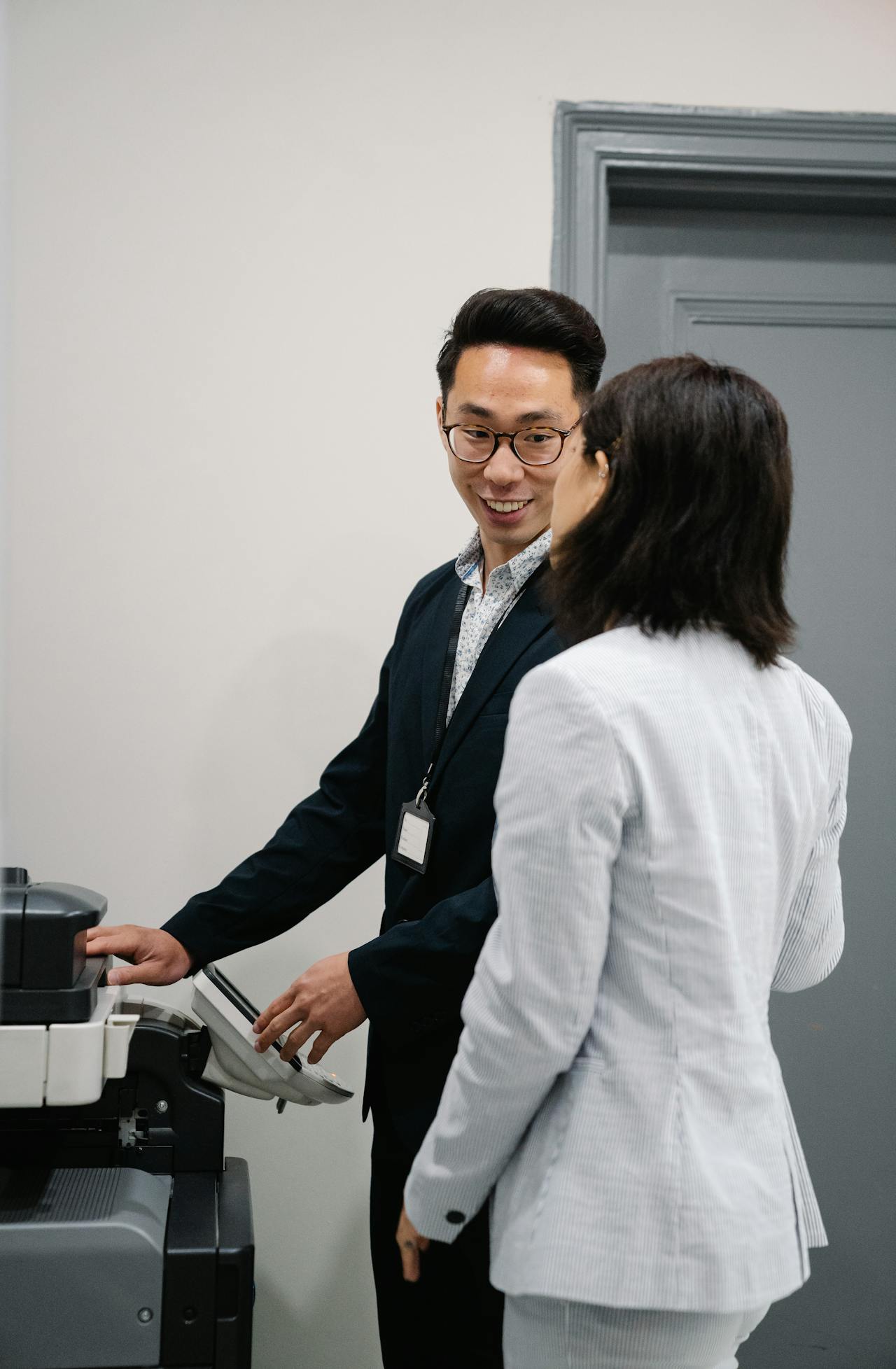
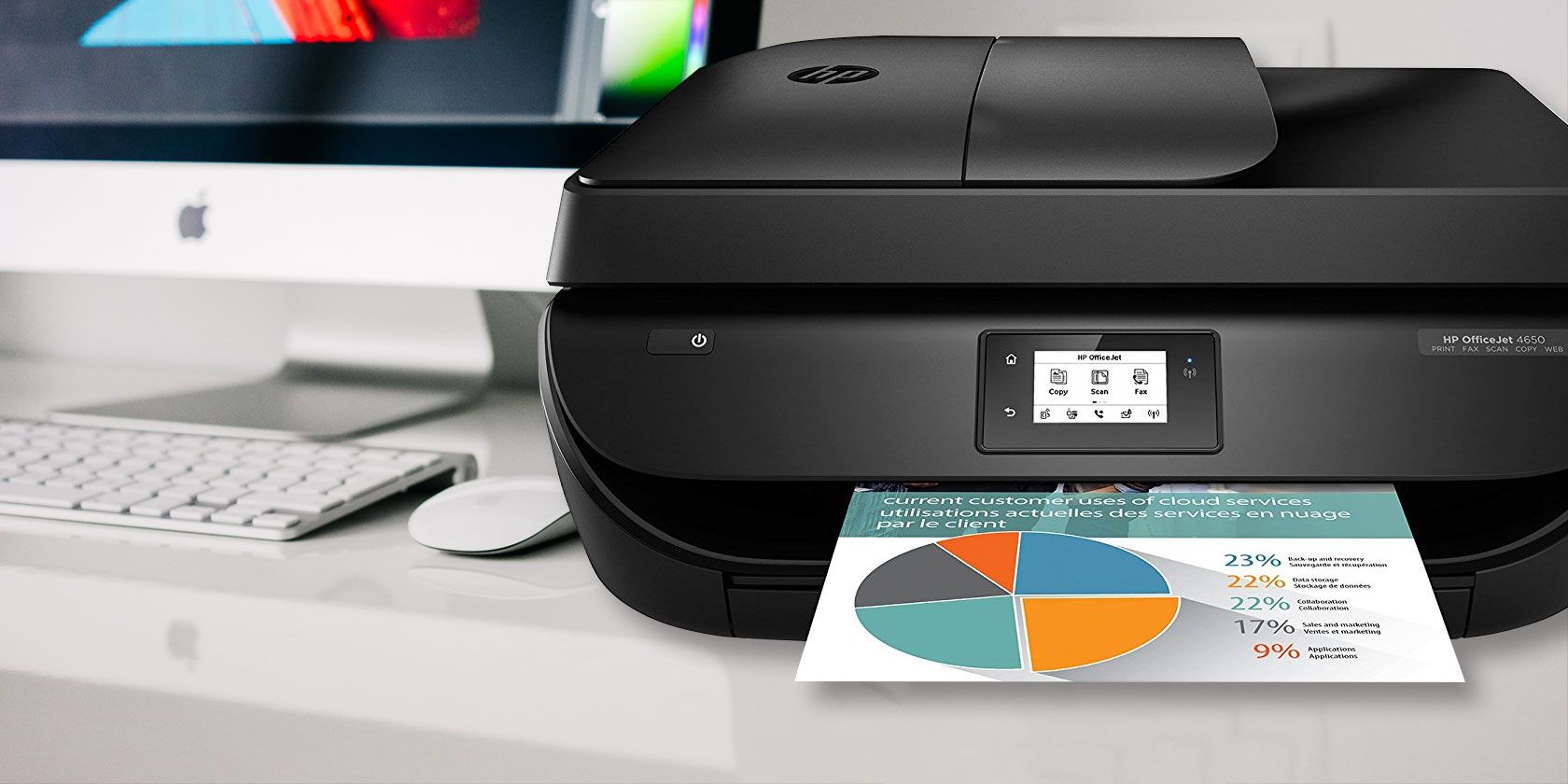
An all-in-one copier is the smartest choice for small offices because it consolidates printing, scanning, copying, and faxing into a single, high-efficiency device. This integration significantly reduces hardware acquisition costs, minimizes the office footprint, simplifies supply chain management, and lowers energy consumption, all while providing professional-grade document workflows tailored for limited staff environments.
In the 2026 business landscape, the "small office" has evolved. Whether it is a boutique agency, a satellite branch, or a specialized consultancy, the demand for high-speed document processing remains critical even as digital transformation accelerates. The all-in-one (AIO) printer, also known as a Multifunction Printer (MFP), has transitioned from a convenience to a strategic asset. By centralizing essential tasks, these machines allow small teams to maintain professional output without the overhead of enterprise-level equipment or the flimsiness of home-office gadgets.
The Economic Logic: Consolidating Capital and Operational Expenses
The most immediate benefit of an all-in-one copier is the reduction in Total Cost of Ownership (TCO). For a small business, managing cash flow is a primary concern. Purchasing four separate machines—a laser printer, a standalone flatbed scanner, a photocopier, and a fax machine—requires a higher initial capital outlay than a single mid-range AIO unit.
Beyond the sticker price, the operational savings are where the AIO truly shines. Every hardware device requires its own set of consumables. Managing separate inventories for inkjet cartridges, laser toner, drum units, and specialized maintenance kits for four different machines is an administrative burden. An AIO streamlines this into a single supply chain. Most modern units in 2026 utilize high-yield cartridges or refillable tank systems that drastically lower the cost per page (CPP).
Furthermore, service contracts are simplified. Instead of coordinating with multiple vendors for repairs, a small office can rely on a single maintenance agreement. This "single point of contact" reduces downtime, as IT personnel only need to master the interface and troubleshooting protocols of one ecosystem rather than four disparate hardware configurations.
Maximizing Limited Real Estate
In urban business hubs, the cost per square foot of office space continues to rise. For many small businesses, every inch of desk and floor space must be utilized for revenue-generating activities. A dedicated copier room is often an unattainable luxury.
An all-in-one copier typically occupies the same footprint as a standard desktop printer but delivers the functionality of a much larger array of equipment. By eliminating the need for separate scanning stations and fax machines, offices can reclaim valuable desk space for employee workstations or collaborative areas. The consolidation of cables also contributes to a cleaner, safer, and more professional-looking environment, reducing the "technological clutter" that often plagues small workspaces.
Streamlining Workflows with Advanced Integration
The "smart" in "smart choice" refers to the sophisticated software integration found in 2026-model AIOs. These devices are no longer just output peripherals; they are gateways to the cloud.
Seamless Cloud Connectivity
Modern AIO copiers are designed to bridge the gap between physical paper and digital storage. With built-in integration for platforms like Microsoft SharePoint, Google Drive, and Dropbox, a user can scan a document directly to a specific cloud folder. This eliminates the multi-step process of scanning to a PC, saving the file, and then uploading it manually. For a small office with limited administrative support, these saved minutes accumulate into significant productivity gains over a fiscal year.
Optical Character Recognition (OCR)
One of the most powerful features of current AIO devices is onboard Optical Character Recognition (OCR). When a document is scanned, the copier's software automatically converts the image into a searchable PDF or a Microsoft Word document. This allows small offices to digitize their archives and make them searchable, facilitating faster information retrieval and enhancing data compliance.
Mobile and Remote Printing
As hybrid work models remain standard in 2026, the ability to print from anywhere is essential. AIO copiers support advanced mobile protocols, allowing employees to send print jobs from their smartphones or tablets via encrypted apps. This ensures that a consultant returning from a client meeting can have their reports ready and waiting on the output tray the moment they walk through the door.
Technical Specifications: What Makes an AIO "Professional Grade"?
When evaluating an all-in-one copier, small offices must look beyond basic functions. The distinction between a "consumer" AIO and a "business" AIO lies in the technical robusticity and duty cycle.
| Feature | Consumer-Grade AIO | Business-Grade AIO (Small Office) |
|---|---|---|
| Print Speed (PPM) | 10–20 Pages Per Minute | 30–50+ Pages Per Minute |
| Monthly Duty Cycle | < 1,000 Pages | 5,000 – 20,000+ Pages |
| Document Feeder | Manual or low-capacity | Automatic Document Feeder (ADF) with Duplex |
| Paper Capacity | 100–150 Sheets | 250–500+ Sheets (Expandable) |
| Security Features | Basic Wi-Fi password | User Authentication, Data Encryption, Secure Print |
| Connectivity | USB / Wi-Fi | Ethernet, Wi-Fi 7, Cloud API, Mobile Apps |
The Automatic Document Feeder (ADF) is perhaps the most critical hardware component for a small office. A high-quality ADF allows for "Single-Pass Duplex Scanning," where both sides of a page are scanned simultaneously. This prevents the mechanical wear and tear associated with flipping the paper and doubles the scanning speed, which is vital for offices moving toward a paperless environment.
Security in a Hyper-Connected Environment
Small businesses are often targeted by cyberattacks because they are perceived to have weaker defenses than large corporations. In 2026, an office copier is an IoT (Internet of Things) device, and like any computer on the network, it is a potential entry point for hackers.
Choosing a professional-grade AIO ensures access to enterprise-level security features. Secure Print is a standout feature for confidentiality: a print job is held in the machine's memory and only released when the user enters a PIN or taps an ID badge at the device. This prevents sensitive documents—such as payroll or client contracts—from sitting unattended in the output tray.
Additionally, modern AIOs include hard drive encryption and "data overwrite" capabilities. When a document is scanned or copied, a digital image is often stored on the machine's internal drive. High-end AIOs automatically wipe this data after the job is completed, ensuring that sensitive information cannot be recovered if the machine is eventually retired or resold.
Environmental Sustainability and Energy Efficiency
Sustainability is no longer an optional "extra" for small businesses; it is often a requirement for B2B partnerships and client expectations. An all-in-one copier is inherently more eco-friendly than a suite of individual devices.
A single AIO consumes significantly less power in "Sleep Mode" than four separate devices idling simultaneously. Most 2026 models are ENERGY STAR certified, featuring ultra-fast warm-up times that allow the machine to remain in a low-power state until the exact moment it is needed.
The reduction in e-waste is also substantial. When it comes time to upgrade, a business only needs to dispose of one chassis and one set of internal components. Furthermore, the use of high-capacity toner cartridges reduces the volume of plastic waste generated per 1,000 pages printed, contributing to a smaller overall carbon footprint for the office.
Addressing the "Single Point of Failure" Concern
The primary argument against an all-in-one device is that if the machine breaks down, the office loses all its document capabilities at once. While this is logically true, the reliability of business-grade AIOs in 2026 has mitigated this risk.
Modern units feature Predictive Maintenance powered by AI. These systems monitor the wear on rollers, the health of the fuser unit, and the levels of consumables in real-time. The machine can automatically alert a service provider or the office manager before a failure occurs, allowing for scheduled maintenance during non-business hours.
For critical environments, the cost savings of an AIO are often so great that a small office can afford to purchase two mid-range AIOs for the price of a high-end enterprise setup. This provides "redundancy" while still maintaining the space-saving and workflow benefits of the multifunction design.
Maintenance and Longevity: Protecting the Investment
To ensure an all-in-one copier remains a smart choice over the long term, small offices must prioritize regular maintenance. Unlike home printers, business AIOs are mechanical workhorses with many moving parts.
- Use High-Quality Consumables: While third-party toners may seem cheaper, they often lead to "leaking" or drum damage, which can void warranties and cause expensive repairs.
- Regular Cleaning: Dust is the enemy of high-resolution scanning. Simply wiping down the scanner glass and the ADF rollers with an approved lint-free cloth can prevent 90% of common image quality issues.
- Firmware Updates: In 2026, manufacturers frequently release firmware updates to patch security vulnerabilities and improve software compatibility with new cloud services. Setting the machine to auto-update ensures the device remains secure.
Choosing the Right Technology: Laser vs. Inkjet
In the AIO market, the choice between Laser and Inkjet remains pivotal. Traditionally, laser was the only choice for offices, but "Business Inkjet" (often called PageWide or High-Yield Ink Tank) has become a formidable competitor.
- Laser AIOs are best for offices with high text-document volumes. They offer the sharpest text, fastest print speeds, and the lowest cost per page for black-and-white documents. The toner does not dry out, making them ideal for offices that may have periods of low usage.
- Inkjet AIOs are the smart choice for offices that require high-quality color graphics or photo printing, such as marketing firms or real estate offices. Modern business inkjets are nearly as fast as lasers and often have a lower initial purchase price, though the cost per page for color can be higher if not using a tank-based system.
Summary of Strategic Advantages
The transition to an all-in-one copier represents a shift toward operational maturity for a small office. It reflects a commitment to efficiency, security, and professional standards. By centralizing the document lifecycle—from creation and duplication to digitization and distribution—a small team can punch above its weight class, delivering the same speed and quality of service as a much larger corporation.
The decision to invest in an AIO is not just about "buying a printer"; it is about choosing a platform that grows with the business. As the office expands, the AIO remains the hub of information flow, adaptable to new software, more rigorous security protocols, and higher volume demands.
Frequently Asked Questions
Does an all-in-one copier use more electricity than separate devices?No, an all-in-one copier is generally much more energy-efficient. A single power supply and a unified "sleep mode" draw significantly less wattage than the combined idle power of a separate printer, scanner, and fax machine. Most 2026 models are designed to meet strict international energy standards.
Is the scan quality of an AIO as good as a dedicated scanner?For 95% of business applications, yes. Modern AIOs offer optical resolutions of 600 to 1200 DPI, which is more than sufficient for document archiving, OCR, and professional presentations. Only specialized niches, such as high-end film photography or medical imaging, still require dedicated standalone scanners.
Can multiple people use the AIO at the same time?While only one physical task (like copying) can happen at a time, modern AIOs utilize "Multi-Tasking" controllers. This means one person can be scanning a document to the cloud while the machine is simultaneously receiving and processing a print job from another user's computer. The jobs are queued and executed in order without manual intervention.
What happens if the copier function breaks? Can I still print?This depends on the specific mechanical failure. If the scanner lamp or ADF fails, the printing and fax-receive functions usually remain operational. However, because the components share a centralized motherboard, a major power or logic board failure would disable all functions. This is why a maintenance contract or a "Next Business Day" warranty is highly recommended for small offices.
How difficult is it to set up an AIO in a small office without an IT department?Manufacturers have prioritized "Plug-and-Play" setups in 2026. Most AIOs feature touchscreen wizards that guide the user through Wi-Fi connection, cloud account linking, and driver installation. Many also use "universal drivers," which allow any computer on the network to recognize the device instantly without complex manual configuration.