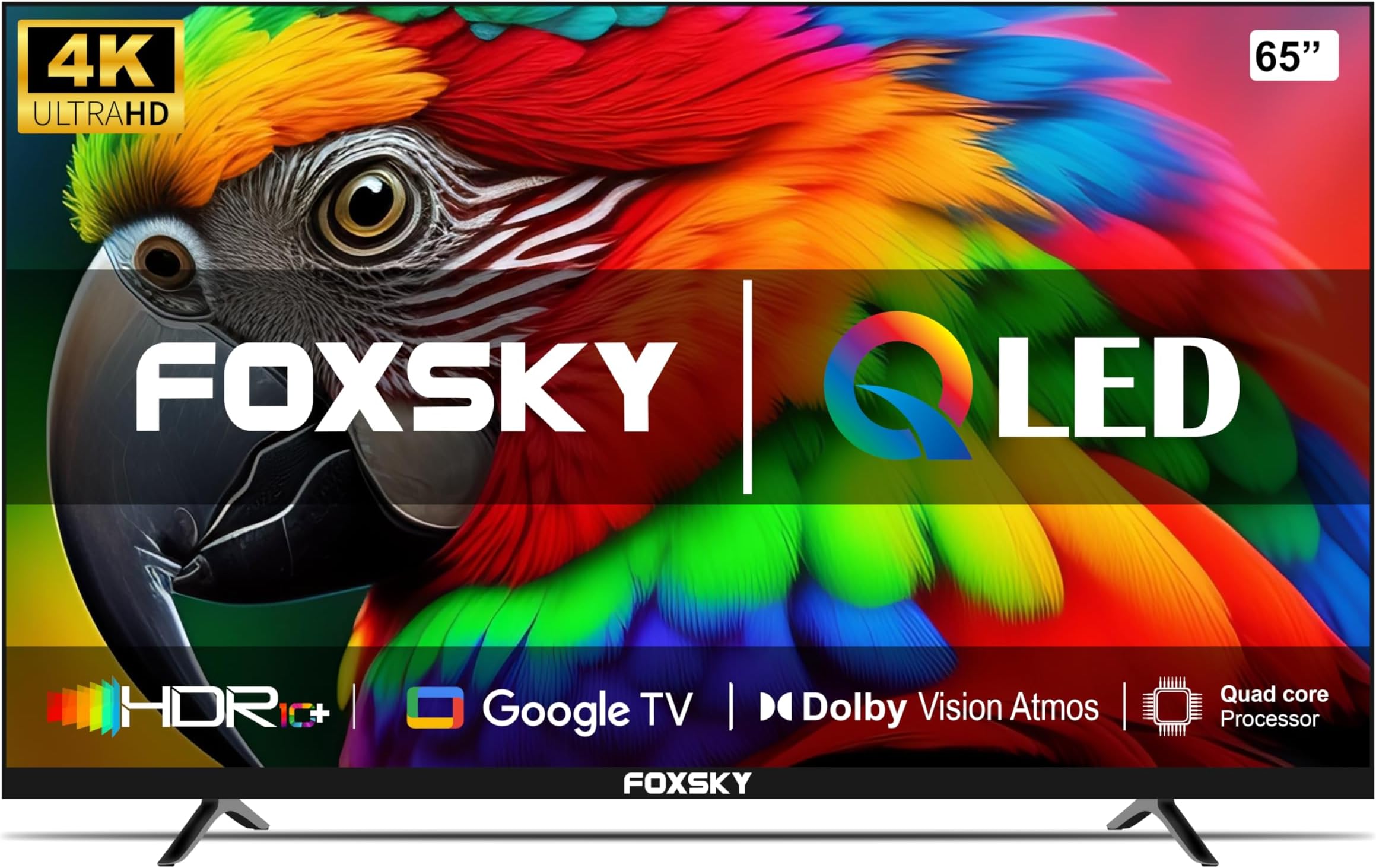
A 65-inch 4K Ultra HD smart TV balances screen real estate with high pixel density, offering an immersive viewing experience suitable for medium-to-large living spaces. These units combine 3840 x 2160 resolution with integrated internet connectivity, enabling direct access to streaming platforms, voice control, and seamless integration into modern home ecosystem setups.
The Evolution of 4K Ultra HD Resolution
At the core of the modern 65-inch television is the 4K Ultra HD (UHD) standard, which provides four times the resolution of traditional 1080p Full HD displays. With a horizontal count of approximately 4,000 pixels, this technology delivers 3840 x 2160 pixels, totaling over eight million individual points of light and color.
For a 65-inch display, this pixel density is significant. Because the screen is larger, the individual pixels are packed closely enough to ensure that, from standard viewing distances of six to nine feet, the human eye cannot discern individual pixels. This results in a sharper, more detailed image, particularly when viewing native 4K content through streaming services, physical 4K UHD Blu-ray discs, or gaming consoles.
Understanding Smart Integration
A "smart" television is fundamentally defined by its operating system (OS) and network connectivity. In 2026, the smart functionality of a 65-inch TV is as critical as the panel quality itself. These televisions connect to the internet via Wi-Fi or Ethernet to run applications directly on the display without requiring external hardware.
Most modern smart platforms offer a centralized hub for content aggregation. This includes popular subscription video-on-demand (SVOD) services, free ad-supported streaming television (FAST) channels, and catch-up TV services. Beyond media consumption, these platforms often serve as the interface for smart home management, allowing users to monitor security cameras, adjust lighting, or manage other connected appliances directly from the television display.
Key Panel Technologies and Display Quality
When selecting a 65-inch 4K TV, buyers encounter several distinct panel technologies, each influencing contrast, brightness, and color accuracy.
LED and Mini-LED
Most 65-inch TVs utilize LED backlighting. Standard LED models use a global or edge-lit backlight, which is cost-effective. Mini-LED technology improves upon this by using thousands of tiny LEDs to provide more precise local dimming. This results in deeper blacks and higher peak brightness, helping the TV perform well in brightly lit rooms.
OLED (Organic Light-Emitting Diode)
OLED panels are self-emissive, meaning each individual pixel produces its own light and can turn off completely. This capability allows for "infinite" contrast ratios, as the display can produce true black. OLED TVs are widely regarded as the gold standard for movie watching, particularly in dark or light-controlled environments, due to their superior color reproduction and wide viewing angles.
Quantum Dot (QLED)
Quantum Dot technology uses a layer of nano-crystals to enhance color volume. When light hits these crystals, they emit highly saturated primary colors. This results in brighter, more vibrant images compared to standard LED displays, making them an excellent choice for rooms with high ambient light or for daytime sports viewing.
Practical Considerations for 65-Inch Displays
A 65-inch television is large, making installation and placement vital for both safety and performance. Before purchase, users should consider the physical requirements and the "viewing distance" ratio.
Physical Dimensions and Mounting
A 65-inch display measures approximately 57 inches in width and 33 inches in height, excluding the stand. If wall-mounting, users must ensure that the mount is rated for the weight of the specific TV and is anchored into wall studs. Professional installation is recommended for those unfamiliar with drywall anchoring or high-weight electronics mounting.
Viewing Distance and Ergonomics
The optimal viewing distance for a 4K display is generally considered to be 1.2 to 1.5 times the screen size. For a 65-inch model, sitting between 6 and 9 feet from the screen ensures the viewer perceives the full benefit of the 4K resolution without needing to turn their head to see the edges of the frame.
Comparison of Display Technologies
| Feature | LED / Mini-LED | OLED | QLED |
|---|---|---|---|
| Contrast | High (Mini-LED) | Infinite | High |
| Peak Brightness | Excellent | Moderate | Very High |
| Viewing Angle | Good | Excellent | Good |
| Response Time | Moderate | Instant | Moderate |
| Best For | Bright rooms | Cinematic viewing | Sports and HDR content |
Connectivity and Future-Proofing
A television’s utility is heavily dictated by its input/output (I/O) capabilities. For a 65-inch 4K smart TV to remain relevant in 2026, it should include HDMI 2.1 ports. This standard supports higher bandwidth, enabling features like 4K at 120Hz, which is essential for high-end gaming consoles.
Additionally, users should look for:
- eARC (Enhanced Audio Return Channel): Simplifies the connection between the TV and soundbars or AV receivers, allowing for high-quality audio formats like Dolby Atmos to pass through a single cable.
- Dual-band Wi-Fi: Essential for stable 4K streaming. A poor internet connection will lead to buffering or a downscaled resolution, negating the benefits of a 4K panel.
- Bluetooth Connectivity: Useful for connecting wireless headphones for private listening or external speakers.
Common Troubleshooting and Maintenance
Even high-end 65-inch TVs may require occasional troubleshooting. The most common issues typically relate to connectivity and software updates.
- Firmware Updates: Most smart TVs require periodic software updates to maintain app compatibility and security. Ensure the "Automatic Updates" setting is toggled on within the system menu.
- Buffering: If 4K content is stuttering, the issue is rarely the TV itself. Users should verify their home network speed, ideally testing the connection using the built-in speed test tool found in the TV’s network settings.
- Ghosting/Burn-in: While modern OLED TVs have advanced mitigation software to prevent image retention, users should avoid keeping static images (like news tickers or game HUDs) on the screen at maximum brightness for extended, consecutive hours.
Frequently Asked Questions
Is 4K resolution noticeable on a 65-inch screen?
Yes. The higher pixel density prevents the "screen-door effect," where the grid of pixels is visible from a close distance. At 65 inches, 4K provides a sharp, cohesive image that makes textures and fine details appear significantly more lifelike than on a 1080p display of the same size.
Do I need a soundbar for my 65-inch smart TV?
While most modern 65-inch TVs feature internal speakers, the thin profile of these displays limits the physical space available for high-quality drivers. A dedicated soundbar or a surround sound system is recommended to match the immersive visual experience of a large 4K display with equally high-fidelity audio.
What is the difference between HDR10 and Dolby Vision?
Both are High Dynamic Range (HDR) formats that improve brightness, contrast, and color depth. HDR10 is a foundational, open standard supported by all 4K TVs. Dolby Vision is a proprietary format that uses "dynamic metadata," adjusting brightness and color scene-by-scene for a more accurate representation of the filmmaker’s intent.
Can I use a 65-inch TV as a computer monitor?
Yes, but users should ensure the TV supports "PC Mode" or "Game Mode" to disable post-processing features like motion smoothing, which can introduce significant input lag. Connecting via a high-speed HDMI cable to a supported GPU will allow for 4K output at high refresh rates.
How do I protect my smart TV from malware?
Treat your TV as you would any connected computer. Download apps only from the official app store provided by the TV manufacturer. Avoid entering sensitive information, such as banking credentials, directly through the TV’s web browser; use a mobile device or a dedicated computer for secure transactions.
Final Recommendation
When choosing a 65-inch 4K Ultra HD smart TV, prioritize the panel technology that aligns with your room’s ambient lighting and primary use case. If you primarily watch movies in a dark room, prioritize an OLED model for its contrast. If you have a bright living space or prioritize daytime sports, a high-end Mini-LED or QLED panel will provide the necessary brightness to cut through reflections. Regardless of the panel, verify that the unit includes at least two HDMI 2.1 ports to ensure compatibility with 2026 gaming and high-fidelity media standards.