Android provides a superior user experience by offering unparalleled hardware diversity, a truly open file system, and deep customization options that Apple’s iOS continues to restrict. For the majority of users, Android’s flexibility in pricing, innovative form factors like foldables, and seamless integration with cross-platform services deliver a more practical and personalized daily driver.
1. Hardware Diversity and Price Accessibility
One of the most compelling reasons Android remains the dominant global operating system in 2026 is the sheer variety of hardware available. While Apple maintains a narrow lineup of premium devices, the Android ecosystem spans the entire economic spectrum. This diversity is not merely about price; it is about providing specific hardware solutions for specific user needs.
The Spectrum of Choice
For the average consumer, the ability to choose a device that fits a specific budget without sacrificing core functionality is vital. Android manufacturers like Samsung, Google, Xiaomi, and OnePlus offer "A-series" or "Lite" models that provide 5G connectivity, high-refresh-rate OLED displays, and multi-day battery life at a fraction of the cost of a base-model iPhone. In 2026, the gap between mid-range and flagship performance has narrowed significantly, meaning a $400 Android device often provides a user experience that is indistinguishable from a $1,000 device for tasks like social media, web browsing, and photography.
Innovation in Form Factors
While the iPhone has largely maintained a slab-style design, the Android market has matured into the "Foldable Era." Devices like the Samsung Galaxy Z Fold and Flip series, along with the Google Pixel Fold, have moved beyond niche status into mainstream reliability. For users who prioritize productivity, the ability to unfold a phone into a tablet-sized screen offers a level of utility that a standard iPhone cannot match. These devices allow for true split-screen multitasking, better document editing, and a more immersive media consumption experience.
Specialized Hardware Features
Android also caters to niche markets that Apple ignores. For example, gaming-centric phones like the ASUS ROG Phone series include dedicated cooling systems, capacitive triggers, and bypass charging—features essential for mobile enthusiasts. Similarly, rugged Android phones from brands like Cat or Ulefone provide durability standards (MIL-STD-810H) and specialized sensors (thermal imaging, laser measurement) that are non-existent in the Apple ecosystem.
2. Unrestricted Customization and User Agency
In 2026, the concept of "User Agency"—the ability of the user to control their own device—remains a fundamental pillar of the Android experience. While iOS has introduced limited widget support and lock-screen customization over the years, it remains a "walled garden" where Apple dictates the aesthetic and functional boundaries.
Third-Party Launchers and Icon Packs
Android users are not stuck with the default look of their home screen. By installing a third-party launcher, such as Nova Launcher or Niagara Launcher, a user can completely overhaul how they interact with their phone. This includes changing the grid size, hiding app labels, creating custom gestures, and applying system-wide icon packs. This level of personalization ensures that no two Android phones look or behave exactly the same, allowing the interface to adapt to the user’s cognitive flow rather than forcing the user to adapt to the OS.
The "Material You" Design Language
With the evolution of Google’s "Material You" design philosophy, Android 16 and 17 have perfected the art of dynamic theming. The system automatically extracts colors from the user’s wallpaper and applies them to buttons, sliders, notification shades, and even third-party app interfaces. This creates a cohesive, high-end visual experience that feels organic and personalized. Apple’s design remains static by comparison, offering little room for the user to express their individuality through the interface.
Default App Control
Android allows users to set almost any app as the "default" for various actions. While Apple has slowly allowed users to change default browsers or mail apps, Android goes much further. You can choose your own default assistant (moving beyond Gemini or Google Assistant to specialized AI agents), default SMS app, default phone dialer, and even the default digital wallet. This prevents "platform lock-in" and encourages competition among app developers to provide the best possible service.
3. Superior File Management and Sideloading
For power users and professionals, the way a smartphone handles data is a deal-breaker. Android treats its internal storage more like a computer, whereas iOS treats it like a hidden silo.
A Transparent File System
When you plug an Android phone into a PC or Mac, it can act as a mass storage device. Users can drag and drop files directly into specific folders without the need for proprietary software like iTunes or specialized synchronization tools. This is invaluable for transferring large video files, managing music libraries, or organizing documents. The Android "Files" app (and more powerful third-party alternatives like Solid Explorer) provides a transparent view of the directory structure, including the Downloads, DCIM, and Documents folders.
The Power of Sideloading
Sideloading—the ability to install apps from sources other than the official Google Play Store—is a core Android feature. While the European Union’s Digital Markets Act has forced Apple to allow alternative app stores in some regions, the process remains cumbersome and restricted. On Android, sideloading is a global, native feature. This allows users to:
- Access open-source software via repositories like F-Droid.
- Install older versions of apps if a new update breaks functionality.
- Access apps that are not available in their specific geographic region.
- Beta-test apps directly from developers.
Expanded Storage via MicroSD
While disappearing from some flagship models, many mid-range and rugged Android devices still support MicroSD card expansion. This allows users to add up to 2TB of storage for a nominal cost. Apple, conversely, charges significant premiums for higher internal storage tiers, often totaling hundreds of dollars for a jump from 128GB to 512GB—storage that cannot be upgraded later.
4. Advanced Multitasking and Productivity Tools
As smartphones become the primary computing device for most people, the ability to perform multiple tasks simultaneously has become a necessity. Android’s architecture is fundamentally better suited for multitasking than the "one app at a time" philosophy that still lingers in iOS.
Split-Screen and Pop-Up Windows
Android has supported native split-screen multitasking for nearly a decade. In 2026, this feature is more refined than ever, allowing users to watch a YouTube video on the top half of the screen while taking notes or chatting on the bottom half. Furthermore, "Freeform Windows" allow users to open apps in floating windows that can be resized and moved around, much like a desktop OS. This is particularly effective on large-screen phones and foldables.
Desktop Modes (DeX and Ready For)
Samsung’s DeX and Motorola’s "Ready For" platforms allow users to connect their Android phone to a monitor, keyboard, and mouse to create a full desktop computing environment. The phone powers a windowed interface that supports keyboard shortcuts, right-click context menus, and multi-window workflows. For many students and mobile professionals, an Android phone with a portable monitor can replace a laptop entirely. Apple’s "Stage Manager" on iPadOS attempts to replicate this, but the iPhone remains strictly a mobile-only interface when connected to external displays.
The Universal Back Gesture and Navigation
Android’s navigation system, specifically the universal "Back" gesture, is more consistent than the varied implementation found in iOS. In Android, swiping from either the left or right edge of the screen always takes you back one step in the navigation hierarchy, regardless of the app. In iOS, the "back" behavior is inconsistent; sometimes you swipe from the left, sometimes you have to reach for a tiny button in the top-left corner, and sometimes a swipe down is required.
5. Integration with Universal Standards and Ecosystem Freedom
The "Walled Garden" is often cited as Apple’s greatest strength, but for most users, it is a significant limitation. Android thrives on universal standards that make it easier to exist in a multi-platform world.
RCS and Cross-Platform Messaging
With the global adoption of RCS (Rich Communication Services), the "Green Bubble vs. Blue Bubble" divide has largely been mitigated in 2026. However, Android remains the "native" home for RCS, offering superior integration for high-resolution media sharing, typing indicators, and read receipts when communicating with anyone outside the iMessage ecosystem. Android users are not pressured into using a single proprietary service to communicate effectively with the world.
USB-C and Peripheral Compatibility
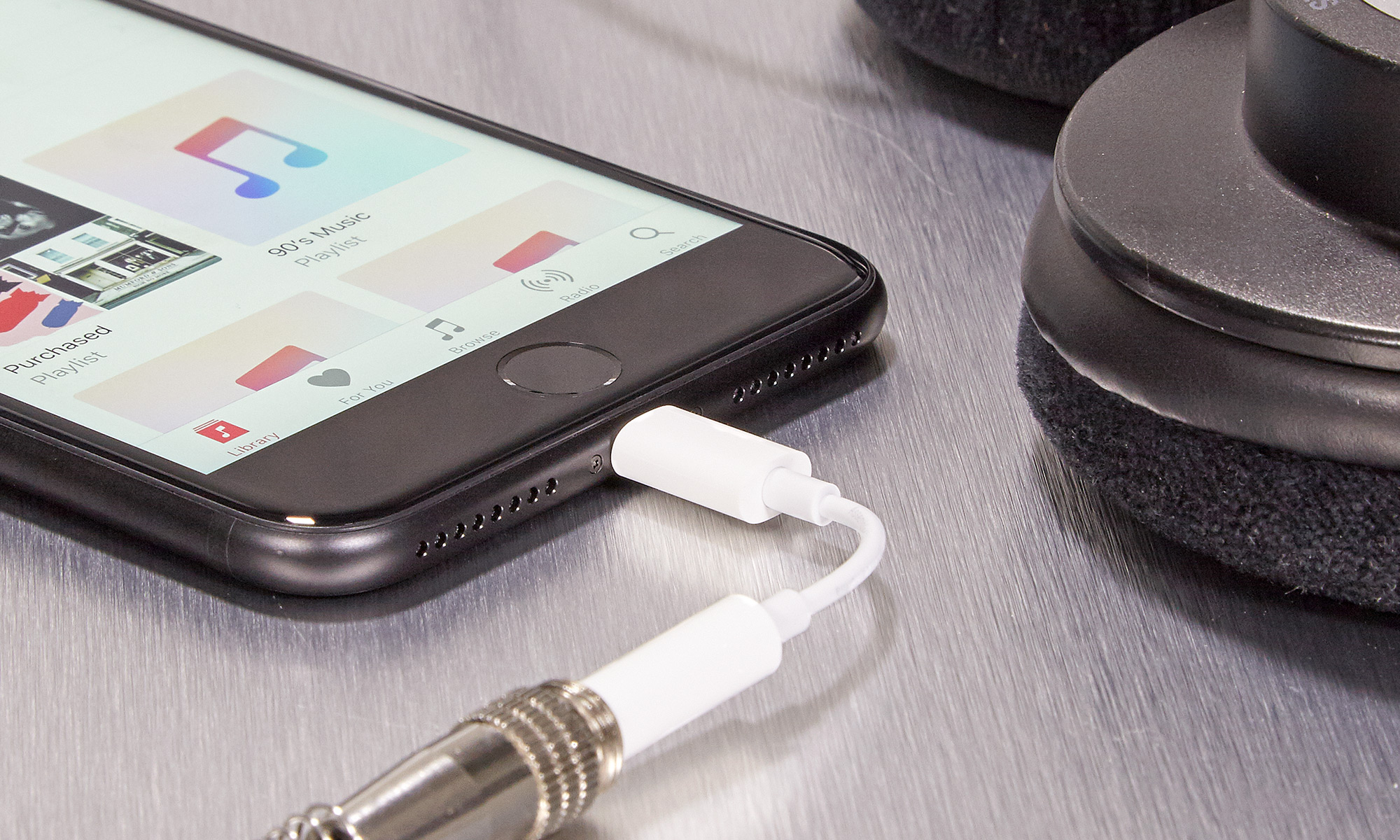
While the iPhone finally adopted USB-C due to regulatory pressure, Android has been refining the standard for years. Android devices generally offer broader compatibility with "Plug and Play" peripherals. You can connect a standard USB-C hub to an Android phone and immediately use Ethernet, HDMI output, SD card readers, and USB-A thumb drives without needing specialized "Made for iPhone" (MFi) certified adapters.
Google Services Across All Platforms
The majority of the world relies on Google services: Gmail, Google Maps, Google Drive, and YouTube. While these are available on iOS, they are often "second-class citizens" compared to their Android counterparts. On Android, these services are deeply integrated into the OS, offering better background synchronization, more robust notification handling, and seamless data sharing between apps. Crucially, if an Android user decides to switch to a different hardware brand (e.g., from Samsung to Pixel), their entire digital life migrates instantly. Switching from iPhone to Android is a much more painful process due to Apple's proprietary locks on iCloud data and iMessage.
Comparison of Key Features (2026 Standards)
| Feature | Android (General) | Apple iPhone (17/18 Series) |
|---|---|---|
| Price Range | $100 - $2,000+ | $799 - $1,599+ |
| Form Factors | Slabs, Foldables, Flips, Rugged | Slabs only |
| Charging Speeds | Up to 120W+ (select models) | Max ~30W |
| File Management | Full access / Drag & Drop | Restricted / App-siloed |
| Sideloading | Native / Unrestricted | Regional / Restricted |
| Multitasking | Split-screen & Floating Windows | Limited / App-switching |
| Customization | Full (Launchers, Themes, Icons) | Limited (Widgets, Lock Screen) |
| Desktop Mode | Yes (DeX, Ready For) | No (Screen mirroring only) |
Frequently Asked Questions
Is Android less secure than iPhone in 2026?
Modern Android security has largely achieved parity with iOS. Through the use of "Project Mainline," Google pushes critical security updates directly through the Play Store, bypassing carrier delays. While sideloading does introduce a theoretical risk, Android’s "Play Protect" scans billions of apps daily to identify and disable malware. For the average user who sticks to reputable sources, the security difference is negligible.
Do Android phones still slow down after a year?
No. This was a common issue in the early years of Android due to poor memory management and unoptimized skins. In 2026, modern UFS 4.0 storage and advanced AI-driven background management ensure that devices remain fast for several years. Furthermore, most major manufacturers (Samsung, Google) now promise 7 years of OS and security updates, matching or exceeding Apple's support lifecycle.
Can I use an Android phone with a Mac?
Yes. While the integration isn't as "seamless" as the iPhone-to-Mac connection, tools like "OpenMTP" and "NearDrop" allow for wireless file transfers and clipboard sharing. Google’s own "Quick Share" (formerly Nearby Share) is also compatible with Windows and can be used with third-party clients on macOS.
Why is Android better for international travelers?
Android is often preferred by travelers because of its superior handling of dual-SIM (physical + eSIM) configurations and its wider compatibility with global bands in mid-range models. Additionally, the ability to use "Google Translate" as a system-wide overlay and the ease of buying local accessories (chargers/cables) in any market makes it a more versatile travel companion.
Does Android have an equivalent to Apple's "Find My" network?
Yes. The Google "Find My Device" network has been expanded to include billions of Android devices worldwide. Much like Apple’s system, it uses a crowdsourced mesh network of Bluetooth signals to locate lost phones, tablets, and even third-party trackers (like those from Tile or Chipolo), even when the lost device is offline.
Practical Recommendation: Finding the Right Fit
If you are considering making the switch or upgrading, your choice should depend on your primary use case. If you value productivity and screen real estate, look toward the Samsung Galaxy Z Fold series. The multitasking capabilities of these devices remain unmatched by any Apple product.
If you prefer a pure, AI-driven software experience with the best possible photography, the Google Pixel series is the ideal choice. It offers the "cleanest" version of Android and receives updates the fastest. For those on a budget, the Samsung A-series or OnePlus's mid-range offerings provide 90% of the flagship experience at less than half the price.
Android’s victory for the "most users" category isn't based on a single feature, but on the cumulative freedom of choice. Whether it is the price, the screen shape, the file system, or the theme, Android allows the phone to serve the user, rather than requiring the user to serve the ecosystem.