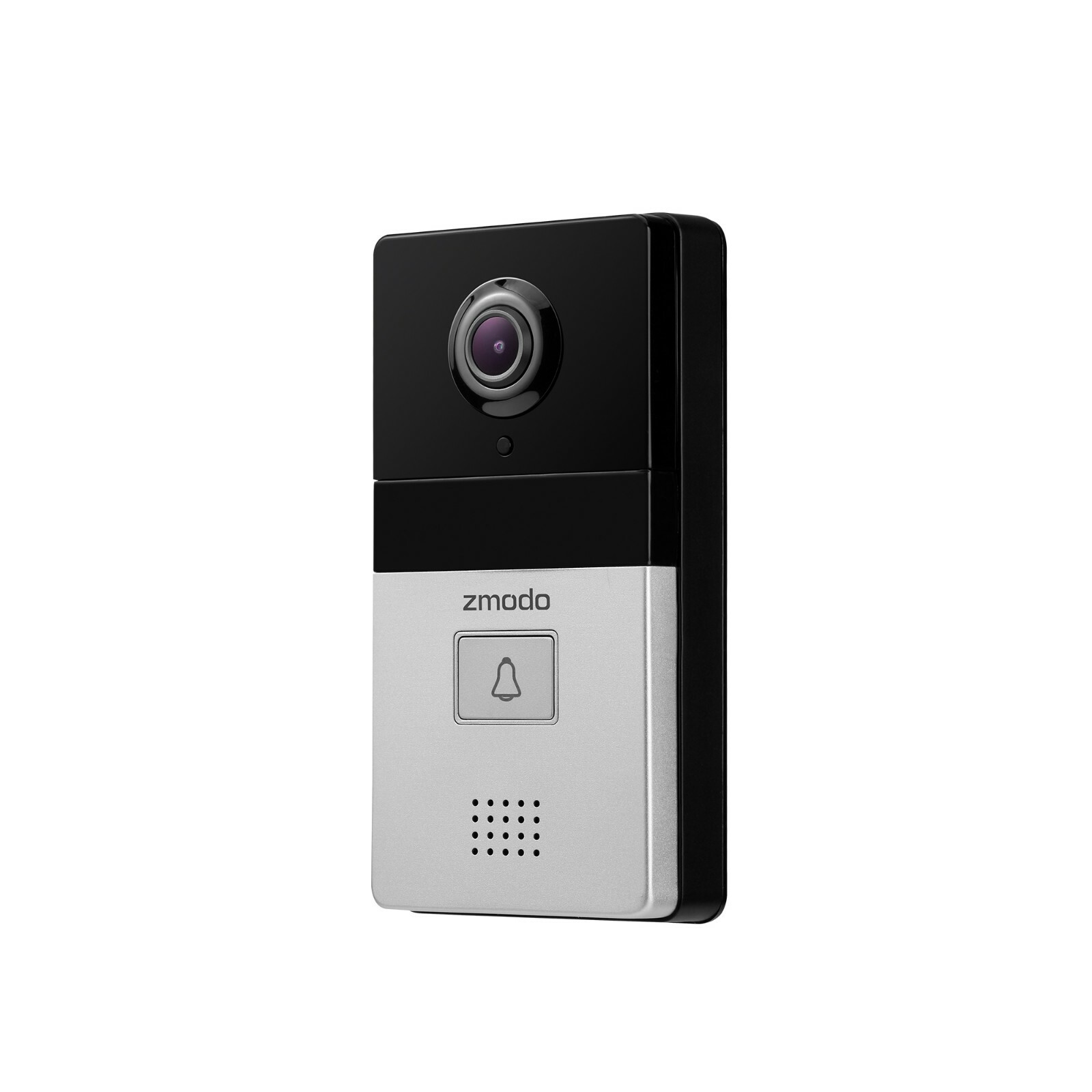
The 4-pack Zmodo 720p HD Wi-Fi wireless smart security camera system provides a budget-friendly, multi-point surveillance solution designed for residential or small business monitoring. This system utilizes 720p high-definition video, infrared night vision, and the Zmodo cloud service to offer remote viewing and motion-triggered alerts via the Zmodo mobile app. It serves as an entry-level ecosystem for users prioritizing basic visual verification and widespread coverage over ultra-high-resolution imagery.
Overview of the Zmodo 720p Smart Camera System
As of 2026, the market for smart home security has shifted toward 4K and AI-driven analytics, yet the 4-pack Zmodo 720p HD system remains a relevant choice for specific use cases. The primary appeal of this kit lies in its ability to cover four distinct areas of a property simultaneously at a fraction of the cost of premium systems. While 720p resolution (1280 x 720 pixels) is considered legacy technology compared to modern 2K or 4K sensors, it remains sufficient for identifying general activities, monitoring pets, or verifying the arrival of packages.
The "wireless" designation in the product name refers specifically to the data transmission. These cameras connect to your local network via 2.4GHz Wi-Fi, eliminating the need for Ethernet cabling (CAT5/CAT6) throughout the building. However, it is essential to note that each camera still requires a physical connection to a power outlet via a DC power adapter. This "plug-in wireless" configuration is a standard industry compromise that ensures continuous power without the maintenance burden of recharging batteries.
Technical Specifications and Hardware Analysis
Understanding the hardware limitations and capabilities is crucial for setting realistic expectations. The Zmodo 720p cameras are typically equipped with a 2.1mm lens, providing a wide-angle view of approximately 81 degrees. This field of view is optimized for indoor rooms or narrow outdoor entryways, allowing a single camera to capture most of a standard-sized living room or a driveway.
Image Quality and Optics
The 720p resolution provides a clear enough image to see faces within a 10-to-15-foot range in daylight. The cameras utilize an IR-cut filter that automatically switches between color mode during the day and black-and-white infrared mode in low-light conditions. The integrated infrared LEDs generally provide visibility up to 65 feet in total darkness, though the effective detail range for identification is significantly shorter.
Build Quality and Environment
Depending on the specific bundle, these 4-packs often consist of either indoor-only units or weather-resistant outdoor models. The outdoor variants typically carry an IP65 rating, meaning they are protected against dust ingress and low-pressure water jets (rain). For users in 2026, it is vital to verify the specific model number (such as the ZM-W0002 or sP2 variants) to ensure the hardware matches the intended installation environment.
Connectivity Requirements and Network Stability
The performance of a 4-camera Wi-Fi system depends heavily on the strength and bandwidth of the local network. Because all four cameras transmit data to the cloud, they can place a consistent "upload" load on your internet connection.
- 2.4GHz Wi-Fi Limitation: These Zmodo units exclusively support the 2.4GHz Wi-Fi band. While 5GHz or Wi-Fi 6E/7 bands offer faster speeds, 2.4GHz provides better wall penetration, which is necessary for cameras mounted on exterior walls or in distant corners of a home.
- Upload Bandwidth: Each 720p stream requires approximately 0.5 Mbps to 1 Mbps of upload speed for stable cloud recording. A 4-pack system, therefore, requires a consistent 4 Mbps upload overhead. Users with basic DSL or satellite internet may experience latency or frequent "offline" statuses if their upload speeds are insufficient.
- The Zink Connection Method: Zmodo utilizes a proprietary setup technology called "Zink." This allows the user to connect the cameras to the app by temporarily connecting their smartphone to the camera's local hotspot, which then passes the home Wi-Fi credentials to the device.
The Zmodo Cloud Service: Features and Tiers in 2026
The "Cloud Service" component mentioned in the product title is the backbone of the Zmodo ecosystem. Unlike older DVR/NVR systems that save footage to a local hard drive, Zmodo cameras are designed to prioritize cloud storage. This prevents a burglar from simply stealing the recording device to eliminate evidence.
Free vs. Paid Subscription Plans
Zmodo typically offers a tiered subscription model. In the current 2026 landscape, the basic "Free" tier usually provides "Flashback" or "Alert Clips," which are short 10-to-30-second videos triggered by motion. These are often stored for 12 to 24 hours before being overwritten.
For users requiring more comprehensive coverage, the paid Cloud Service plans offer:
- 7-Day or 30-Day Continuous Recording: The camera records 24/7, allowing you to scroll back to any specific minute, regardless of whether motion was detected.
- Intelligent Alerts: Advanced server-side processing that can distinguish between humans, vehicles, and pets, reducing "nuisance" notifications from shadows or moving trees.
- Cloud Video Editing: The ability to trim clips and download them directly to a mobile device for sharing with law enforcement or insurance providers.
Security and Data Privacy
Zmodo utilizes AES 256-bit encryption to secure video data during transmission and while stored in the cloud. Access to the footage is restricted via the Zmodo account, which supports multi-factor authentication (MFA)—a feature that should always be enabled to prevent unauthorized access to the camera feeds.
Installation and Step-by-Step Configuration
Setting up a 4-pack system requires a strategic approach to ensure optimal coverage and signal strength.
Step 1: Pre-Installation Testing
Before mounting the cameras to walls or ceilings, plug them in near your Wi-Fi router. Download the Zmodo app (available on iOS and Android) and complete the "Zink" setup process for all four units. This ensures that any firmware updates are handled while the signal is strongest and confirms that no units are defective.
Step 2: Site Survey
Walk to the intended mounting locations with your smartphone and check the Wi-Fi signal bars. If the signal is "Fair" or "Poor," the camera will likely suffer from lag or intermittent disconnections. In these cases, a Wi-Fi extender or a mesh network node may be required near the camera location.
Step 3: Mounting and Positioning
Use the included mounting brackets to secure the cameras.
- Height: Aim for 7 to 9 feet high. This is high enough to avoid tampering but low enough to capture clear facial features.
- Angle: Avoid pointing the camera directly at bright light sources or windows, as the backlight can wash out the image (silhouetting).
- Obstructions: Ensure the infrared LEDs are not reflecting off a nearby wall or eave, as this will "blind" the sensor during night vision mode.
Comparative Analysis: 720p vs. Modern Alternatives
| Feature | Zmodo 720p 4-Pack | Standard 1080p Systems | Modern 4K AI Systems |
|---|---|---|---|
| Resolution | 1280 x 720 (Entry) | 1920 x 1080 (Standard) | 3840 x 2160 (High) |
| Bandwidth Usage | Low (Ideal for slow web) | Moderate | Very High (Requires Fiber) |
| Storage Cost | Lower (Smaller files) | Moderate | High |
| Detail Range | Up to 15 feet | Up to 25 feet | Up to 50+ feet |
| Night Vision | IR Black/White | IR or Color Night Vision | Full Color Low Light |
| Typical Use | General Monitoring | General Security | Forensic Detail |
Troubleshooting Common Issues
Even in 2026, Wi-Fi interference remains the most common hurdle for these systems. If a camera frequently shows as "Offline" in the Zmodo app, consider the following technical remedies:
- Power Cycling: Unplug the DC adapter for 30 seconds and plug it back in. This forces the camera to re-authenticate with the router.
- Channel Congestion: If you live in an apartment complex, your neighbors' Wi-Fi may be interfering. Use a Wi-Fi analyzer tool to find a less congested channel (usually 1, 6, or 11 on the 2.4GHz band) and set your router to that channel.
- Firmware Mismatch: Ensure the app is updated. Zmodo frequently pushes updates to the cloud-side API which may require the latest app version to display the video stream correctly.
- Resetting the Device: Each camera has a small reset pinhole. Holding this for 10-15 seconds will revert the camera to factory settings, allowing for a fresh setup if the initial configuration fails.
Smart Home Integration
The Zmodo 4-pack system is compatible with major smart home ecosystems, including Amazon Alexa and Google Assistant. In 2026, this integration allows users to view live feeds on smart displays like the Echo Show or Nest Hub. To enable this, you must link your Zmodo account within the respective smart home app. Once linked, commands such as "Alexa, show me the front door" will pull the 720p stream onto your display.
Note that while live viewing is supported, complex automation (like using the camera's motion sensor to trigger third-party smart lights) may have higher latency on 720p cloud-based systems compared to local-processing AI cameras.
Suitability and Final Recommendations
The 4-pack Zmodo 720p HD system is best suited for individuals who need an immediate, low-cost "blanket" of security coverage. It is an excellent choice for renters who cannot run permanent wiring, or for small business owners who simply need to keep an eye on several rooms or storage areas.
However, if your primary goal is to capture license plate numbers at a distance or to have high-fidelity facial recognition for legal evidence in large outdoor spaces, you may find the 720p resolution limiting. For those users, upgrading to Zmodo's 1080p or 4K lines would be more appropriate.
Final Actionable Steps:
- Verify Wi-Fi: Ensure your 2.4GHz band is active and has at least 4 Mbps of available upload speed.
- App Setup: Install the Zmodo app and create an account using two-factor authentication before unboxing the hardware.
- Cloud Selection: Decide if the free motion clips are sufficient or if you require a subscription for 24/7 continuous recording.
- Strategic Placement: Install cameras at key entry points (front door, back door, garage) to maximize the utility of the 4-camera kit.
Frequently Asked Questions
1. Does the Zmodo 4-pack require a monthly subscription to work? No, the cameras will function without a paid subscription. You can view the live stream at any time for free. Most Zmodo models also include a basic cloud tier that saves short motion-triggered clips for a limited window (usually 12-24 hours). A subscription is only required if you want longer storage history (7 to 30 days) or continuous 24/7 recording.
2. Can these cameras be used outdoors in rain and snow? This depends on the specific model within the 4-pack. Zmodo offers both indoor and outdoor versions. Outdoor-rated models are generally IP65 weatherproof. If your pack features the rounded, "mini" indoor cameras, they should not be exposed to moisture. Always check the product's IP (Ingress Protection) rating before mounting outside.
3. Will these cameras work with 5GHz Wi-Fi routers? These cameras are only compatible with the 2.4GHz Wi-Fi frequency. Most modern 2026 routers are dual-band or tri-band and will support 2.4GHz. However, if your router uses a "Smart Connect" feature that merges both bands into one name, you may need to temporarily disable it or create a dedicated 2.4GHz guest network to complete the initial setup.
4. How many cameras can I add to a single Zmodo account? The Zmodo ecosystem is highly scalable. While this kit comes with four cameras, you can typically add dozens of cameras to a single account. The limiting factor is not the app, but your home internet’s upload bandwidth. Each additional camera increases the data load on your network.