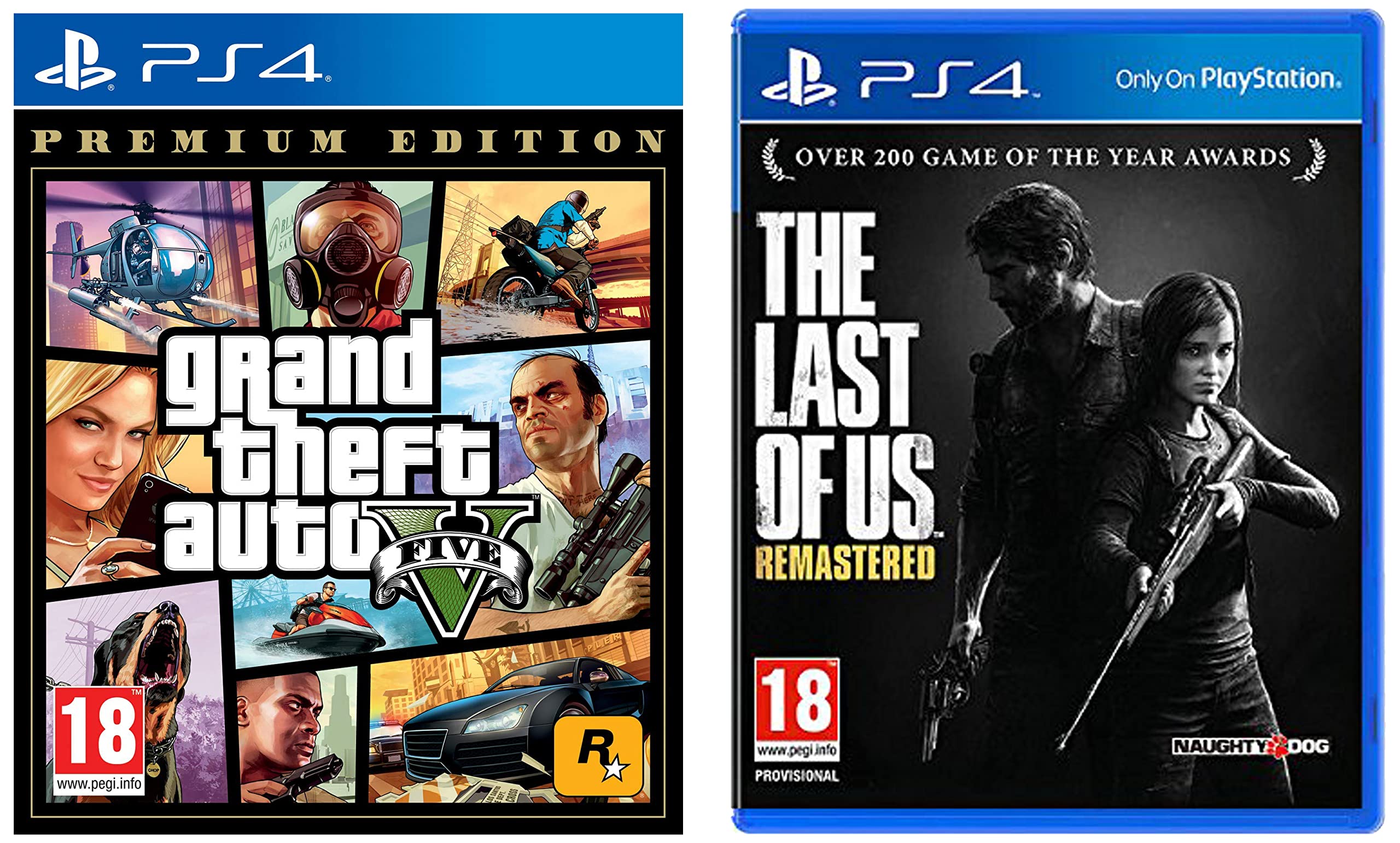
Acquiring Grand Theft Auto V for the PlayStation 4 involves purchasing the title through the official PlayStation Store or acquiring a physical disc copy. Once you have a valid PlayStation Network account and sufficient console storage, you can download or install the game, complete the mandatory updates, and begin playing through the digital storefront or retail channels.
Understanding Your Purchase Options
When looking to add Grand Theft Auto V to your PS4 library, you have two primary methods: digital acquisition and physical media. Both versions offer the same core gameplay experience, including the base story mode and access to Grand Theft Auto Online.
Digital Downloads
The digital version of GTA V is purchased directly through the PlayStation Store on your console. This method is often preferred for convenience, as the game remains tied to your PlayStation Network (PSN) account, allowing for easy re-downloads if you delete the game to free up storage space. To purchase digitally, navigate to the "Store" icon on your PS4 dashboard, search for "Grand Theft Auto V," select the product, and proceed through the checkout process using your preferred payment method. Once purchased, the download will begin automatically, provided your console is connected to the internet.
Physical Disc Copies
Physical discs remain a viable and often cost-effective way to play GTA V. You can purchase these at major electronics retailers or through authorized secondary market sellers. The process is straightforward: insert the disc into the PS4 optical drive. The console will automatically detect the software and begin an installation process. It is important to note that even with a physical disc, your console will likely need to download significant updates from the internet to ensure you are running the latest version of the game, especially to access online features.
Prerequisites and Technical Requirements
Before you begin the process of obtaining the game, you must ensure your console meets specific requirements to run the software effectively.
Storage Capacity
GTA V is a large game that demands a significant amount of hard drive space. As of 2026, you should ensure that your PS4 has at least 80GB to 100GB of free storage. The initial installation size is large, and subsequent updates, patches, and content additions for Grand Theft Auto Online will continue to consume space over time. If your drive is nearing capacity, you may need to delete older games or utilize an external USB 3.0 hard drive to expand your storage capabilities.
Internet Connectivity
While the story mode of GTA V can be played offline, a stable internet connection is strictly required for the initial installation and subsequent updates. Furthermore, if you intend to play Grand Theft Auto Online, a reliable broadband connection is essential to minimize latency and ensure stability. Ensure your PS4 is connected via Wi-Fi or, ideally, an Ethernet cable for the most consistent performance.
Account Requirements
To access the PlayStation Store, you must have an active PlayStation Network account. If you do not have one, you can create a free account during the initial console setup or via the PlayStation website. For online multiplayer features, you must also be aware of the requirement for a PlayStation Plus subscription. While you can access the offline campaign without a subscription, GTA Online features—which form a massive part of the game’s longevity—require an active membership.
Comparison of Acquisition Methods
| Feature | Digital Version | Physical Disc |
|---|---|---|
| Storage | Downloads to internal/external drive | Installs from disc, updates via web |
| Resale Value | None (tied to account) | Can be resold or traded |
| Convenience | Instant access; no disc swapping | Requires physical media insertion |
| Updates | Automatic background updates | Automatic; requires disc to play |
| Availability | Always in stock via PS Store | Subject to local retailer stock |
Step-by-Step: Downloading via PlayStation Store
For those choosing the digital route, follow these steps to secure the game:
- Sign In: Ensure you are signed into your primary PSN account on your PS4.
- Access the Store: Select the PlayStation Store icon on the home screen.
- Search: Use the search bar to type "Grand Theft Auto V."
- Select Edition: Review the available editions. Rockstar Games often bundles the base game with "Shark Cards" (in-game currency). Select the version that aligns with your budget and requirements.
- Purchase: Select "Add to Cart" and proceed to "Checkout." Confirm your payment information and finalize the transaction.
- Download: Once the purchase is confirmed, select "Download." You can monitor the progress by navigating to the "Notifications" > "Downloads" section on your dashboard.
- Install: The console will automatically handle the installation once the download is complete. You will receive a notification when the game is "Ready to Start."
Installing via Physical Disc
If you have purchased a physical copy, the process follows these operational steps:
- Insert Media: Insert the GTA V game disc into the PS4 console. The console's disc drive will spin up, and the game icon will appear on your home screen.
- Installation Trigger: If the game does not start installing immediately, select the game icon and follow the prompts. The PS4 will copy the necessary files from the disc to the internal hard drive.
- Firmware and Game Updates: After the core installation, the PS4 will check for updates. This step is mandatory to play the most recent version of the game. If you are connected to the internet, these downloads will start automatically.
- Verification: Once the update bar completes, the game is verified. Always ensure the disc remains in the console while playing, as the system requires it to verify your license to play the software.
Troubleshooting Common Issues
Encountering issues during the installation or launch of GTA V is usually related to storage or connectivity.
- Insufficient Space: If the installation halts, clear system cache or delete unused applications. Go to Settings > Storage to view which files are consuming the most space.
- Download Interruptions: If your download gets stuck, pause and resume the download from the Notifications menu. If the issue persists, test your internet connection in the Network settings.
- Disc Read Errors: If the console cannot read the disc, ensure the disc surface is clean and free of scratches. Use a soft, lint-free cloth to gently wipe the disc from the center outward.
- License Issues: If you purchased the game but cannot access it, try "Restoring Licenses" by going to Settings > Users and Accounts > Other > Restore Licenses.
Frequently Asked Questions
Do I need a PlayStation Plus subscription to play the GTA V story mode?
No, a PlayStation Plus subscription is not required to play the offline, single-player campaign of GTA V. You only need a subscription to access the online multiplayer component, Grand Theft Auto Online.
Can I upgrade my physical copy to a digital one?
No. Owning a physical disc does not grant you a digital license for the game. If you wish to switch to a digital version, you would need to purchase the digital edition separately through the PlayStation Store.
Is GTA V on PS4 cross-platform?
Grand Theft Auto Online does not support cross-play. You can only play with other users who are also using a PlayStation 4. You cannot play with users on PlayStation 5, Xbox, or PC platforms.
What should I do if the game freezes during a mission?
First, ensure your game is fully updated. If the issue continues, try closing the application completely, restarting your PS4, and reloading your most recent save file. Persistent issues may indicate corrupted game data, which might require a clean reinstallation.
Can I move my progress from a disc to a digital version?
Yes, your progress in GTA V is saved to your local PS4 storage or the PlayStation Plus cloud, separate from the application files. Whether you use a disc or a digital copy, the game will recognize your save files as long as you use the same PSN account.
Next Steps
To begin playing, verify your internet connection, ensure you have at least 100GB of available storage, and proceed to the PlayStation Store or your preferred retailer to acquire the game. Once installed, ensure you download all available patches to maintain compatibility with the latest online features. If you are new to the game, start by completing the prologue to unlock the full open-world experience and the transition into GTA Online.