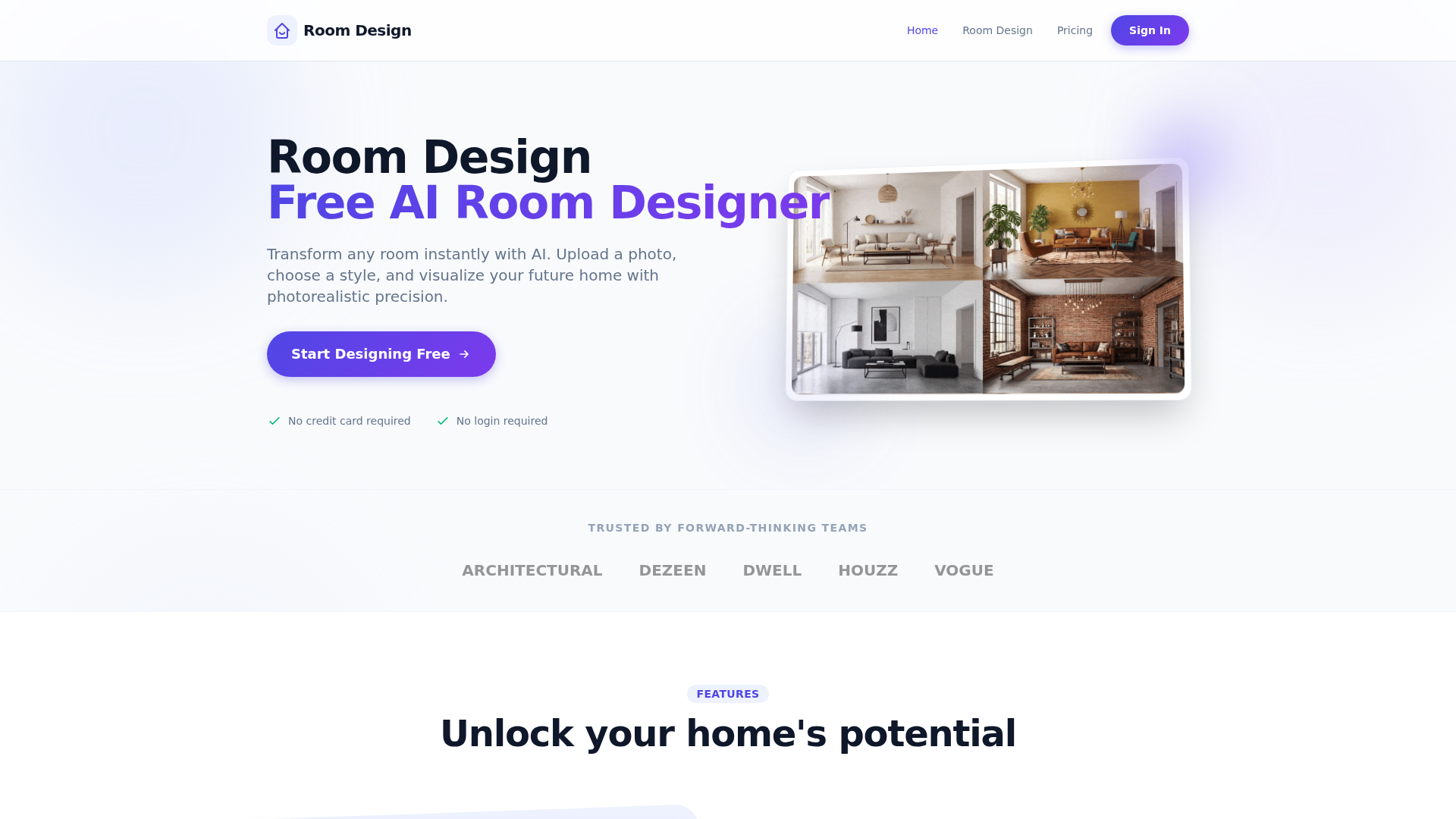
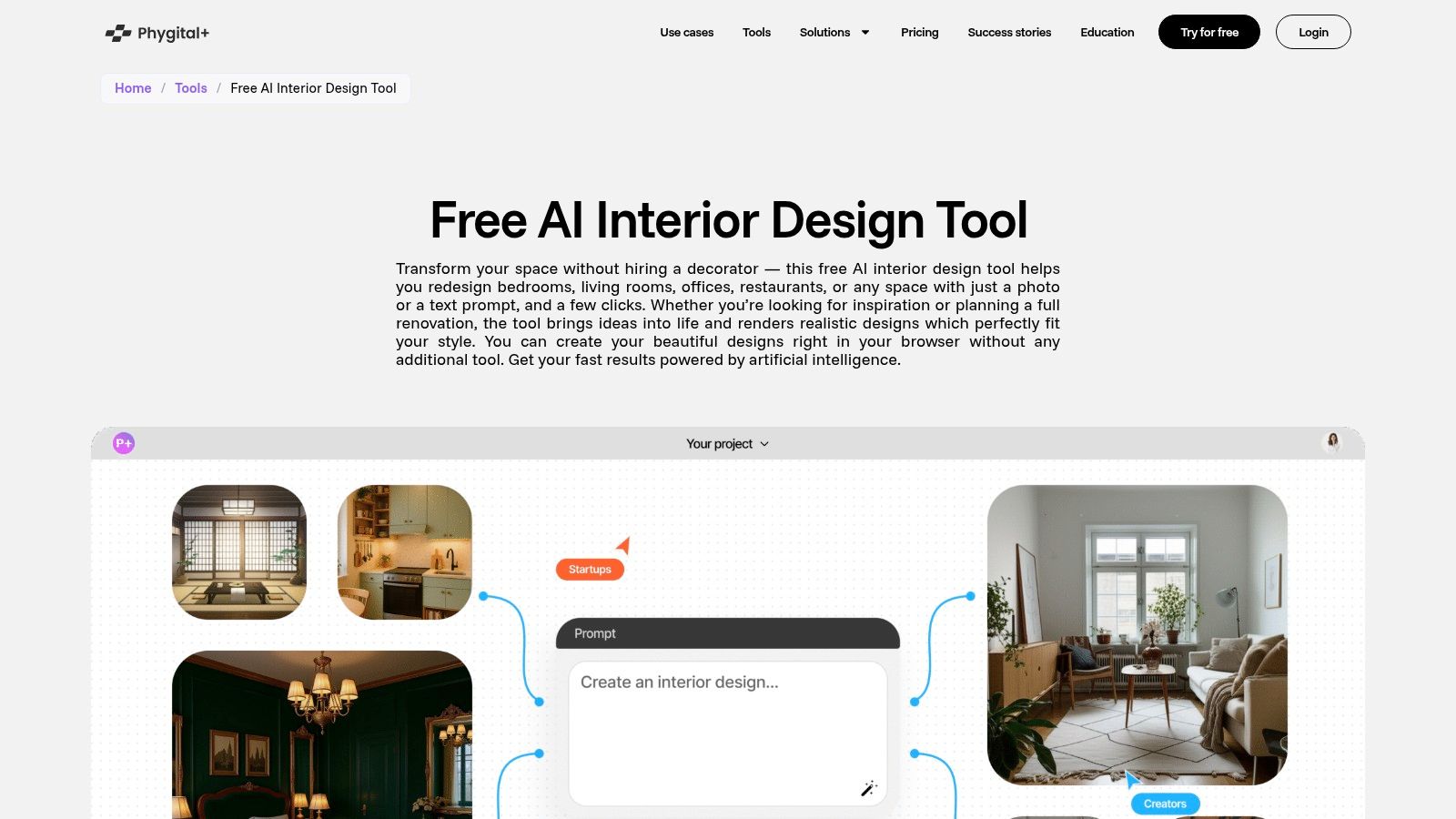
AI-powered room design applications have revolutionized how homeowners, renters, and design enthusiasts visualize their living spaces. By utilizing generative artificial intelligence and sophisticated computer vision, these tools allow users to upload photos of their rooms and receive instant, photorealistic furniture layouts, color schemes, and structural modifications. While professional design software often carries a steep learning curve and significant subscription fees, many powerful platforms currently offer free-to-use tiers that provide functional, high-quality results for casual renovators and interior design hobbyists.
Understanding AI Interior Design Technology
The core of modern AI room design apps relies on image-to-image synthesis and spatial analysis. When you upload a photograph of an existing room to a design platform, the AI analyzes the dimensions, existing light sources, wall boundaries, and current furniture placement. It then cross-references this data with interior design principles—such as color harmony, ergonomic flow, and aesthetic trends—to generate new visual concepts.
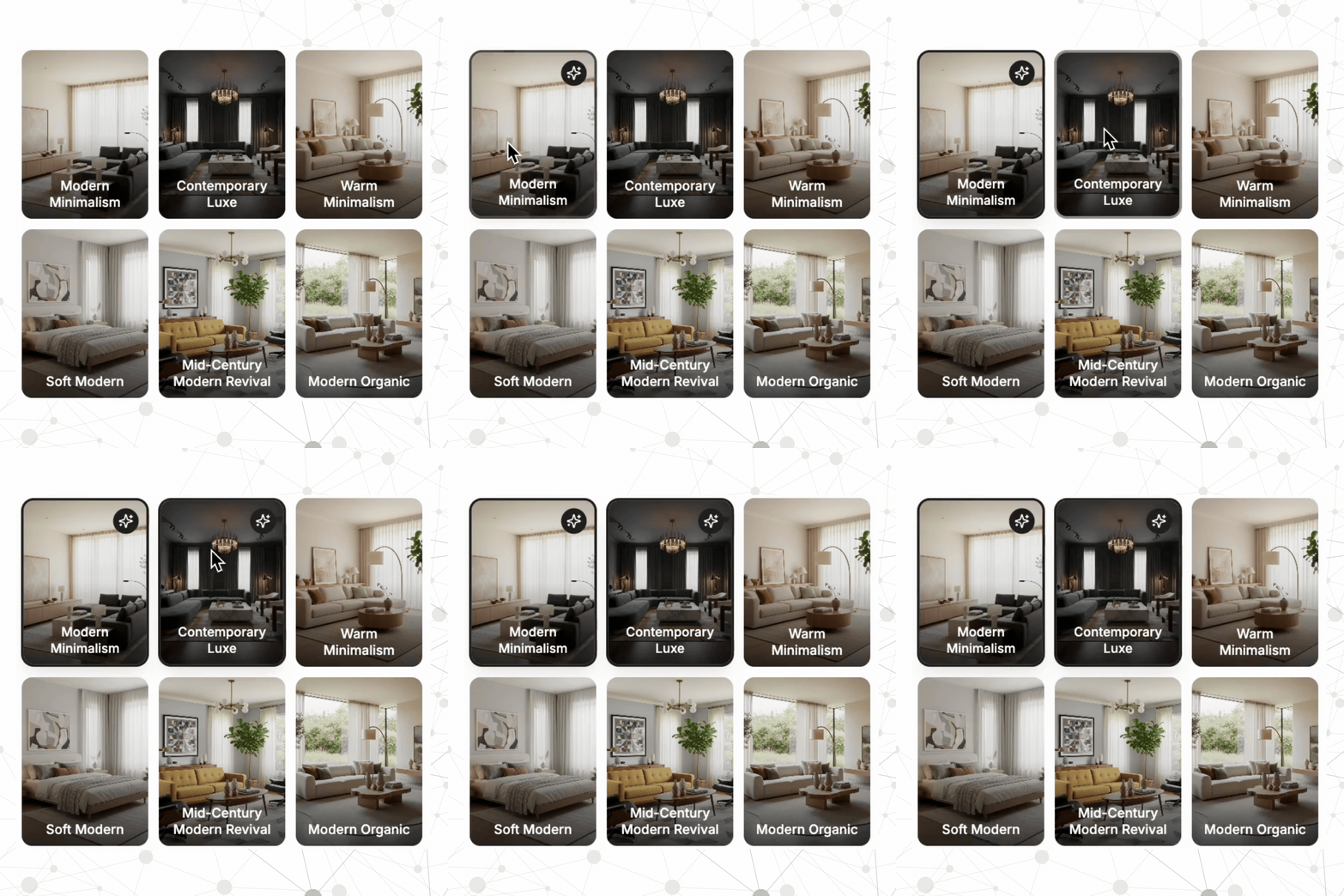
Unlike older CAD (Computer-Aided Design) software that required manual input of precise measurements, AI apps operate on a "prompt-and-reconstruct" basis. You provide an image, select a style (such as "Modern Scandinavian," "Industrial," or "Mid-Century Modern"), and the AI modifies the textures, colors, and items within your room. This capability effectively lowers the barrier to entry for users who lack formal training in architecture or interior decoration.
Evaluating Free Access Tiers
When looking for "free" AI room design solutions in 2026, it is vital to distinguish between three types of monetization models:
- Truly Free (Open Source/Community): These are rare in the professional space but sometimes exist as experimental research tools hosted on platforms like Hugging Face.
- Freemium: These apps allow you to generate a limited number of designs per month or day for free, often with watermarks on the final images or limited access to high-resolution exports.
- Free Trial: These platforms offer a period of unlimited access, usually requiring a credit card to sign up, and automatically convert to a subscription if not canceled.
Most users find the "Freemium" model most sustainable for personal projects. In these scenarios, you can usually iterate on your room design multiple times without cost, provided you are willing to accept lower resolution or the occasional advertisement.
Top AI Apps for Room Design (2026 Selection)
While the landscape of AI tools shifts rapidly, several platforms have established themselves as leaders for functional, accessible interior design.
| App Name | Primary Strengths | Free Model Limitation |
|---|---|---|
| Planner 5D | Robust 3D modeling and floor plan accuracy. | Limited catalog access in free version. |
| RoomGPT | Fast, high-quality "virtual staging" of photos. | Limited to 3-5 renders per day. |
| InteriorAI | High stylistic variance and mood boarding. | Watermarked outputs on free tier. |
| Homestyler | Professional-grade rendering tools. | Cloud storage limits for free accounts. |
Planner 5D
Planner 5D remains a standard for those who want to move beyond simple photo filters. It offers a hybrid approach where you can build a room from scratch using precise measurements or use the "AI Snapshot" feature to detect objects in an uploaded photo. The free version allows you to access a substantial portion of the furniture library, making it highly useful for experimenting with furniture placement before purchasing new items.
RoomGPT
For users who are not interested in complex floor plans and simply want to see how a room looks with a different aesthetic, RoomGPT is highly effective. It is optimized for speed; you upload a photo, select a theme (e.g., "Minimalist," "Bohemian"), and the AI creates a new version of your room. It is best used for visual inspiration rather than structural planning.
InteriorAI
InteriorAI is primarily focused on the creative side of design. Its strength lies in its ability to handle complex lighting scenarios and diverse room types—including kitchens, bedrooms, and even outdoor patios. Because it is highly generative, it may occasionally add furniture pieces that do not exist in the real world, so users should treat it as an ideation tool rather than a shopping list.
Practical Steps for Effective Room Design
To get the most out of these tools, preparation is key. AI is only as good as the input data you provide.
- Declutter Before You Capture: Before taking the photograph you intend to upload, clear your surfaces of personal items, cables, and excess clutter. AI struggles to interpret "noise," and a clean base image results in a much more accurate render.
- Use Wide-Angle Shots: Ensure your photograph includes the floor-to-ceiling perspective of the room. If the AI cannot see the ceiling or the floor corners, it will struggle to calculate the perspective grid, leading to distorted furniture sizes.
- Specify Your Style: Many apps allow you to add "text prompts." Instead of just selecting "Modern," use descriptive terms like "warm walnut wood finishes," "minimalist task lighting," or "large indoor potted plants" to narrow the AI’s output.
- Cross-Verify Dimensions: If you are using an app like Planner 5D to plan a layout, remember that the AI might ignore physical constraints like radiator locations or door swing paths. Always measure your space physically before committing to a furniture purchase.
Addressing Common Limitations and Challenges
Despite the advancement of AI, these tools are not perfect. One of the most common issues is "hallucination"—the AI may generate a chair that overlaps with a wall or place a light switch in a physically impossible location.
Furthermore, AI apps generally do not have an integrated connection to real-time inventory management of local retailers. While some platforms claim to provide "shopping links," these are often sponsored partnerships rather than the best match for your space. Always conduct your own research on product dimensions and return policies before purchasing furniture based on a design render.
Next Actions: Starting Your Design Project
To begin, select a single room in your home that needs a refresh. Start with a "virtual staging" app if you just need inspiration for color palettes, or a "floor plan" app if you are planning to rearrange or buy new furniture.
Take a series of photos in daylight to avoid shadows that might confuse the AI's lighting model. Once you generate three or four variations, compare them side-by-side. If the designs are consistently failing, try to move the furniture out of the way to take a "blank slate" photo, which often yields significantly higher-quality AI results.
Frequently Asked Questions
Are these AI apps actually free forever? Most reputable apps follow a "freemium" model. They remain free for basic usage, such as a limited number of room renders per day or access to a subset of furniture models. If you require high-resolution exports or commercial usage rights, you will typically need to upgrade to a paid tier.
Can I use these apps for real-world renovation? You can use them for conceptual visualization, but they are not substitutes for professional architectural software or structural engineering advice. Never use an AI render as a blueprint for removing load-bearing walls or conducting electrical work.
Do these apps work on mobile devices? Yes, most major AI room design platforms have mobile applications for iOS and Android. Mobile apps are particularly convenient because they allow you to take photos of your room and render them instantly without needing to transfer files to a computer.
How accurate are the dimensions provided by AI? Most AI tools provide an estimate. They are excellent for understanding how a piece of furniture fits visually, but they should not be used as a primary source of truth for custom cabinetry or precise spatial planning. Always verify with a physical tape measure.
Is my data safe when uploading photos of my home? Most apps store your uploaded photos on their servers to train their models or process the request. Read the privacy policy of each specific tool to understand how they use your personal images. If you are concerned about privacy, avoid uploading photos that contain sensitive information or recognizable personal items.