Resetting the oil service light on your 2018 Volkswagen Atlas is a straightforward procedure that can be performed manually through the vehicle's instrument cluster menu. By using the steering wheel controls, you can access the Service menu to reset the "Oil Change Service" interval, ensuring your vehicle's maintenance tracking accurately reflects your latest oil change.
Understanding the Service Interval System
The 2018 Volkswagen Atlas is equipped with a sophisticated Maintenance Minder system designed to track the vehicle's oil life based on time and mileage intervals. When the vehicle detects that the predetermined service interval—typically 10,000 miles or 12 months, whichever comes first—is approaching, it triggers an "Oil Change Service" notification on the multi-function display.
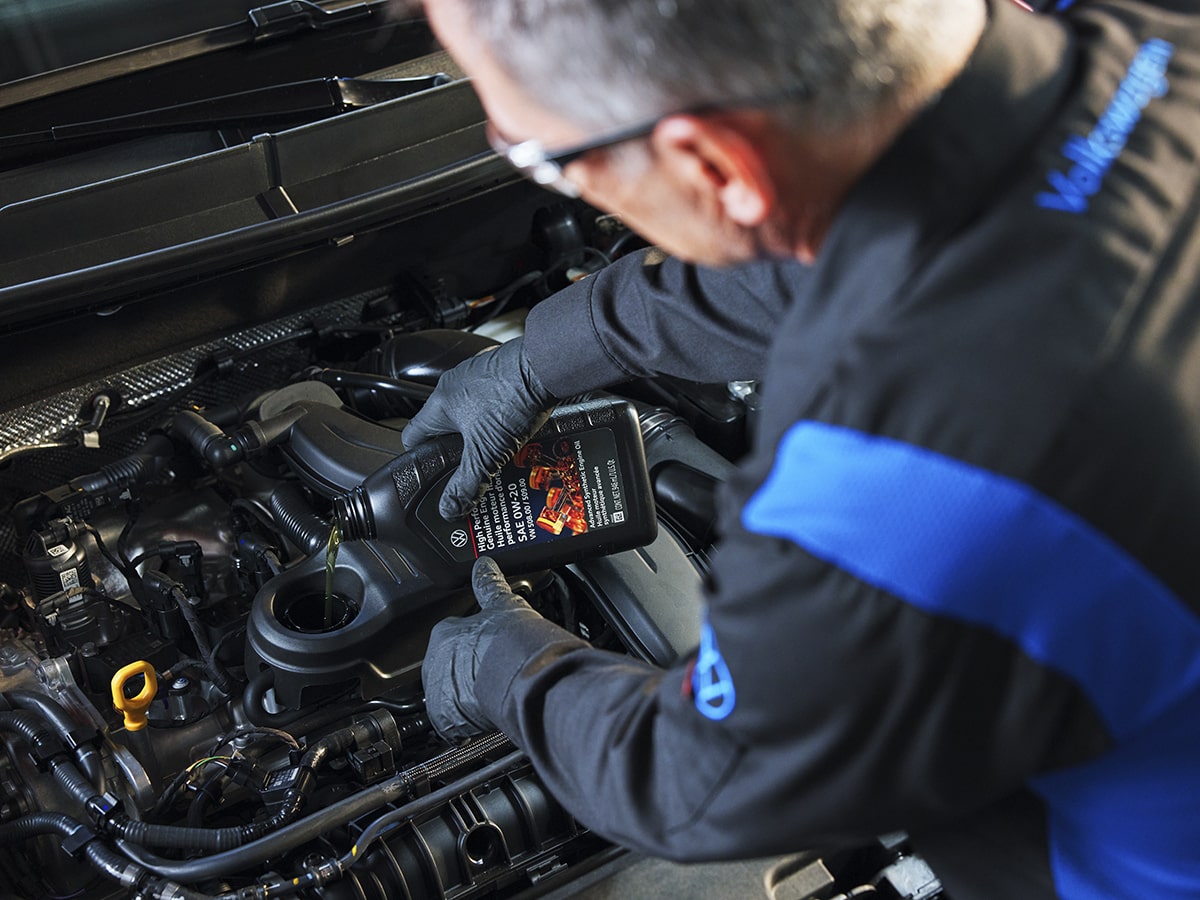
Performing the reset is a necessary step after every oil change to clear the warning and restart the countdown for the next service cycle. It is important to emphasize that this reset process is strictly an administrative action for the dashboard notification. It does not replace the physical requirement of draining the old oil, replacing the oil filter with an OEM-spec component, and refilling the engine with the manufacturer-specified synthetic oil (typically VW 508 00 specification for the 2.0L TSI or VW 502 00 for the 3.6L VR6 engines).
Prerequisites for the Reset Procedure
Before attempting the reset, ensure your vehicle is parked safely on level ground. The process does not require specialized diagnostic equipment or scan tools, as the Volkswagen onboard interface is designed to allow owner access to this basic maintenance function.
While the engine does not necessarily need to be running, the vehicle's ignition must be in the "On" position (without the engine started) to power the digital instrument cluster. Having the driver’s side door closed is often recommended, as some Volkswagen systems may restrict access to certain menu items while the door is open to prevent accidental changes while driving.
Step-by-Step Reset Procedure
The reset process for the 2018 Atlas is integrated into the steering wheel buttons. Follow these steps carefully:
- Prepare the Vehicle: Sit in the driver’s seat and ensure the doors are closed. Insert the key into the ignition (or ensure the key fob is inside the vehicle if you have the KESSY push-button start system).
- Ignition Mode: Press the "Start/Stop" button once without touching the brake pedal. This activates the dashboard electronics. If you have a traditional key, turn it to the accessory or "On" position without cranking the engine.
- Navigate to the Settings Menu: Use the directional arrows on the right side of your steering wheel. Cycle through the menus until you reach the "Settings" or "Service" menu on the multi-function display.
- Access the Service Menu: In the Settings menu, use the arrow keys to scroll down until you highlight "Service." Press the "OK" button on the right side of the steering wheel.
- Confirm the Reset: The display will likely ask, "Reset Oil Change Service?" or display the current mileage/time status. Select "Yes" or "Reset" using the arrow keys and confirm your selection by pressing the "OK" button.
- Verify the Reset: Once confirmed, the screen should display a message indicating the service has been reset or that the new interval has been set. Turn the ignition off, then turn it back on to verify that the "Oil Change Service" warning light has cleared.
Troubleshooting and Limitations
If the service light fails to clear or the menu option is not visible, consider the following common issues:
- Ignition State: The most common failure point is not having the ignition in the correct state. Ensure the dash lights are fully illuminated. If the screen is black or displaying "Press Brake to Start," the system may not allow access to the service menu.
- Timing: The system may be sensitive to the speed at which you navigate the menus. If you stall between button presses, the system might revert to the main driving screen. Simply restart the sequence from the beginning.
- Service vs. Inspection: Note that the Atlas has two separate counters: the Oil Change Service and the Inspection Service. If a secondary warning light remains, you may have successfully reset the oil interval but still have an inspection reminder active. The process for resetting the Inspection Service is identical in navigation but requires selecting the "Inspection" option within the Service menu.
Maintenance Comparison: Oil Change Indicators
Understanding the difference between the various dashboard notifications is crucial for maintaining the vehicle's longevity.
| Indicator | Trigger Factor | Maintenance Action |
|---|---|---|
| Oil Change Service | Mileage or Time (Standard Interval) | Change oil and filter |
| Inspection Service | Set interval (e.g., 20k, 40k miles) | Multi-point vehicle inspection |
| Check Engine Light | Diagnostic Trouble Code (DTC) | Scanning for mechanical faults |
| Low Oil Level/Pressure | Mechanical sensor detection | Immediate shutdown/check fluid |
Professional Advice and Safety
While resetting the light is a simple process, it is intended to follow the completion of the physical oil service. Neglecting the oil change itself while simply resetting the notification is dangerous and can lead to irreversible engine wear.
Always consult your owner’s manual for the specific viscosity and capacity requirements for your engine variant. The 2.0L turbocharged engine and the 3.6L naturally aspirated V6 have different oil requirements; using the incorrect oil specification can damage the engine components or invalidate remaining powertrain warranties. If you are uncomfortable performing the physical oil change yourself, have the service performed by a certified technician who can reset the system professionally as part of their standard workflow.
Frequently Asked Questions
Does resetting the oil light void my factory warranty? No. Resetting the oil service light after performing a maintenance task is a standard procedure and does not void your warranty. However, failing to perform the required maintenance or using incorrect oil specifications can negatively impact your warranty coverage.
Can I reset the light while the engine is running? It is strongly discouraged to attempt this while driving or with the engine running. Many Volkswagen menu options are locked while the vehicle is in motion for safety reasons, and performing the reset while idling can occasionally lead to system errors in the instrument cluster.
Why does the system keep asking for an inspection service? The 2018 Atlas tracks an "Inspection Service" separately from the "Oil Change Service." These are distinct maintenance schedules. The Inspection Service reminder is designed to track cabin filters, brake fluid levels, and chassis checks. You must reset this item specifically through the same Service menu.
What if the "Reset" button is greyed out or inactive? If the option to reset is unavailable, the vehicle may have a stored fault code related to the service interval system. In such cases, a professional diagnostic tool may be required to clear the message and verify that the maintenance tracking hardware is functioning correctly.
How often should I reset this light? The light should only be reset immediately following an oil change. Resetting it prematurely will desynchronize your dashboard maintenance interval from the actual health of the engine oil, leading to missed service intervals and potential engine damage.
Final Recommendation
The best practice for maintaining your 2018 Volkswagen Atlas is to keep a detailed log of all maintenance performed, including the date, mileage, and the specific brand of oil and filter used. After completing the physical oil change, perform the digital reset immediately. If you notice that your dashboard warnings do not align with your actual service schedule, consult the vehicle’s specific maintenance booklet found in your glove box or contact your local dealership to ensure your service intervals are properly calibrated.