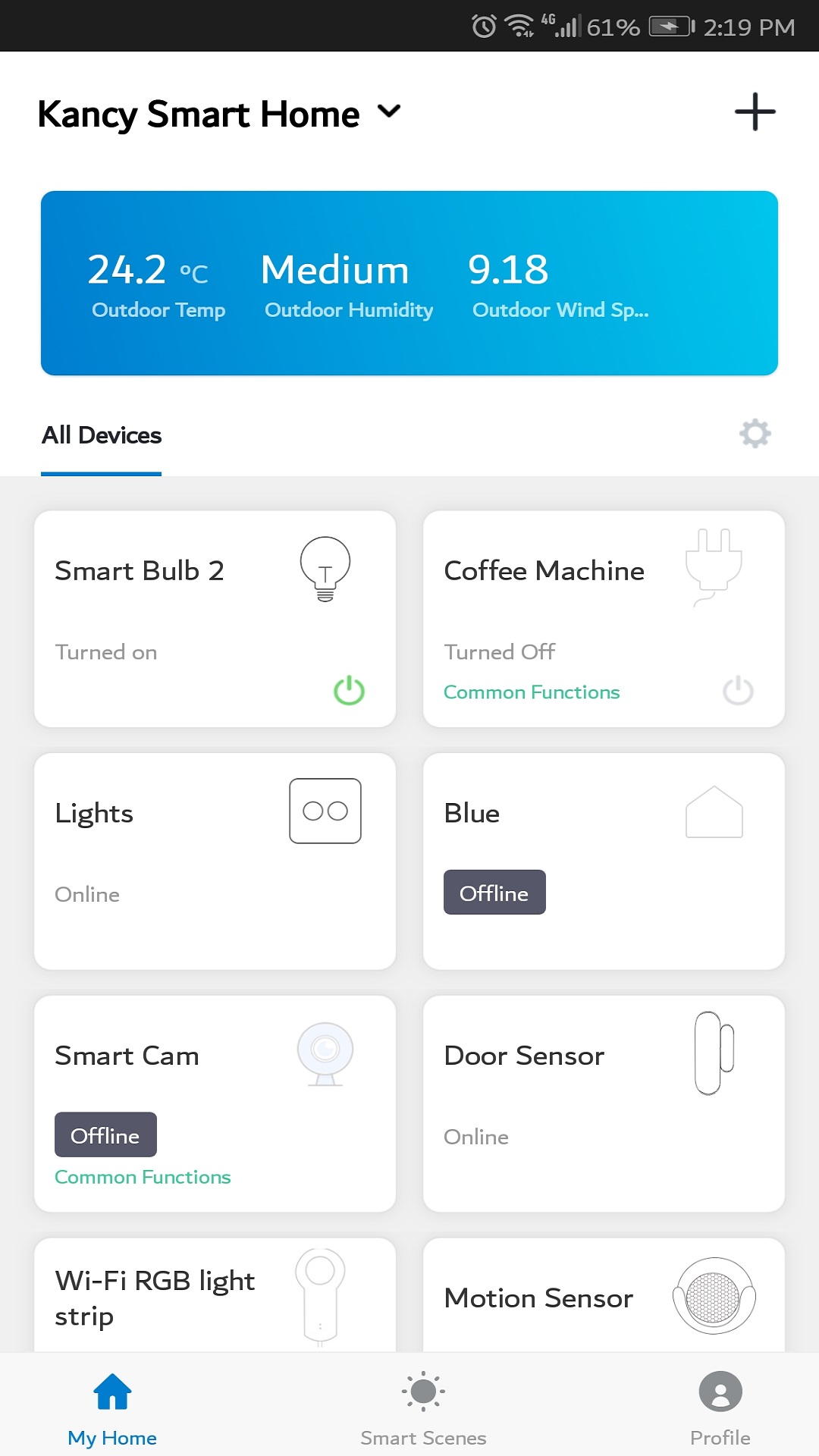
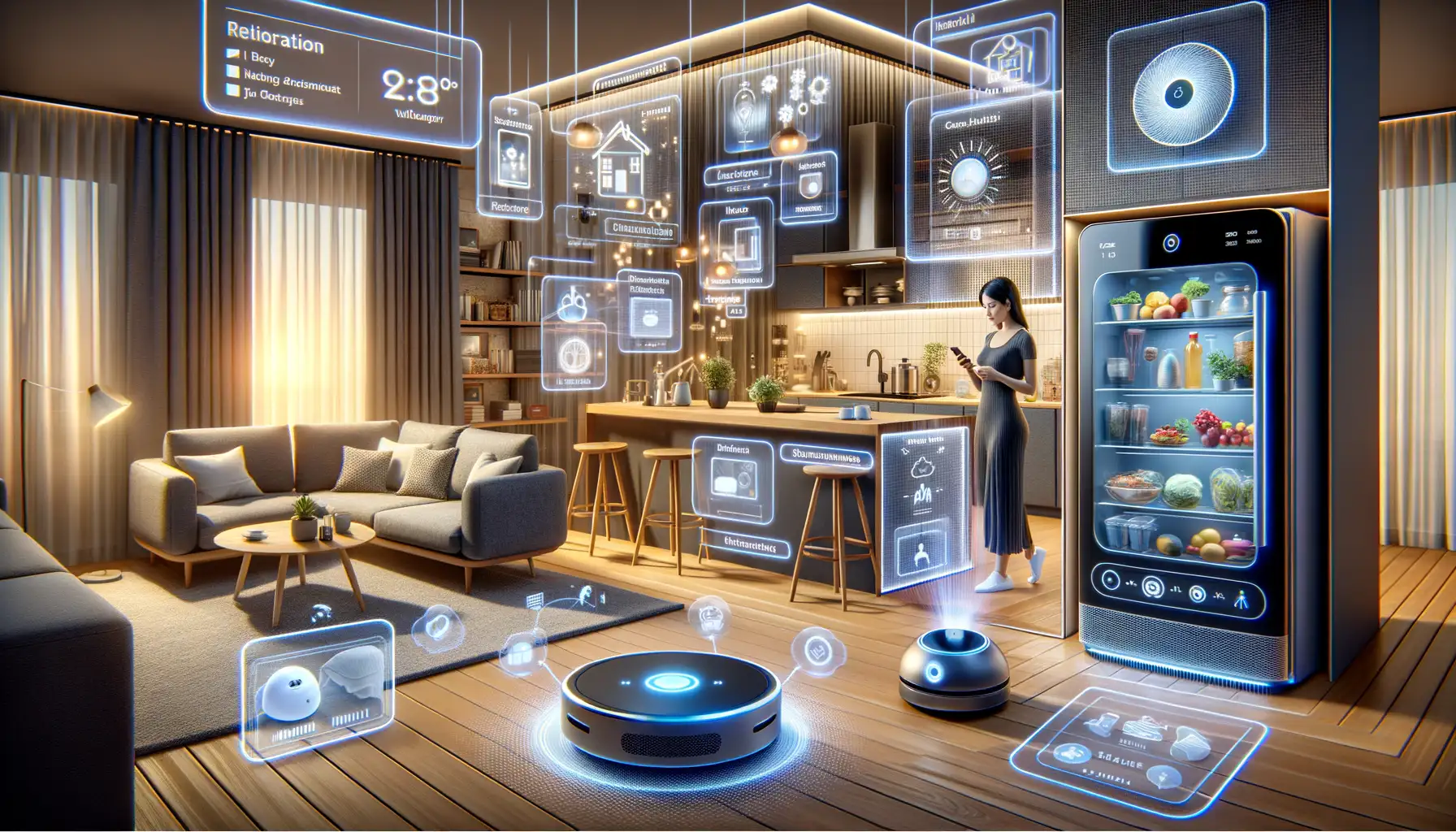
Implementing NCT (Network Connectivity Technologies and Non-Contact Sensing) for smarter homes requires deploying interoperable communication protocols—primarily Matter, Thread, Wi-Fi 7, and Z-Wave—alongside ambient mmWave radar sensors. This integrated framework eliminates single-point network failures, enhances data privacy through local control, reduces latency, and enables automated, hands-free home management without relying exclusively on cloud servers.
Understanding NCT in Modern Smart Homes: Connectivity & Ambient Automation
In modern residential architecture, NCT represents two interlinked technological pillars: Network & Connectivity Technologies and Non-Contact Technologies. Historically, smart homes suffered from fragmentation, where devices operated in isolated brand siloes, reliant on constant cloud connectivity and manual triggers through smartphone applications or explicit voice commands.
The integration of advanced network frameworks with non-contact environmental sensing redefines home automation. Network & Connectivity Technologies establish the unified physical, transport, and application layers that allow devices from different manufacturers to discover, authenticate, and communicate with each other locally. Meanwhile, Non-Contact Technologies provide the ambient sensory layer—using radar, optical, and ultrasonic sensors—to detect human presence, motion, and vital indicators without requiring physical touch or invasive camera monitoring.
- APPLICATION LAYER
- Matter / Home Assistant / Local Automation
- NETWORK & CONNECTIVITY (NCT)
- Wi-Fi 7 (High-Bandwidth)
- Thread (Low-Power Mesh)
- Z-Wave LR / Zigbee
- NON-CONTACT SENSING (NCT)
- mmWave Radar (24GHz/60GHz)
- Time-of-Flight (ToF) Sensors
- Ultrasonic & Gesture Control
- PHYSICAL SMART HOME HARDWARE
- Locks, Lights, HVAC, Security, Shading & Power Systems
By unifying network transport and ambient sensing, smart home infrastructure shifts from reactive control to predictive automation. Lights adjust based on sub-millimeter human presence rather than motion timeout delays, climate systems modulate dynamically per room occupancy, and network security protocols ensure all automation routines execute locally within the home firewall.
The Backbone Layer: Core Network Connectivity Technologies
Building a resilient smart home foundation requires matching specific wireless and wired protocols to their optimal operational domain. No single protocol suits every smart device; high-bandwidth video cameras demand different transmission profiles than battery-operated door sensors or wall switches.
- Internet Gateway / Firewall
- Ethernet / Wi-Fi 7: Thread Border Router
- Thread: Door Lock
- Thread: Smart Switch
- Zigbee: Window Sensor
- Thread: Thermostat
- Ethernet / Wi-Fi 7: Thread Border Router
Wi-Fi 6E and Wi-Fi 7 (IEEE 802.11ax/be)
High-throughput devices—such as 4K surveillance cameras, video doorbells, smart displays, and central home servers—rely on modern Wi-Fi standards. Wi-Fi 6E and Wi-Fi 7 introduce the 6 GHz spectrum band, providing ultra-wide channels (up to 320 MHz in Wi-Fi 7) free from legacy 2.4 GHz microwave and Bluetooth interference.
- Target Wake Time (TWT): Wi-Fi 6/7 allows access points to schedule dedicated sleep cycles for low-power devices, substantially extending battery life for smart home hardware.
- Multi-Link Operation (MLO): Wi-Fi 7 devices can aggregate data simultaneously across multiple bands (2.4 GHz, 5 GHz, and 6 GHz), reducing latency to under 5 milliseconds and eliminating buffering in local streaming feeds.
For official technical specifications regarding wireless local area network standards, review the documentation made available by the Wi-Fi Alliance.
Thread Protocol (IEEE 802.15.4)
Thread is an IPv6-based, low-power, self-healing mesh networking protocol engineered specifically for smart home endpoints like smart bulbs, door locks, and occupancy sensors.
- No Single Point of Failure: Unlike traditional hub-and-spoke models, Thread mesh networks automatically re-route data packets if a specific node or router fails.
- IP-Native Connectivity: Thread endpoints possess unique IPv6 addresses, enabling them to communicate directly with mobile devices and cloud platforms via Thread Border Routers without requiring translation gateways.
- Power Efficiency: Thread endpoints operate on minimal current draw, allowing coin-cell-powered sensors to run for years without battery replacement.
Detailed architecture specifications for mesh networking can be referenced directly through The Thread Group.
The Matter Standard
Matter is an open-source, local-first application layer built on top of Wi-Fi, Thread, and Ethernet transport layers. Standardized by the Connectivity Standards Alliance (CSA), Matter resolves inter-brand incompatibilities by providing a shared payload structure.
Multi-Admin Control: Matter allows a single device (e.g., a smart light switch) to be paired simultaneously across multiple smart home ecosystems—such as Apple Home, Home Assistant, Google Home, and Amazon Alexa—without custom cloud integrations.
Local Security and Execution: Control commands execute locally over the local area network using cryptographic device credentials, ensuring full operational capability even when external internet connections drop.
MATTER APPLICATION LAYER
- Wi-Fi 6E / Wi-Fi 7 (High Bandwidth)
- Thread Mesh (Low Power / Sensors)
- IPv6 Network & Transport Infrastructure
Z-Wave and Z-Wave Long Range (LR)
Operating in sub-gigahertz radio frequencies (908.42 MHz in North America, 868.42 MHz in Europe), Z-Wave avoids the crowded 2.4 GHz band entirely.
- Sub-GHz Propagation: Lower frequency signals pass through dense wall structures, brick facades, and concrete slabs with minimal signal degradation compared to 2.4 GHz or 5 GHz waves.
- Z-Wave Long Range (LR): Offers direct star-topology transmission distances up to 1 mile (1.6 km) line-of-sight from the primary controller, making it ideal for perimeter gates, outdoor sensors, and detached structures.
Standard specs for sub-gigahertz mesh operations can be found at the Z-Wave Alliance.
The Sensor & Control Layer: Non-Contact Technology (NCT)
While network connectivity handles communication, Non-Contact Technology (NCT) provides physical interaction without manual inputs, touchscreens, or invasive cameras.
- NON-CONTACT SENSOR TYPES
- mmWave Radar (24GHz / 60GHz)
- Micro-movement (Breathing)
- Spatial zone positioning
- Time-of-Flight (ToF) & Optical
- High-precision gestures
- Hygienic touchless switches
- mmWave Radar (24GHz / 60GHz)
- LOCAL EDGE-PROCESSING UNIT
- Signal FFT Filtering
- Spatial Coordinate Mapping
- MATTER / THREAD AUTOMATION
- Dynamic HVAC adjustment
- Instant light scene trigger
Millimeter Wave (mmWave) Radar Sensing
Unlike traditional Passive Infrared (PIR) sensors that rely on relative surface temperature shifts and macro-movement (e.g., walking past a sensor), mmWave radar continuously emits high-frequency radio waves (typically 24 GHz or 60 GHz) and measures the Doppler shift and reflection times.
- Micro-Movement & Stationary Presence Detection: mmWave sensors detect minute chest movements caused by breathing, allowing the system to maintain an "occupied" room state even when a person is sitting motionless, reading, or sleeping.
- Zone Mapping: High-resolution 60 GHz radar modules can segment a single room into distinct coordinates. For instance, sitting on a sofa can trigger warm reading lights, while standing up and walking to a desk triggers focused task lighting.
- Fall Detection and Health Monitoring: Modern mmWave sensors track posture changes and trajectory acceleration, alerting caregivers to potential falls without invading personal privacy with video feeds.
Time-of-Flight (ToF) & Optical Touchless Interfaces
Time-of-Flight sensors emit invisible infrared light pulses and compute distance based on the exact nanosecond round-trip time of photons reflecting off an object or hand.
- Hygienic Control Points: Integrated into kitchen counters, bathroom switches, and entry points, ToF sensors enable precise hand-gesture controls (swiping, hovering, or pushing) without physical contact.
- Privacy-Preserving Spatial Scanning: ToF sensors produce low-resolution depth maps rather than high-definition visual images, making them suitable for sensitive areas such as bedrooms and bathrooms.
Technical Comparison of Smart Home NCT Protocols & Sensing Technologies
The following table provides a technical evaluation of primary smart home network protocols and non-contact sensing hardware.
| Protocol / Technology | Frequency Band | Max Data Rate | Typical Range (Indoor) | Latency | Primary Use Case | Network Topology |
|---|---|---|---|---|---|---|
| Wi-Fi 7 (802.11be) | 2.4 GHz, 5 GHz, 6 GHz | Up to 46 Gbps | 15–30 meters | < 5 ms | Video surveillance, central hubs, media distribution | Star / AP-Client |
| Thread | 2.4 GHz (802.15.4) | 250 kbps | 10–15 meters per hop | < 15 ms | Battery sensors, lighting, smart locks, climate controls | Self-Healing Mesh |
| Z-Wave Long Range | 908–916 MHz | 100 kbps | Up to 1,000+ meters (LR) | < 50 ms | Security, perimeter sensors, large property coverage | Star (Z-Wave LR) / Mesh |
| Zigbee 3.0 | 2.4 GHz (802.15.4) | 250 kbps | 10–20 meters per hop | < 20 ms | Legacy light bulbs, switches, motion sensors | Mesh |
| mmWave Radar | 24 GHz / 60 GHz | N/A (Sensing Layer) | 3–10 meters detection radius | Real-time (< 10 ms) | Non-contact presence tracking, fall detection, zone mapping | Sensor Endpoint (Serial/I2C/Thread) |
| Time-of-Flight (ToF) | Infrared (850/940 nm) | N/A (Sensing Layer) | 0.1–4 meters | Real-time (< 5 ms) | Hygienic gesture control, doorway counting, spatial scanning | Sensor Endpoint |
Architectural and Implementation Blueprint
Building a cohesive smart home using Network and Non-Contact Technologies requires systematic planning. Haphazardly adding smart plugs and independent gateways causes radio interference, security vulnerabilities, and platform fragmentation.
- Phase 1: Physical Infrastructure & VLAN Isolation
- Ethernet Cat6A/7 Drops + Managed PoE+ Switches
- Wi-Fi 7 APs with Isolated IoT Network (VLAN 20)
- Phase 2: Local Core Processing Layer
- Deploy Primary Local Controller (e.g., Home Assistant Green / Homey Pro)
- Configure Thread Border Routers & Z-Wave LR Controllers
- Phase 3: Ambient Sensor Integration
- Install Wall/Ceiling-Mounted mmWave Radar Nodes
- Calibrate Detection Zones & Mask Static Reflective Objects
- Phase 4: Multi-Admin Local Automations
- Provision Devices via Matter Protocol
- Write Local Automation Rules (Zero Cloud Dependency)
Step 1: Infrastructure and Network Segmentation
Before adding smart endpoints, establish a robust enterprise-grade local network infrastructure.
- Network Virtualization (VLANs): Create an isolated Virtual Local Area Network (VLAN) specifically for smart home devices. Keep personal computers, financial data, and primary mobile devices on a separate subnet.
- Wi-Fi Optimization: Set dedicated 2.4 GHz Wi-Fi channels (typically channels 1, 6, or 11 at 20 MHz channel width) to prevent overlap with Thread radio transmissions.
- Power Resilience: Connect the primary network gateway, switch gear, and main smart home controllers to an Uninterruptible Power Supply (UPS) to preserve automation capabilities during short power outages.
Step 2: Gateway and Thread Border Router Deployment
Select central controllers capable of processing automation logic locally without cloud round-tripping.
- Thread Border Routers: Deploy multiple mains-powered Thread Border Routers (such as dedicated smart speakers, home hubs, or Ethernet-attached dongles) around the home to create an umbrella mesh coverage area.
- Local Management Controller: Deploy an open, local-first home controller platform (such as Home Assistant running on dedicated hardware, or a Homey Pro unit). This acts as the local central logic engine, aggregating data from Matter, Thread, Z-Wave, and local API connections.
- Local Internet / Router
- Managed PoE Switch
- VLAN 10: PCs/Laptops
- VLAN 20: AP 1
- Wi-Fi 7 IoT: Thread Border Routers
- Matter / Thread Mesh
- Wi-Fi 7 IoT: Thread Border Routers
- VLAN 20: AP 2
- Wi-Fi 7 IoT: Thread Border Routers
- Matter / Thread Mesh
- Wi-Fi 7 IoT: Thread Border Routers
- Managed PoE Switch
Step 3: Installing and Calibrating Non-Contact Sensors
Proper sensor placement dictates the success of non-contact automation.
- Mounting Positions: Place mmWave radar sensors on walls or ceilings at heights between 1.5 to 2.2 meters, ensuring an unobstructed view of the room's primary activity zones.
- Exclusion Masking: Calibrate the sensor software to mask stationary mechanical objects that cause continuous Doppler shifts, such as ceiling fans, HVAC vents, or fluttering curtains.
- Sensitivity Tuning: Configure human micro-movement thresholds. Set higher detection sensitivity for lounge areas (detecting breathing while sitting) and lower sensitivity for hallway transitions to avoid false occupancy holds.
Step 4: Configuring Local Multi-Admin Routines
- Commissioning via Matter: Pair hardware directly using QR code scanning into your primary local controller. Utilize Matter's multi-admin feature to share device control with secondary controller hubs if needed.
- Writing Local Logic: Construct automation rules that rely exclusively on local triggers. For example:
- Trigger: Ceiling mmWave sensor detects human presence in Zone A (Desk).
- Condition: Ambient lux reading from window sensor is below 200 Lux.
- Action: Set Thread-connected desk lamp to 4000K daylight spectrum at 80% brightness over local network commands.
Security, Privacy, and Energy Considerations
Data Privacy Through Non-Contact Radar
In indoor environments such as bedrooms, nursery rooms, and bathrooms, optical security cameras create significant privacy risks. Non-Contact mmWave radar offers an optimal compromise: it generates precise point-cloud vector data indicating location, movement speed, posture, and presence without capturing identifiable images or video feeds. Signal processing happens at the edge on the local microcontroller unit, preventing visual data leaks.
- Camera Monitoring: Privacy Risk (Visual Images Captured)
- Passive Infrared (PIR): Low Precision (Requires Continuous Motion)
- mmWave Radar (NCT): Privacy-Safe + High Precision (Vector Point-Cloud)
Security Hardening for Local IoT Networks
- Disable Outbound Cloud Telemetry: For smart hardware that does not strictly require cloud features, block internet access at the firewall level using MAC address filtering or VLAN rules. Allow local traffic only.
- Enforce WPA3 Enterprise/Personal Encryption: Ensure all Wi-Fi endpoints communicate over WPA3 wireless encryption to protect against wireless eavesdropping and password cracking attempts.
- Firmware Verification: Regularly update local controllers and Thread/Z-Wave border router radio stacks to patch known exploits in underlying communication layers. Technical standards for network protocol security are maintained by the Institute of Electrical and Electronics Engineers (IEEE).
Common Implementation Pitfalls and Solutions
1. 2.4 GHz Spectrum Congestion
- Problem: Thread, Zigbee, Bluetooth, and legacy Wi-Fi all operate within the 2.4 GHz ISM band. Co-located devices can experience dropped packets, elevated response latency, or failed pair requests.
- Solution: Assign fixed 2.4 GHz Wi-Fi channels (Channel 1 or 6) on your access points and force Thread or Zigbee networks to use high non-overlapping radio channels (such as Channel 25 or 26). Offload all high-throughput streaming devices to 5 GHz or 6 GHz Wi-Fi 7 channels.
2. Thread Mesh Fragmentation
- Problem: Having Thread Border Routers from different vendor ecosystems that do not share network security credentials can split your home into isolated Thread sub-networks, preventing cross-brand communication.
- Solution: Ensure all Thread Border Routers are provisioned to join a single unified Thread Network Name and Dataset Key. Verify credential synchronization via your central local smart home hub.
3. mmWave Radar "Ghost Triggers"
- Problem: Lights or HVAC systems remain active in empty rooms because mmWave radar sensors register micro-movements from non-human sources like pets, vibrating air conditioner ducts, or window treatments.
- Solution: Adjust distance thresholds and sensitivity curves within the sensor firmware. Define spatial boundary polygons (exclusion zones) to ignore areas containing fans, vents, or pet beds.
Frequently Asked Questions
What does NCT stand for in smart home technology?
In smart home environments, NCT primarily refers to Network Connectivity Technologies (the foundational infrastructure including Matter, Thread, Wi-Fi 7, and Z-Wave) and Non-Contact Technologies (ambient sensing hardware like mmWave radar, Time-of-Flight sensors, and gesture control interfaces).
Why is Thread preferred over traditional Wi-Fi for small smart home devices?
Thread is designed specifically for low-power endpoints. It creates a self-healing mesh network, consumes negligible battery power (allowing multi-year operation on coin cells), and maintains direct IPv6 addressability without overloading your main Wi-Fi router's bandwidth or client capacity.
How does mmWave radar differ from traditional PIR motion sensors?
Passive Infrared (PIR) sensors detect heat moving across their optical sensor field; if a person sits completely still, PIR sensors turn off. Millimeter-wave (mmWave) radar continuously tracks high-frequency radio reflections, allowing it to detect tiny chest movements from breathing. This ensures accurate occupancy detection even when occupants are motionless.
Can smart home systems using NCT operate without an active internet connection?
Yes. By anchoring your home automation architecture around local-first protocols like Matter over Thread, Z-Wave, and local network control hubs, all internal logic, sensor triggers, and device responses execute locally across your home network without requiring cloud servers or an active internet connection.
How do I stop smart home devices on my network from interfering with each other?
To prevent signal collision, isolate high-bandwidth data transfers (video cameras, computers) onto 5 GHz and 6 GHz Wi-Fi 7 bands. Set your 2.4 GHz Wi-Fi access points to fixed, narrow channels (20 MHz width on Channels 1 or 6), reserving higher channel ranges (Channel 25/26) for low-power mesh networks like Thread or Zigbee.
Is non-contact radar sensing safe for continuous home use?
Yes. Residential mmWave radar devices operate at extremely low milliwatt power output levels—significantly lower than typical cell phones or Wi-Fi routers. They meet strict international safety standards for electromagnetic exposure set by regulatory bodies worldwide.
Recommended Next Steps
To successfully deploy an NCT-enabled home infrastructure:
- Audit Existing Network Infrastructure: Upgrade central networking gear to support Wi-Fi 6E/7 and VLAN segmentation. Run dedicated Cat6A Ethernet wiring to central locations for access points and Thread Border Routers.
- Select a Local Core Platform: Standardize your ecosystem around a local hub capable of running Matter native controls, Thread mesh management, and Z-Wave/Zigbee expansion modules.
- Integrate Ambient Presence Nodes: Replace legacy PIR motion sensors in primary living areas with ceiling-mounted 60 GHz mmWave radar modules to enable true hands-free automation based on room occupancy.
- Isolate and Protect: Configure firewall rules on your router to segregate smart home endpoints onto a dedicated IoT VLAN with restricted outbound internet access to ensure maximum privacy and security.