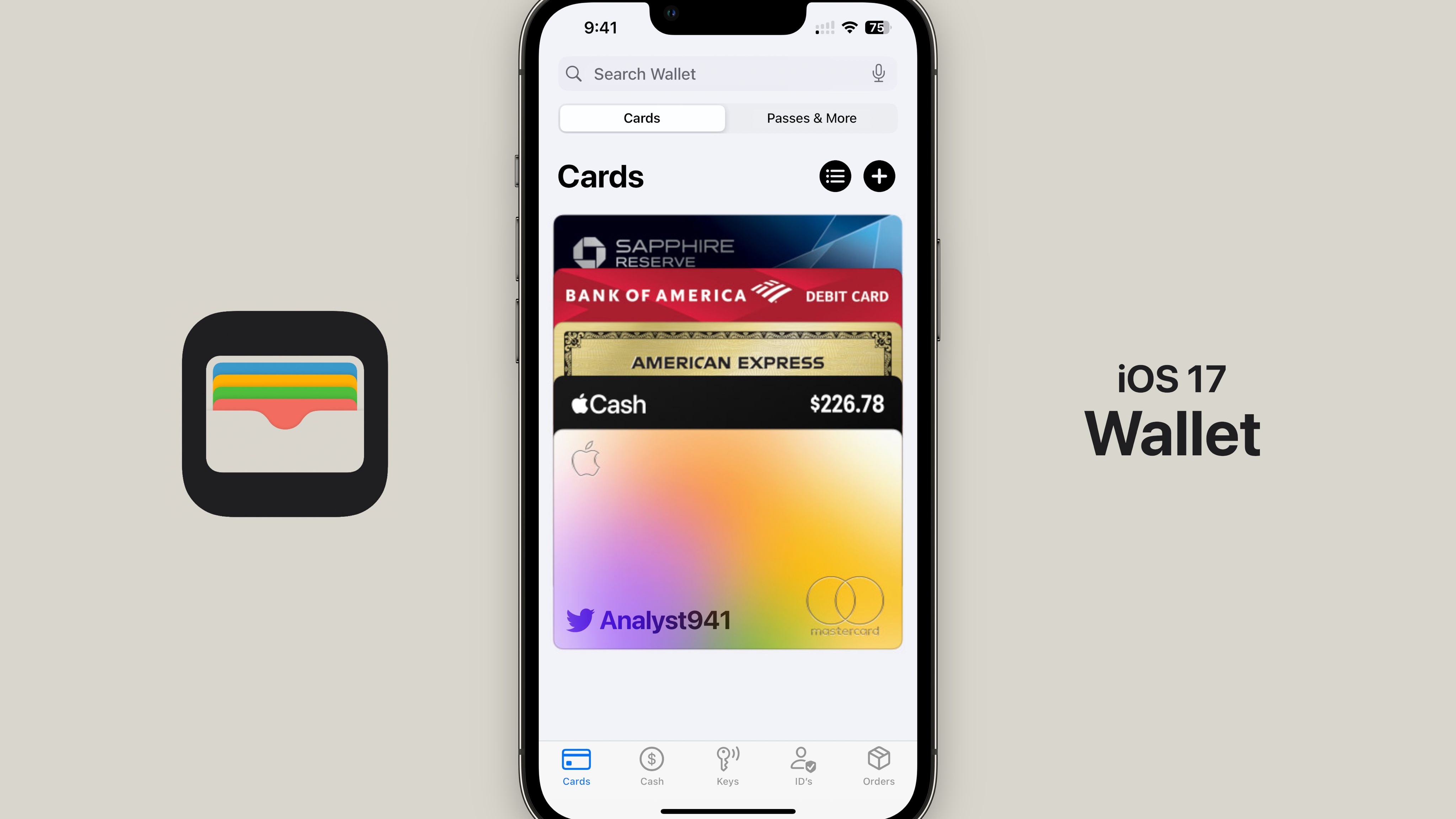
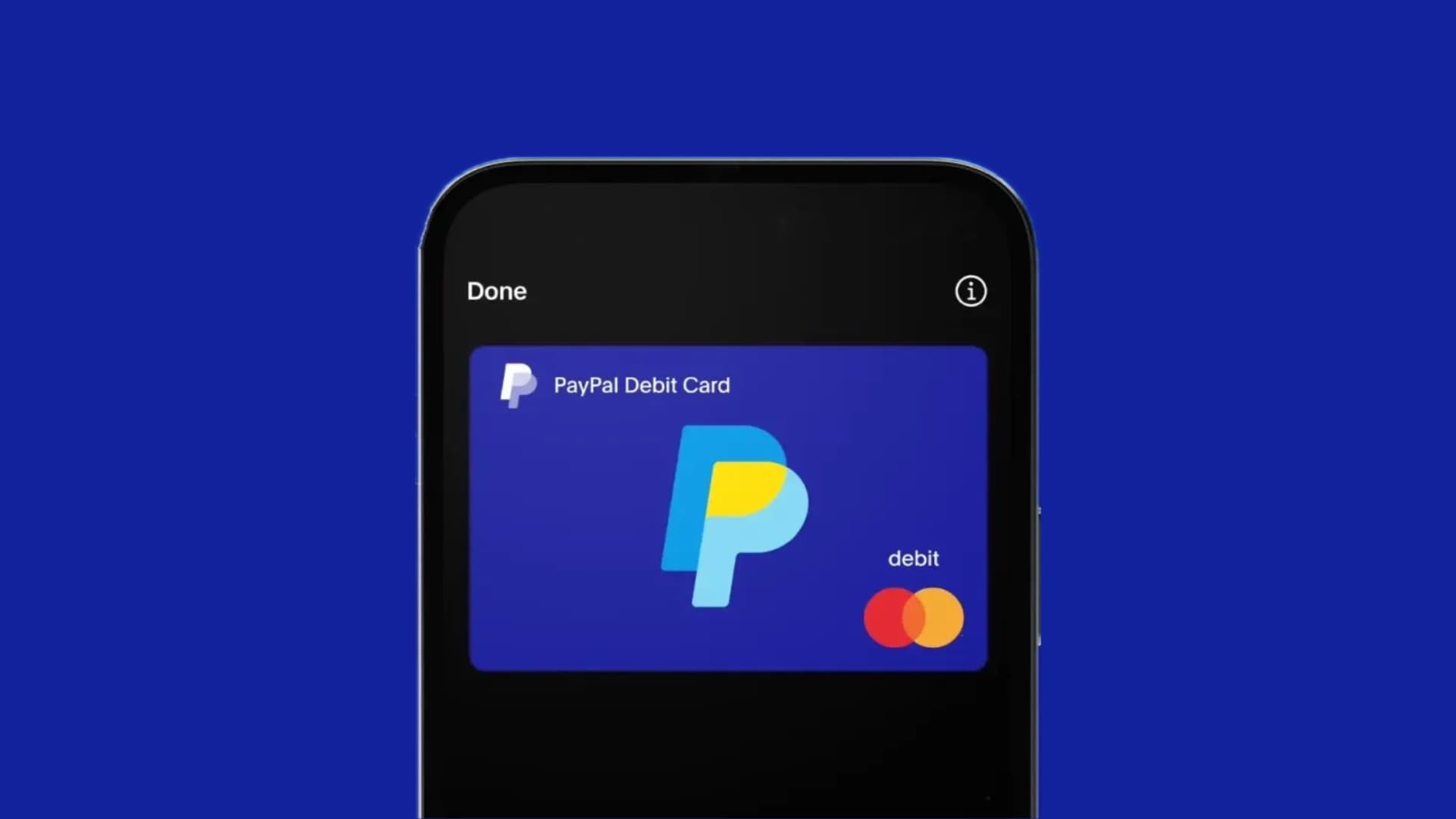
As of 2026, it is not possible to directly add a PayPal Credit account to Apple Wallet for use as a contactless payment method. While users can add a PayPal Debit Card or certain PayPal-issued virtual cards to Apple Wallet, PayPal Credit is a digital line of credit specifically designed for online checkouts and select merchant integrations, and it lacks the necessary payment network infrastructure—such as a 16-digit card number compatible with Visa or Mastercard payment terminals—required for Apple Pay integration.
Understanding the Distinction: PayPal Credit vs. PayPal Payment Cards
To navigate the limitations of integrating your financial tools with Apple Wallet, it is essential to distinguish between the various financial products PayPal offers. PayPal maintains several distinct services, each with different technical requirements and compatibility standards.
PayPal Credit is a digital-only line of credit. When you use PayPal Credit at checkout, you are effectively entering into a revolving credit agreement with PayPal’s lending partner. Because this service is intended for e-commerce transactions, it does not issue a physical or digital card that interfaces with the NFC (Near Field Communication) technology used by Apple Wallet for point-of-sale transactions.
Conversely, the PayPal Debit Mastercard and the PayPal Cashback Mastercard are traditional payment cards. These products carry standard card network credentials (a primary account number, expiration date, and CVV), which are fully compatible with the Apple Wallet tokenization process. When you add one of these cards to Apple Wallet, you are adding a tangible financial instrument that the Apple Pay infrastructure recognizes as a standard credit or debit card.
Why PayPal Credit Cannot Be Added to Apple Wallet
The primary reason for the inability to link PayPal Credit to Apple Wallet lies in the difference between "Open-Loop" and "Closed-Loop" payment systems.
Apple Wallet operates on an open-loop system, meaning it requires cards issued by major networks like Visa, Mastercard, American Express, or Discover. These cards must support tokenization—a security process where your actual card number is replaced with a digital "token" during a transaction. PayPal Credit functions as a closed-loop credit product. It is designed to be accepted only where PayPal is integrated as a payment gateway.
Because PayPal Credit does not utilize the standard card network rails, there is no "card number" to input into the Apple Wallet interface. Even if you were to attempt to manually enter details, the Apple Wallet validation process checks the BIN (Bank Identification Number) of the card against established credit card networks. Since PayPal Credit accounts do not fall into these established networks, the wallet application will return an error stating that the card is not supported.
Verified Alternatives for Mobile Payments with PayPal
If your goal is to use your PayPal balance or credit-backed funds through your iPhone, you must use products that explicitly support Apple Pay. Below is a breakdown of how you can utilize your PayPal ecosystem within Apple Wallet:
1. PayPal Debit Mastercard
If you hold a PayPal Debit Mastercard, you can add this to your Apple Wallet just like any other bank debit card. Once added, you can use your phone to tap-to-pay at any merchant that accepts Apple Pay. Funds are drawn directly from your PayPal balance.
2. PayPal Cashback Mastercard
This credit card is issued by Synchrony Bank in partnership with PayPal. Because it operates on the Mastercard network, it is fully compatible with Apple Wallet. This is the most effective way to utilize PayPal’s credit services via Apple Pay.
3. Using PayPal via Apple Pay Online
While you cannot use PayPal Credit in a brick-and-mortar store via Apple Wallet, many merchants now offer "PayPal" as a payment option within their own checkout flows. In some cases, if you have your PayPal account linked to your device’s browser settings, you can trigger a PayPal checkout session even when the site supports Apple Pay, though these remain two distinct checkout paths.
Comparison of PayPal Financial Products
| Product Name | Compatible with Apple Wallet? | Primary Use Case |
|---|---|---|
| PayPal Credit | No | Online shopping, deferred payments |
| PayPal Debit Mastercard | Yes | In-store tap-to-pay, ATM withdrawals |
| PayPal Cashback Mastercard | Yes | In-store tap-to-pay, credit card rewards |
| PayPal Balance/Account | Indirectly (via Debit Card) | Peer-to-peer, online transfers |
Prerequisites for Adding Eligible PayPal Cards
If you have acquired a PayPal-issued Mastercard and wish to add it to your Apple Wallet, ensure you have met the following requirements as of 2026:
- Device Compatibility: Your iPhone must be running a current version of iOS that supports Apple Wallet. Ensure your device hardware supports NFC (iPhone 6 and later).
- Account Verification: Your PayPal account must be in good standing, and you must have completed any required identity verification steps (KYC) associated with the specific card product.
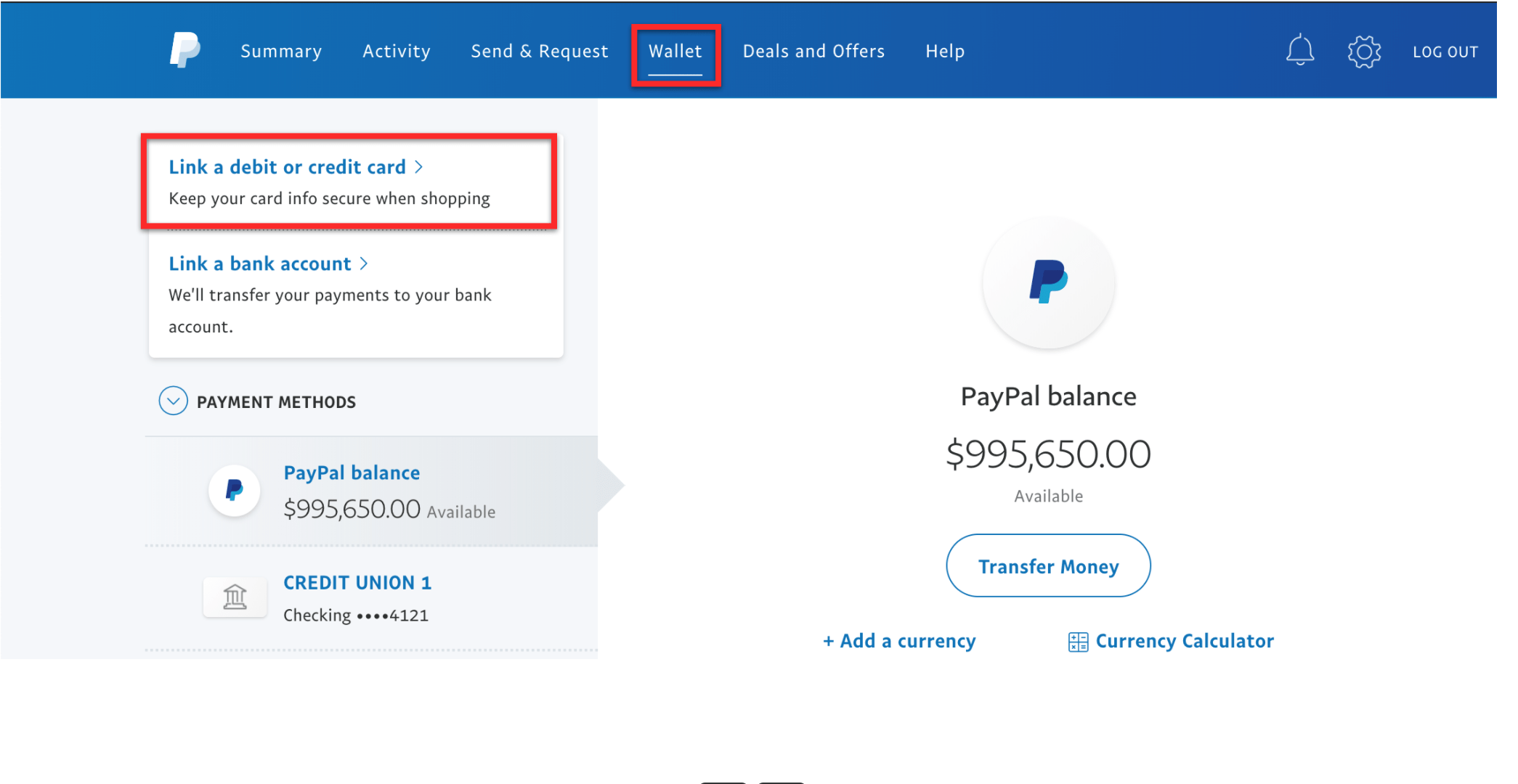
- App Integration: The most seamless way to add a PayPal card to your wallet is via the PayPal app itself. By navigating to the "Wallet" section of the PayPal app, you will see an "Add to Apple Wallet" button. This triggers a secure handshake between the PayPal app and the Apple Wallet app, which is more reliable than manual entry.
- Regional Availability: Note that the ability to link PayPal-issued cards to Apple Wallet may vary by country or territory. Ensure your account is registered in a region where both PayPal’s card products and Apple Pay services are fully supported.
Troubleshooting Common Setup Issues
If you are attempting to add a PayPal Debit or Credit card and are encountering errors, consider the following troubleshooting steps:
- Verify Card Status: If your card is locked within the PayPal app, Apple Wallet will be unable to verify it. Ensure the card is toggled to "Active."
- Connection Issues: Sometimes the secure tokenization process is blocked by restricted network settings or VPNs. Try disabling your VPN temporarily while performing the setup.
- App Updates: Ensure both the PayPal app and your iOS are updated to the latest versions released in 2026. Outdated security protocols often prevent the successful addition of financial cards.
- Verification Methods: If you are prompted for a verification code, ensure you have access to the mobile number or email address associated with your PayPal account. If you cannot receive the OTP (One-Time Password), you will be unable to complete the provisioning process.
Frequently Asked Questions
Can I use PayPal Credit through a third-party app to pay in stores?
No. PayPal Credit is strictly a credit line for online transactions. There are no legitimate third-party applications that can "bridge" PayPal Credit to NFC terminals, as this would violate the security protocols established by payment networks and the Terms of Service of both PayPal and Apple.
Is it possible to pay with PayPal Credit using QR codes?
In some specific retail locations, merchants may accept PayPal via QR code scanning. This is not the same as Apple Pay/Apple Wallet. If a merchant displays a PayPal QR code, you can use the PayPal app to scan it and charge your PayPal Credit account directly. This is a merchant-specific integration, not an Apple Wallet feature.
Will PayPal Credit ever be compatible with Apple Wallet?
As of 2026, there have been no official announcements from PayPal or Apple regarding a shift in the status of PayPal Credit to a network-based card system. Given the fundamental design differences—where PayPal Credit serves as a financing tool rather than a payment instrument—compatibility is unlikely in the immediate future.
Are there fees associated with using my PayPal Debit card in Apple Wallet?
Using a PayPal Debit Mastercard via Apple Wallet is generally free of transaction fees for standard purchases. However, ensure you review your specific cardholder agreement for any potential foreign transaction fees or merchant-surcharge policies that may apply to any debit card.
What should I do if I see an "Invalid Card" message when adding a PayPal card?
This message usually indicates that the card you are attempting to add does not support the NFC/tokenization network required by Apple Pay. Re-check the card credentials to ensure you are not accidentally trying to add a non-network card, such as a store-specific gift card or a PayPal Credit digital line.
Final Recommendation: Selecting the Right Tool
If you rely on your PayPal Credit line for your personal budgeting and spending, continue using it for online purchases via the PayPal checkout portal. For your in-person, physical retail needs, consider applying for the PayPal Cashback Mastercard. By shifting your physical point-of-sale spending to a card that is compatible with Apple Wallet, you can consolidate your financial activity within the Apple Pay ecosystem while still managing your funds through the familiar PayPal dashboard. Always ensure that your security settings—such as Two-Factor Authentication (2FA)—are enabled on both your Apple ID and your PayPal account to protect your financial assets against unauthorized access.