Navigating Autodesk Dynamo for Civil 3D requires balancing robust computational design capabilities with the complex, multi-user realities of civil engineering infrastructure workflows. The single most critical consideration when adopting and implementing Dynamo for Civil 3D is establishing a structured approach to data management and geometric integrity, ensuring that automated scripts enhance rather than compromise project accuracy.
The integration of visual programming into civil engineering represents a significant paradigm shift. Traditionally, civil engineers rely on manual, iterative drawing and modeling techniques within interface-heavy software environments. Dynamo introduces a node-based interface that empowers designers to automate repetitive tasks, generate complex geometries, and analyze design alternatives through custom logic. However, because computational scripts can execute changes across massive project datasets instantaneously, understanding the foundational principles, software constraints, and operational workflows is vital for long-term project success.
Understanding the Role of Computational Design in Civil Engineering
Computational design bridges the gap between traditional computer-aided drafting (CAD) and advanced software engineering. In the context of civil infrastructure—ranging from highway design and grading to urban drainage systems—projects demand meticulous precision and adherence to strict engineering standards. Dynamo for Civil 3D acts as an extension engine that reads, writes, and manipulates drawing objects and civil data through the Application Programming Interface (API).
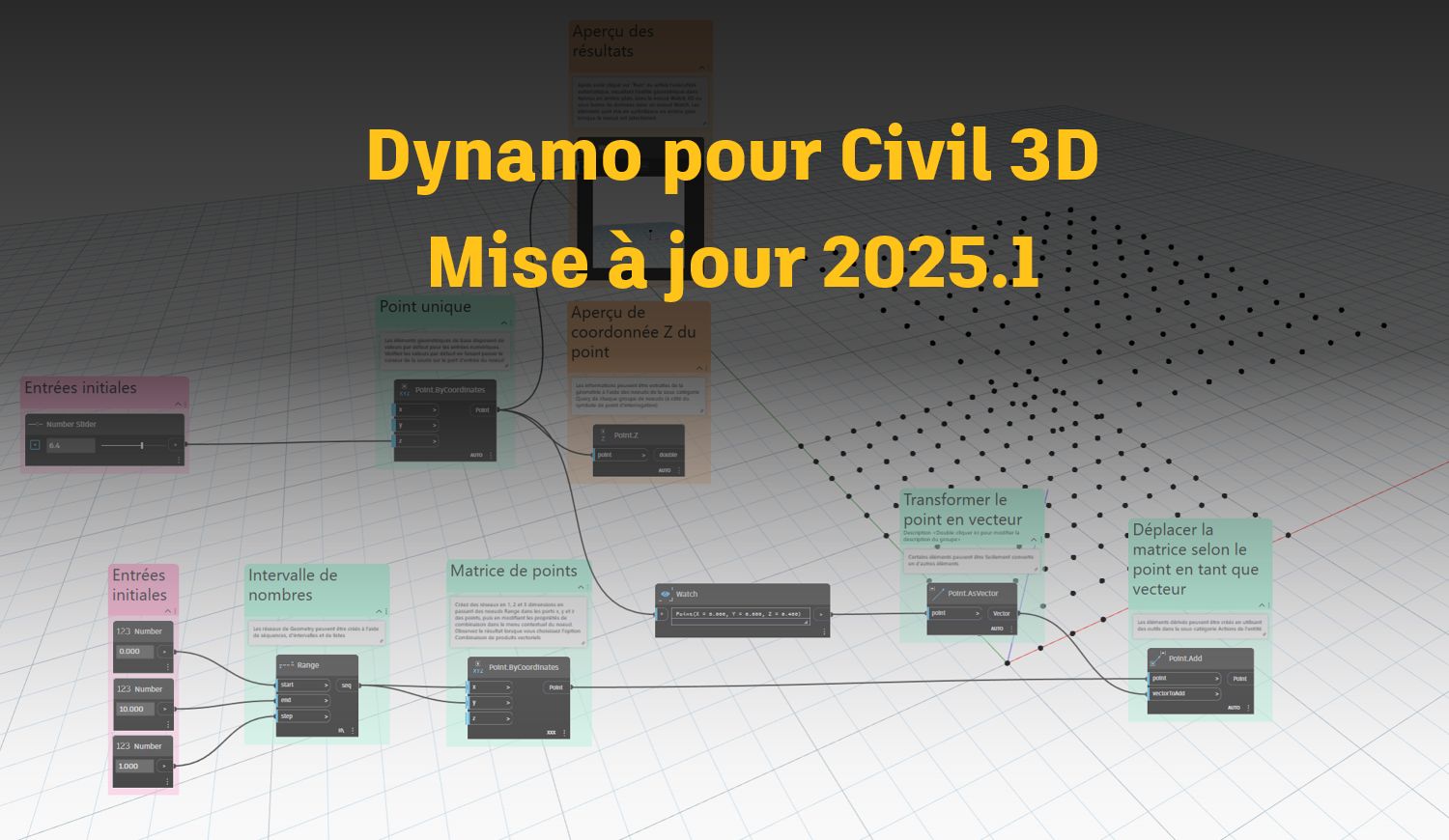
Rather than writing traditional text-based code in C# or Python, users connect graphical nodes that represent functions, inputs, and outputs. This visual logic makes programming accessible to engineers and designers who may not have a formal background in software development. Nevertheless, accessibility does not eliminate complexity. A script that automates the placement of hundreds of signposts or optimizes earthmoving quantities relies on precise underlying data structures. When those structures shift due to software updates or changes in drawing parameters, the script's behavior must be anticipated and managed.
Furthermore, computational design shifts the designer's role from a manual draftsman to a logic architect. Instead of drawing every individual element by hand, the engineer defines the rules governing how elements interact. This shift demands a rigorous mindset focused on error handling, data types, and geometry validation. Recognizing this operational change is the first step toward successful automation integration.
Core Technical Requirements and Environment Setup
Before deploying Dynamo scripts on live production projects, teams must evaluate their technical environment. Dynamo is integrated directly into Autodesk Civil 3D, but its performance and reliability depend heavily on hardware specifications and software version consistency.
Software Version Synchronization
Dynamo for Civil 3D is tightly coupled with the host software release cycle. Scripts developed in one version of Civil 3D may require refactoring or updating when transitioning to a newer release due to API modifications, package deprecations, or namespace adjustments. Organizations must establish a standardized software environment across all project contributors to prevent script failure or file corruption.
Package Management and Dependencies
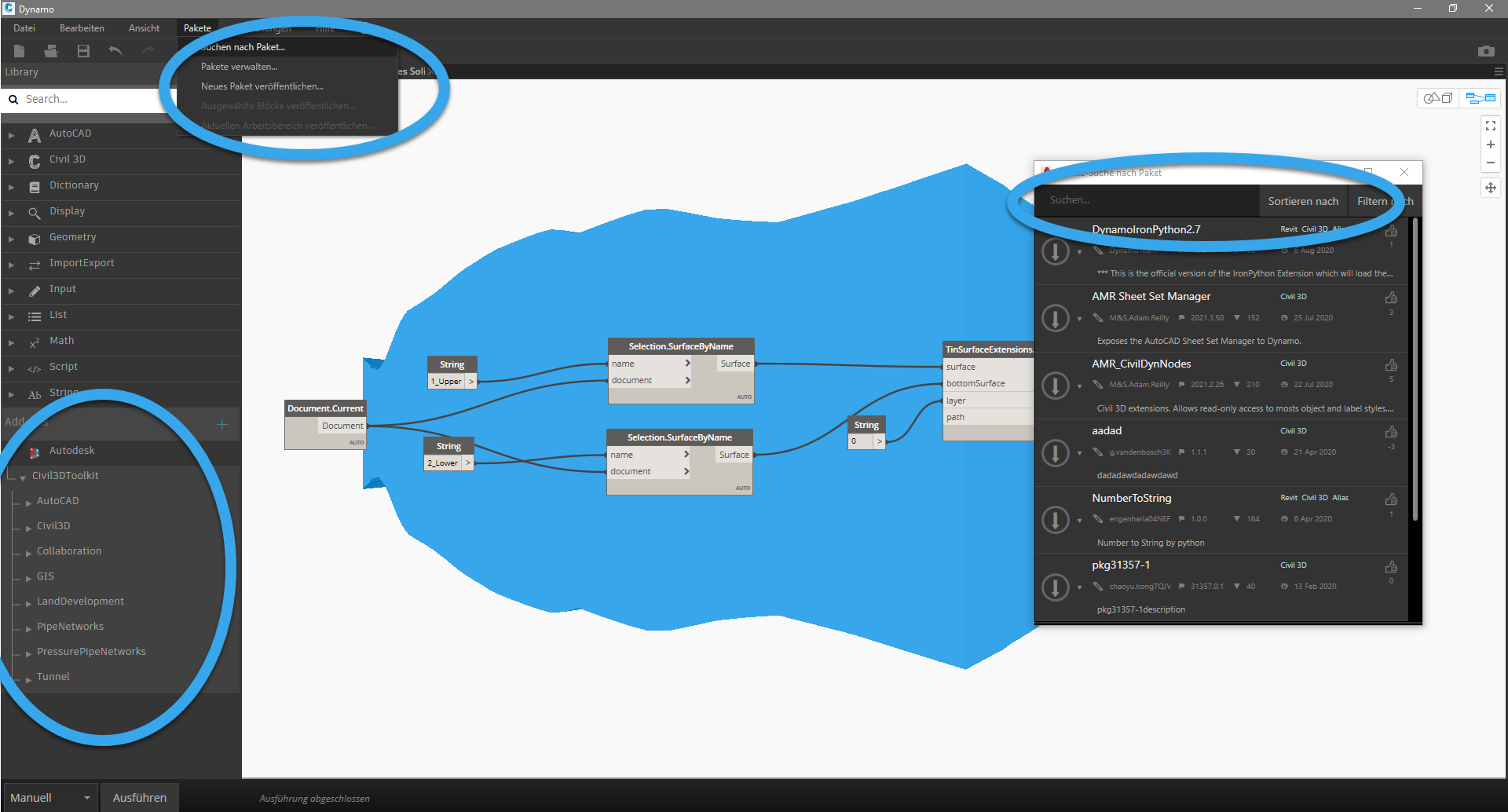
A major strength of the Dynamo ecosystem is its open-source community, which contributes specialized packages through the Dynamo Package Manager. These packages contain custom nodes created by external developers or corporate entities. While these tools extend functionality—offering advanced geometric operations or specialized civil calculations—they introduce external dependencies.
- Version Control: Ensure all team members download the exact same package version to avoid script execution errors.
- Security and Stability: Vet external packages for stability, especially when working on mission-critical public infrastructure projects.
- Custom Nodes: Encourage internal teams to develop and maintain proprietary packages for recurring corporate workflows.
Data Integrity and Geometry Management
The core risk of automated design workflows lies in unchecked error propagation. In a standard manual workflow, an engineer typically catches geometric anomalies or invalid data entries visually during the drafting process. Dynamo, by contrast, can process thousands of objects in seconds, multiplying a minor input error across an entire corridor, surface, or pipe network.
Civil 3D objects—such as alignments, profiles, surfaces, and corridors—contain rich underlying database information. When a Dynamo script interacts with these objects, it must respect civil engineering constraints. For example, generating a centerline alignment without proper transition curves or exceeding maximum superelevation rates can lead to non-compliant designs that violate regulatory standards.
| Aspect | Manual Workflow | Dynamo-Automated Workflow | Risk Factor |
|---|---|---|---|
| Execution Speed | Slow, iterative, and deliberate. | Instantaneous, batch-processing capability. | High potential for rapid error propagation. |
| Error Detection | Visual and immediate during drafting. | Post-execution analysis required. | Hidden logic flaws may corrupt downstream data. |
| Standardization | Dependent on individual drafter habits. | Enforced by predefined algorithmic rules. | Rigid scripts may fail on edge-case geometries. |
| Collaboration | Standard file-locking and references. | Requires strict script sharing protocols. | Version mismatches can break project coordination. |
To mitigate these risks, scripts should incorporate validation routines. These checks verify that input data falls within acceptable engineering parameters before executing geometry creation or modification steps.
Workflow Integration and Team Collaboration
Integrating computational design into an existing engineering firm requires careful change management. Disconnected scripts stored on individual desktop drives create silos and lead to version confusion. Successful implementation mandates a centralized repository for vetted Dynamo scripts accompanied by clear documentation.
Training is another critical component. Every team member interacting with a project that utilizes Dynamo does not need to be an expert programmer, but they must understand how to run scripts safely, interpret warning messages, and recognize when automated outputs require manual refinement. Establishing a tiered support structure—where designated computational design specialists build and maintain scripts while general users execute them—promotes efficiency and safety.
Frequently Asked Questions
What is the primary purpose of Dynamo for Civil 3D?
Dynamo for Civil 3D is a visual programming environment that allows engineers to automate repetitive tasks, manipulate civil data through the API, and generate complex parametric geometries and infrastructure designs efficiently.
Do I need to know how to code to use Dynamo?
No prior software development experience is required to start using Dynamo, as its node-based interface replaces text-based coding with visual connections. However, understanding basic programming logic, data types, and geometry mathematics is essential for advanced script development.
How do software updates affect Dynamo scripts?
Because Dynamo relies on the underlying Civil 3D API, major software updates can introduce changes or deprecate certain nodes. Scripts should be thoroughly tested in a sandbox environment before being deployed on active production projects following a software upgrade.
Can Dynamo scripts be shared across different project teams?
Yes, scripts can be exported and shared easily. However, teams must ensure that all users have the same Civil 3D version, Dynamo build, and required external packages installed to prevent execution errors.
How can I prevent errors when automating Civil 3D objects?
You can prevent errors by incorporating data validation nodes within your scripts, testing scripts on non-production backup files, and maintaining clear documentation of the logic and parameter requirements for every automated workflow.
Conclusion and Next Actions
Adopting Dynamo for Civil 3D offers transformative efficiency gains, but it demands a disciplined approach focused on robust data management, controlled package dependencies, and rigorous geometry verification. Begin your computational design journey by auditing your firm's current repetitive tasks to identify high-value automation targets. Build and test scripts in isolated sandbox environments, document your procedures clearly, and establish a centralized repository to support collaborative, error-free engineering workflows.