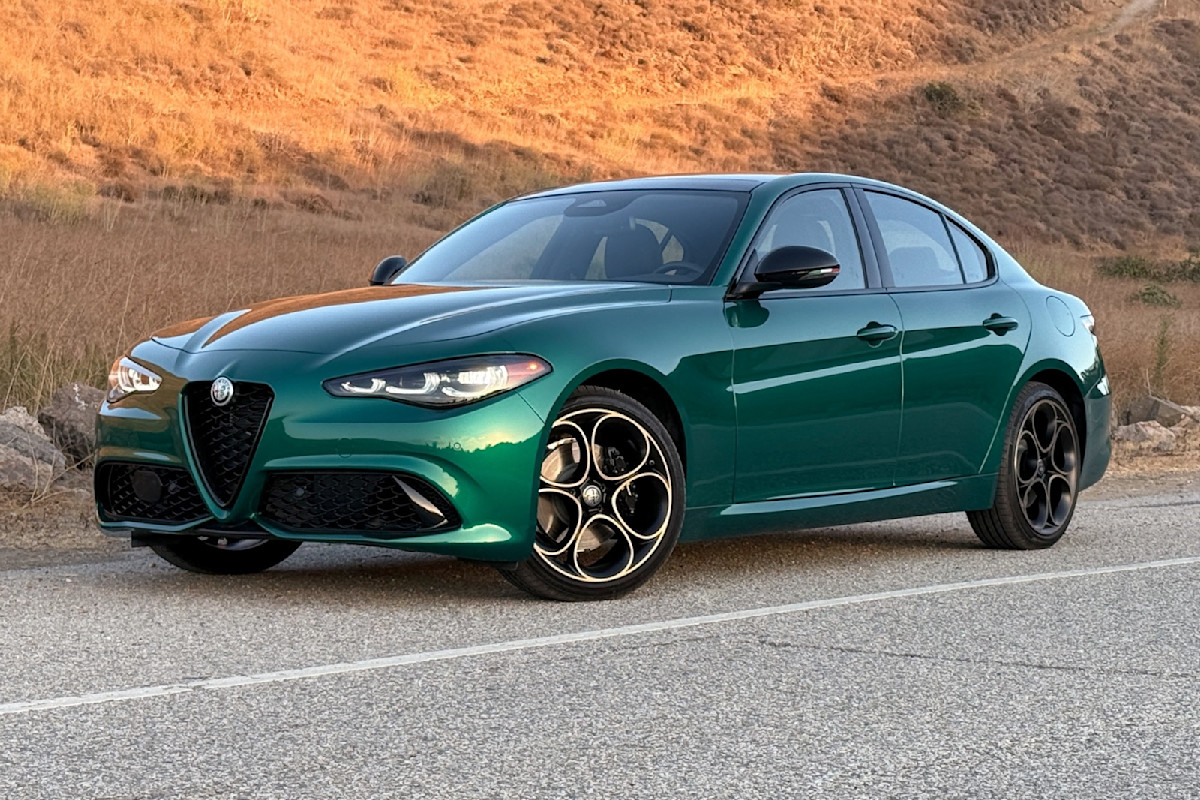
To reset the oil service indicator on an Alfa Romeo Giulia, you must perform two distinct steps: resetting the Service Interval via the vehicle’s infotainment settings or steering wheel controls, and resetting the Oil Degradation Index using an OBDII diagnostic tool and software like Multiecuscan or AlfaOBD.
The Alfa Romeo Giulia is a masterpiece of Italian engineering, but its maintenance electronics can be notoriously protective. Unlike many vehicles that allow a simple sequence of pedal presses or menu selections to clear a "Change Engine Oil" warning, the Giulia utilizes a sophisticated dual-monitoring system. This system tracks both the chronological distance until the next scheduled service and the physical degradation of the oil itself based on driving conditions. As we move through 2026, understanding how to navigate these digital gatekeepers is essential for any owner or independent mechanic performing a DIY oil change.
Understanding the Giulia’s Dual Maintenance System
Before attempting a reset, it is vital to distinguish between the two separate alerts the Giulia provides. Many owners find themselves frustrated when a "Service Expired" message disappears, only for a "Change Engine Oil" light to illuminate a few hundred miles later.
1. The Service Interval Reminder
The Service Interval is a distance-based and time-based countdown (typically 10,000 miles or 12 months in the US market, or variable intervals in Europe). This reminder is what triggers the "Service Coupon" or "Service Expired" messages. It is primarily a scheduling tool to ensure the car receives its routine inspections, filters, and spark plugs.
2. The Oil Degradation Index
The Oil Degradation Index is a separate calculation performed by the Engine Control Unit (ECU). It does not just look at mileage; it monitors cold starts, engine temperatures, idling time, and throttle position to estimate when the oil's additives have depleted. This is a safety feature designed to protect the MultiAir system and the turbocharger. Crucially, resetting the Service Interval does NOT reset the Oil Degradation Index. If you change the oil but fail to reset the ECU's degradation counter, the car may eventually enter a "limp mode" or produce frequent warnings to protect the engine from what it perceives as sludge-filled lubricant.
Prerequisites for a Successful Oil Reset
For most Giulia models, especially those manufactured from 2018 onwards, a simple "button dance" is insufficient. You will need specific hardware and software to communicate with the car’s internal computers.
The Security Gateway (SGW) Module
In February 2018, Fiat Chrysler Automobiles (FCA), now part of Stellantis, implemented a Security Gateway Module. This module acts as a firewall, preventing unauthorized OBDII commands from writing data to the car. While you can read codes with a basic scanner, you cannot clear them or reset service lights without bypassing this gateway.
To perform a reset on a 2018+ Giulia, you must purchase an SGW Bypass Block. This small device is installed behind the dashboard (typically near the steering column or behind the infotainment screen, depending on the production month) to bridge the connection and allow write-access to the ECU.
Recommended Diagnostic Tools
To perform a "dealership-level" reset in 2026, the following tools are the industry standards for Alfa Romeo enthusiasts:
- Multiecuscan (MES): The most popular Windows-based software for Italian vehicles. It requires a licensed version to perform resets.
- AlfaOBD: A powerful alternative available for both PC and Android devices.
- OBDII Interface: A high-quality interface such as the OBDLink MX+ or an ELM327-based cable with the appropriate "Blue" and "Gray" adapter leads for specific CAN-bus access.
Step-by-Step Guide: Resetting the Oil Life (Software Method)
This is the only guaranteed method to ensure both the dashboard reminder and the internal ECU counters are synchronized.
Step 1: Install the SGW Bypass (2018+ Models)
- Ensure the ignition is completely OFF.
- Locate the SGW module. On most left-hand-drive Giulias, this is found by removing the panel above the driver's footwell.
- Unplug the two connectors from the factory SGW module.
- Plug those connectors into your SGW Bypass Block.
- You now have "write access" to the vehicle’s systems.
Step 2: Connection and Software Setup
- Plug your OBDII interface into the car’s port (located under the dash, left of the steering column).
- Connect the interface to your laptop or smartphone.
- Turn the Giulia’s ignition to the ON/RUN position, but do not start the engine.
- Launch your chosen software (e.g., Multiecuscan).
Step 3: Resetting the Service Interval
- Select your specific model (Alfa Romeo Giulia 2.0 or 2.9 V6).
- Connect to the Service module (often listed under "Service Interval Reset").
- Go to the "Adjustments" or "Procedures" tab.
- Select "Service Reset" and execute the command. This clears the "Service Expired" message on the dashboard.
Step 4: Resetting the Oil Degradation Index
- Disconnect from the Service module and connect to the Engine module (ECU).
- Go to the "Adjustments" or "Procedures" tab.
- Look for the command labeled "Oil Change" or "Reset Oil Degradation Index."
- Execute the command. The software will usually confirm "Completed" or "Successful."
- Cycle the ignition off, wait 30 seconds, and turn it back on to verify the messages have cleared.
| Component to Reset | Location in Software | Function |
|---|---|---|
| Service Coupon | Instrument Cluster/Service Module | Clears the mileage-based countdown for general maintenance. |
| Oil Degradation | Engine Control Unit (ECU) | Resets the oil quality sensor logic based on the new oil. |
| Next Service | Infotainment Menu | Purely visual; usually updates automatically after a Service Reset. |
The "Manual" Gas Pedal Method: Fact vs. Fiction
There is a long-standing "manual" reset procedure floating around automotive forums involving the accelerator pedal. While this method worked on older FCA vehicles and some early 2017 Giulias, its efficacy in 2026 is limited.
The Procedure:
- Sit in the driver's seat and close all doors.
- Turn the ignition to the ON position (Engine OFF).
- Within 10 seconds, fully depress and release the gas pedal 3 to 6 times.
- Turn the ignition OFF.
The Reality: On most Giulia models, this might clear the immediate "Change Engine Oil" pop-up for one or two ignition cycles, but it rarely resets the internal degradation counter. If you rely solely on this method, the warning light will likely return within a few days because the ECU still believes the oil is degraded. For a permanent solution, the software method described above is required.
Essential Oil Specifications for the Giulia
Resetting the light is only half the battle; using the correct oil is paramount to prevent the light from returning prematurely. The Giulia’s 2.0L turbocharged engine and the 2.9L V6 Quadrifoglio engine are highly sensitive to oil viscosity and composition.
- Standard 2.0L Engine: Usually requires 0W-30 synthetic oil meeting the Fiat 9.55535-GS1 or MS-13340 specification.
- 2.9L Quadrifoglio Engine: Requires 5W-40 synthetic oil meeting the Fiat 9.55535-GH2 specification.
Using oil that does not meet these specific Italian standards can lead to premature wear of the MultiAir actuator—a component that relies on oil pressure to time the intake valves. If the MultiAir system detects incorrect oil pressure or viscosity, it can trigger an engine light that no amount of resetting will fix.
Troubleshooting Common Reset Issues
Even with the right tools, you may encounter obstacles during the reset process.
Software Connection Failures
If Multiecuscan or AlfaOBD fails to connect, verify your interface settings. Ensure the "COM Port" matches the one assigned by your computer. If you are using a 2018+ model and cannot "Write" to the car, your SGW Bypass might be loose or faulty.
"Procedure Failed" Errors
If the software connects but the reset fails, check the following:
- Battery Voltage: The Giulia is extremely sensitive to low voltage. If the battery is below 12.4V, the ECU may reject programming commands. Connect a battery tender if necessary.
- Hood/Doors: Ensure the hood is closed and all doors are shut. Some ECU routines are inhibited if the car perceives it is being worked on.
- Engine Running: Most resets require the engine to be OFF. If the engine is idling, the write command will be blocked for safety.
The Light Returns Instantly
If the "Change Engine Oil" light returns immediately after a successful software reset, there may be a physical fault. The Giulia calculates degradation partly based on the Oil Temperature Sensor. If this sensor is sending erratic data, the ECU will assume the oil is overheating and degrading instantly.
Why Professional Resetting Matters
While DIY maintenance is rewarding, the Giulia’s complexity is a reminder of why specialized service exists. By 2026, many independent shops have invested in the necessary SGW bypass tools and software licenses to handle these cars. If you are uncomfortable accessing the dashboard electronics to install a bypass block, seeking a specialist is a wise move. A proper reset ensures that the vehicle’s warranty remains intact and that the sophisticated engine protection algorithms can do their job, potentially saving you thousands in turbocharger or valvetrain repairs.
FAQ
Can I reset the oil light using a standard OBDII scanner from an auto parts store? Generally, no. Standard scanners (like those used for Check Engine Lights) can read generic P-codes but lack the specific proprietary protocols required to talk to the Alfa Romeo Service and Engine modules. You need a tool that supports "Fiat/Alfa/Lancia" specific diagnostics.
Is it safe to leave the SGW Bypass installed permanently? Yes, many owners leave the bypass block installed to make future maintenance and diagnostic logging easier. However, be aware that it technically leaves your OBDII port "unprotected" from unauthorized writes, though the physical risk in a non-remote setting is minimal.
Does the 2024-2026 Giulia require different tools? The architecture remains largely the same as the post-2018 facelift. You still require an SGW bypass and compatible software. Some newer versions of Multiecuscan are updated specifically to handle the "Cyberspace" security updates found in the latest Stellantis production runs.
What happens if I don't reset the oil degradation index? Initially, you will just have an annoying light. However, as the calculated "Degradation" reaches 0%, the car may limit maximum RPM or boost pressure to prevent engine damage. In extreme cases, it can prevent the car from passing emissions testing or lead to a "Limp Home" mode.
Does the Giulia have a physical oil dipstick? No. The Giulia uses an electronic oil level sensor displayed on the infotainment screen. When performing an oil change, you must rely on this sensor (and the documented capacity of 5.5 quarts for the 2.0L) to verify the fill level. The electronic level also requires a specific drive cycle to update after a change.
Final Recommendations
To maintain your Alfa Romeo Giulia’s performance and longevity, always pair a physical oil and filter change with a digital reset of both the Service Interval and the Oil Degradation Index. For owners of 2018 and newer models, investing in an SGW Bypass and Multiecuscan is the most cost-effective way to manage maintenance at home. Always verify that your oil meets the specific Fiat/Alfa Romeo specifications to ensure the MultiAir system functions correctly between intervals.