Finding reliable 5G home internet or mobile broadband in your area requires evaluating local cellular coverage maps, understanding carrier-specific equipment, and comparing available plans against traditional broadband alternatives. Major wireless providers now leverage mid-band and high-band spectrum to deliver multi-gigabit speeds directly to residential and business locations without the need for traditional cable or fiber lines.
Understanding 5G Internet Technology
Fifth-generation wireless technology represents a massive leap forward from older 4rogens of cellular networks, delivering higher data rates, significantly lower latency, and massively increased network capacity. When searching for 5G internet near me, you are looking to tap into a cellular network that uses three primary frequency tiers to deliver connectivity:
- Low-Band Spectrum: Operates below 1 GHz. It offers broad geographic coverage and penetrates deep inside buildings easily, but speeds are relatively low (often comparable to older 4G LTE connections).
- Mid-Band Spectrum: Typically operating between 2.5 GHz and 3.7 GHz (such as C-band), this tier provides the ideal balance of speed and coverage. It forms the backbone of most modern residential 5G home internet services, capable of delivering hundreds of megabits per second over substantial distances.
- High-Band Spectrum (Millimeter Wave / mmWave): Operates above 24 GHz. This tier delivers ultra-fast speeds (often exceeding 1 Gbps) with virtually zero latency. However, its range is extremely limited—typically a few thousand feet from the cell tower—and signals can be blocked by walls, glass, trees, and even heavy rain.
Unlike traditional cable or fiber-optic connections that rely on physical wires buried underground or strung along utility poles, 5G home internet transmits data over the airwaves from a nearby cell tower directly to a specialized gateway router placed inside your home.
Major 5G Internet Providers and Service Models
The availability of 5G home internet depends entirely on your specific geographic coordinates, proximity to upgraded cell towers, and local network congestion. Several major telecommunications companies offer dedicated home internet services utilizing their cellular infrastructure.
T-Mobile Home Internet
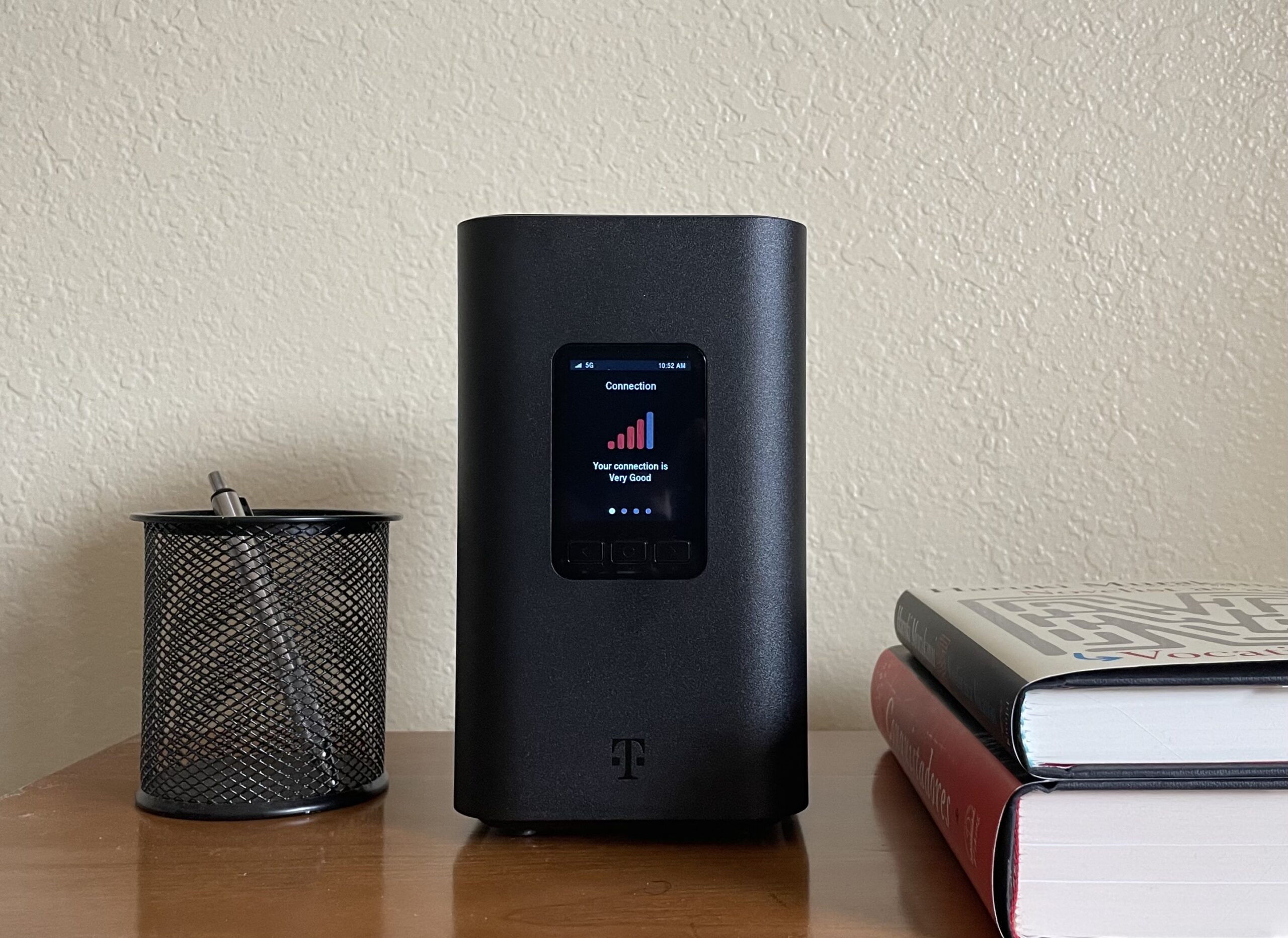
T-Mobile has aggressively expanded its fixed wireless access (FWA) service nationwide, utilizing its extensive mid-band (Ultra Capacity 5G) network.
- Pricing Structure: Typically offered at a flat monthly rate with no equipment fees or data caps.
- Equipment: Customers receive a cylindrical gateway device that combines a modem and a Wi-Fi router.
- Availability: Widely available in suburban and urban areas, though capacity limits apply to prevent network overcrowding in specific neighborhoods.
Verizon 5G Home Internet
Verizon offers home internet services using both its high-band Ultra Wideband (mmWave) network and its mid-band (C-band) network, supplemented by 4G LTE where necessary.
- Pricing Structure: Often features discounted pricing for customers who also bundle mobile phone plans.
- Equipment: Depending on whether your home receives mmWave or C-band signals, Verizon provides either an indoor gateway cube or an outdoor receiver unit installed by a technician.
- Availability: Concentrated heavily in major metropolitan areas, dense suburbs, and select rural pockets where C-band infrastructure has been deployed.
AT&T Internet Air
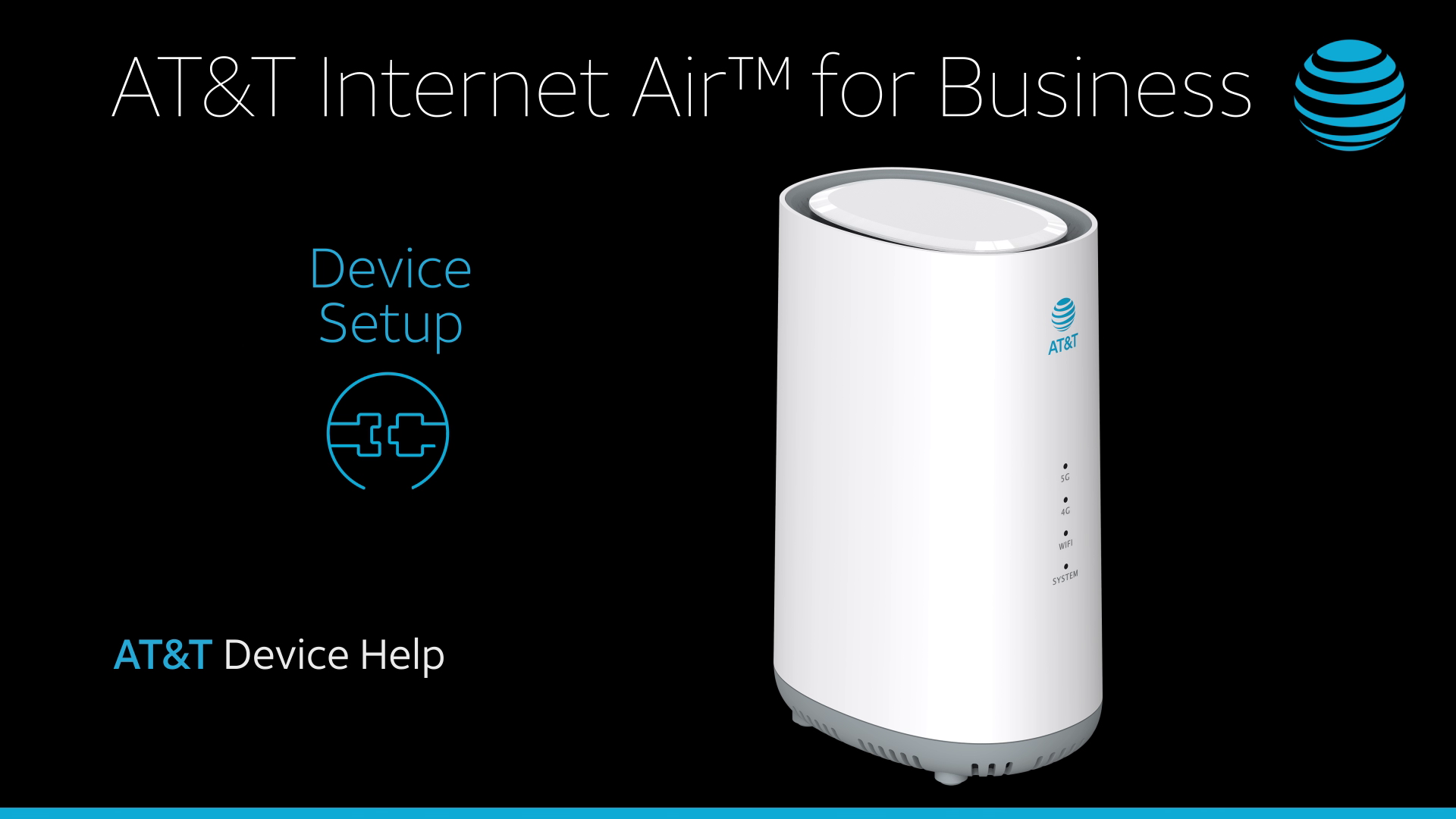
AT&T provides fixed wireless solutions primarily aimed at areas where traditional DSL or aging copper infrastructure is being phased out, as well as select 5G-covered markets.
- Pricing Structure: Standardized monthly pricing with built-in Wi-Fi gateway equipment included.
- Equipment: A self-install Smart Wi-Fi gateway designed to optimize signal reception automatically.
- Availability: Targeted rollouts that prioritize regions transitioning away from legacy networks.
5G Home Internet vs. Traditional Broadband
When evaluating whether to switch to 5G internet, it helps to compare its performance, cost, and reliability metrics against traditional cable and fiber options.
| Feature | 5G Home Internet | Cable Internet (Docsis 3.1) | Fiber-Optic Internet (FTTH) |
|---|---|---|---|
| Download Speeds | 35 Mbps to 1,000+ Mbps | 100 Mbps to 1,200 Mbps | 300 Mbps to 5,000+ Mbps (Symmetric) |
| Upload Speeds | 10 Mbps to 50 Mbps | 10 Mbps to 35 Mbps | 300 Mbps to 5,000+ Mbps (Symmetric) |
| Latency | 20ms – 50ms | 15ms – 30ms | 2ms – 10ms |
| Data Caps | Usually Unlimited | Varies (often 1.2 TB to Unlimited) | Almost Always Unlimited |
| Installation | Self-install (Plug-and-play) | Professional or Self-install | Professional installation required |
| Weather Impact | Can be affected by heavy foliage/storm | None | None |
How to Check Availability in Your Area
Because 5G signal propagation depends heavily on physical geography, local terrain, and distance from cell sites, checking availability requires more than just entering a zip code. Follow these steps to verify service at your exact address:
- Visit Carrier Coverage Maps: Go directly to the official websites of T-Mobile Home Internet, Verizon 5G Home, and AT&T. Enter your exact street address and apartment or unit number rather than just your zip code.
- Check Third-Party Broadband Locators: Use independent consumer tools or federal broadband databases to see which fixed wireless providers report coverage in your census block.
- Analyze Signal Strength Maps: Look at crowdsourced mobile coverage maps to determine which carrier has the strongest signal near your home.
- Evaluate Line of Sight: If you live in an area serviced by high-band mmWave 5G, note whether tall buildings, dense forests, or hills block the path between your home and the nearest tower.
Equipment, Setup, and Maximizing Signal Strength
Setting up 5G home internet is generally designed to be a straightforward, self-service process. However, minor adjustments can make a significant difference in your daily speeds and connection stability.
The Self-Installation Process
- Unbox the Gateway: Place the gateway unit in an open area, ideally near a window facing the direction of the nearest cell tower.
- Download the Companion App: Use the provider's mobile application (such as the T-Mobile Internet app or My Verizon app) to guide you through activation.
- Locate the Optimal Signal Spot: The app will guide you through signal-finding metrics, showing real-time metrics for signal strength (RSRP/SINR). Move the device to different windows until you find the optimal location.
- Connect Your Devices: Once the gateway indicates a strong connection, connect your computers, phones, and smart home devices to the newly established Wi-Fi network.
Troubleshooting Common Performance Issues
- Interference: Thick concrete walls, tinted window glass, and metal siding can severely degrade 5G signals. Moving the gateway to an unobstructed window facing outdoors often resolves slowdowns.
- Network Congestion: Because cellular networks are shared resources, speeds may dip during peak evening hours when local network traffic is highest.
- Thermal Throttling: Ensure the gateway device is not placed in direct sunlight on a windowsill, as overheating can cause the hardware to slow down or disconnect.
Frequently Asked Questions
Is 5G home internet fast enough for gaming and 4K streaming?
Yes, for the vast majority of households. Mid-band 5G home internet routinely delivers download speeds between 100 Mbps and 300 Mbps, which easily supports multiple concurrent 4K video streams, video conference calls, and large file downloads. While competitive online gamers generally prefer fiber-optic connections due to lower and more consistent latency, modern 5G latency (typically 25ms to 45ms) is sufficient for casual and standard multiplayer gaming.
Do I need a technician to install 5G home internet?
In most cases, no. 5G home internet is specifically designed for plug-and-play self-installation. Providers ship an all-in-one gateway device directly to your door, and you activate it using a smartphone app. Professional installation is only occasionally required for specific high-band (mmWave) setups that involve mounting an external receiver on your roof or exterior wall.
Are there data caps on 5G home internet plans?
Most major cellular providers offer 5G home internet with truly unlimited data and no overage fees. However, check the fine print of your specific service agreement, as some providers retain network management clauses allowing them to deprioritize your traffic during periods of extreme tower congestion if you exceed very high monthly data thresholds.
Why is 5G home internet available at my neighbor's house but not mine?
Cellular networks operate on strict capacity limits per sector and tower. If a specific cell tower sector reaches its maximum subscriber capacity, the provider will temporarily pause new sign-ups for that exact geographic footprint to maintain high performance for existing customers. Availability can open up later as carriers upgrade equipment or expand network capacity.
Can I move my 5G home internet gateway to a different location or travel with it?
No. Fixed wireless access services are tied to the specific service address you registered during sign-up. The gateway authenticates against specific local cell towers covering your home address. If you move the device to a different house, apartment, or vacation property, the service will typically not function or may violate your terms of service agreement.
Next Steps for Getting Connected
To get started with 5G internet, visit the official coverage lookup tools for T-Mobile, Verizon, and AT&T to run an address-specific availability check. Compare the quoted speeds, introductory pricing, and equipment fees against your current cable or fiber provider. If 5G service is available at your location, most providers offer a risk-free trial period (ranging from 14 to 30 days) allowing you to test real-world speeds inside your home before canceling your existing internet service.