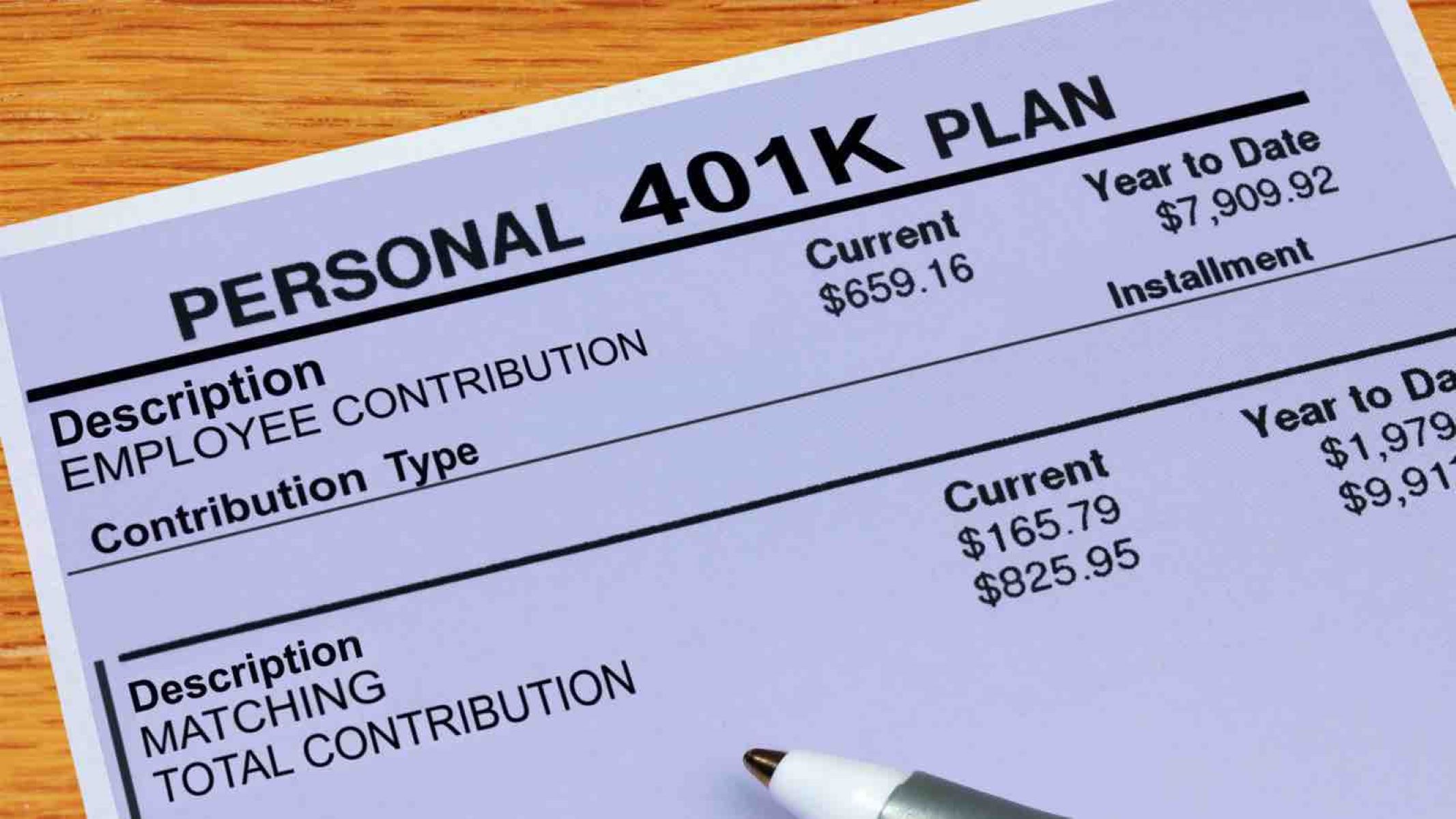
To adjust your 401k contribution, you must log in to your employer’s benefits portal or your 401k plan provider’s website (such as Fidelity, Vanguard, or Empower). Navigate to the "Contributions" or "Manage My Money" section, enter your new percentage or dollar amount, and save the changes. Most adjustments take one to two pay cycles to process and appear on your pay stub.
Adjusting your 401k contribution is one of the most impactful levers you can pull to influence your long-term financial security. Whether you have recently received a raise, reached a new age bracket, or are simply looking to optimize your tax strategy for 2026, understanding the technical and strategic nuances of changing your savings rate is essential.
Disclaimer: This article is provided for informational purposes only and does not constitute legal, tax, or financial advice. Retirement plan rules are subject to federal regulations and individual employer plan documents. Consult with a qualified financial advisor or tax professional before making significant changes to your retirement strategy.
Why You Should Periodically Adjust Your 401k Savings Rate
Most employees set their 401k contribution rate when they are hired and then rarely revisit it. However, "set it and forget it" can lead to missed opportunities, especially as your income and the cost of living evolve. In 2026, with shifting economic conditions and updated IRS thresholds, a static contribution rate may no longer align with your retirement goals.
Matching the Pace of Inflation and Wage Growth
If your salary increases but your 401k contribution remains a fixed dollar amount, your effective savings rate is actually decreasing relative to your income. Conversely, if you contribute a fixed percentage, your savings grow naturally with your raises, but you may still fall short of the annual IRS maximums if you don’t manually "bump" the percentage.
Tax Strategy Optimization
Your 401k contribution is a primary tool for managing your Adjusted Gross Income (AGI). By increasing contributions to a Traditional 401k, you reduce your taxable income for the current year. This can be particularly beneficial if a raise has pushed you into a higher tax bracket or if you are trying to stay below the thresholds for specific tax credits or deductions.
Life Milestone Adjustments
Major life events—such as paying off a student loan, a spouse returning to the workforce, or children finishing college—often free up cash flow. These moments are ideal for increasing your 401k contribution rate to accelerate your path to financial independence.
Step-by-Step Guide to Changing Your 401k Contribution
The process for changing your contribution rate is generally standardized across most major providers, but the specific interface may vary. Here is the technical workflow for most modern 401k platforms in 2026.
1. Identify Your Plan Administrator
Most companies do not manage 401k funds internally. Instead, they use third-party administrators. If you are unsure who your provider is, check your most recent pay stub for a 401k deduction or look for a "Benefits" link in your company’s Human Resources Information System (HRIS) like Workday, ADP, or Gusto.
2. Access the Contribution Management Portal
Once logged into the provider’s portal, look for a tab labeled "Contributions," "Change Rates," or "Amount to Save."
- Percentage vs. Dollar Amount: Most plans allow you to choose between contributing a percentage of your gross pay (e.g., 10%) or a flat dollar amount (e.g., $500 per pay period).
- Expert Tip: Using a percentage is often superior because it automatically scales your savings whenever you receive a bonus or a raise.
3. Select Your Contribution Type (Traditional vs. Roth)
When you change your rate, you must specify where that money is going.
- Pre-Tax (Traditional): Contributions are taken out before federal and state taxes are calculated.
- Roth: Contributions are taken out after-tax, but qualified withdrawals in retirement are tax-free.
- After-Tax (Non-Roth): Some high-end plans allow for additional after-tax contributions beyond the standard limit, often used for "Mega Backdoor Roth" strategies.
4. Review and Confirm the Effective Date
After submitting your change, the system will provide a summary. Pay close attention to the effective date. Because payroll departments operate on specific "cutoff" windows, a change made today might not appear on the very next paycheck. It typically takes 7 to 14 days for the instruction to sync with the payroll processor.
Understanding 401k Contribution Limits for 2026
For the 2026 calendar year, the Internal Revenue Service (IRS) maintains strict limits on how much an individual can defer into a 401k plan. Staying informed of these limits ensures you do not trigger "excess deferral" penalties, which can be complicated to correct.
The Standard Deferral Limit
For 2026, the individual contribution limit for employees is $23,500. This applies to the combined total of your Traditional and Roth 401k contributions. It does not include employer-matching funds.
Catch-Up Contributions and SECURE 2.0 Provisions
If you are aged 50 or older, you are eligible for "catch-up" contributions. Under the SECURE 2.0 Act, which is fully in effect for 2026, there is a specific provision for workers aged 60, 61, 62, and 63.
- Age 50–59 and 64+: The standard catch-up limit remains $7,500.
- Age 60–63: A higher catch-up limit is available, which is the greater of $10,000 or 150% of the standard catch-up limit. For 2026, this amount is $11,250.
Total Annual Additions (Section 415 Limit)
The total amount contributed to your account—including your deferrals, employer matching, and any profit-sharing—cannot exceed a specific cap. For 2026, this "all-in" limit is $70,000 (or $77,500 if including the standard age-50 catch-up).
Comparing Contribution Strategies
When you adjust your savings rate, you must decide which "bucket" to fill. The decision between Traditional and Roth is often more important than the specific percentage you choose.
| Feature | Traditional 401k | Roth 401k |
|---|---|---|
| Tax Treatment Now | Contributions are tax-deductible (pre-tax). | Contributions are made with after-tax dollars. |
| Tax Treatment in Retirement | Withdrawals are taxed as ordinary income. | Withdrawals are tax-free (if qualified). |
| Ideal Candidate | High earners in a high tax bracket today. | Younger workers or those expecting higher future taxes. |
| RMD Requirements | Required Minimum Distributions apply. | No RMDs for the original owner (as of SECURE 2.0). |
| Impact on Take-Home Pay | Higher take-home pay for the same contribution. | Lower take-home pay for the same contribution. |
Maximizing the Employer Match
One of the most common mistakes when changing a 401k contribution is failing to calculate the "match threshold." Most employers offer a matching contribution—for example, 50% of your contributions up to 6% of your salary.
If you are currently contributing 4% and your employer matches up to 6%, you are effectively turning down a 100% immediate return on that additional 2%. When adjusting your savings rate, the absolute minimum should always be the amount required to capture the full employer match.
Vesting Schedules
It is also vital to understand your plan’s vesting schedule when increasing your contributions. While your own contributions are always 100% yours, employer-matched funds often "vest" over several years. If you plan on leaving your job in the near future, the "value" of the match may be lower than it appears if you are not yet fully vested.
Common Obstacles and Troubleshooting
Changing your 401k contribution is usually straightforward, but several technical hurdles can arise.
The "Payroll Lag"
As mentioned, 401k changes are not instantaneous. Payroll systems often "lock" several days before payday. If you change your rate on a Wednesday for a Friday payday, the change almost certainly won't take effect until the following pay period.
Highly Compensated Employee (HCE) Restrictions
If you are a high earner (earning more than $155,000 in the look-back year for 2026), your plan may be subject to "nondiscrimination testing." If the lower-paid employees at your company do not participate in the 401k at a high enough rate, the IRS may limit the contributions of HCEs. If you try to increase your rate and receive a notification that your contribution is capped, this is likely the cause.
Automatic Escalation
Many modern plans include an "Auto-Escalation" feature. If enabled, the plan will automatically increase your savings rate by 1% every year until you reach a certain ceiling. When manually adjusting your rate, check to see if auto-escalation is active, as it may conflict with your manual target if you aren't careful.
The Psychological Impact of the "1% Nudge"
For many employees, jumping from a 5% contribution to a 15% contribution feels financially impossible. However, the most effective way to change your 401k contribution is through incremental "nudges."
The "1% Nudge" involves increasing your savings rate by just 1% every six months or every time you receive a cost-of-living adjustment. Because 401k contributions are taken out of gross pay (and often reduce your tax liability), a 1% increase in contribution usually results in a significantly smaller decrease in your actual net take-home pay. For example, a worker earning $75,000 might find that a 1% increase in a Traditional 401k contribution only reduces their monthly paycheck by about $45 to $50, depending on their tax bracket.
Frequently Asked Questions
How often can I change my 401k contribution?
In most cases, you can change your 401k contribution rate as often as you like—monthly, weekly, or even every pay period. Unlike health insurance, which requires a "qualifying life event" to change outside of open enrollment, 401k plans are governed by different IRS rules that allow for frequent adjustments. However, some specific employer plans may limit changes to once per quarter; check your Summary Plan Description (SPD) for details.
If I hit the IRS limit early in the year, what happens?
If you contribute too aggressively and hit the $23,500 limit (for 2026) in October, your contributions will typically stop automatically. However, this can be a problem if your employer offers a match per pay period. If you aren't contributing in November and December because you hit the limit early, you might miss out on the employer match for those months unless your company has a "True-Up" provision.
Can I change my contribution to $0 if I have an emergency?
Yes. You can almost always stop your contributions entirely at any time. This is a common move for employees facing temporary financial hardship. Just remember that you will need to manually restart the contribution once your situation stabilizes; it will not resume on its own.
Does changing my contribution rate affect my investment allocations?
No. Changing how much money goes into the account (contribution rate) is separate from how that money is invested (asset allocation). You can change your savings rate without touching your choice of mutual funds, ETFs, or target-date funds.
What is a "True-Up" contribution?
A true-up is a feature where an employer audits your contributions at the end of the year. If you missed out on matching funds because you hit the IRS limit early or had fluctuating contribution rates, the employer makes a one-time payment to "make you whole" based on your total annual salary. Not all plans offer this, so check your plan's specifics before front-loading your contributions.
Practical Recommendation
For 2026, your first action should be to verify your current contribution rate and ensure you are at least hitting your employer's full match threshold. If you are already matching, aim to increase your contribution by 1% to 2% today. This small adjustment, compounded over the coming years, can result in tens of thousands of dollars in additional retirement wealth with a negligible impact on your current lifestyle. Log in to your provider's portal this week and verify that your "2026 Strategy" is active.