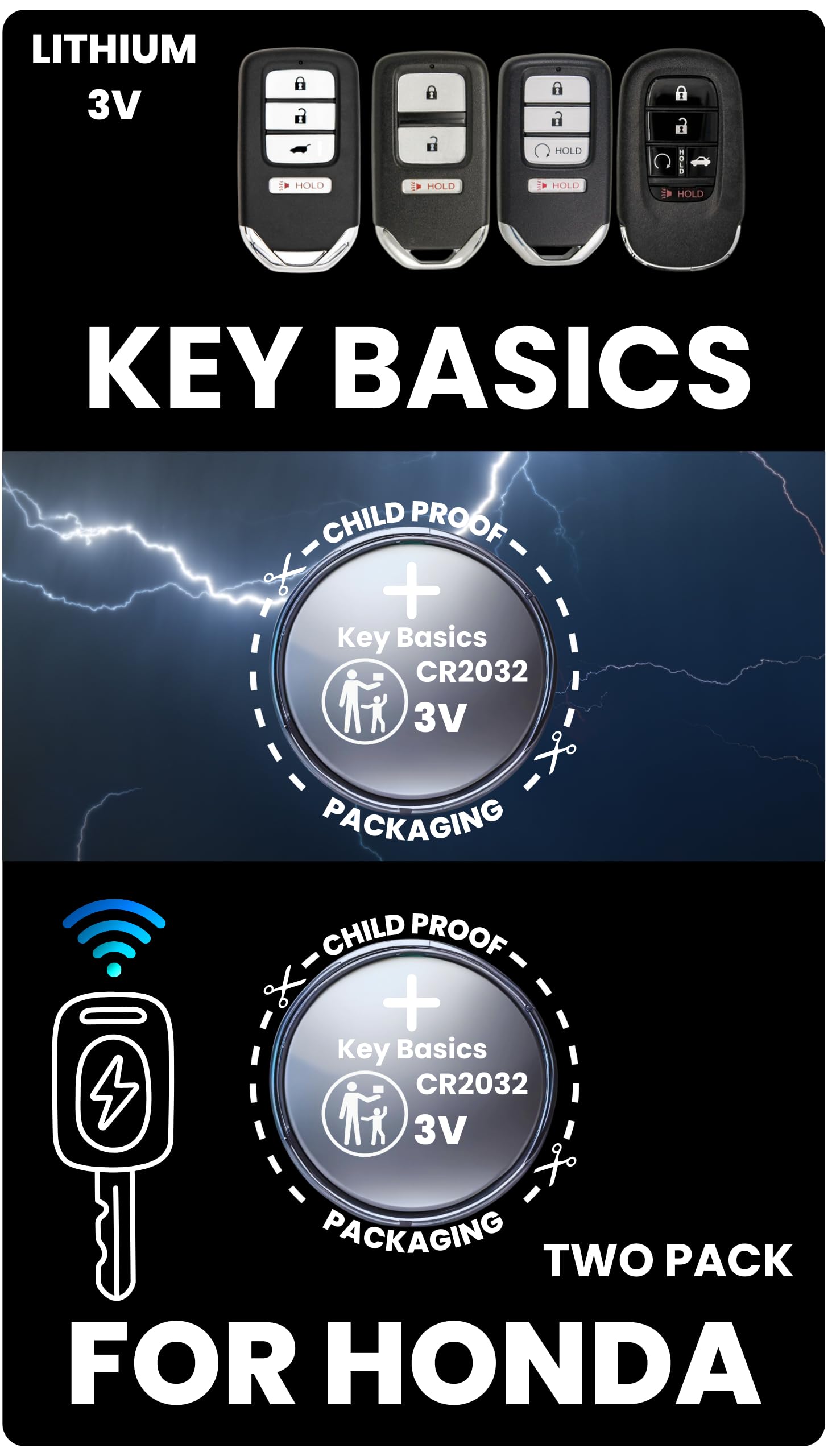
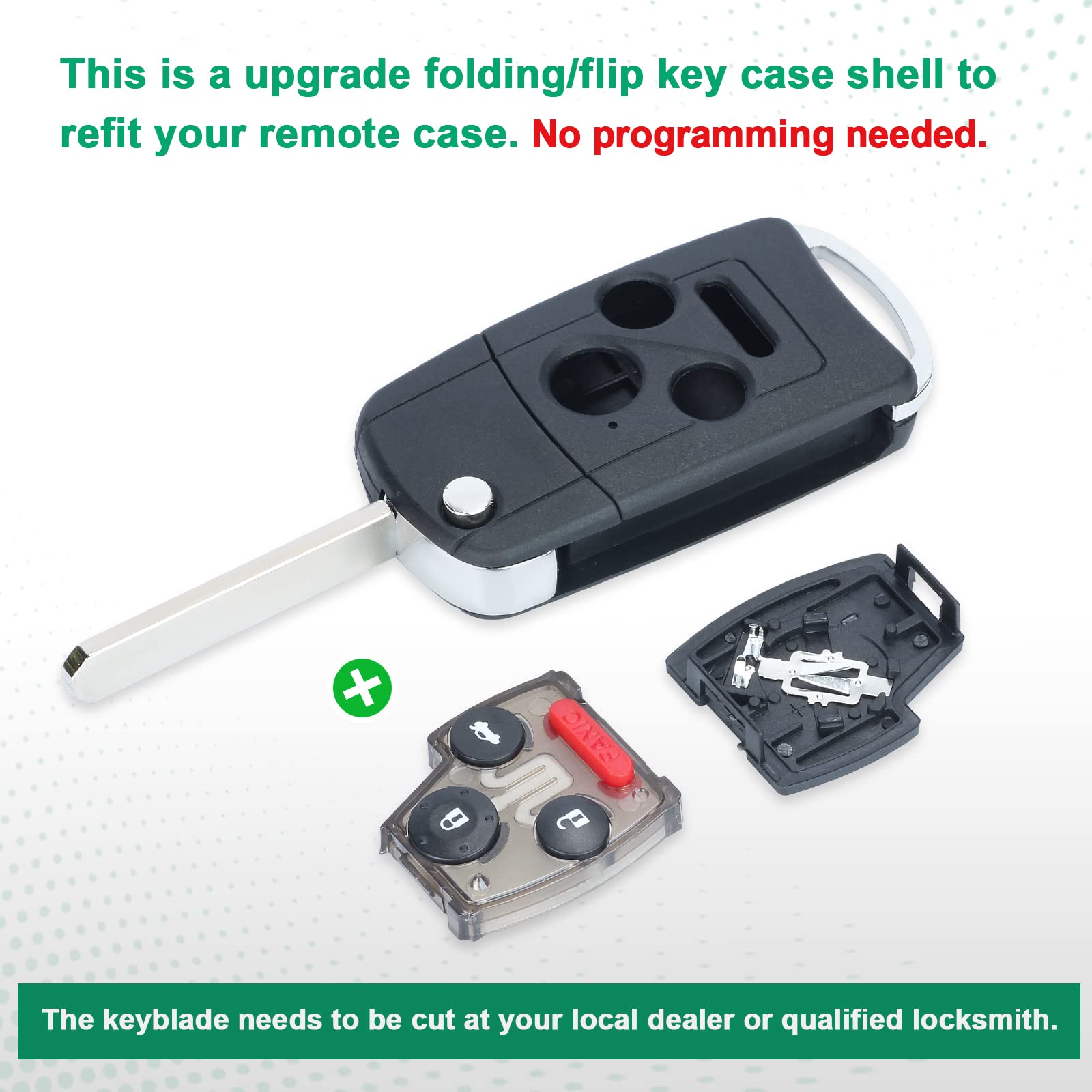
To replace the 2013 Honda Accord key fob battery, you first need to identify your key type. The Smart Entry remote (push-button start) uses a CR2032 3V battery, while the integrated key remote (standard ignition) uses a CR1616 3V battery. Simply open the casing using a small flathead screwdriver, swap the old cell for a new one with the positive (+) side facing up, and snap the housing back together.
The 2013 Honda Accord marked a significant transition for the model line, introducing the ninth generation of this iconic sedan and coupe. With this redesign came updated electronics and two distinct key styles depending on the trim level. Whether you drive the LX, Sport, EX, or the high-end Touring trim, maintaining the remote’s power is essential for vehicle security and convenience. As we move through 2026, many original 2013 Accords are on their third or fourth battery replacement cycle, making it a routine but critical piece of DIY maintenance.
Identifying Your 2013 Honda Accord Key Type
Before purchasing a replacement battery, you must determine which key system your Accord utilizes. Honda used two primary designs for the 2013 model year, and they require different battery sizes and disassembly methods.
The Smart Entry Remote (Keyless Access System)
This fob is typically found on the EX, EX-L, and Touring trims. It does not have a visible metal key blade protruding from the top; instead, the blade is hidden inside the fob. This system allows for push-button starting.
- Battery Required: CR2032 3V Lithium Coin Cell.
- Physical Trait: Rectangular shape with a silver release switch on the back.
The Integrated Key Remote (Standard Ignition)
This key is common on the LX and Sport trims. It features a permanent metal key blade attached to a plastic head that contains the lock/unlock buttons. To start the car, you must insert this key into a traditional ignition cylinder on the steering column.
- Battery Required: CR1616 3V Lithium Coin Cell.
- Physical Trait: Traditional key shape with buttons built into the handle.
Symptoms of a Weak Key Fob Battery
Waiting until the key fob completely dies can leave you in a frustrating position, especially if you rely on the Smart Entry system. In 2026, as these components age, the electrical contacts may also become less efficient, compounding the effects of a low battery. Watch for these warning signs:
- Reduced Signal Range: You find yourself needing to stand closer to the vehicle for the doors to unlock.
- Inconsistent Performance: The buttons require multiple presses to register an action.
- Dashboard Warnings: On trims equipped with the Multi-Information Display (MID), a "KEY BATT" or "Low Key Battery" message may appear near the speedometer.
- LED Indicator Failure: Most 2013 Honda fobs have a tiny red LED that flashes when a button is pressed. If this light is dim or dark, the battery is nearly exhausted.
Required Tools and Materials
One of the benefits of the 2013 Accord’s design is that battery replacement requires very few tools. To perform a clean, damage-free replacement, gather the following:
- The Correct Battery: Either a CR2032 or a CR1616 (refer to the identification section above).
- Small Flathead Screwdriver: A precision screwdriver (like those in eyeglass repair kits) is ideal.
- Microfiber Cloth: Used to wrap the screwdriver tip to prevent scratching the plastic casing.
- Small Phillips Head Screwdriver: Only required for the Integrated Key style, which uses a tiny security screw.
Step-by-Step: Replacing the CR2032 in the Smart Entry Remote
The Smart Entry fob is designed to be opened without removing any screws. Follow these steps to ensure you do not damage the internal circuit board.
Step 1: Remove the Emergency Key
On the back of the fob, slide the small silver release tab to the side. While holding the tab, pull the metal emergency key out of the bottom of the fob. Set the metal key aside.
Step 2: Open the Fob Housing
Look at the slot where the metal key was just removed. You will see two plastic tabs or a small center divider. Insert the tip of your flathead screwdriver (wrapped in a thin cloth) into the gap between the two halves of the fob. Gently twist the screwdriver like a key. The two halves of the plastic shell should pop apart.
Step 3: Remove the Old Battery
Once the fob is open, you will see the round CR2032 battery held in place by small plastic clips. Use your fingernail or the edge of the precision screwdriver to lift the battery out. Note the orientation: the positive (+) side, which usually has the brand name and battery number engraved on it, should be facing toward you (upward).
Step 4: Install the New Battery
Slide the new CR2032 battery into the slot. Ensure it sits flush and is held firmly by the clips. Avoid touching the top and bottom of the battery simultaneously with your bare fingers, as skin oils can create a slight resistive film over time; hold it by the edges instead.
Step 5: Reassemble the Fob
Align the two halves of the fob shell and press them together firmly until you hear a click. Reinsert the metal emergency key until it locks back into place. Test the buttons to ensure the red LED flashes.
Step-by-Step: Replacing the CR1616 in the Integrated Key
The integrated key requires a slightly different approach because the electronics are housed in a removable "module" inside the key head.
Step 1: Remove the Security Screw
On the back of the plastic key head (opposite the buttons), there is a very small Phillips head screw. Use a precision screwdriver to remove this screw. Place it in a safe spot, as it is very easy to lose.
Step 2: Separate the Key Shell
Use a flathead screwdriver to gently pry the two halves of the key head apart. There is usually a small notch on the side of the plastic to assist with this.
Step 3: Remove the Electronic Module
Inside the plastic shell, you will find a small, rectangular clear or black plastic box. This is the remote transmitter module. Lift it out of the key shell.
Step 4: Open the Module and Swap the Battery
The module itself has small clips on the side. Pop it open to reveal the CR1616 battery. Replace the battery, ensuring the positive (+) side is facing the correct direction (usually marked inside the module).
Step 5: Reassembly
Snap the module back together, place it back into the key shell, snap the shell halves together, and replace the Phillips screw.
Battery Specifications and Comparison
When purchasing a battery in 2026, you will find various brands. While generic batteries are available, reputable brands often provide better leak protection and a more consistent voltage discharge curve.
| Feature | CR2032 (Smart Key) | CR1616 (Standard Key) |
|---|---|---|
| Diameter | 20 mm | 16 mm |
| Thickness | 3.2 mm | 1.6 mm |
| Voltage | 3.0V | 3.0V |
| Chemistry | Lithium Manganese Dioxide | Lithium Manganese Dioxide |
| Expected Life | 2–4 Years | 2–3 Years |
| Common Brands | Panasonic, Duracell, Energizer | Sony, Panasonic, Maxell |
Troubleshooting After Battery Replacement
If your 2013 Honda Accord key fob does not work after a battery change, do not panic. Most issues are related to installation rather than a hardware failure.
Polarity and Seating
The most common mistake is installing the battery upside down. In both the CR2032 and CR1616 versions, the positive (+) side must face the contact points designated by the manufacturer. If the red LED on the fob doesn't light up when buttons are pressed, reopen the fob and verify the orientation.
Contact Cleanliness
Sometimes, the metal contact tabs inside the fob can become slightly flattened or dirty. Gently pull the tabs upward with a toothpick to ensure they make firm contact with the battery surfaces. If you see white oxidation, clean it off with a cotton swab dipped in a tiny amount of isopropyl alcohol.
Programming Issues
Generally, a 2013 Honda Accord key fob does not need to be reprogrammed after a battery change. The vehicle's computer retains the key's unique ID. However, if the battery was dead for a very long time, or if the fob was dropped, the synchronization might be lost. If the LED flashes but the car does not respond, you may need to visit a locksmith or a Honda dealer to have the remote resynced via the OBD-II port.
Professional vs. DIY Costs (2026 Pricing)
In 2026, the cost of labor at automotive service centers remains a significant factor for vehicle owners. Handling this task yourself offers substantial savings.
- DIY Cost: A high-quality CR2032 or CR1616 battery typically costs between $2.00 and $5.00 when purchased from a local hardware store or online retailer. The time investment is approximately 5 to 10 minutes.
- Dealership Cost: Most dealerships will charge for the battery plus a nominal labor fee. Expect to pay between $20.00 and $45.00. Some dealerships may offer this as a complimentary service if you are already there for an oil change, but it is not guaranteed.
- Locksmith Cost: An automotive locksmith may charge a service call fee if they come to you, often ranging from $50.00 to $100.00, making this the least cost-effective option for a simple battery swap.
Frequently Asked Questions
Can I use a CR2025 battery instead of a CR2032?
While both are 3V lithium batteries, the CR2025 is thinner (2.5mm) than the CR2032 (3.2mm). In a 2013 Accord Smart Key, a CR2025 may fit but will likely be loose, leading to intermittent connection issues. It is highly recommended to use the exact CR2032 size specified by Honda.
Why does my car say "No Key Detected" even after a battery change?
This usually indicates signal interference or a problem with the fob's internal antenna. Ensure there are no other electronic devices (like a smartphone or another key fob) blocking the signal between the fob and the car’s interior sensors. If the message persists, the fob itself may be failing.
How do I start the car if the fob battery is completely dead?
For Smart Entry models, you can still start the car by pushing the "Start/Stop" button with the key fob itself. Hold the fob directly against the button and press. There is a passive induction chip inside the fob that does not require battery power for this emergency start function.
Is the 2013 Honda Accord key fob waterproof?
The fobs are water-resistant but not waterproof. They feature a rubber gasket to protect against light splashes or rain, but submersion (such as in a washing machine or a pool) can short out the circuit board. If your fob gets wet, disassemble it immediately, remove the battery, and allow it to dry in a bag of desiccant or rice for 24 hours before attempting to use it.
Where can I find the official battery part number?
The battery number is usually engraved on the back of the old battery itself. Additionally, the Honda Owner’s Manual for the 2013 Accord lists the battery specifications in the "Maintenance" or "Keyboard/Remote" section.
Recommendations for Longevity
To extend the life of your key fob battery, avoid storing your keys near devices that emit strong electromagnetic fields, such as wireless chargers, televisions, or microwave ovens. These devices can "wake up" the fob, causing it to transmit signals and drain the battery unnecessarily. Furthermore, always keep a spare battery in your glove box or at home so you are never stranded by a dead remote.