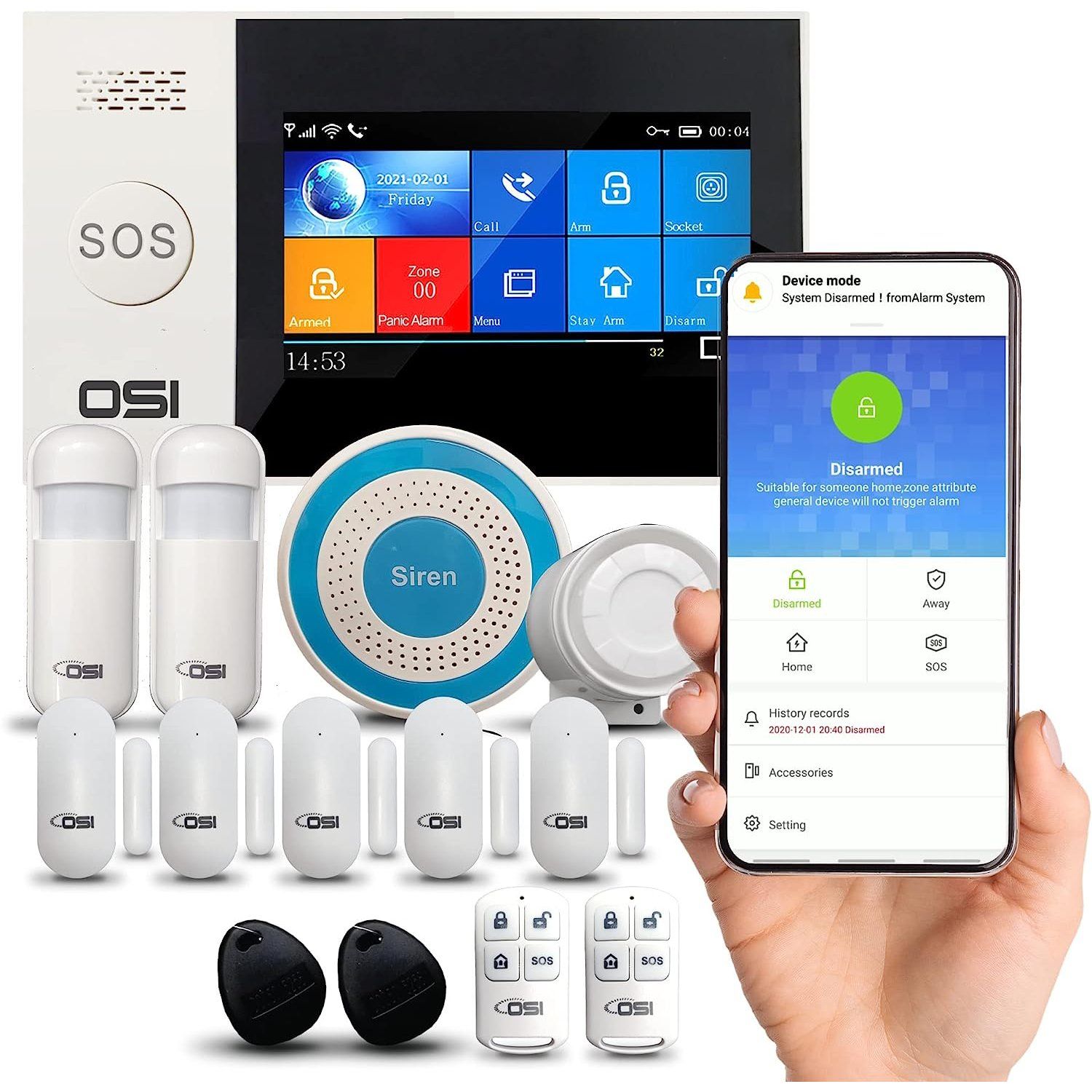
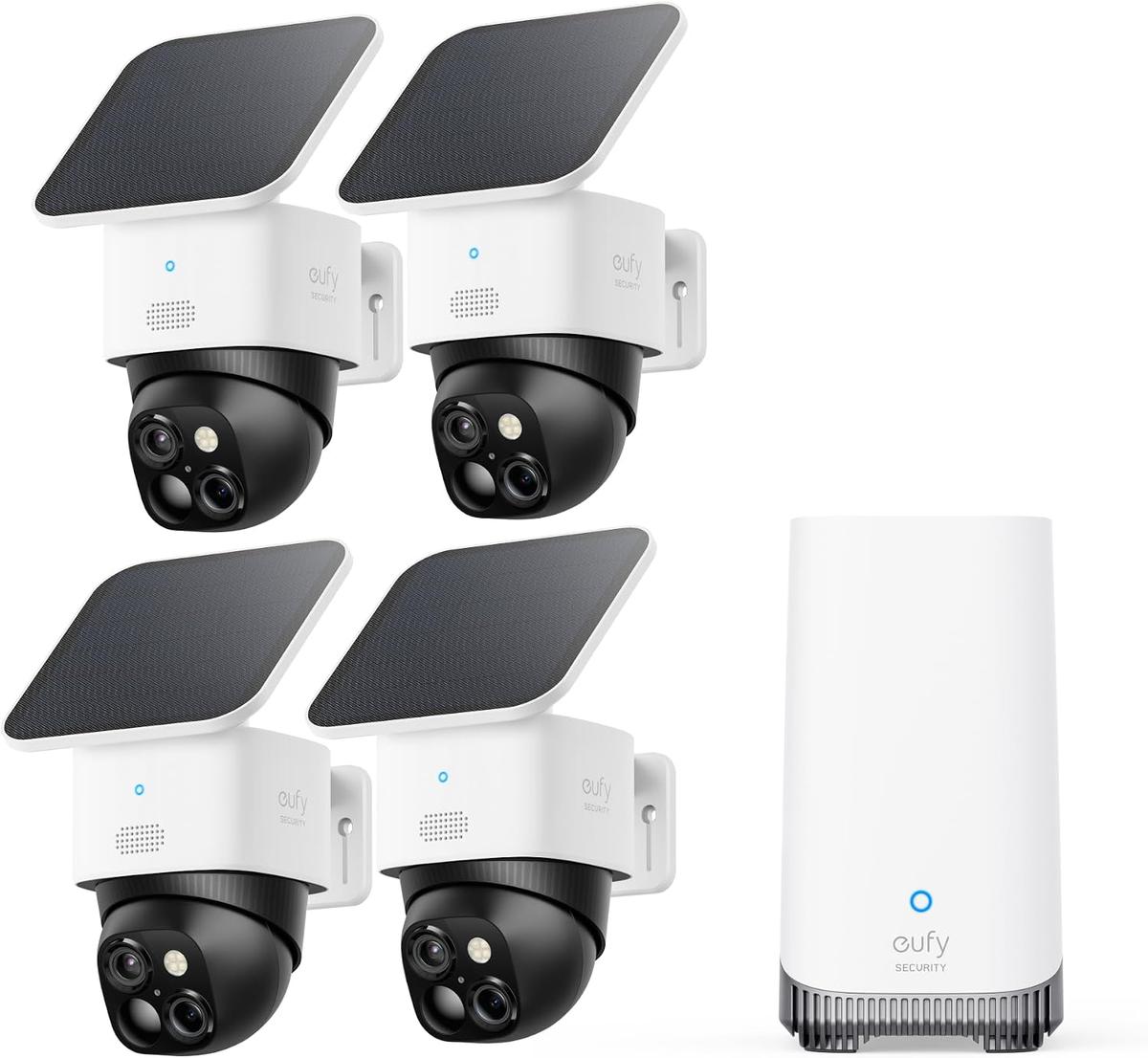
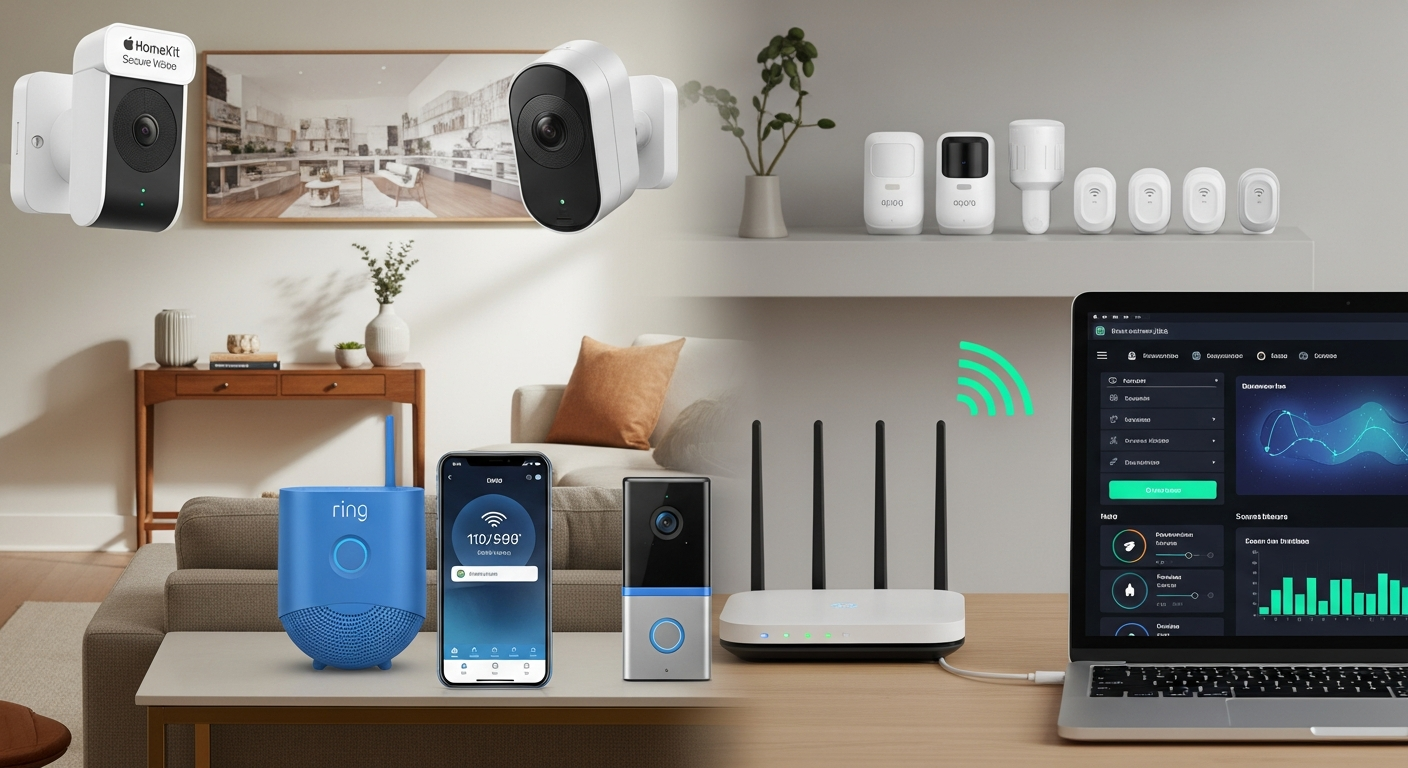
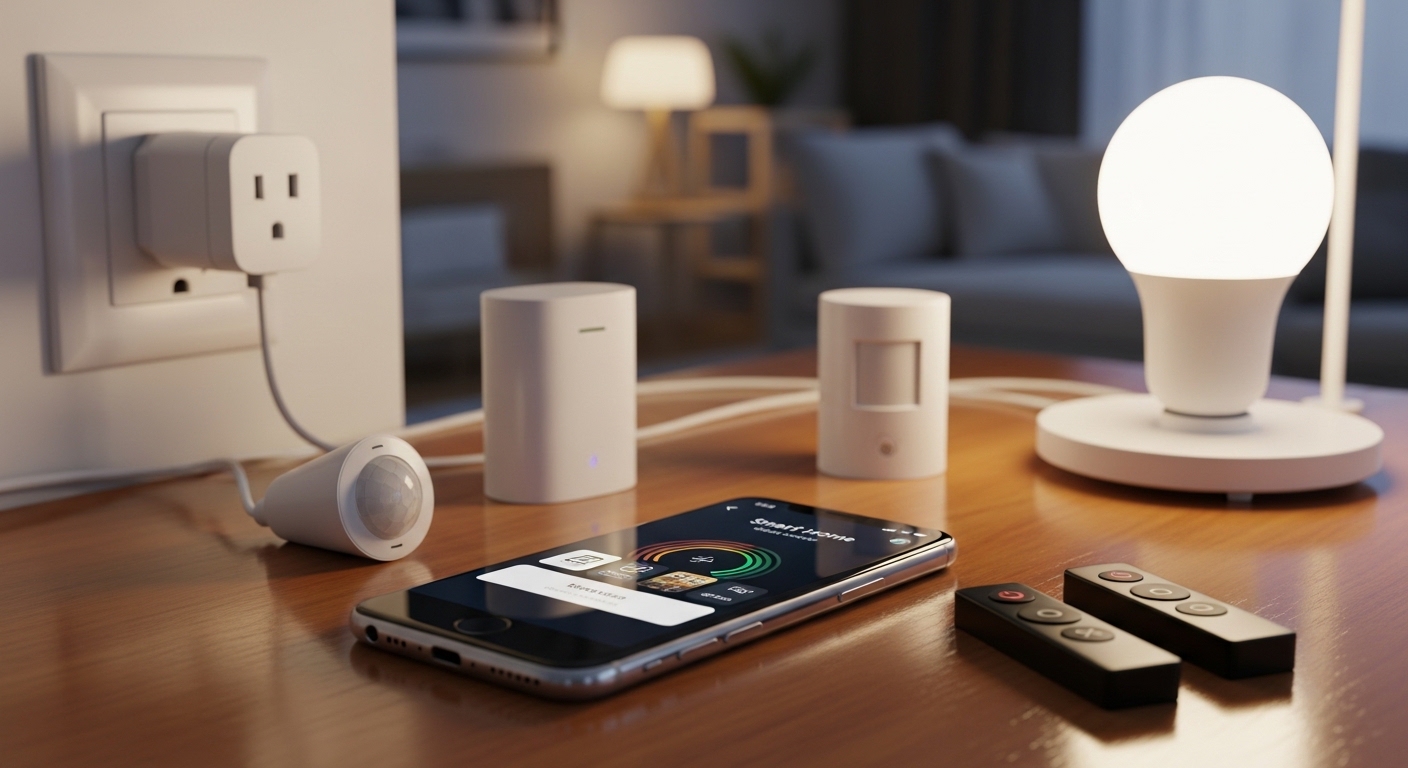
Securing a residence no longer requires an expensive, professionally installed monitoring contract or a hundred-dollar hardware investment. A robust ecosystem of budget-friendly smart home security devices under $30 provides reliable surveillance, entry monitoring, and lighting automation, proving that effective protection is accessible at any price point.
Understanding Budget Smart Home Security
Securing a home digitally used to mean investing in costly, hardwired systems that demanded professional installation and monthly subscription fees. Today, the democratization of Internet of Things (IoT) technology has flipped the market. Manufacturers have realized that essential hardware—such as high-definition image sensors, Wi-Fi radios, and motion detectors—can be manufactured and distributed at a fraction of past costs. Consequently, homeowners and renters alike can construct a modular, highly capable security grid for less than the cost of a single traditional service call.
When evaluating equipment priced under $30, the primary challenge is not finding functional hardware, but rather identifying devices that integrate seamlessly into your chosen ecosystem. Whether you rely on Amazon Alexa, Google Home, Apple HomeKit, or standalone manufacturer applications, compatibility is paramount. A low-cost device must communicate reliably over local Wi-Fi, Zigbee, or Z-Wave protocols without dropping packets or introducing latency into your security alerts.
Furthermore, budget hardware often shifts the operational model from cloud storage to local storage. Many devices under $30 utilize local MicroSD cards for video recording rather than forcing you into a recurring monthly cloud subscription. This shift not only eliminates hidden ongoing costs but also enhances privacy by keeping sensitive video feeds within your local network. Understanding these foundational distinctions allows you to select budget picks that match your technical comfort level and security requirements.
Essential Criteria for Selecting Sub-$30 Security Gear
Before purchasing inexpensive security components, buyers must establish a framework for evaluation. Not all cheap hardware delivers acceptable performance. To separate reliable equipment from disposable gadgets, examine five critical metrics: build quality, software ecosystem integration, power requirements, privacy standards, and local versus cloud storage capabilities.
| Evaluation Metric | What to Look For Under $30 |
|---|---|
| Ecosystem Support | Native integration with Alexa, Google, or HomeKit |
| Storage Flexibility | MicroSD slot for local recording, no forced cloud |
| Power Source | Reliable hardwired USB or long-life rechargeable |
| App Reliability | Frequent software updates and low latency alerts |
| Privacy Standards | End-to-end encryption and two-factor auth options |
Build quality in the budget sector dictates physical durability, especially for outdoor or semi-exposed placements. Look for UV-resistant plastics and at least basic weather sealing if the device is intended for porch or garage use. Software stability is equally critical; a well-designed companion application ensures that push notifications arrive instantly when motion is detected, preventing the dangerous lag times common in unvetted white-label apps.
Power delivery also demands careful attention. At this price point, indoor cameras typically rely on micro-USB or USB-C cables, requiring proximity to an electrical outlet. Battery-powered sensors, such as door contacts or window vibration detectors, generally utilize coin-cell batteries (like CR2032) that can last anywhere from six months to two years depending on trigger frequency. Verifying these specifications beforehand prevents frustrating installation roadblocks.
The Top 10 Smart Home Security Picks Under $30
The following curated selection highlights ten distinct hardware options available within the sub-$30 price tier. Each pick addresses a specific vulnerability vector, ranging from interior visual monitoring to perimeter entry detection and automated deterrence lighting.
1. Wyze Cam v3 (Indoor/Outdoor Security Camera)
The Wyze Cam v3 remains a benchmark for affordable video surveillance. Featuring 1080p high-definition recording, IP65 weather resistance, and a Starlight CMOS sensor that provides remarkably clear color night vision in near darkness, it bridges the gap between indoor utility and outdoor durability. It integrates with major smart assistants and supports local storage via a built-in MicroSD card slot.
2. Kasa Smart Wi-Fi Plug Mini (HS103)
While not a camera or a sensor, smart plugs serve a vital security function by automating lighting schedules to create the illusion of occupancy while you are away from home. The Kasa HS103 connects directly to standard 2.4GHz Wi-Fi networks without requiring a separate hub. Its compact footprint ensures it does not block adjacent wall outlets, and the accompanying Kasa app allows for randomized vacation modes.
3. Tapo 2K Indoor Security Camera (TC70 / C110 variants)
Offering a step up in visual resolution, budget indoor models from brands like Tapo deliver crisp 2K video feeds for detailed monitoring of living spaces, entryways, or pet areas. Equipped with motion tracking, two-way audio, and physical privacy mode toggles, these units provide comprehensive room coverage without imposing subscription fees for basic motion alerts.
4. Govee Smart LED Light Bulb (RGBWW Wi-Fi/Bluetooth)
Automated lighting acts as the first line of defense against opportunistic trespassing. Govee’s budget-friendly smart bulbs allow users to program complex lighting routines, adjust color temperatures, and sync illumination with external triggers. Because they operate via Wi-Fi and Bluetooth, setup requires only a standard socket and a smartphone.
5. Ring Alarm Contact Sensor (Gen 2 - Add-on)
For households already utilizing a Ring ecosystem or looking for modular entry monitoring, individual contact sensors provide reliable magnetic detection for doors and windows. They communicate via Z-Wave to a base station, offering instantaneous open/closed status updates and low power consumption that extends battery life well past a year.
6. Aqara Door and Window Sensor (Zigbee)
For users building an ecosystem outside of proprietary walled gardens, the Aqara Door and Window Sensor offers exceptional value. Utilizing the Zigbee protocol, it requires an Aqara hub but delivers blazing-fast response times and extremely efficient power management. It can trigger local automation routines, such as turning on a smart bulb when a pantry or exterior door is opened.
7. TP-Link Kasa Smart Light Switch (HS200)
Replacing a traditional wall switch with a smart switch transforms existing dumb light fixtures into automated security assets. The Kasa HS200 requires a neutral wire for installation but provides permanent, un-interrupted smart control over porch lights, hallway illumination, or exterior floodlights, keeping your lighting schedule reliable even if family members manually flip physical toggles.
8. Wyze Sense Leak Detector (Standalone via Bridge)
Water damage poses a massive threat to home structural integrity, making environmental monitoring an essential component of comprehensive home safety. While specialized, budget leak detectors can be integrated into broader automation networks to alert homeowners instantly to burst pipes, overflowing washing machines, or failing water heaters before catastrophic damage occurs.
9. Sonoff Basic R3 Smart Wi-Fi Switch
For the technically inclined DIY homeowner, the Sonoff Basic R3 is an in-line smart relay that can be wired into custom lighting arrays, motorized gates, or appliance power cords. It allows remote smartphone control and timer setups, bringing smart security capabilities to legacy electrical devices for just a few dollars.
10. Eufy Smart Plug Mini (Compact Wi-Fi Outlet)
An alternative to the Kasa ecosystem, the Eufy Smart Plug Mini offers reliable voice control via Amazon Alexa and Google Assistant alongside schedule-based automation. Its slim profile allows two units to be plugged into a standard duplex wall outlet simultaneously, maximizing flexibility for multi-lamp vacation lighting setups.
Infrastructure Prerequisites and Network Setup
Installing budget smart home security devices places unique demands on your domestic network infrastructure. Unlike passive appliances, security cameras and real-time sensors require constant, stable connectivity to push notifications and stream video data without interruption.
First, verify that your wireless router supports the 2.4GHz frequency band. The vast majority of sub-$30 smart home devices do not support 5GHz Wi-Fi networks because 2.4GHz offers superior physical range and better penetration through walls and solid obstacles. If your router utilizes a single combined SSID (Service Set Identifier) for both bands, some budget devices may struggle during the initial pairing handshake; temporarily disabling the 5GHz band during setup often resolves these connection hurdles.
Second, evaluate your network bandwidth and router client capacity. Adding ten or more active IoT devices to an aging Internet Service Provider (ISP) gateway can saturate the router's processing capability, leading to dropped connections or lagging video feeds. Upgrading to a modern Wi-Fi 6 router or deploying a simple mesh network ensures that your security hardware maintains a robust signal regardless of physical distance from the primary access point.
Privacy, Security, and Cloud vs. Local Storage
Protecting the physical perimeter of your home should not compromise your digital privacy. Low-cost hardware models often subsidize manufacturing costs through optional cloud storage subscriptions. However, relying exclusively on cloud servers introduces potential privacy vulnerabilities if data is intercepted or improperly secured by the manufacturer.
To maximize digital safety when deploying budget security hardware, adhere to four foundational guidelines:
- Change Default Credentials: Immediately update all factory-default usernames and passwords upon initial device setup.
- Enable Two-Factor Authentication (2FA): Secure your manufacturer companion app with 2FA using an authenticator app rather than SMS verification when possible.
- Prioritize Local Storage: Select devices that accept MicroSD cards or integrate with local Network Attached Storage (NAS) via protocols like ONVIF or RTSP, keeping video footage off third-party cloud servers.
- Isolate IoT Devices: If your router supports guest networks or VLANs (Virtual Local Area Networks), place all smart home security devices on a dedicated, isolated subnet to prevent lateral network movement if a device is compromised.
Comparative Overview of Top Budget Picks
To assist in matching hardware capabilities with your specific security layout, the following table summarizes key attributes across representative categories of sub-$30 security equipment.
| Device Category | Primary Function | Connectivity | Power Requirement | Typical Storage Method |
|---|---|---|---|---|
| Indoor Camera | Visual Monitoring | 2.4GHz Wi-Fi | USB-C / Micro-USB | MicroSD / Cloud Opt. |
| Smart Plug | Lighting Schedule | 2.4GHz Wi-Fi | Direct Wall Plug | N/A |
| Contact Sensor | Entry Detection | Zigbee / Z-Wave | CR2032 Coin Cell | Hub / Local Controller |
| Smart Bulb | Deterrence Light | Wi-Fi / BT | Standard Edison Socket | N/A |
Common Mistakes and Troubleshooting
Navigating the installation of budget smart hardware often involves minor hurdles. Recognizing common pitfalls prevents unnecessary frustration and ensures your security grid operates at peak efficiency.
A frequent error is placing battery-operated motion or contact sensors too far from the primary router or ecosystem hub. While wireless specifications often claim ranges up to 100 feet, interior walls, metallic appliances, and plumbing lines attenuate radio frequencies rapidly. If a sensor drops offline intermittently, reposition it closer to the hub or introduce a powered repeater (such as a smart plug) midway between the devices to bridge the signal gap.
Another common issue involves notification fatigue. Configuring every motion sensor and camera to push high-priority alerts for every minor movement—such as passing headlights or pets—will quickly cause users to ignore critical security warnings. Take time to configure activity zones, adjust motion sensitivity sliders, and utilize scheduled alert arms so that notifications remain meaningful and actionable.
Frequently Asked Questions
Do smart home security devices under $30 require a monthly subscription?
No. The vast majority of hardware in this price bracket operates fully without a monthly fee, relying either on local MicroSD card storage for video recording or direct smartphone notifications for sensor triggers. Optional cloud subscriptions are frequently offered by manufacturers for extended historical video archives, but they are not mandatory for core functionality.
Can I install these security picks in a rental property?
Yes. Nearly all sub-$30 security picks utilize non-permanent installation methods, such as adhesive mounting tape for contact sensors, magnetic camera bases, plug-in smart outlets, and screw-in smart bulbs. This makes them entirely reversible and ideal for renters who need to remove equipment without damaging walls or wiring when relocating.
Will these devices work if my internet connection goes down?
Local automations—such as a smart switch turning on via an internal schedule—will generally continue to function offline. However, remote viewing of security cameras, push notifications to your smartphone, and voice assistant integration typically require an active internet connection to communicate with external servers.
Are budget smart security devices secure against hacking?
While no connected device is entirely immune to vulnerabilities, reputable budget manufacturers regularly push firmware updates to patch security flaws. You can significantly mitigate risk by keeping device firmware updated, using strong unique passwords, isolating IoT hardware on a separate Wi-Fi network, and choosing brands with transparent security disclosure policies.
How do I choose between Wi-Fi cameras and Zigbee sensors?
Wi-Fi cameras are standalone devices that connect directly to your home router, making them simple to set up individually but heavy on network bandwidth. Zigbee sensors require a dedicated hub to translate signals, but they consume minimal battery power, respond instantly, and do not congest your home Wi-Fi bandwidth.
Final Recommendation
Constructing an effective smart home security network under a tight budget is entirely achievable by focusing on modularity and intentional design. Begin your setup with a high-definition indoor or outdoor camera, such as the Wyze Cam v3, to secure your primary visual entry point. Supplement this with two or three smart plugs (like the Kasa HS103) to automate lighting schedules, and layer in wireless door contact sensors for perimeter awareness. By prioritizing local storage, robust network configuration, and careful placement, you establish a reliable, subscription-free security infrastructure that protects your home without straining your finances.