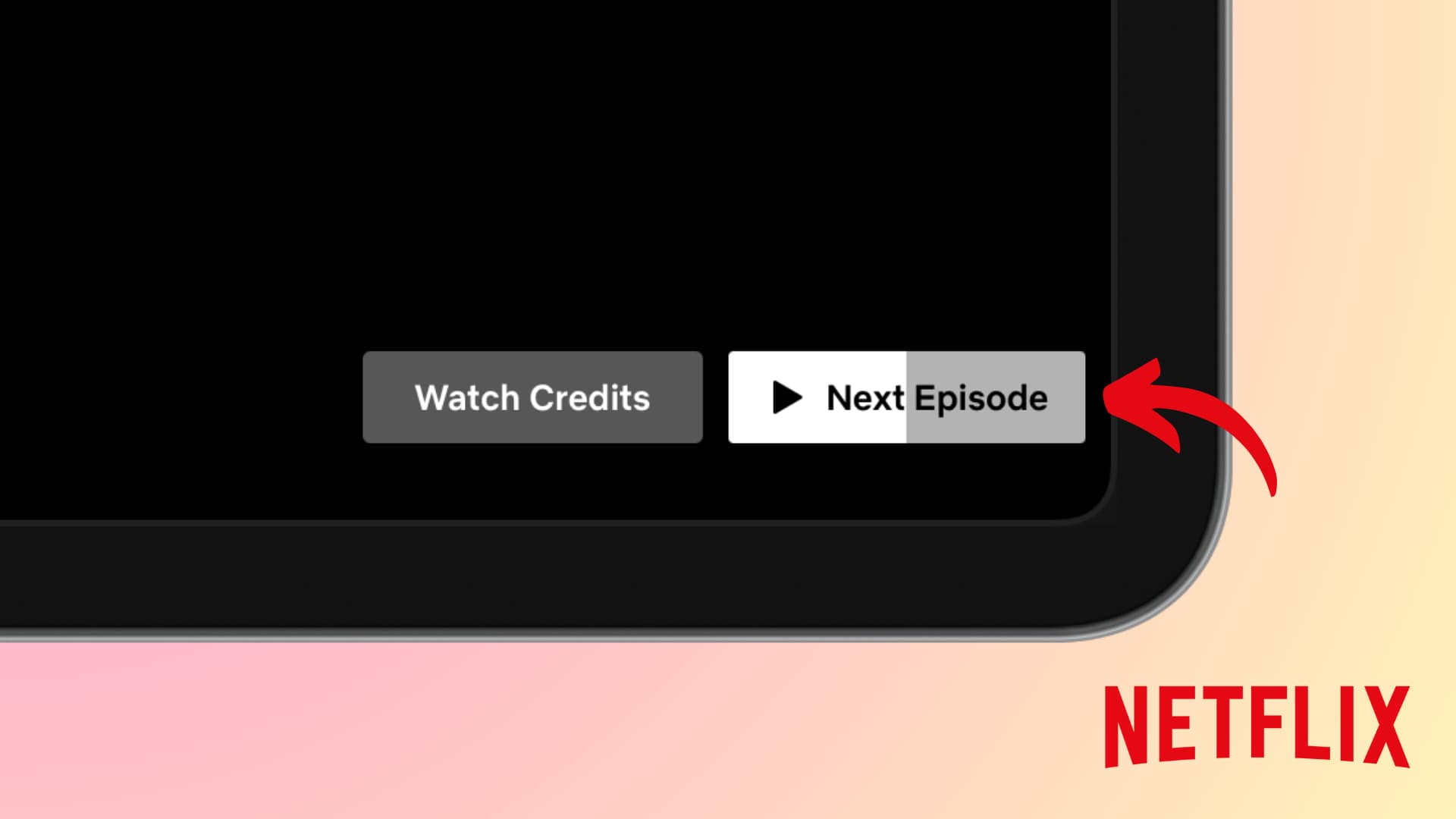
To find a new episode on Netflix, check the New & Popular tab on your device or look for the "New Episode" badge on titles in your Continue Watching row. Netflix typically releases original content at 12:00 a.m. Pacific Time (PT). If a scheduled episode is missing, try logging out and back in or clearing your app cache to refresh the library.
Navigating the vast library of Netflix in 2026 requires more than just scrolling through the home screen. With the platform's mix of global originals, licensed weekly procedurals, and an increasing number of live events, understanding the mechanics of how and when a new episode appears is essential for any dedicated viewer. Whether you are waiting for the latest season of a flagship drama or a weekly drop of an international hit, the following guide provides the technical and practical steps to ensure you never miss a premiere.
Understanding Netflix’s Global Release Schedule
The most common question regarding a new episode on Netflix is: "What time does it drop?" For the vast majority of Netflix Originals, the company adheres to a centralized release time based on its headquarters in Los Gatos, California.
The 12:00 a.m. Pacific Time Rule
Netflix typically releases all episodes of a new season simultaneously at midnight Pacific Time. This synchronization means that while viewers in Los Angeles can start watching at midnight, those in New York must wait until 3:00 a.m., and viewers in London begin their binge at 8:00 a.m. This global "drop" is designed to prevent spoilers from circulating in one region before another has had access to the content.
However, there are exceptions. Licensed content—shows that Netflix does not own but has the rights to stream—often follows different rules. If a show airs on a linear network in its home country (such as a K-drama airing on tvN or a British reality show on Channel 4), the new episode may appear on Netflix at midnight local time in each respective territory, or perhaps a few hours after the original broadcast.
Why Some Episodes Release Weekly
While Netflix pioneered the "binge model," by 2026, the platform has fully embraced diverse release strategies. You will encounter three primary types of release cadences:
- The Full Season Drop: The traditional model where every episode of a season arrives at once.
- The Two-Part Split: Increasingly common for major hits, where a season is divided into "Volume 1" and "Volume 2," released a month or two apart to sustain social media conversation.
- Weekly Episodes: Typically reserved for licensed international content or Netflix's expanding portfolio of reality competitions and talk shows.
How to Locate New Episodes on Different Devices
Finding a new episode on Netflix depends heavily on the interface of the device you are using. The algorithm prioritizes what it thinks you want to see, which can sometimes bury a new release under "Trending Now" or "Because You Watched" categories.
Using the "New & Popular" Tab
On most Smart TVs, streaming sticks, and gaming consoles, the sidebar menu contains a New & Popular icon (often represented by a flame or a calendar). This section is specifically curated to show:
- New Releases: Shows and movies that have debuted in the last week.
- Coming This Week: A preview of what will drop in the next seven days.
- Worth the Wait: A long-tail view of major productions coming in the next few months.
Checking the "Continue Watching" Row
If you have already started a series, the "Continue Watching" row is the most efficient way to access a new episode. When a new episode becomes available for a show you are currently tracking, the thumbnail will usually display a New Episode sash in the top corner. Selecting this thumbnail will automatically queue the latest available episode.
Mobile-Specific Features: "Coming Soon"
The Netflix mobile app for iOS and Android features a dedicated Coming Soon or Latest tab at the bottom of the screen. This is arguably the most powerful tool for tracking new episodes because it allows you to view trailers and read synopses for content that hasn't even premiered yet. More importantly, this is where you can toggle notifications for specific titles.
How to Get Notified When a New Episode Drops
To avoid manually checking the app, you can utilize Netflix’s internal notification system. This is particularly useful for weekly releases where the schedule might shift due to international holidays or broadcast delays.
The "Remind Me" Function
When you find a show in the "Coming Soon" or "New & Popular" section, you will see a bell icon labeled Remind Me. Clicking this button does two things:
- It adds the title to your My List.
- It triggers a push notification on your mobile device and an in-app alert on your TV the moment the new episode is live.
Managing Push and Email Notifications
If you aren't receiving alerts, you may need to adjust your account settings. Navigate to Account > Profile & Parental Controls > Communication Settings. Here, you can opt-in to "Netflix Updates," which includes emails and push notifications about new content tailored to your viewing history. Ensure that your mobile device's OS settings also allow notifications from the Netflix app.
Troubleshooting: Why a New Episode Isn't Showing Up
It is a common frustration: the clock strikes midnight PT, social media is buzzing, but your Netflix app still shows "Season 1" when "Season 2" should be live. This is rarely a regional delay and usually a technical caching issue.
1. Refresh the App or Browser
The Netflix UI does not always update in real-time. If you are waiting for a new episode on a web browser, a simple F5 refresh usually does the trick. On a Smart TV, you may need to "Reload Netflix." You can do this by navigating to the "Get Help" section in the menu and selecting Reload Netflix. This forces the app to ping the server for the most current library metadata.
2. Sign Out and Sign Back In
If a refresh fails, signing out of your profile and signing back in forces a complete re-authentication of your account. This is often necessary if there has been a change in your subscription tier or if you have recently moved between geographic regions, as the library must re-verify which content you are licensed to see.
3. Check Your Profile Language and Maturity Settings
Netflix filters content based on profile settings. If a new episode has a higher maturity rating than your profile allows, it will not appear in search results or your feed. Similarly, some international episodes only appear if your profile language is set to the show's primary language, though this is rare for major global releases.
4. Clearing Cache on Android and Fire TV
For users on Android-based devices, the app cache can become bloated, preventing the "New Episode" flags from appearing. Go to Settings > Apps > Netflix > Storage > Clear Cache. Note that you should select "Clear Cache" and not "Clear Data," as the latter will delete your downloads and require you to log in again.
Technical Specifications for New Releases
When a new episode drops on Netflix in 2026, it is often released in the highest possible quality supported by the production. However, your hardware and subscription plan dictate whether you actually see that quality.
| Feature | Requirement for New Episodes | Notes |
|---|---|---|
| Resolution | 4K Ultra HD | Requires the "Premium" plan and a 4K-compatible screen. |
| High Dynamic Range | Dolby Vision / HDR10 | Most new Netflix Originals are mastered in Dolby Vision. |
| Audio | Dolby Atmos | Requires a compatible soundbar or home theater system. |
| Bandwidth | 15–25 Mbps | Stable connection needed for 4K streaming without buffering. |
| Data Usage | ~7GB per hour | For 4K; Standard Definition uses roughly 1GB per hour. |
If you notice that a new episode looks "blurry" or lower quality than usual immediately after release, it may be due to CDN (Content Delivery Network) propagation. During massive global releases, the high-bitrate versions of an episode are distributed to local servers. Sometimes, the 1080p stream is available a few minutes before the full 4K stream finishes processing for your specific region.
Regional Differences and Licensing
A "new episode" in one country is not always a "new episode" in another. This is the result of complex licensing agreements. For example, a show produced by an American network but labeled as a "Netflix Original" in international markets (like Better Call Saul was in the past) will have new episodes available weekly in Europe but won't appear on US Netflix until months after the season finale airs on cable.
Using Search Codes to Find New Content
If you feel the algorithm is hiding new episodes from you, you can use "category codes" in the search bar. While not a secret, these codes bypass the recommendation engine. For example, typing "839338" in the search bar often brings up the most recent additions to the platform across all genres.
The Impact of Live Streaming
By 2026, Netflix has integrated more live programming, such as sports, awards shows, and comedy specials. Unlike standard episodes, live events cannot be fast-forwarded if you join late, and the "new episode" will appear in your "Continue Watching" list only after the live broadcast has concluded and the file has been encoded for VOD (Video On Demand) playback.
Managing Your "My List" and "Continue Watching"
As new episodes arrive, your "Continue Watching" row can become cluttered. To maintain an organized dashboard:
- Remove Titles: If you've finished a show or decided not to continue, hover over the title (on web/mobile) and select "Remove from Continue Watching."
- Prioritize My List: Netflix uses your "My List" as a primary signal. If a show you've added gets a new episode, it is almost always boosted to the first three slots of your home screen.
FAQ
Why can I see a new episode on my phone but not on my TV?
This is usually due to a delay in the app's cache. Mobile apps tend to refresh their data more frequently than Smart TV apps. To fix this, manually close the Netflix app on your TV (don't just turn off the TV; use the "Exit Netflix" option) and restart it.
Does Netflix release episodes early for Premium subscribers?
No. Netflix maintains a "level playing field" for all subscription tiers. While Premium subscribers get higher resolution and spatial audio, the actual timing of the "new episode" release is identical for everyone, regardless of the plan.
Can I download a new episode before it premieres?
No. You cannot pre-download content on Netflix. The download option only becomes available once the episode is officially released in your region. However, if you have "Smart Downloads" enabled on your mobile device, the app will automatically download the next new episode for you once it becomes available, provided you are on Wi-Fi.
Why did a new episode disappear after I started watching it?
This is rare but can happen if Netflix discovers a technical glitch in the upload (such as out-of-sync audio or missing subtitles). They may briefly pull the episode to replace the file. If this happens, wait 15–30 minutes and refresh your app.
How do I know if a show has been canceled or is getting a new episode?
The best way to check is the "Information" page of the show within the Netflix app. If a new season is confirmed, Netflix often adds a "Season [X] Coming on [Date]" tag to the description long before the episodes actually drop.
Practical Recommendation for Power Users
To ensure you are the first to watch a new episode on Netflix, the most effective strategy is to use the "Remind Me" feature on the mobile app. This creates a cross-platform anchor for your account. Even if you plan to watch on your 4K TV, the mobile notification acts as a reliable "starting gun." Once the notification hits your phone, the metadata on your TV account will have been updated, allowing you to bypass the algorithmic delays and jump straight into your content.