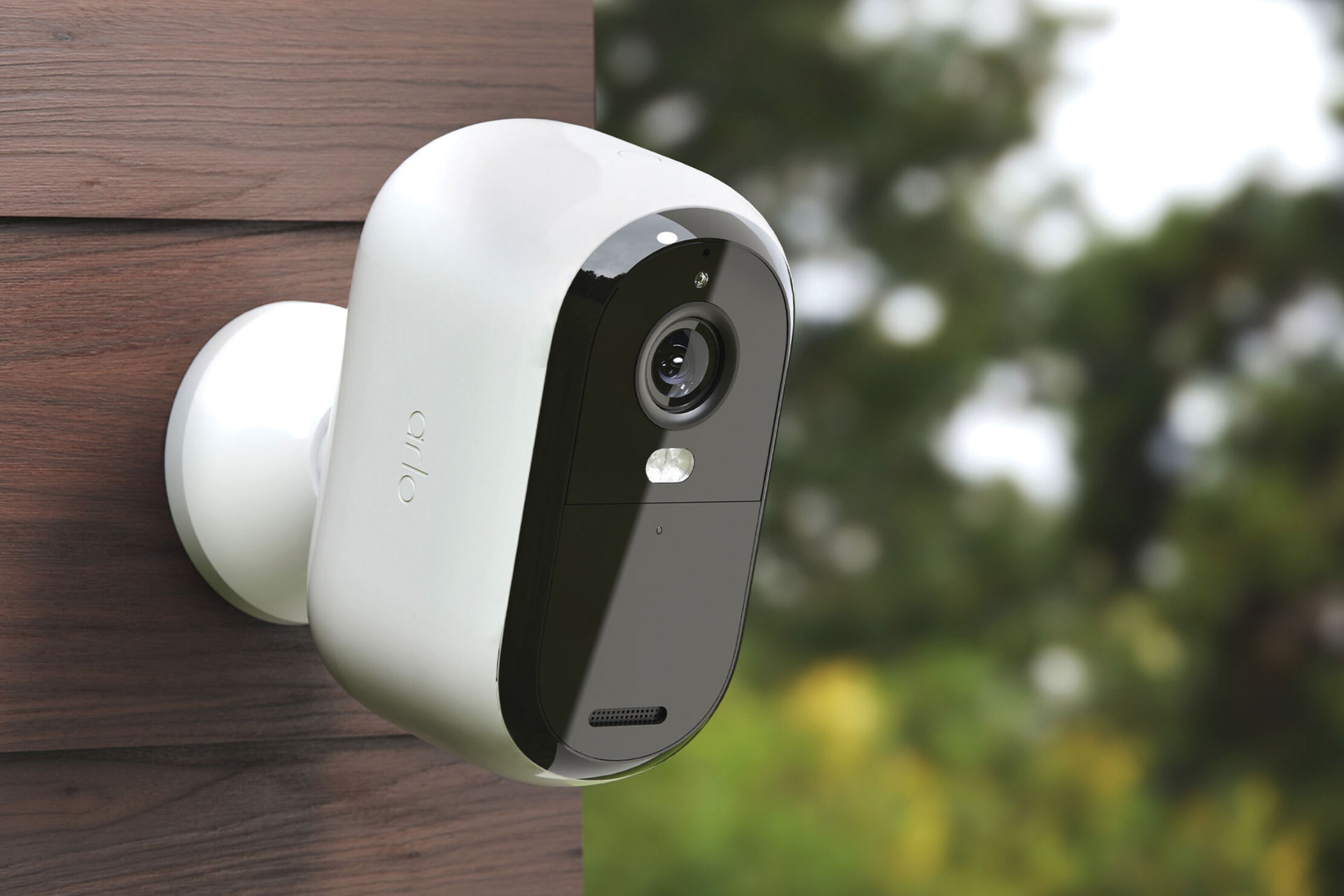
Arlo cloud security utilizes a multi-layered approach centered on AES-128 bit encryption for data at rest and TLS for data in transit. Protection measures include mandatory multi-factor authentication (MFA), localized storage options via Smarthubs, and strict adherence to global privacy regulations, ensuring user video remains encrypted and inaccessible to unauthorized third parties.
The Architecture of Arlo Cloud Security
To evaluate the effectiveness of Arlo’s protection measures in 2026, one must first understand the architecture of its cloud-based ecosystem. Arlo does not merely function as a hardware provider; it operates a sophisticated backend infrastructure that manages video ingestion, AI processing, and user access. The Arlo cloud, primarily hosted on Tier-1 cloud service providers like Amazon Web Services (AWS), inherits the physical and environmental security controls of these global leaders.
The security of the Arlo cloud is built on the principle of "Defense in Depth." This means that if one layer of security fails, others remain in place to protect the data. For Arlo, these layers include hardware-level encryption, secure boot processes on the cameras themselves, encrypted transmission protocols, and rigorous identity management. In 2026, as IoT (Internet of Things) threats have become more sophisticated, Arlo has shifted toward a "Zero Trust" framework where every request for data access—whether from the user’s smartphone or an internal service—must be verified and authenticated.
Encryption Protocols for Data at Rest and in Transit
Encryption is the bedrock of Arlo cloud security. Without robust encryption, video feeds could be intercepted by "man-in-the-middle" attacks or accessed by unauthorized employees at the data center level.
Encryption in Transit
When an Arlo camera detects motion and begins recording, the footage is not sent over the internet as a raw file. Instead, it is encapsulated using Transport Layer Security (TLS) 1.2 or 1.3. This protocol creates an encrypted tunnel between the camera (or the Arlo Base Station/Smarthub) and the Arlo cloud servers. This ensures that even if an attacker intercepts the data packets at the router level or through an ISP, the content remains unreadable.
Encryption at Rest
Once the data reaches the Arlo cloud, it is stored using AES-128 bit encryption. While some high-security enterprise systems use AES-256, AES-128 remains computationally "unbreakable" for the foreseeable future and offers a more efficient balance for high-speed video retrieval on mobile devices. Each video clip is encrypted with a unique key, which adds an additional layer of protection; a breach of one file would not theoretically lead to the decryption of an entire user library.
Identity Management and Multi-Factor Authentication (MFA)
Historically, the weakest link in home security systems has not been the cloud infrastructure itself, but the user’s credentials. Weak passwords and credential stuffing attacks led to numerous publicized breaches across the smart home industry.
Arlo addressed this by making Multi-Factor Authentication (MFA) a mandatory requirement. In 2026, Arlo users must verify their identity through a secondary method—typically a push notification to a trusted device or a time-based one-time password (TOTP) from an authenticator app. By requiring a physical device to authorize logins, Arlo effectively neutralizes the threat of stolen passwords.
Furthermore, Arlo provides "Trusted Device" management. Users can see a comprehensive list of every smartphone, tablet, or web browser that has accessed their account. If an unrecognized device appears, the user can revoke its access immediately from the Arlo Secure app. This transparency is a critical component of assessing protection measures, as it empowers the end-user to act as their own security auditor.
The Role of the Arlo Smarthub in Enhancing Security
While Arlo is fundamentally a cloud-centric platform, many of its premium systems (such as the Ultra and Pro series) utilize an Arlo Smarthub or Base Station. This hardware acts as a secure gateway between the cameras and the home router.
The Smarthub provides several security advantages:
- Dedicated Wi-Fi Network: The Smarthub creates a proprietary, closed Wi-Fi network specifically for the cameras. This isolates the camera traffic from the rest of the home network, preventing a compromised laptop or smart fridge from being used as a lateral entry point to the security cameras.
- Local Storage Backup: By using a microSD card or USB drive with the Smarthub, users can maintain a local record of their footage. In 2026, this is often used as a "security fail-safe." If the cloud connection is lost or if a user is uncomfortable with certain clips being in the cloud, local storage provides an air-gapped or semi-isolated alternative.
- Local 2K/4K Streaming: When the user is on the same local network as the Smarthub, the video feed can be streamed directly to the mobile device without leaving the local environment, reducing the data's exposure to the open internet.
Privacy Pledge and Data Sovereignty
A technical assessment of security is incomplete without an analysis of the company's data privacy policies. Arlo has distinguished itself through its "Privacy Pledge," which explicitly states that the company does not sell user data to third parties and does not share video footage with law enforcement without a warrant or a clear emergency request.
In 2026, adherence to the General Data Protection Regulation (GDPR) in Europe and the California Consumer Privacy Act (CCPA) in the United States is standard, but Arlo extends these protections to its global user base. The Arlo cloud architecture is designed to minimize "metadata" collection. While the system needs to know when a camera detected motion to provide a timeline, the actual content of the video is treated as private property.
Arlo’s AI-based features, such as "Person Detection" and "Package Detection," are processed in the cloud. For privacy-conscious users, this is a point of scrutiny. Arlo mitigates this by using anonymized data streams for AI training and allowing users to opt-out of "Research and Development" programs that might involve human review of clips for algorithm improvement.
Vulnerability Management and the Bug Bounty Program
No system is perfectly secure, and the mark of a robust security posture is how a company handles vulnerabilities. Arlo maintains a public-facing security portal where researchers can report "Zero-Day" vulnerabilities. By participating in bug bounty programs, Arlo incentivizes ethical hackers to find and report flaws before malicious actors can exploit them.
Regular firmware updates are pushed automatically to Arlo devices. These updates often include security patches that address newly discovered exploits in the Linux kernels or Wi-Fi chipsets used in the hardware. In 2026, Arlo's automated update system is designed to be "silent," meaning users do not need to manually check for updates, ensuring that the entire fleet of devices is protected against the latest known threats.
Comparison of Arlo Security Features (2026)
The following table compares the security and protection measures across the standard Arlo service tiers.
| Feature | Arlo Basic (No Sub) | Arlo Secure | Arlo Secure Plus |
|---|---|---|---|
| Encryption (Transit/Rest) | AES-128 / TLS | AES-128 / TLS | AES-128 / TLS |
| Two-Factor Authentication | Mandatory | Mandatory | Mandatory |
| Cloud Storage Duration | Local Only (via Hub) | 30 Days | 60 Days |
| AI Data Processing | None | Person/Vehicle/Animal | Person/Vehicle/Animal |
| Emergency Response | No | One-Tap Fire/Police | 24/7 Professional Monitoring |
| Theft Replacement | No | Included | Included |
| Priority Support | No | Standard | Priority |
Practical Steps to Harden Arlo Cloud Security
While Arlo provides the infrastructure, the user is responsible for the final configuration. To maximize the protection measures of an Arlo system, users should implement the following steps:
- Enable App-Based MFA: Move away from SMS-based verification, which is susceptible to SIM-swapping attacks. Use an app like Google Authenticator or Authy.
- Regularly Review Access Logs: Check the "Trusted Devices" section in the Arlo Secure app monthly to ensure no old phones or tablets still have account access.
- Use Unique Passwords: Ensure the Arlo account password is not reused from any other service. A password manager is highly recommended.
- Isolate the Network: If not using an Arlo Smarthub, consider placing Arlo cameras on a "Guest" Wi-Fi network or a dedicated VLAN (Virtual Local Area Network) to separate them from sensitive home computers.
- Configure Activity Zones: Use activity zones to prevent the camera from recording public spaces or neighbors’ properties. This is not only a privacy courtesy but reduces the amount of unnecessary data being uploaded to the cloud.
Addressing the Limitations: Cloud Dependency and EOL Policies
One cannot assess Arlo cloud security without acknowledging the inherent risks of a cloud-dependent system. If Arlo's servers experience an outage, the ability to view live feeds or receive notifications is severely hindered, even if the local Wi-Fi is working.
Furthermore, Arlo’s "End of Life" (EOL) policy has been a subject of discussion. When a device reaches EOL, it may no longer receive security updates. While Arlo has extended the life of many legacy products, users of older hardware (such as the original Arlo Wire-Free) must eventually upgrade to newer hardware to remain protected by the latest cloud security patches. In 2026, most current models are supported under a long-term software support commitment, but users should always verify the EOL status of their specific model on the official Arlo support site.
Frequently Asked Questions
Can Arlo employees watch my live video feeds?
No, Arlo’s security architecture is designed to prevent unauthorized access by employees. Video data is encrypted, and internal access controls are strictly audited. Employees only have access to specific data if a user explicitly grants it for troubleshooting purposes or if a clip is submitted for manual AI review through an opt-in program.
What happens to my cloud recordings if my internet goes out?
If your internet connection fails, Arlo cameras cannot upload footage to the cloud. However, if you are using an Arlo Smarthub or Base Station with a local storage device (microSD or USB), the camera will continue to record locally. Once the internet is restored, you can view these local files, though they do not automatically "sync" back to the cloud.
Does Arlo use facial recognition technology?
Arlo offers "Person Detection," which identifies that a human is present, but it does not typically employ facial recognition (identifying specific individuals by name) in its standard residential cloud packages. Some advanced features in 2026 may allow for "Familiar User" tagging, but this is a localized, opt-in feature that requires user consent and is subject to regional legal restrictions.
Is Arlo cloud security compliant with the NIST standards?
Arlo follows many of the guidelines set forth by the National Institute of Standards and Technology (NIST) for IoT security, including secure boot, encrypted updates, and robust authentication. While they do not always carry a formal NIST certification (which is often reserved for government contractors), their architectural choices align with NIST’s "Cybersecurity Framework."
How do I know if my Arlo camera has been hacked?
Signs of a compromised account or camera include the camera lens moving or clicking when you aren't using the app, unfamiliar clips in your library, or receiving MFA codes that you didn't request. If you suspect a breach, immediately change your password, revoke all "Trusted Devices" in the app settings, and contact Arlo support.
Final Recommendation for Users
When assessing Arlo cloud security, the platform remains one of the most resilient options in the consumer market in 2026. The combination of mandatory MFA, high-grade encryption, and a transparent privacy policy creates a secure environment for home monitoring. For the highest level of protection, users should utilize an Arlo Smarthub for network isolation and local backup, while strictly maintaining App-based Multi-Factor Authentication. By combining Arlo's built-in protections with disciplined credential management, users can effectively mitigate the risks associated with cloud-based surveillance.