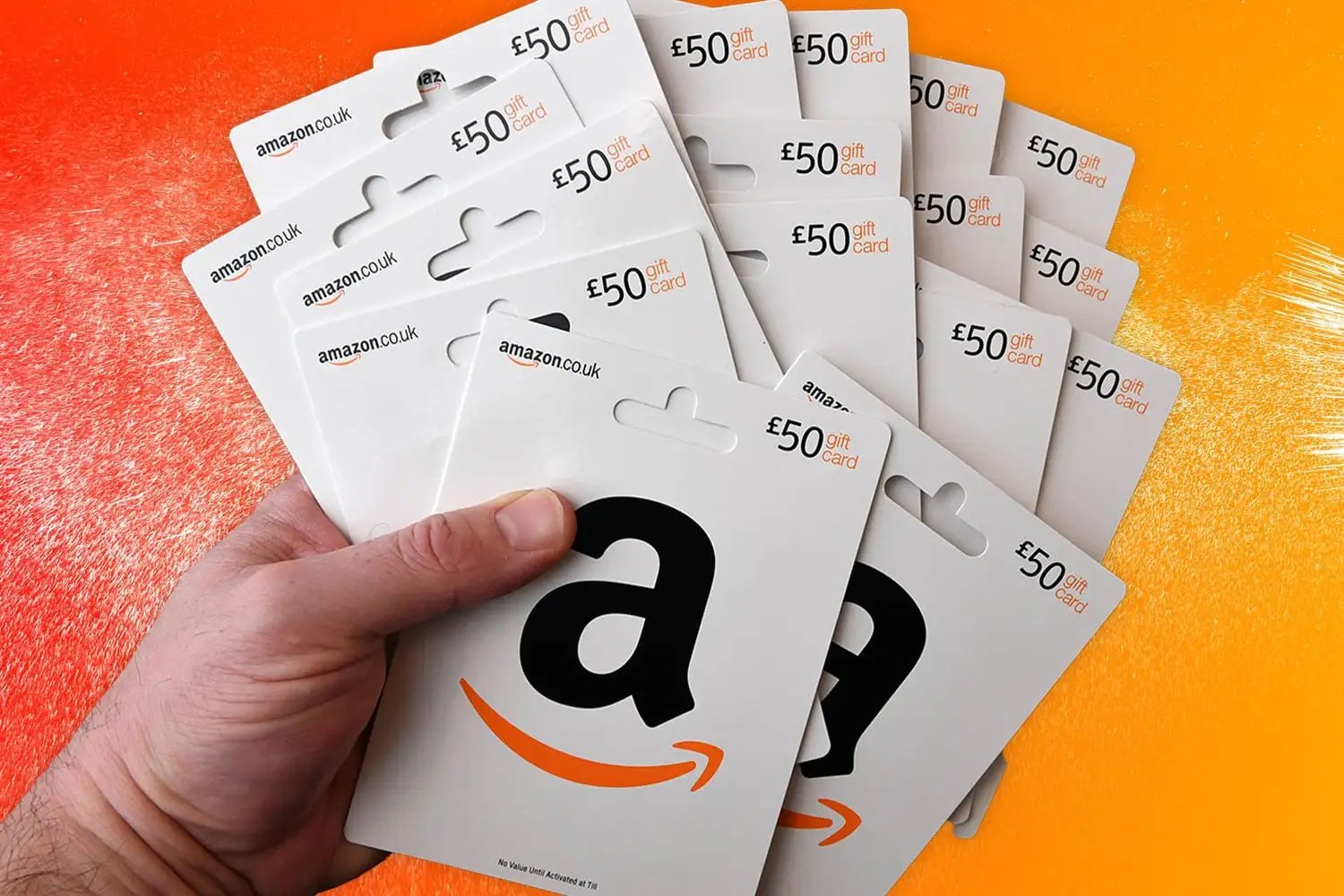
Amazon does not currently allow customers to split a single transaction between two different credit or debit cards during the checkout process. However, you can achieve this by using your first card to purchase an Amazon Gift Card or "Reload" your Amazon Balance, then applying that balance alongside a second credit or debit card at checkout.
The inability to split a payment directly between two credit cards is a common frustration for shoppers looking to manage their budgets, maximize credit card rewards, or handle large purchases that exceed a single card's limit. While the Amazon interface remains streamlined for one-click simplicity, the infrastructure behind payment processing and fraud prevention makes multi-card authorization complex. By understanding the "stored value" workaround, you can effectively use as many cards as you need for a single order.
Understanding Amazon’s Payment Processing Logic
As of 2026, Amazon’s payment gateway is designed to authorize a single total amount against a single primary funding source. When you click "Place your order," the system sends an authorization request to your bank for the exact total. If that request is approved, the order moves to "Preparing for Shipment."
If Amazon permitted a direct split between two credit cards (e.g., $500 on Card A and $500 on Card B for a $1,000 laptop), the system would have to manage two separate authorization codes. If one card was approved and the other declined, the order would enter a state of "partial payment," which complicates inventory holds and shipping logistics. To avoid these hurdles, Amazon limits "split" payments to a combination of an Amazon Balance and one credit/debit card.
Why Direct Multi-Card Splits are Restricted
- Authorization Complexity: Coordinating two separate merchant-bank communications simultaneously increases the risk of technical failure.
- Fraud Prevention: Multiple cards used for a single high-value item can sometimes trigger automated fraud detection systems, as this behavior is occasionally associated with testing stolen card data.
- Return Logistics: If you return an item paid for with two cards, the refund process becomes convoluted. Deciding which card receives which portion of the refund requires additional customer service intervention.
The Definitive Workaround: Using the Amazon Balance
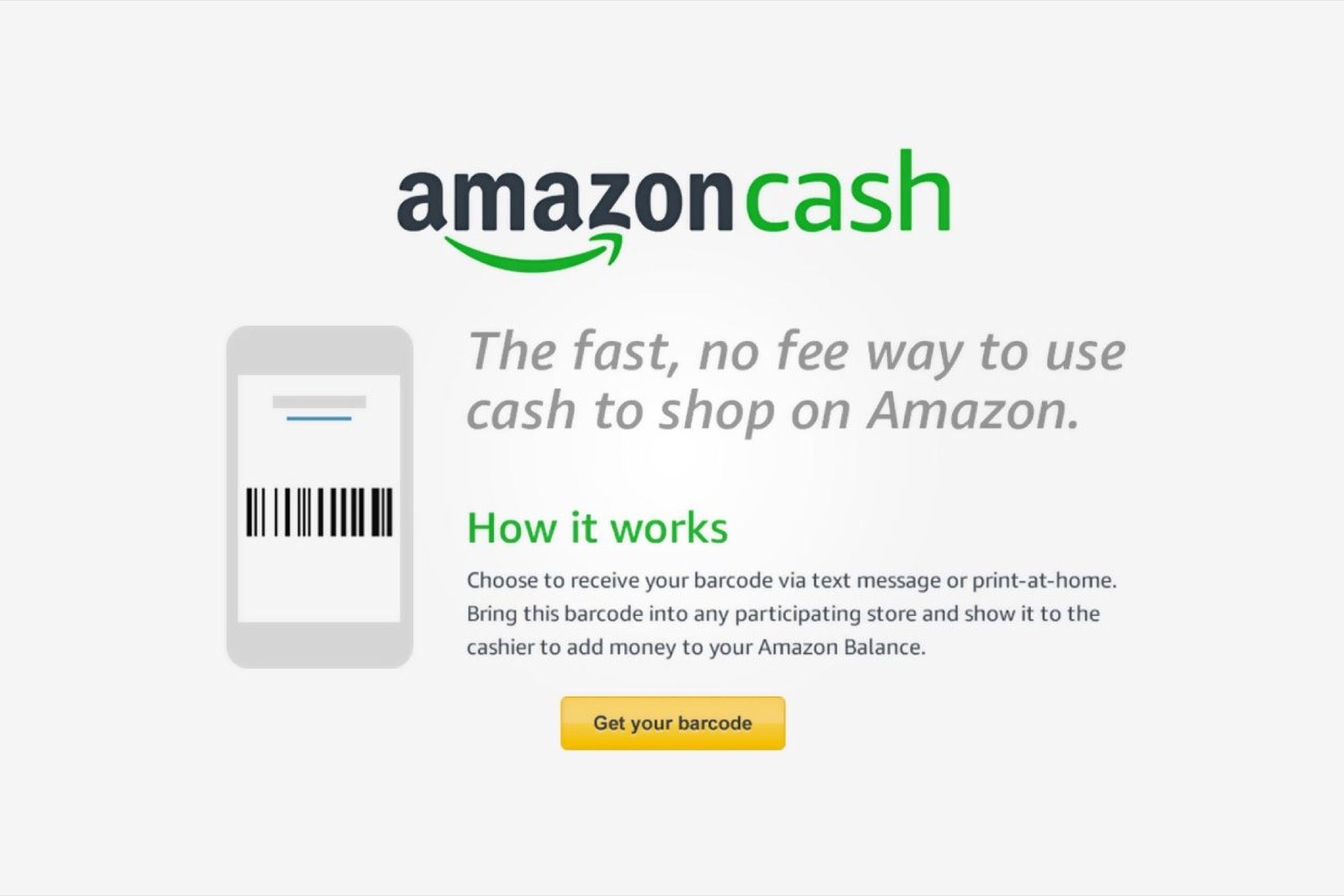
The most reliable way to "pay with two cards" is to convert the funds from your first card into a digital balance. This creates a stored value that Amazon treats as a "discount" or "credit" rather than a secondary credit card transaction at the final stage of checkout.
Step 1: Reload Your Amazon Balance
Before you place your main order, you must move money from Card A into your Amazon account.
- Navigate to your Amazon Account and select Your Payments.
- Find the Amazon Balance section and click on Reload Your Balance.
- Enter the specific amount you wish to pay using your first card.
- Select Card A as the payment method for this reload.
- Complete the transaction. The funds typically appear in your account within five minutes, though security reviews can occasionally take longer.
Step 2: Proceed to Checkout with Your Items
Once your balance is updated, you can move forward with the purchase you intended to split.
- Add the item(s) to your cart and proceed to the Checkout page.
- In the Payment Method section, check the box that says "Use your $XX.XX Amazon Balance."
- The system will automatically subtract your balance from the total order amount.
- Select Card B to cover the remaining balance.
- Review the order summary to ensure both the "Gift Card / Promotion" amount (your balance) and the "Credit Card" amount reflect your desired split.
Step 3: Finalize the Order
Confirm the transaction. Amazon will charge the remaining amount to Card B immediately upon shipping. Since the "Reload" was a separate transaction, the bank for Card A sees a "Gift Card" purchase, and the bank for Card B sees a standard Amazon purchase.
Strategic Use Cases for Splitting Payments
Why go through the extra steps of reloading a balance? In 2026, savvy consumers use this method for several financial advantages.
Maximizing Reward Tiers
Many credit cards offer 5% cash back at "E-commerce" or "Digital Stores" up to a certain quarterly limit (e.g., $1,500). If you are buying a high-end workstation or home theater system worth $2,500, you can reload $1,500 onto your Amazon balance using your 5% card to max out your rewards, then pay the remaining $1,000 with a standard 1.5% or 2% "catch-all" card.
Meeting Sign-up Bonuses (MSB)
If you have recently opened two new credit cards and need to spend $3,000 on each within three months to earn a sign-up bonus, splitting a $4,000 purchase allows you to contribute toward the progress of both bonuses simultaneously.
Budgeting and Shared Expenses
If you are purchasing a shared household item, such as a refrigerator or a shared computer, you may want to pay your half with your personal card and let a partner pay the other half with theirs. The reload method allows for a clean 50/50 split without requiring one person to wait for a manual bank transfer from the other.
Splitting Payments with Amazon Business
For those using Amazon Business accounts, the rules for splitting payments are slightly different but still restrictive. Amazon Business allows for "Individual" and "Shared" payment methods.
- Individual Payment Methods: These are cards added by the user. You still cannot split a single item across two cards.
- Shared Payment Methods: Administrators can set up a "Line of Credit" or a "Pay by Invoice" option.
- Split Shipments: If your order contains multiple items that ship at different times, Amazon may charge different cards if you change the default payment method for specific items in the "Review items and shipping" section. However, a single item cannot be split.
| Feature | Standard Account | Amazon Business Account |
|---|---|---|
| Split Single Item (2 Cards) | No (Workaround Required) | No (Workaround Required) |
| Split Cart (2 Cards) | No (Requires 2 Orders) | Yes (If items ship separately) |
| Combine Balance + Card | Yes | Yes (Unless disabled by Admin) |
| Pay by Invoice | No | Yes (For eligible businesses) |
| Reward Points + Card | Yes | Yes |
Troubleshooting Common Issues
While the gift card reload method is effective, users in 2026 occasionally encounter technical friction points.
The Reload is "Pending"
If you are reloading a large sum (e.g., $1,000+) onto your Amazon balance for the first time, Amazon’s security algorithms may flag the transaction. This is a common "velocity" check. If your reload says "Pending" for more than two hours, check your email for a verification request from Amazon or a fraud alert from your bank. It is often best to reload the balance 24 hours before you intend to make the final purchase to ensure the funds are cleared.
Balance Not Appearing at Checkout
If you have reloaded your balance but don't see the option to use it at checkout, ensure you are logged into the correct account. Some items, such as certain digital subscriptions or other gift cards, cannot be purchased using an Amazon Balance. If your cart contains a "restricted item," the option to apply your balance may be grayed out or missing entirely.
Verification of Expired Cards
If one of your two cards is near its expiration date, Amazon may decline the reload or the final transaction. Ensure both cards are updated in your Wallet before attempting a split payment. In 2026, many virtual cards (like those from privacy.com or certain fintech apps) are accepted, but they must support the "3D Secure" protocol for the reload to be successful.
Alternative: Using "Buy Now, Pay Later" (BNPL)
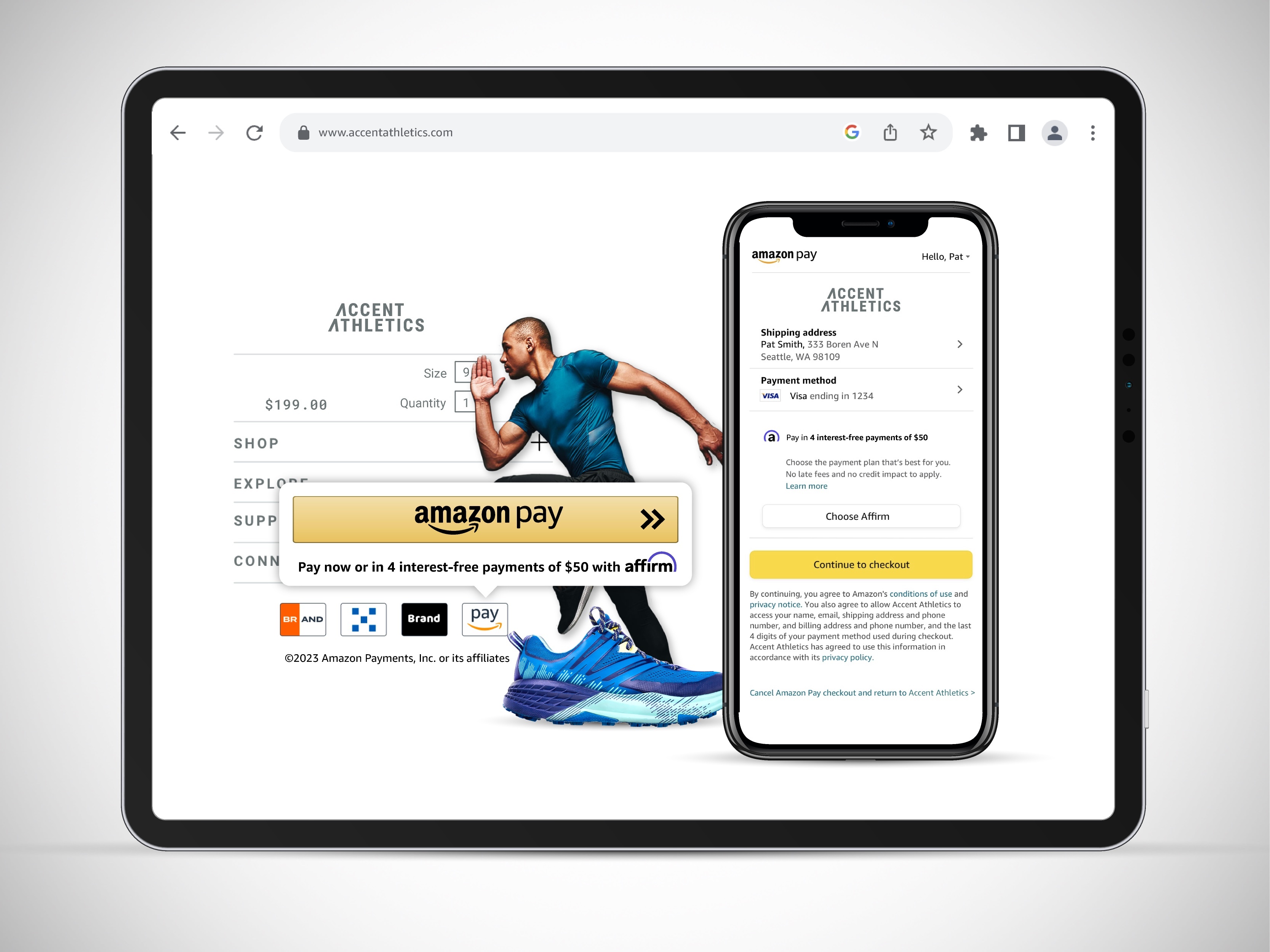
In 2026, Amazon has deeply integrated BNPL services like Affirm and its own Amazon Monthly Payments. While these are technically financing options rather than "two cards," they solve the same problem: not wanting to put a large lump sum on a single credit card.
- Affirm: At checkout, you can select Affirm. They will perform a soft credit check and offer a payment plan. You can then use your first card to pay the Affirm monthly installments while keeping your second card free for other expenses.
- Amazon Store Card: This card often offers 0% interest for 6–24 months on large purchases. You can use the Store Card for the purchase and then use funds from any of your bank accounts (linked to different cards) to pay off the balance over time.
Frequently Asked Questions
Can I split a payment between two different credit cards for an Amazon Prime membership?
No. Subscriptions like Amazon Prime, Kindle Unlimited, or Audible require a single, valid credit or debit card for recurring billing. You cannot use an Amazon Balance (gift card) to pay for a Prime membership if there isn't a backup credit card on file, and you certainly cannot split the annual fee across two credit cards at the moment of billing.
Is there a limit to how many "reloads" I can use?
There is no strict limit on how many gift cards or reloads you can apply to your Amazon Balance. You could technically use five different cards to perform five separate reloads of $20 each and then use the resulting $100 balance plus a sixth card to buy a $150 item. However, doing this rapidly might trigger a temporary account hold for suspicious activity.
Does splitting payments affect my ability to return items?
Splitting payments via the Amazon Balance method does not change your return rights. If you return an item, Amazon typically refunds the "balance" portion back to your Amazon Balance and the "card" portion back to the specific credit card used for the remainder. You cannot choose to have the entire refund sent to just one of the two sources.
Can I use a Visa Prepaid Gift Card and a Credit Card together?
Yes, but you must use the same "Reload" method. Many Visa/Mastercard prepaid cards are declined at the main checkout if the balance is even one cent less than the total order. To avoid this, "Reload" your Amazon Balance with the exact amount available on the prepaid card first, then use your credit card for the rest.
Why does Amazon allow gift cards but not two credit cards?
From a regulatory standpoint, gift cards are considered "Stored Value." Amazon has already received the cash for a gift card, so there is zero risk of a "chargeback" or "insufficient funds" on that portion of the transaction. Credit cards carry a risk of dispute and require active communication with the issuing bank, which is why Amazon prefers to deal with only one bank per order.
Final Recommendation for 2026 Shoppers
If you need to use two cards on Amazon, the Amazon Balance reload is your only viable path. To ensure a smooth experience, perform the reload at least a few hours before you plan to buy the item. This allows time for fraud filters to clear and ensures that when you reach the final checkout screen, your balance is ready to be applied. For very large purchases, consider using the Amazon Store Card or Affirm integrations, as these provide more structured ways to split costs without the manual steps of reloading balances.