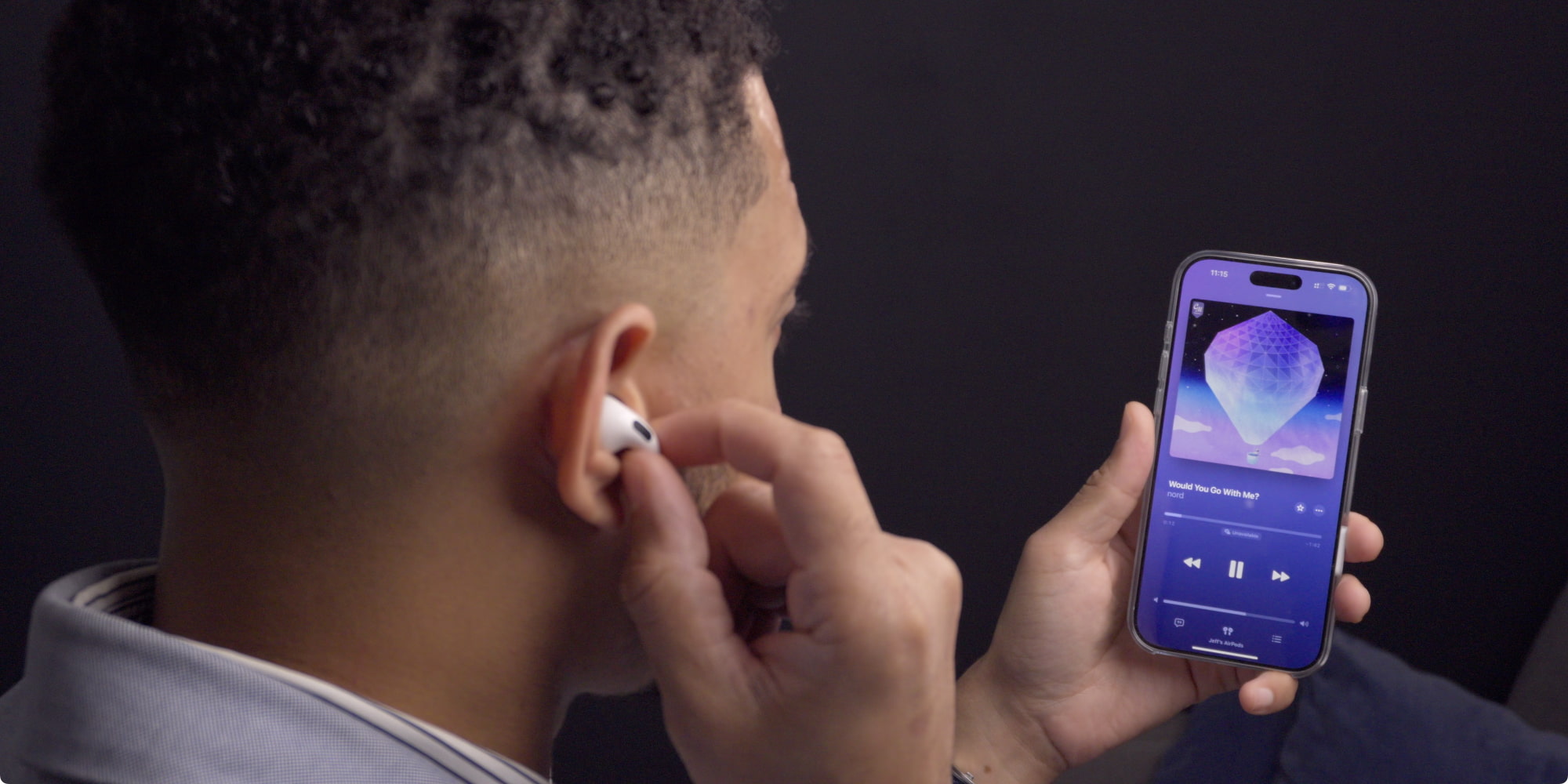
No, AirPods do not need a standalone app on Apple devices, as all controls and settings are integrated directly into the iOS, iPadOS, and macOS operating systems. However, Android and Windows users often require third-party applications to check battery levels and customize touch controls, as these platforms lack native Apple support.
The question of whether "AirPods need an app" is one of the most common points of confusion for new owners, particularly those transitioning from other headphone brands like Sony or Bose, which rely heavily on dedicated companion apps. In the Apple ecosystem, the "app" is the operating system itself. For everyone else, the experience is significantly more fragmented. As we move through 2026, the gap between the native Apple experience and the cross-platform experience remains a defining characteristic of the AirPods product line.
The Apple Ecosystem: Why There’s No Standalone App on iOS
For users on an iPhone or iPad, searching the App Store for an "AirPods App" will yield no official results from Apple. This is intentional. Apple integrates the management of its wearables directly into the system settings. This "app-less" approach is powered by proprietary silicon—the H1 and H2 chips—which facilitate a level of integration that third-party Bluetooth devices cannot match.
Accessing Settings via Bluetooth
On iOS and iPadOS, managing your AirPods is handled through the Settings menu. When your AirPods are connected, a dedicated tab appears near the top of the Settings home screen, usually just below your Apple ID information. If it doesn’t appear there, you can navigate to Settings > Bluetooth and tap the "i" icon next to your AirPods' name.
Within this menu, users can:
- Rename the device: Change the display name of the AirPods.
- Configure Noise Control: Toggle between Active Noise Cancellation (ANC), Transparency mode, and Adaptive Audio.
- Customize Press Actions: Change what a long press or double-tap does (e.g., triggering Siri vs. cycling through noise modes).
- Ear Tip Fit Test: Use internal microphones to check if the silicone tips provide a proper seal.
- Personalized Spatial Audio: Set up a custom profile based on your ear shape using the TrueDepth camera.
The Role of the Find My App
While there is no configuration app, the Find My app serves as a critical utility for AirPods. It allows users to locate lost buds on a map, play a sound to find them nearby, or receive "Left Behind" alerts. In 2026, with the widespread use of Precision Finding in the AirPods Pro 2 and later models, the Find My app is the closest thing to a mandatory secondary utility for AirPods owners.
AirPods on Android: The Need for Third-Party Workarounds
If you are using AirPods with an Android device, the situation changes drastically. Apple does not provide an official Android app for AirPods. Out of the box, AirPods function as "dumb" Bluetooth headphones on Android. You can listen to music and take calls, but you lose out on almost every "smart" feature that makes the AirPods premium.
What’s Missing on Android?
Without a native interface or an official app, Android users cannot natively:
- See the battery percentage of the individual buds or the charging case.
- Use "Automatic Ear Detection" (where music pauses when you take a bud out).
- Access the "Hey Siri" voice assistant.
- Easily switch between Noise Cancellation and Transparency modes via software.
Popular Third-Party Apps
To solve this, developers have created third-party apps that mimic the Apple experience. These apps use the Bluetooth data broadcast by the AirPods to display battery information and enable some features.
- Assistant Trigger: This is one of the most popular choices. It displays battery levels in the notification shade and can be configured to trigger Google Assistant with a double-tap on the AirPods.
- AndroPods: This app aims to replicate the "pop-up" window that appears on iPhones when you open the AirPods case. It also supports ear detection.
- OpenPods: An open-source alternative for privacy-conscious users, though it generally offers fewer features than paid competitors.
Caution: Because these are not official Apple products, they may occasionally provide inaccurate battery readings or drain the phone's battery more quickly due to constant Bluetooth scanning.
Windows and PC Compatibility: A Basic Bluetooth Experience
When connecting AirPods to a Windows 10 or Windows 11 PC, the experience is similar to Android but even more limited. Windows treats AirPods as a generic Bluetooth headset. There is no official Apple-provided "AirPods for Windows" app.
While you can use them for Zoom calls or Spotify, there is no native way to check battery life within the Windows settings menu for many older models. Users often turn to the Microsoft Store to find utilities like "MagicPods." MagicPods provides a polished interface that brings the iPhone-style battery pop-up and seamless switching to the Windows environment. Without such a tool, Windows users are essentially flying blind regarding their device's remaining power.
Feature Availability Across Platforms (2026 Status)
To understand why someone might think they "need" an app, it is helpful to see which features are gated behind the Apple ecosystem.
| Feature | iOS / iPadOS | Android (Native) | Android (With App) | Windows PC |
|---|---|---|---|---|
| Basic Audio Playback | Yes | Yes | Yes | Yes |
| Battery Status Pop-up | Yes | No | Yes | No (requires app) |
| Automatic Ear Detection | Yes | No | Partial | No |
| Customizable Controls | Yes | No | No | No |
| Spatial Audio | Yes | No | No | No |
| Find My Tracking | Yes | No | No | No |
| Firmware Updates | Yes | No | No | No |
| Adaptive Audio | Yes | No | No | No |
The Firmware Hurdle: Why Non-Apple Users Struggle with Updates
The most significant reason "AirPods need an app" (and the lack of one is a problem) involves firmware updates. Apple periodically releases software updates for AirPods to improve noise cancellation algorithms, fix bugs, and add new features like Adaptive Audio or Conversational Awareness.
AirPods have no manual "Update" button. On an iPhone, the firmware updates automatically in the background when the AirPods are in their charging case and connected to power near the phone.
There is no way to update AirPods firmware using an Android device or a Windows PC.
If you are an Android-only user, your AirPods will stay on the version of firmware they had when they left the factory. To update them, you must periodically pair them with an iOS device (like a friend's iPhone or an iPad) and leave them connected for 20–30 minutes. This is a major technical limitation for those outside the Apple ecosystem.
Troubleshooting and Maintenance Without a Native App
Since there is no "Reset" button within a dedicated app, users must rely on physical interactions to manage their hardware. This is especially important for non-Apple users who cannot use software to troubleshoot connectivity issues.
How to Hard Reset AirPods
If your AirPods aren't connecting or the third-party battery app isn't reading them correctly, a reset is usually the first step:
- Place your AirPods in the charging case and close the lid.
- Wait 30 seconds, then open the lid.
- On your device (Android or PC), "Forget" the AirPods in the Bluetooth settings.
- With the lid open, press and hold the setup button on the back of the case (or the front on some newer models) for about 15 seconds.
- The status light should flash amber, then white.
- Reconnect the device via the Bluetooth menu.
Managing Battery Health
Since you cannot access the "Optimized Battery Charging" toggle on Android or Windows, your AirPods may be more susceptible to battery degradation over time if left on a charger at 100% constantly. Apple users have an integrated system that learns their charging routine to slow down battery aging—a feature that remains inaccessible without an iOS device to toggle it on.
Essential Third-Party Apps for AirPods Users in 2026
For those determined to use AirPods on non-Apple hardware, a few applications have stood the test of time and remain relevant in 2026.
- AirBattery (Android): One of the oldest and most reliable apps for checking the charge level of the left bud, right bud, and the case. It supports most models, including the AirPods Pro 2 and AirPods 4.
- MagicPods (Windows): Provides a high-quality animation when the case is opened and enables "Ear Detection" for Windows, which can pause YouTube or Spotify when you remove a bud.
- MaterialPods (Android): Known for its "Material You" design that matches the Android system aesthetic. it offers smooth animations and widgets for the home screen.
While these apps provide a bridge, they require permissions to access Bluetooth and location services (a requirement of the Android Bluetooth LE API), which may be a consideration for those concerned with data privacy.
FAQs
Can I change my AirPods settings on an Android phone?
No, you cannot natively change settings like what a double-tap does or toggle "Automatic Ear Detection" from an Android phone. These settings are saved to the AirPods themselves. If you want to change them, you must connect the AirPods to an iPhone, change the settings there, and then pair them back to your Android device. The AirPods will "remember" the new configuration.
How do I check AirPods battery on my laptop?
On a Mac, battery levels are visible in the Bluetooth menu or the Sound section of the Control Center. On a Windows laptop, you generally cannot see the battery level without installing a third-party app like MagicPods or checking the light on the case (Green for charged, Amber for less than one full charge remaining).
Is there a "Find My" app for AirPods on Android?
No. Apple’s "Find My" network is encrypted and exclusive to Apple hardware. While you can use the "Find My" website via a mobile browser on Android to see the last known location of your AirPods, you cannot use the "Precision Finding" or "Nearby Search" features that require an iPhone’s U1 or U2 chip.
Does using a third-party app drain my phone battery?
Yes, slightly. Third-party AirPods apps work by constantly "listening" for the Bluetooth Low Energy (BLE) beacons that AirPods send out. This background process can consume a small percentage of your phone's battery life—usually between 1% and 3% over a full day.
Why won't my AirPods connect to the third-party app I downloaded?
Ensure that location services are turned on. Android requires location permission for apps to scan for nearby Bluetooth devices. Additionally, make sure the AirPods are paired to the phone through the system Bluetooth settings first before opening the app.
Can I use Spatial Audio on a Windows PC?
Standard Spatial Audio (fixed) can work if the application supports it (like the Dolby Access app on Windows), but "Head Tracking" Spatial Audio is an Apple-exclusive feature that requires the sensors in the AirPods to communicate with the motion sensors in an iPhone, iPad, or Mac.
Final Recommendation: Should You Use AirPods Without an Apple Device?
If you are an iPhone user, you do not need an app—your device is already equipped with everything you need. If you are an Android or Windows user, while you can use AirPods, the experience is significantly hampered by the lack of an official app.
For the best experience in 2026, Android users should consider installing Assistant Trigger or MaterialPods to regain battery visibility. However, if you do not have access to at least one Apple device (like a Mac or iPad) for occasional firmware updates, you may be better served by headphones from brands like Sony, Sennheiser, or Google. These competitors offer dedicated apps for both iOS and Android, ensuring you have full control over your hardware regardless of your smartphone choice.