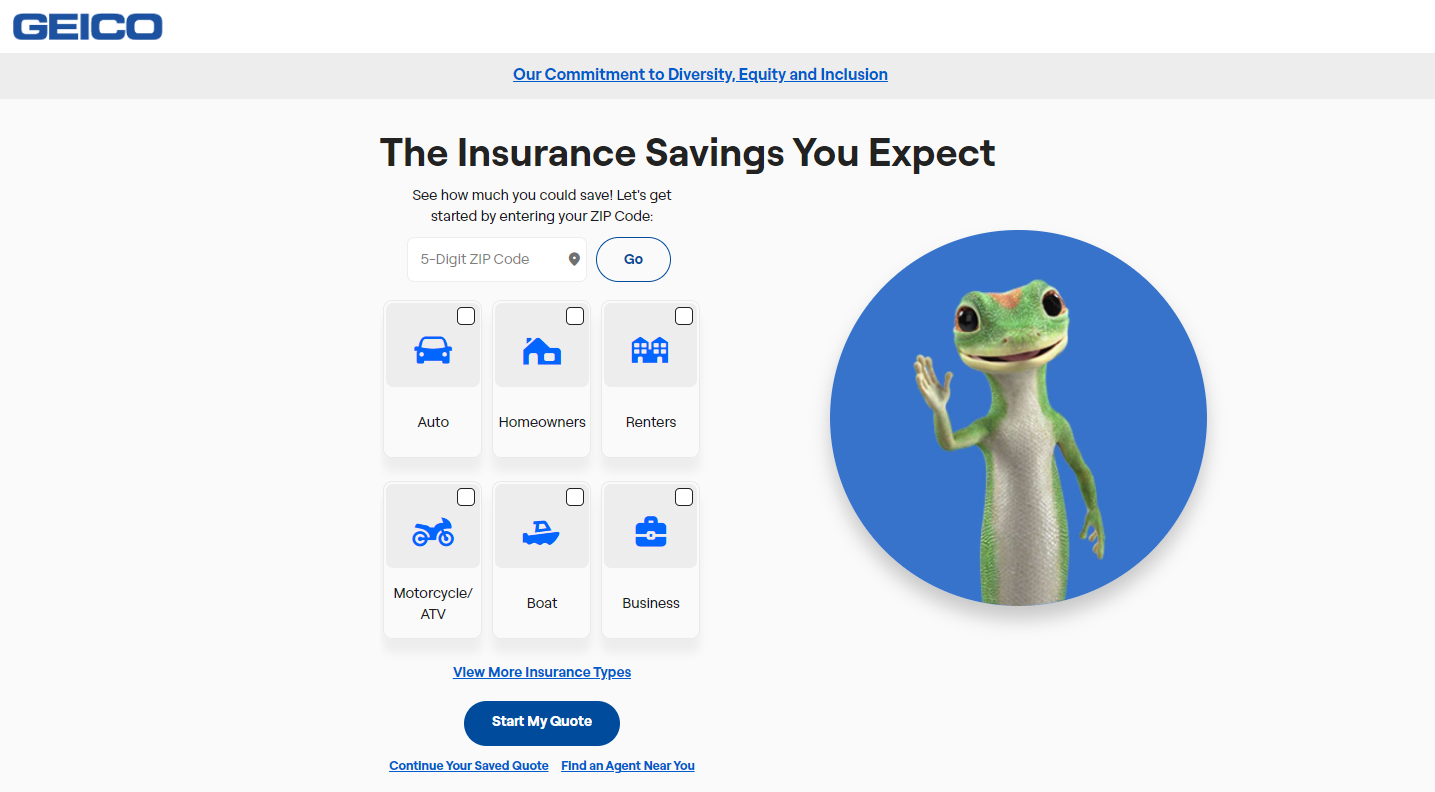
Adding a household driver to your GEICO auto insurance policy requires updating your policy details through the GEICO mobile app, the online customer dashboard, or by speaking directly with a licensed customer service representative. Insurance providers require policyholders to disclose all licensed residents sharing a household to maintain accurate risk assessments, prevent coverage denials during claims, and ensure proper premium calculations based on driving histories.
Understanding GEICO Requirements for Household Drivers
When managing an auto insurance policy, understanding why and when you must add a driver is essential for maintaining compliance with your contract. Insurance companies operate on the principle of shared risk. Every licensed individual living under the same roof represents a potential operator of the insured vehicles, regardless of whether they drive the car daily or only on rare occasions.
The Definition of a Household Driver
A household driver is generally defined as any person residing in your home who holds a valid driver’s license or learner’s permit. This includes spouses, adult children, elderly parents, roommates, and extended family members. Even if a resident owns their own separate vehicle and maintains a separate insurance policy, many insurance carriers still require notification. They may request documentation of alternative coverage to formally exclude that driver from your specific policy.
Why GEICO Mandates Driver Disclosure
Failing to disclose a licensed household member can lead to severe consequences during the claims process. If an unlisted household member gets into an accident using your vehicle, the insurance carrier may investigate the residency status. Discovering that a regular household driver was omitted from the policy can result in:
- Denial of coverage for the specific accident.
- Retroactive billing for the months or years the driver went unlisted.
- Cancellation or non-renewal of the entire auto insurance policy due to material misrepresentation.
Permitted Exclusions vs. Mandatory Inclusion
Depending on the state where your policy is issued and GEICO’s underwriting guidelines, you may have the option to formally exclude a household member from your policy. An excluded driver means the individual is completely barred from operating your insured vehicles, and any damage caused by them will not be covered under any circumstances. If an excluded driver takes your car and causes a collision, you and the driver will bear 100% of the financial liability. If you do not wish to exclude the person, they must be added as a rated driver, which factors their driving record, age, and experience into your premium calculation.
Prerequisites and Information Needed Before You Begin
Gathering the correct documentation and personal information before initiating the request streamlines the process, whether you choose to update your policy online or via telephone. Incomplete information will stall the application and delay the official activation of coverage for the new driver.
Required Personal Details
To add a household driver successfully, you must provide specific data points for the individual. Make sure you have the following ready before logging into your account:
- Full Legal Name: Must match the name printed on the driver’s license exactly.
- Date of Birth: Essential for calculating risk based on age cohorts.
- Driver’s License Number and State of Issuance: GEICO runs a motor vehicle record (MVR) check to evaluate past accidents, traffic violations, and driving experience.
- Relationship to the Policyholder: Defining whether the person is a spouse, child, sibling, or roommate helps determine applicable discounts and policy structures.
- Social Security Number (Optional/Situational): May be requested to perform a comprehensive credit-based insurance score check or MVR pull, depending on state regulations.
Evaluating Driving History Impact
Before adding the driver, anticipate how their record will alter your insurance premium. A newly licensed teenager or a driver with multiple speeding tickets and at-fault accidents within the past three to five years will increase your rates. Conversely, adding an experienced, mature driver with a clean record and defensive driving course completion certificates may have a minimal impact or potentially qualify the policy for multi-driver discounts.
Step-by-Step Instructions to Add a Driver via GEICO Digital Channels
GEICO provides robust digital self-service tools that allow policyholders to modify coverage without waiting on hold for a representative. You can complete this action using either the online customer center or the mobile application.
Method 1: Using the GEICO Mobile App
The GEICO mobile application is available for iOS and Android devices and offers a streamlined interface for policy management.
- Open and Log In: Launch the GEICO mobile app and log in using your username, password, or biometric authentication (Face ID/Fingerprint).
- Navigate to Policy Management: Tap on the specific policy you wish to update if you hold multiple policies (such as renters or home insurance bundled with auto).
- Select Manage Policy: Look for the policy details or service menu, then select the option related to "Drivers" or "Edit Policy."
- Choose Add a Driver: Select the prompt to add a new driver to the household.
- Enter Driver Information: Carefully type in the requested details, including full name, date of birth, license number, and relationship to you. Double-check all numbers to prevent processing errors.
- Review Changes and Premium Impact: The system will generate a quote preview showing how adding the driver affects your upcoming premium payments. Review this breakdown thoroughly.
- Submit and Confirm: Confirm the changes. You will receive an electronic confirmation, and the updated insurance card reflecting the new driver will typically become available within the app shortly after processing.
Method 2: Using the GEICO Desktop Website
If you prefer managing administrative tasks on a computer, the desktop portal offers identical functionality.
- Access the GEICO Website: Navigate to the official GEICO homepage and log into your online account.
- Access Policy Details: From your policy dashboard, click on the "Manage Policy" button next to your auto insurance policy.
- Select Add/Remove Drivers: Locate the driver management section under the policy coverage tab.
- Input Driver Data: Fill out the input fields with the driver’s legal name, license data, and driving history details when prompted.
- Acknowledge and Save: Review the updated declarations page estimate, accept any required electronic disclosures, and submit the request.
Managing the Process via Phone or Agent
While digital tools are efficient, certain situations require speaking directly with a licensed GEICO insurance agent or customer service representative. Complex household structures or unique driving histories often cannot be resolved through automated web portals.
When to Call GEICO Directly
You should contact customer service by phone if you encounter any of the following scenarios:
- The automated system rejects the driver's license number or flags an error that you cannot clear.
- The household member has an international driver's license or an out-of-country driving history that requires manual underwriting review.
- You want to explore specific driver exclusion options permitted in your state of residence.
- The driver has a severe moving violation history or major infractions (such as a DUI/DWI) that require specialized high-risk policy adjustments.
What to Expect During the Call
When calling GEICO customer service at their primary support number, have your policy number ready. Inform the representative that you need to add a licensed household member to your auto policy. Provide the representative with the driver’s license details and history. The agent will calculate the rate adjustment live on the call, explain the billing changes, and mail or email an updated insurance binder and declarations page.
Cost Considerations and Financial Impacts
Adding a driver to an auto insurance policy almost always alters the financial structure of the contract. Understanding how these costs are calculated helps you budget effectively for the change.
| Driver Category | Typical Premium Impact | Contributing Risk Factors | Potential Discounts |
|---|---|---|---|
| Teenage/New Driver | Significant Increase | Lack of driving experience, high statistical accident frequency | Good Student discount, driver education course completion |
| Experienced Adult (Clean Record) | Minimal to Moderate Change | Proven driving history, stable employment or maturity metrics | Multi-car, defensive driving, paperless billing discounts |
| High-Risk Driver (Violations/DUI) | Substantial Increase | Past accidents, speeding tickets, claims history, lapsed coverage | Safe driving monitoring programs (e.g., GEICO DriveEasy) |
| Excluded Driver | Zero Dollar Impact | Complete waiver of liability; individual is forbidden to drive | N/A (Coverage is explicitly denied for this person) |
Available Discounts for New Household Drivers
To offset the cost of adding a driver—particularly teenage or college-aged drivers—GEICO provides several discount programs that policyholders can apply:
- Good Student Discount: Available for full-time high school or college students who maintain a "B" average or better (typically a 3.0 GPA or higher). Report cards or transcripts must be submitted as proof.
- Driver Training Discount: Completing an approved defensive driving course or professional driver education program can lower the surcharges associated with youthful operators.
- Student Away at School Discount: If your dependent child attends a college located a significant distance away (usually 100+ miles) and does not take a vehicle with them, you may qualify for a reduced rate while they are away at campus.
Troubleshooting and Common Mistakes to Avoid
Policyholders frequently encounter specific pitfalls when updating their insurance policies. Avoiding these errors ensures seamless processing and prevents unexpected coverage gaps.
Common Mistakes
- Waiting Until an Accident Occurs: Never wait until after a new household member wrecks a vehicle to notify the insurer. Retroactive additions are heavily scrutinized and frequently lead to claim denials.
- Typos in License Numbers: Entering a single incorrect digit in a driver's license number causes MVR verification failures, which can delay the underwriting approval or trigger automated policy holds.
- Failing to Report College Students Promptly: Assuming a child away at college no longer counts as a household member can cause disputes. Insurers generally look at permanent address residency, not temporary school addresses.
Troubleshooting System Errors Online
If the GEICO portal displays an error message when attempting to add a driver, try clearing your browser cache, switching to a different web browser, or using the mobile app instead. If technical errors persist, the underlying database may require a manual agent override, necessitating a direct phone call to customer support.
Final Recommendations and Next Actions
Once you have added the household driver, verify that all paperwork accurately reflects the change. Log back into your GEICO account within 48 to 72 hours to ensure the new driver's name appears on the active declarations page. Download updated digital insurance cards for every vehicle in your household so all operators carry compliant proof of insurance at all times. Review your billing schedule to account for any prorated premium adjustments that take effect immediately or on your next billing cycle.