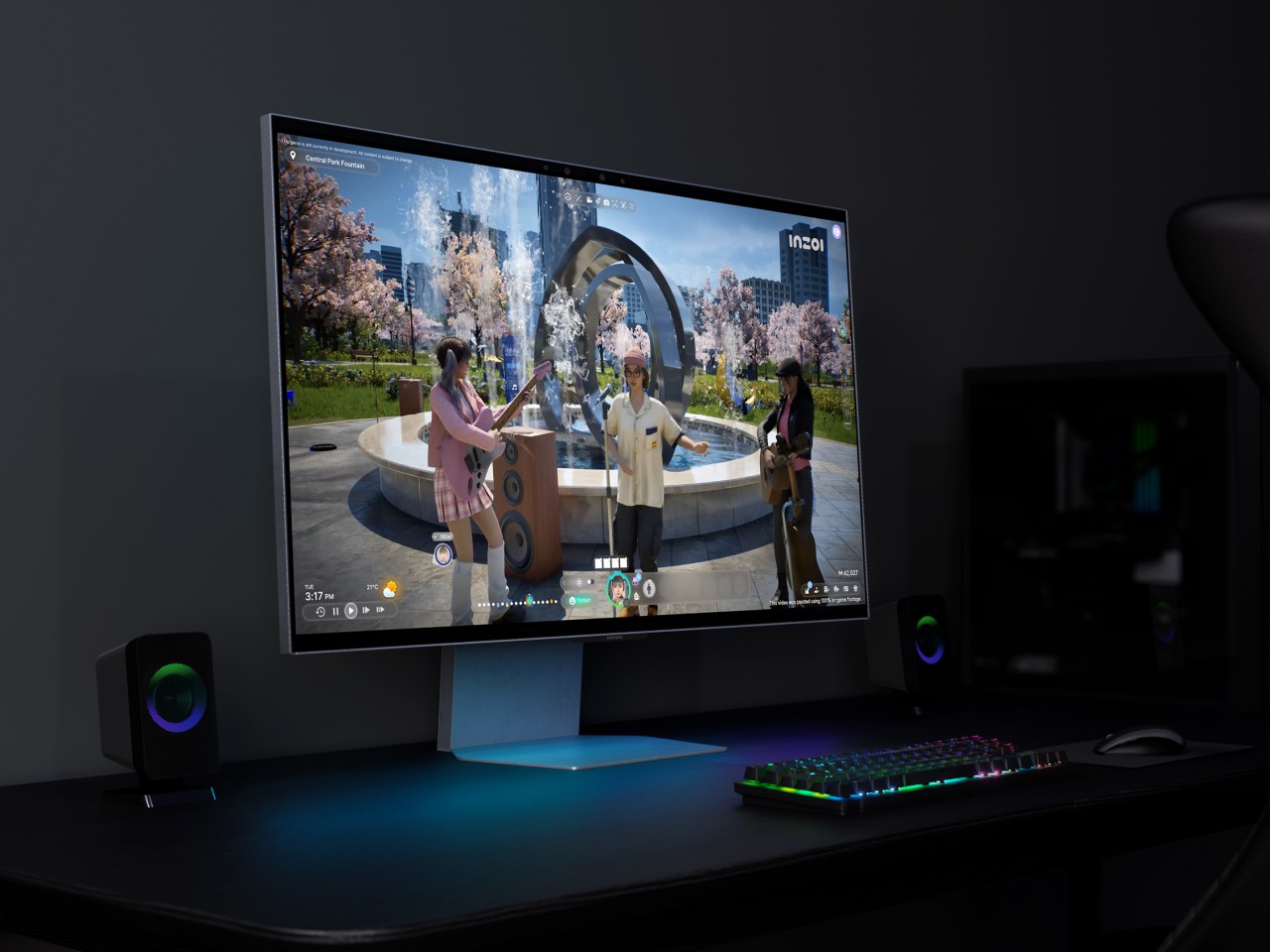
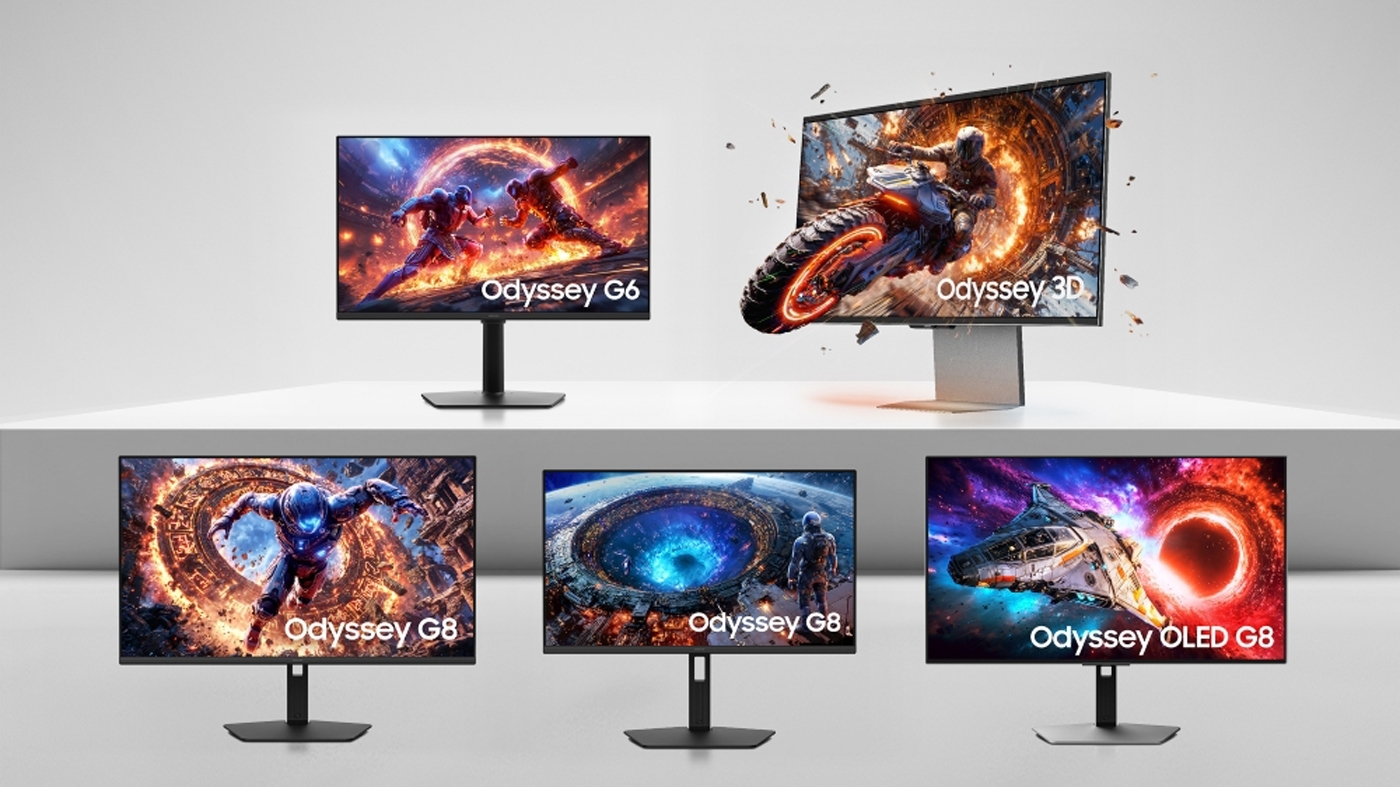
The Samsung glasses-free 3D monitor represents a specialized category of display technology designed to produce stereoscopic depth without the need for active or passive eyewear. By utilizing lenticular lens arrays or parallax barriers, these monitors provide distinct visual information to the left and right eyes, allowing professional users in fields like medical imaging, CAD design, and scientific visualization to perceive spatial data natively on a flat panel.
Understanding Autostereoscopic Display Technology
At the heart of the Samsung glasses-free 3D experience is the concept of autostereoscopy. Unlike traditional 3D systems that rely on polarized or shutter glasses to separate images for each eye, autostereoscopic displays embed the separation mechanism directly into the screen’s physical structure.
Most high-end implementations, including those explored by Samsung for commercial and industrial use cases, rely on lenticular lens technology. In this system, a sheet of tiny, cylindrical lenses is bonded to the front of the display panel. Each lens acts as a refractive element, directing light rays originating from specific pixels to a narrow viewing zone in front of the screen. When a user positions their head correctly, the left eye perceives pixels designated for the left eye’s perspective, and the right eye does the same for the right.
The challenge inherent in this technology is the "sweet spot" requirement. Because the light is refracted at specific angles to create the binocular disparity required for 3D, the viewing angle is physically limited. If the observer moves outside of these predefined convergence zones, the 3D effect collapses, or "ghosting" (crosstalk) occurs, where the viewer begins to see the left-eye image with the right eye and vice versa.
The Evolution of Samsung's Spatial Computing Displays
Samsung’s development in the 3D display space has historically focused on B2B (business-to-business) and professional applications rather than the consumer desktop market. While many early 2010s consumer 3D monitors failed due to cumbersome glasses and a lack of native 3D content, Samsung shifted its focus toward professional-grade panels capable of rendering complex 3D models for engineering and medical analysis.
In recent years, Samsung has leaned into the concept of "spatial displays." These systems are not merely monitors; they are integrated hardware and software ecosystems. By incorporating eye-tracking technology, modern versions of these displays can dynamically adjust the light-refraction angles of the lenticular layer based on the user's real-time position. This significantly expands the effective viewing area and mitigates the limitations of traditional, static autostereoscopic displays.
Primary Use Cases for Professionals
The primary demand for these displays does not come from gamers or casual multimedia users, but from industries where three-dimensional spatial awareness is critical to workflow efficiency and safety.
- Medical Imaging: Radiologists and surgeons use these displays to visualize volumetric scans, such as MRI or CT data. Viewing a complex 3D model of an organ or bone structure without glasses allows for more natural hand-eye coordination during surgical planning or diagnostic review.
- Computer-Aided Design (CAD) and Engineering: Architects and automotive designers utilize these monitors to inspect wireframe and rendered models in real-time. Detecting design flaws or structural interferences is significantly easier when the depth of an object is perceived natively rather than simulated on a 2D plane.
- Geospatial Analysis: Geographic Information System (GIS) experts and military analysts use these displays to examine terrain topography. The ability to see elevation changes clearly without hardware intermediaries helps in map interpretation and environmental modeling.
Technical Specifications and Hardware Requirements
Operating a glasses-free 3D monitor is not as simple as connecting a standard HDMI cable to a PC. These displays require specific hardware and software conditions to function correctly.
| Feature | Standard 2D Monitor | Glasses-Free 3D Monitor |
|---|---|---|
| Panel Type | Standard IPS/VA/OLED | Specialized Lenticular/Barrier |
| Refresh Rate | 60Hz–240Hz | High frequency to account for 3D frames |
| GPU Requirement | Standard display output | High-performance rendering for split images |
| Viewing Angle | Wide (typically 178°) | Narrow (optimized for single user) |
| Calibration | Standard color/gamma | Depth mapping and eye-tracking sync |
The computational overhead is substantial. To generate a 3D effect, the GPU must often render multiple perspectives of the same scene simultaneously. This means that for a high-resolution display, the graphics card is effectively performing twice the work it would for a standard image. Users must ensure their workstation is equipped with high-bandwidth display interfaces (such as DisplayPort 2.1 or high-speed Thunderbolt connections) to handle the data throughput required for real-time 3D rendering.
Managing Expectations: Limitations and Ghosting
Prospective users should approach these monitors with a clear understanding of their current limitations. Even with advanced eye-tracking, these monitors are not designed for group viewing. They are "single-user" devices. If two people look at the same screen from different angles, both will likely see a distorted or blurred image.
"Ghosting" or "crosstalk" remains the most common technical complaint. This occurs when the panel fails to perfectly isolate the pixels for each eye. While modern calibration software has improved significantly, perfect isolation is rarely achieved across the entire panel surface. Most users find that the 3D effect is most convincing in the center of the screen and slightly less precise toward the extreme edges.
Furthermore, these monitors require specialized drivers and software plugins. If you are working in a custom application that does not support the monitor’s specific 3D output protocol, the screen will likely default to a standard 2D mode, rendering the glasses-free technology moot.
Implementation and Setup Considerations
If your organization is considering the deployment of a glasses-free 3D monitor, follow this logical progression for integration:
- Workflow Audit: Evaluate whether your specific software stack supports stereoscopic output. Most professional 3D CAD software (e.g., Autodesk, SolidWorks) has dedicated settings to enable stereoscopic rendering.
- Environment Calibration: Ensure the monitor is positioned at the correct distance from the user. These displays have a "focal plane" where the 3D effect is calibrated to be most effective. Mounting the display too close or too far from the operator will result in eyestrain and image instability.
- Hardware Verification: Ensure the workstation’s GPU drivers are updated to support the specific display’s autostereoscopic communication protocol. Some displays use proprietary software "wrappers" to convert standard 2D content into a simulated 3D depth map, which requires additional background processing.
- Lighting Control: High ambient light can interfere with the precision of the eye-tracking sensors. For optimal performance, the workstation should be located in an environment with controlled, dimmable lighting.
Frequently Asked Questions
Can I watch standard 2D movies on a glasses-free 3D monitor? Yes. These monitors are fully compatible with 2D content. Most include a hardware-level toggle or software setting that allows you to switch between a native 3D mode for professional work and a standard 2D mode for general computing tasks like email or document editing.
Do these monitors cause motion sickness or eye fatigue? Like any 3D technology, individual tolerance varies. Because glasses-free 3D eliminates the "vergence-accommodation conflict" experienced with some headsets, many users find it more comfortable than VR. However, prolonged use without proper calibration can lead to eye strain, particularly if the depth-mapping is set too aggressively.
Is specialized software required for the 3D effect to work? In many cases, yes. While the display hardware creates the 3D illusion, the software must provide the content in a format the display understands (such as side-by-side or top-bottom frame packing). If you view raw 2D content without a depth-conversion plugin, you will not perceive a 3D effect.
How does the eye-tracking technology actually improve the image? The eye-tracker constantly monitors the position of your pupils. It sends this data to the monitor’s internal controller, which then adjusts the refraction of the lenticular lens layer—or shifts the pixel output—to ensure the 3D sweet spot follows your eyes as you move slightly in your chair.
Final Recommendation
The Samsung glasses-free 3D monitor is a specialized tool that serves a specific niche in professional environments. It is not recommended for general home or office use, where the high cost and specialized software requirements would outweigh the benefits. However, for professionals in medical imaging, architecture, and high-fidelity design, these displays represent a significant upgrade in spatial awareness and workflow efficiency.
Before purchasing, verify your workstation's GPU capabilities and confirm that your primary software tools include native support for autostereoscopic output. If your workflow requires frequent 3D spatial evaluation, this technology provides the most intuitive way to bridge the gap between digital models and real-world perception.