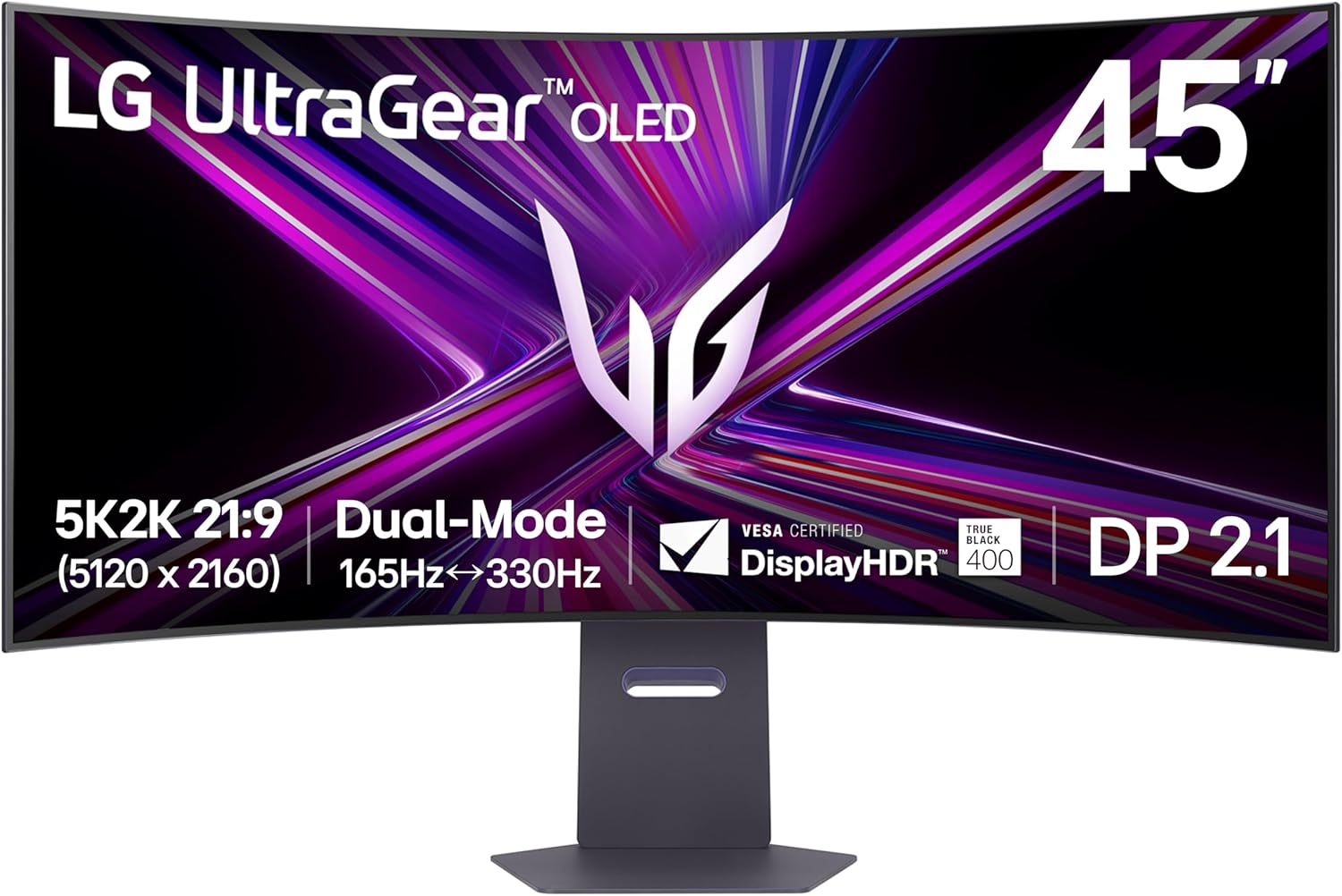
Choosing between the LG UltraGear 45GR95QE-B and the Alienware AW3425DW depends primarily on whether you prioritize immersive, large-scale screen real estate with a deep curve or the industry-leading pixel density and color vibrancy offered by a high-refresh QD-OLED panel. The LG provides a massive 45-inch ultrawide canvas designed for peripheral immersion, while the Alienware delivers a sharper 34-inch experience with superior QD-OLED brightness and color volume.
Understanding the Panel Technologies
The fundamental difference between these two displays lies in their specific implementation of Organic Light-Emitting Diode (OLED) technology. The LG UltraGear 45GR95QE-B utilizes a WOLED (White OLED) panel, a technology LG Display has refined to provide excellent response times and consistent black levels. WOLED panels feature a white sub-pixel that assists in achieving high peak brightness, though they can sometimes appear slightly less vibrant than newer quantum-dot iterations when viewing highly saturated colors in bright environments.
Conversely, the Alienware AW3425DW leverages QD-OLED (Quantum Dot OLED) technology. This approach removes the color filter found in traditional WOLED panels, replacing it with a quantum dot layer that converts light into pure colors. The result is a significantly higher color volume, meaning colors remain saturated even at higher brightness levels. For gamers who prioritize visual fidelity, HDR impact, and color accuracy, the QD-OLED architecture of the Alienware is generally considered the current technological benchmark.
Size, Resolution, and Pixel Density
The LG UltraGear 45GR95QE-B features a 45-inch display with a 3440 x 1440 resolution. This leads to a pixel density of approximately 84 pixels per inch (PPI). For users who sit relatively far back from their desk or who prioritize a "surround" feel, this resolution is functional. However, if you are accustomed to 4K monitors or high-density laptop screens, you may notice that text clarity and fine image details on the LG are not as sharp due to the large physical size of the display paired with the stretched resolution.
The Alienware AW3425DW maintains the same 3440 x 1440 resolution but packs it into a smaller 34-inch diagonal. This results in a pixel density of roughly 110 PPI. The increase in pixel density is immediately noticeable during productivity tasks, document editing, and when viewing fine textures in open-world games. If your workflow involves a mix of competitive gaming and text-heavy office work, the increased PPI of the Alienware makes it the more versatile daily driver.
Ergonomics and Desk Space Requirements
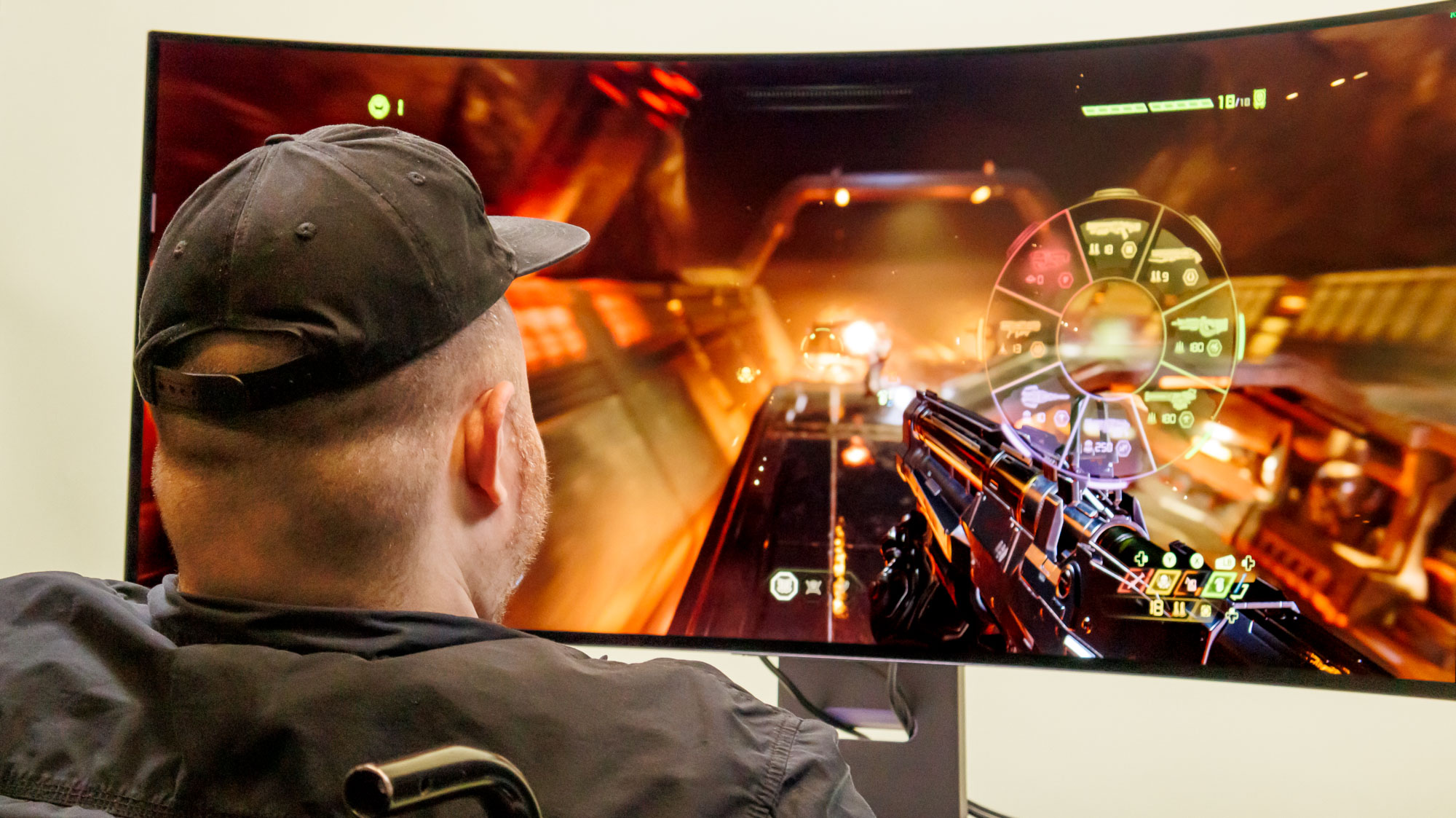
Physical footprint is a major factor when choosing between these two giants. The LG 45GR95QE-B is an imposing piece of hardware. Its 800R curve is significantly aggressive, designed to wrap around your field of vision. While this creates unparalleled immersion in racing simulators or flight games, it requires a substantial amount of desk depth to be comfortable. Furthermore, the sheer width of the stand and the monitor requires a stable, wide surface.
The Alienware AW3425DW features a more standard 1800R curve. This is subtle enough that it does not distort straight lines during creative work, making it a viable option for those who use their PC for design or video editing in addition to gaming. The Alienware’s stand is famously well-engineered, offering a smaller footprint that accommodates a wider variety of desk configurations without sacrificing stability.
Performance: Refresh Rates and Motion Clarity
Both monitors offer exceptional performance for high-speed gaming, but they serve slightly different niches. The LG 45GR95QE-B pushes a 240Hz refresh rate. In fast-paced shooters or competitive esports titles, this high frame rate is highly beneficial for tracking movement. The instantaneous response time inherent to OLED technology ensures that motion blur is virtually non-existent, making it a top-tier choice for competitive players who crave the sheer size of a 45-inch panel.
The Alienware AW3425DW also excels in motion clarity, typically operating at 240Hz as well in its most recent iterations. Because it uses QD-OLED, the persistence of the image is minimal, providing an incredibly clear motion profile. When comparing the two, the decision often comes down to the game genre: the LG offers more "peripheral vision" in high-speed racing and flight titles, whereas the Alienware provides a more focused, high-clarity image that is generally easier for the human eye to track in fast-paced tactical games.
Comparison Table: Feature Specifications
| Feature | LG UltraGear 45GR95QE-B | Alienware AW3425DW |
|---|---|---|
| Panel Type | WOLED | QD-OLED |
| Diagonal Size | 45 Inches | 34 Inches |
| Resolution | 3440 x 1440 | 3440 x 1440 |
| Refresh Rate | 240Hz | 240Hz |
| Curve | 800R (Aggressive) | 1800R (Subtle) |
| Pixel Density | ~84 PPI | ~110 PPI |
| Best For | Immersive Simulation | Competitive/Mixed Use |
Managing Burn-in and Longevity
OLED technology has historically faced concerns regarding "burn-in"—the permanent retention of static images. In 2026, both LG and Alienware include robust protective measures. These include pixel shifting, automatic screen savers, and periodic pixel-cleaning cycles that run while the monitor is in standby mode.
The Alienware AW3425DW generally includes an extensive 3-year limited hardware warranty that specifically covers burn-in, which provides significant peace of mind for buyers. While LG also offers strong support, users should always check the specific regional warranty terms at the time of purchase, as policies regarding OLED panel degradation can vary. To maximize the lifespan of either monitor, users should employ dark mode themes, hide the taskbar, and avoid leaving static game HUDs on screen for extended periods at maximum brightness.
Frequently Asked Questions
Which monitor is better for professional productivity work? The Alienware AW3425DW is generally superior for productivity. Its higher pixel density ensures that text is clearer and easier to read, and the more subtle 1800R curve prevents the image distortion that can occur on the LG’s aggressive 800R curve during design or spreadsheet work.
Does the 45-inch LG screen cause eye strain during desktop use? The 800R curve is designed to wrap around your peripheral vision. While some users find this immersive, others may experience eye strain if they sit too close. It is recommended to have a deep desk (at least 30 inches) to maintain a healthy viewing distance from a 45-inch panel.
Is QD-OLED significantly brighter than WOLED in a lit room? Yes. Because QD-OLED lacks a color filter, it maintains color saturation at higher brightness levels. If your gaming space has significant ambient light, the Alienware will generally appear more vibrant and punchy than the LG WOLED panel.
Do I need a high-end graphics card to run these monitors? Yes. Both monitors use a 3440 x 1440 resolution. While this is less demanding than 4K, driving a 240Hz display to its full potential requires a current-generation GPU. Ensure your system supports DisplayPort 1.4 or HDMI 2.1 to utilize the full refresh rate and HDR capabilities.
Final Recommendation
For the enthusiast who wants the most immersive, cinema-like experience for racing, flight simulation, or sprawling open-world RPGs, the LG UltraGear 45GR95QE-B is the premier choice. Its massive size and extreme curve provide a field of view that simply cannot be replicated by smaller panels.
For the gamer who demands the highest possible image quality, color vibrancy, and text clarity for a mix of competitive gaming and daily professional use, the Alienware AW3425DW is the superior hardware investment. Its QD-OLED panel provides a level of visual pop that remains the gold standard in the current market, and its balanced ergonomics make it a safer, more versatile choice for most desk setups.